Skip to content
Key Programmer

    How to Clear BMW F Series 8HP EGS ISN by Yanhua Mini ACDP?
    Info
    (0)

    Yanhua Mini ACDP module 11 supports both BMW E series and F series 8HP EGS ISN clear function.

    Here is the guide to clear F chassis 8HP EGS ISN.

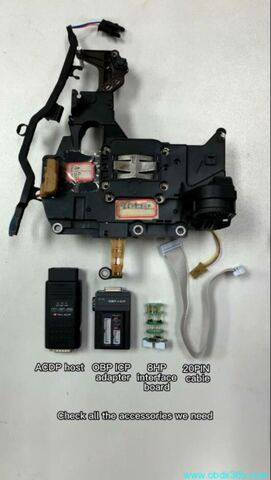
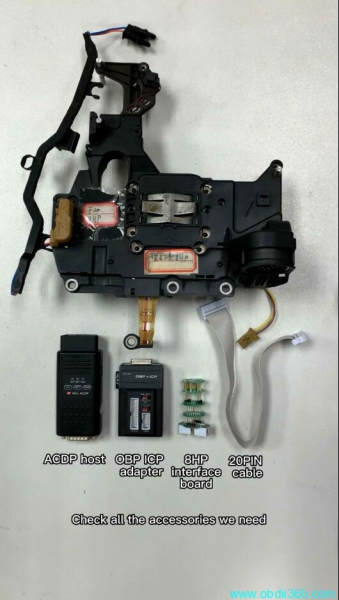
    Install BMW EGS interface board

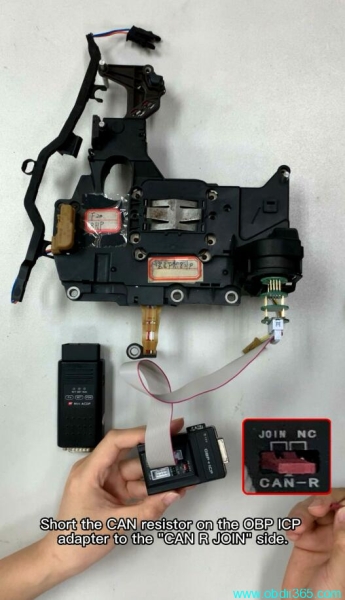
    Short the CAN resistor on the OBP ICP adapter to the “CAN R JOIN” side

    Connect OBP adapter with ACDP
    How to Clear BMW F Series 8HP EGS ISN by Yanhua Mini ACDP?

    How to Clear BMW F Series 8HP EGS ISN by Yanhua Mini ACDP?

    How to Clear BMW F Series 8HP EGS ISN by Yanhua Mini ACDP?

    Power up the ACDP host

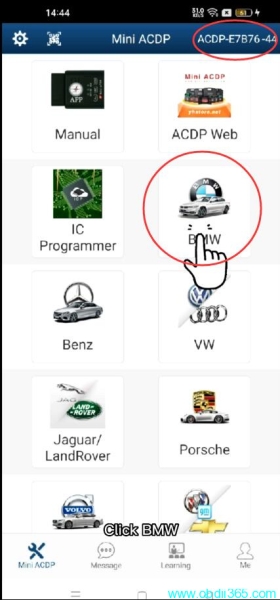
    Run ACDP software

    Confirm the ACDP host is properly connected

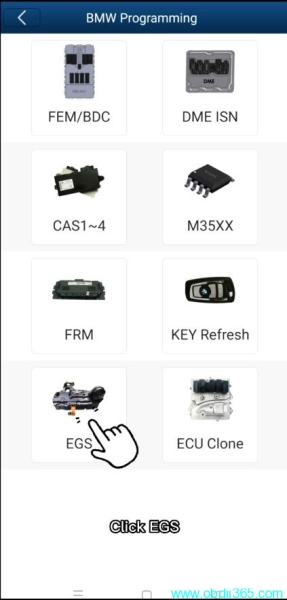
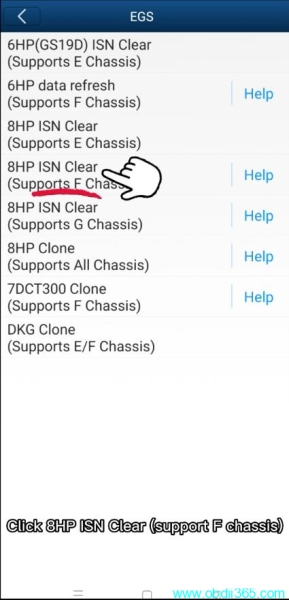
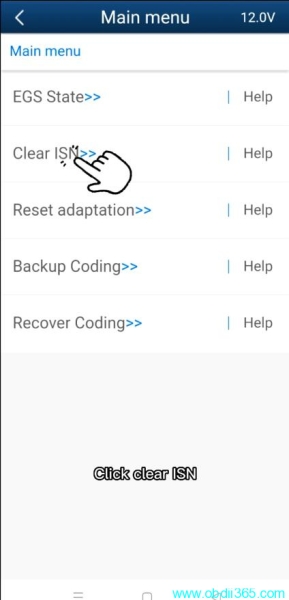
    Select BMW->EGS-> 8HP ISN Clear (Support F chassis)->Clear ISN
    How to Clear BMW F Series 8HP EGS ISN by Yanhua Mini ACDP?

    How to Clear BMW F Series 8HP EGS ISN by Yanhua Mini ACDP?

    How to Clear BMW F Series 8HP EGS ISN by Yanhua Mini ACDP?

    How to Clear BMW F Series 8HP EGS ISN by Yanhua Mini ACDP?

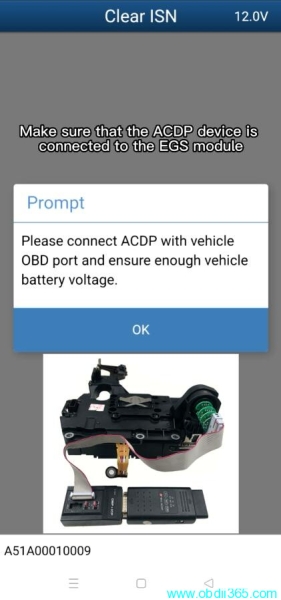
    Make sure that the ACDP device is connected to the EGS module
    How to Clear BMW F Series 8HP EGS ISN by Yanhua Mini ACDP?

    Press OK

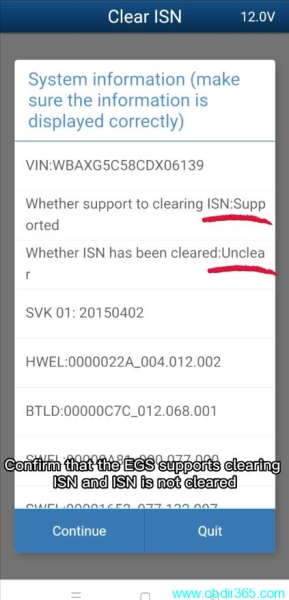
    Confirm that the EGS supports clearing ISN and ISN is not cleared
    How to Clear BMW F Series 8HP EGS ISN by Yanhua Mini ACDP?

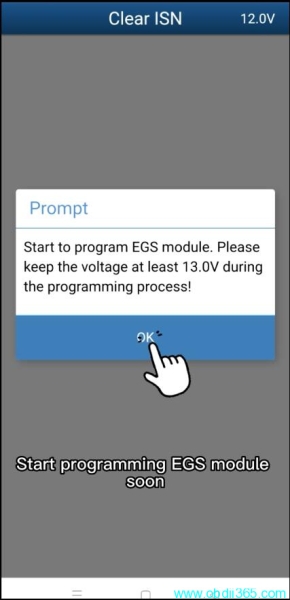
    Start to program EGS module, keep the voltage at least 13.0V during the programming process

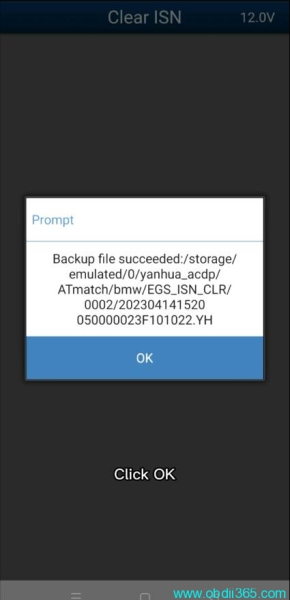
    Auto backup data
    How to Clear BMW F Series 8HP EGS ISN by Yanhua Mini ACDP?

    How to Clear BMW F Series 8HP EGS ISN by Yanhua Mini ACDP?

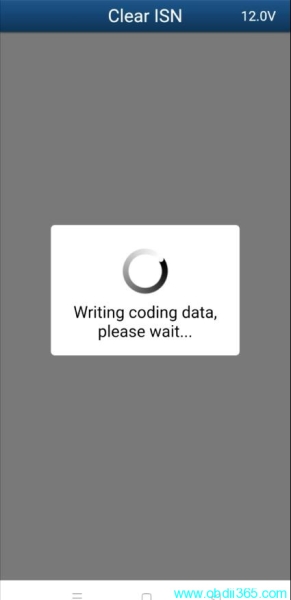
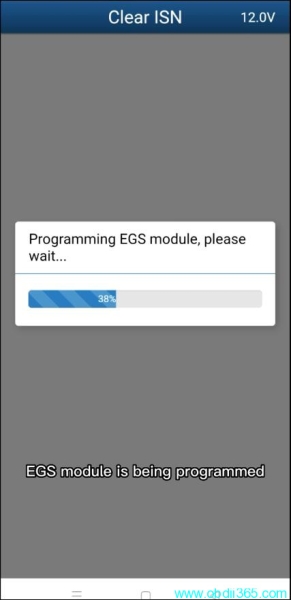
    Verify and write coding data

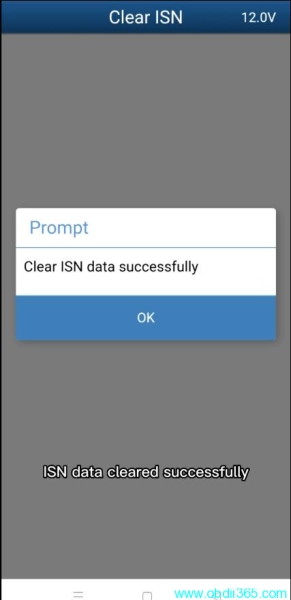
    Clear ISN data successfully
    How to Clear BMW F Series 8HP EGS ISN by Yanhua Mini ACDP?

    How to Clear BMW F Series 8HP EGS ISN by Yanhua Mini ACDP?

    How to Clear BMW F Series 8HP EGS ISN by Yanhua Mini ACDP?

    How to Clear BMW F Series 8HP EGS ISN by Yanhua Mini ACDP?

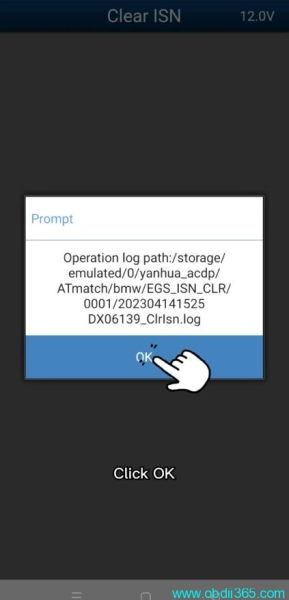
    Save new EGS ISN data

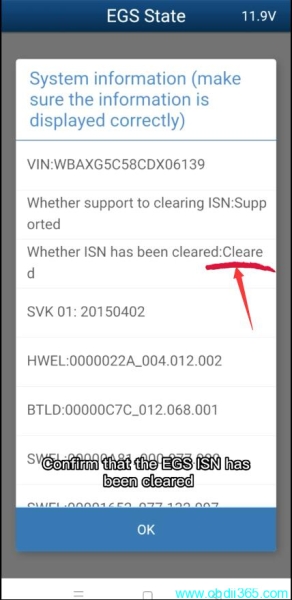
    Check EGS Status, it is now cleared.
    How to Clear BMW F Series 8HP EGS ISN by Yanhua Mini ACDP?

    Rate this article (0)