Autel IM508 Add Key VW Golf7 MQB48 VDO NEC35XX
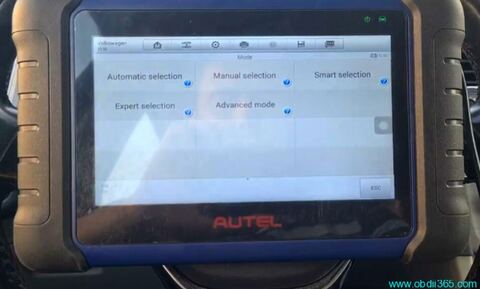
How-to: add a spare key to VW Golf 7 using Autel MaxiIM IM508 & IM608 PRO key programmer.
Cluster type: VDO NEC35XX
Key type: MQB48 non-smart key
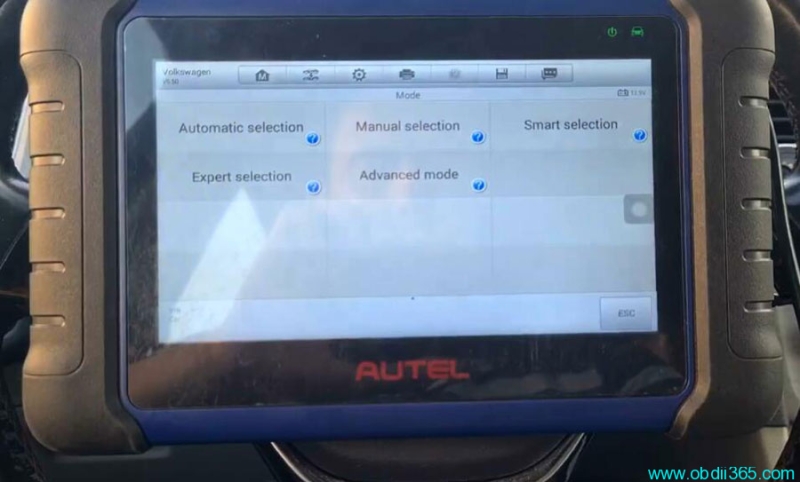
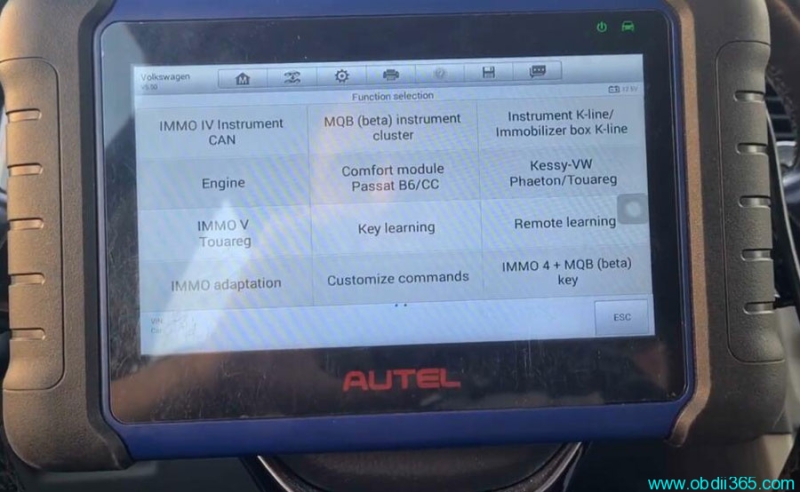
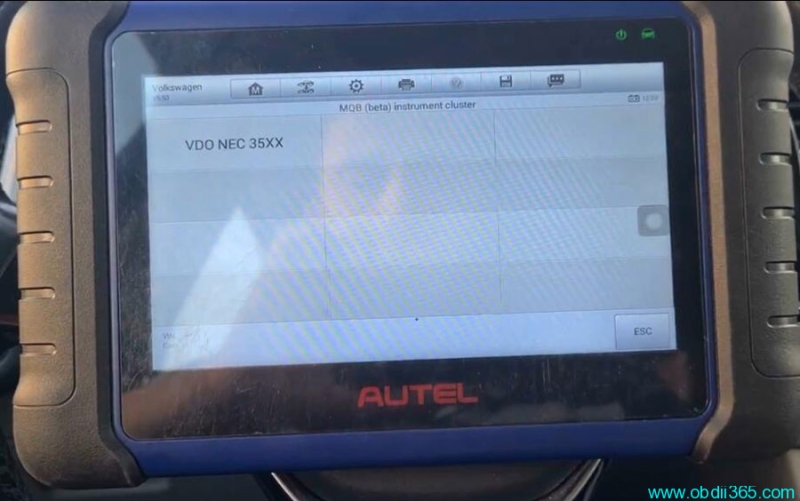
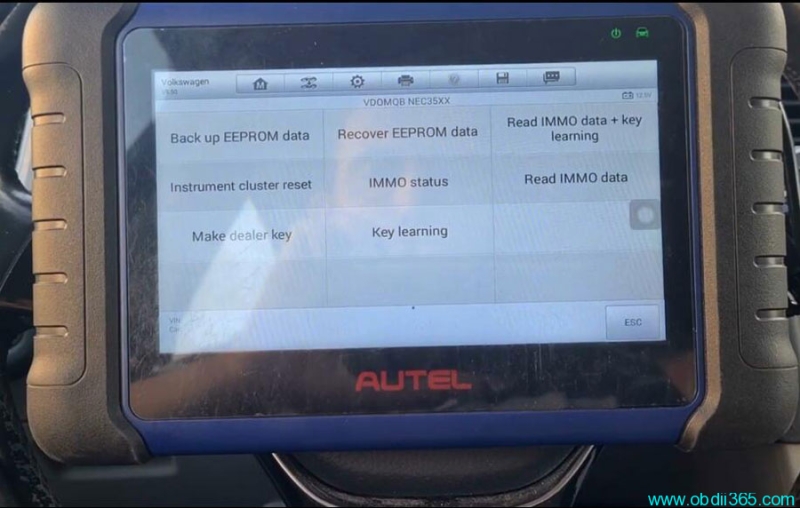
Go to IMMO->VW->Expert selection->MQB (beta) instrument cluster-> VDO NEC 35XX-> Read Immo data
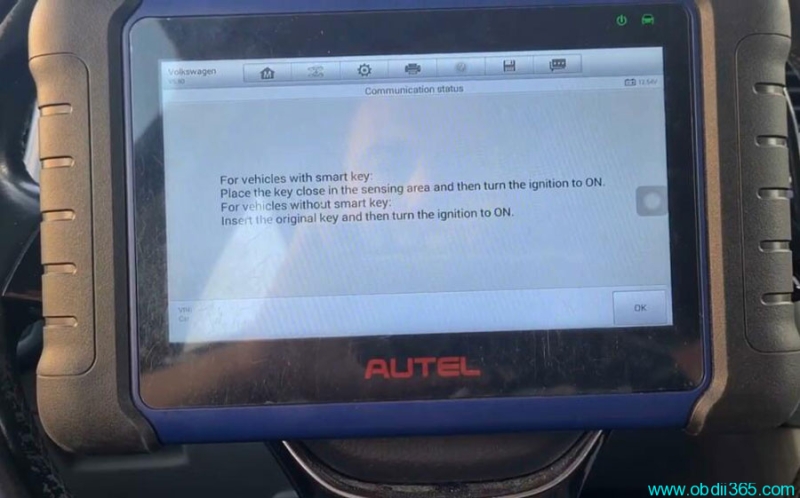
For vehicles with smart key, place the key close in the sensing area and then turn the ignition to ON.
For vehicles without smart key, insert the original key and then turn the ignition to ON. Here is a non-smart key.
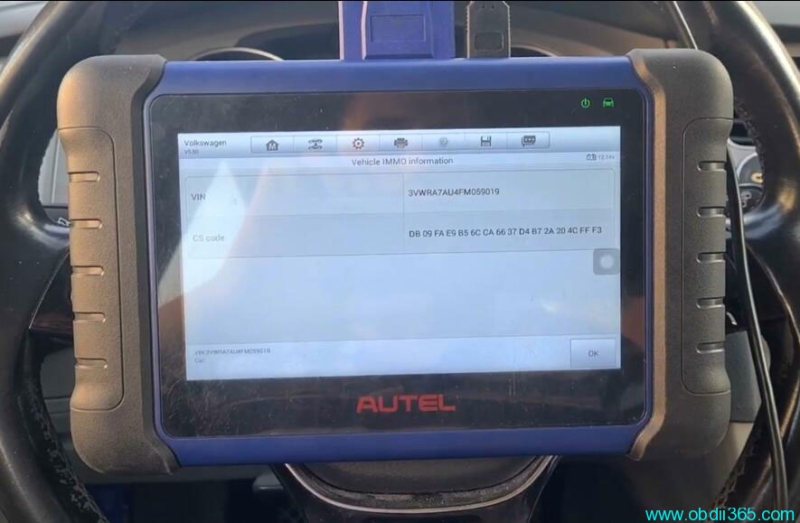
Read CS and PIN
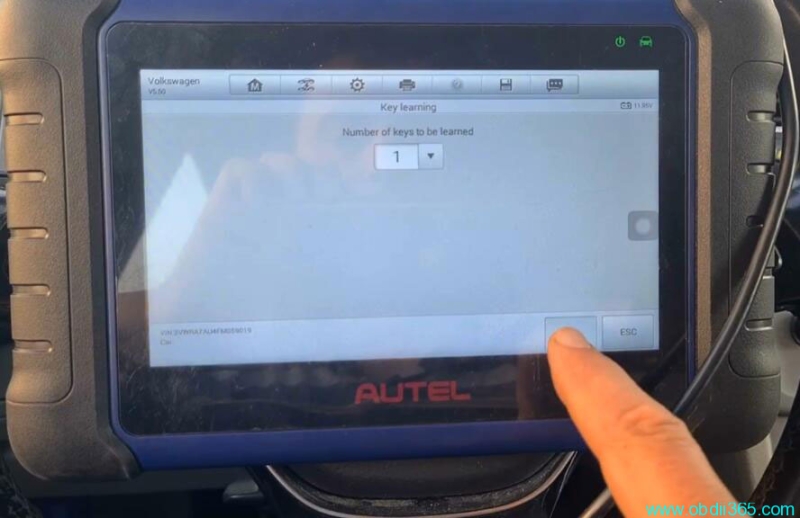
Select Key Learning
if IM508 asks is the vehicle with smart key, press No
Select key number to be learned: 1
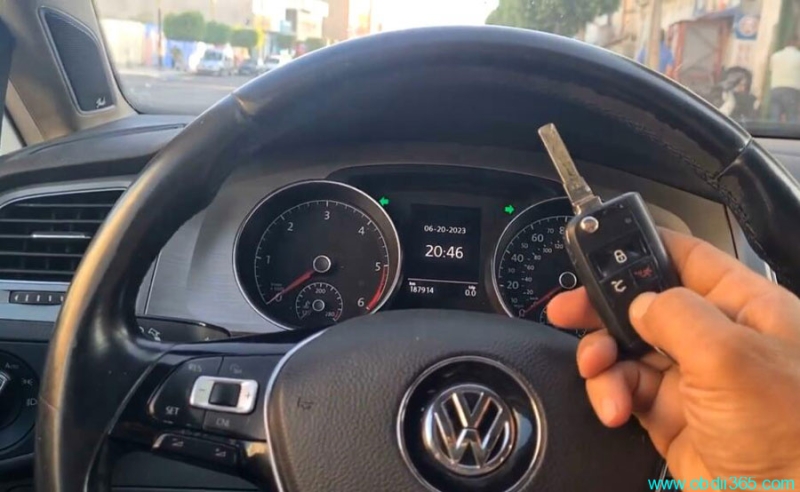
Insert the key and turn on ignition switch
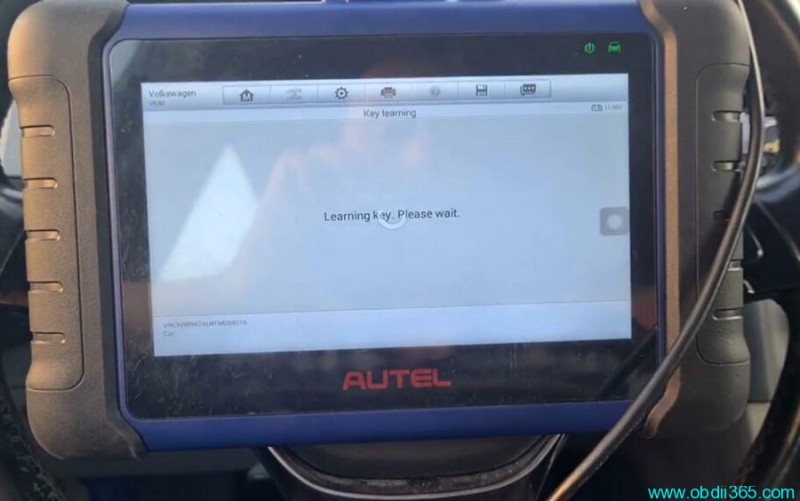
Learning key in process
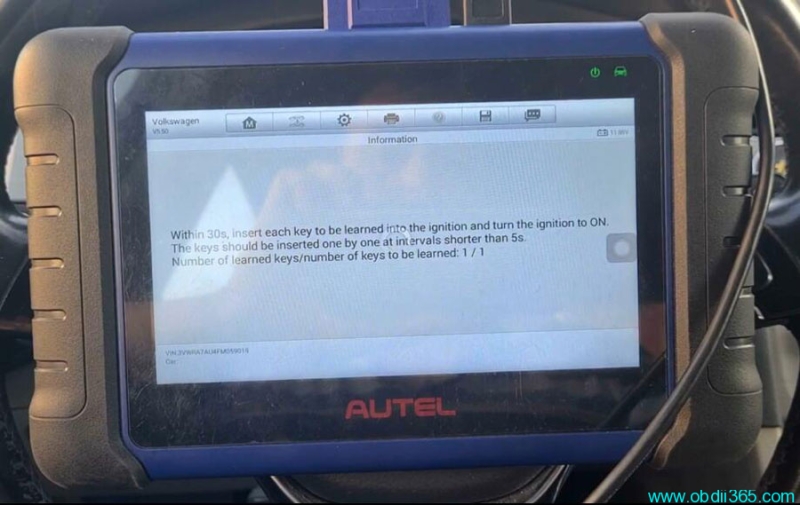
Insert each key to be learned into the ignition (within 5s) and turn on the ignition to ON.
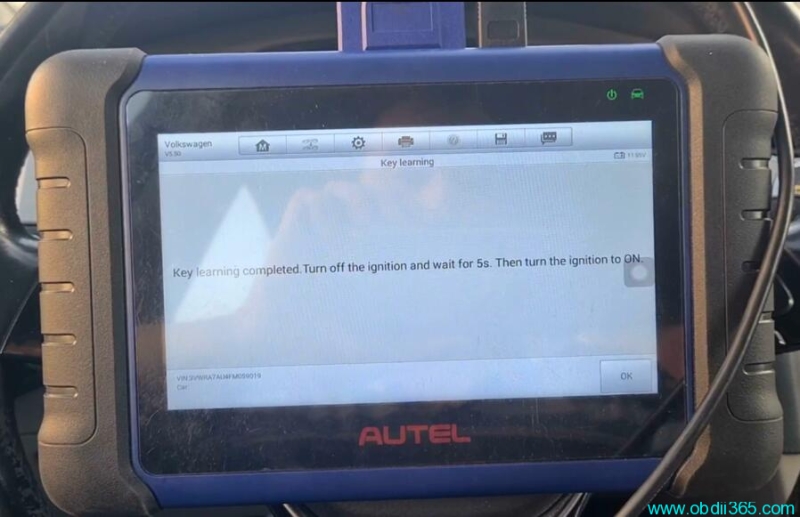
Key learning completed. Turn off ignition and wait for 5s. Then turn on ignition to ON.
Read more: