Yanhua Mini ACDP2 uses USB cables to connect Andoird, iOS and PC. No need to pair Bluetooth and WiFi, simple and stable.
Here is the guide to connect Yanhua ACDP2 vis USB cable.
ACDP 2 has different connection cables for Android, iOS and PC.
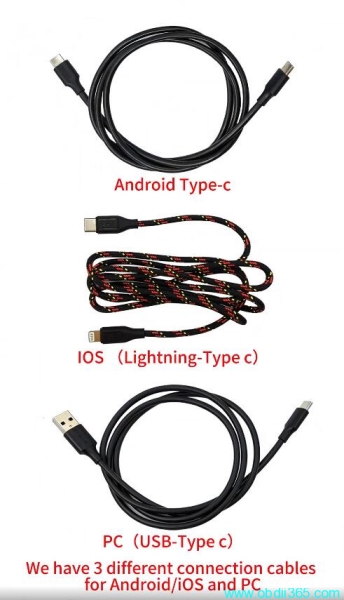
For Android devices
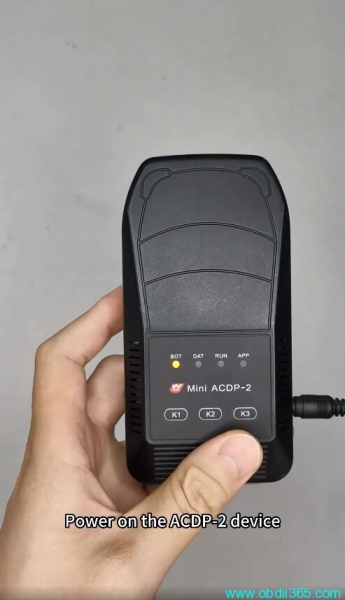
Power on ACDP 2 device
Android device connection way
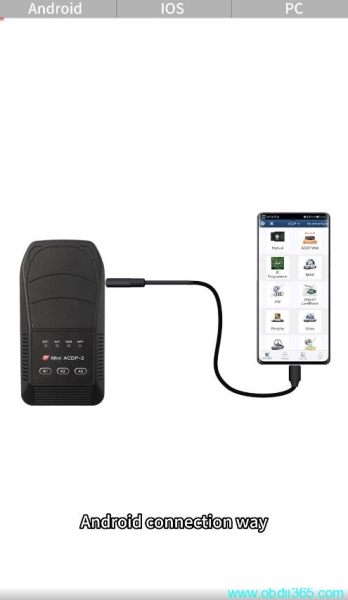
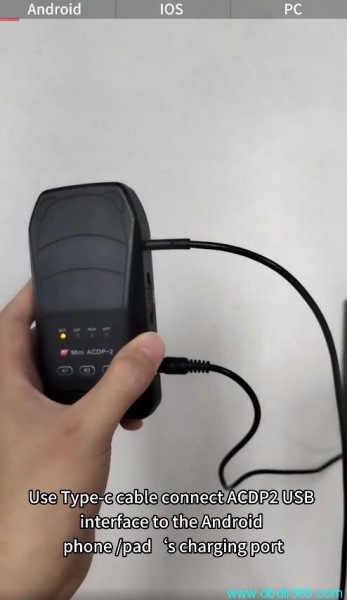
Use Type C cable to connect ACDP2 USB interface to the Android phone or tablet’s charging port
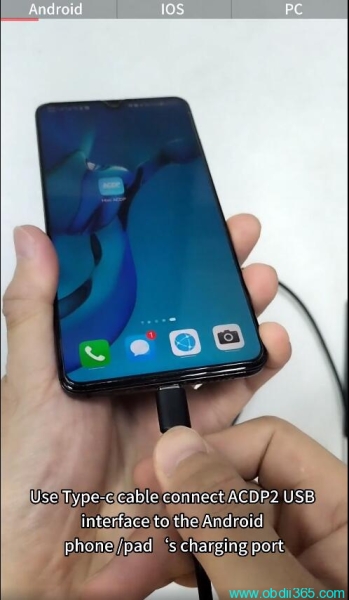
Run ACDP App
Select USB communication.
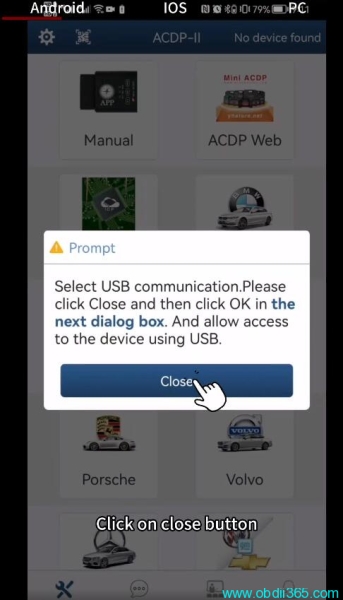
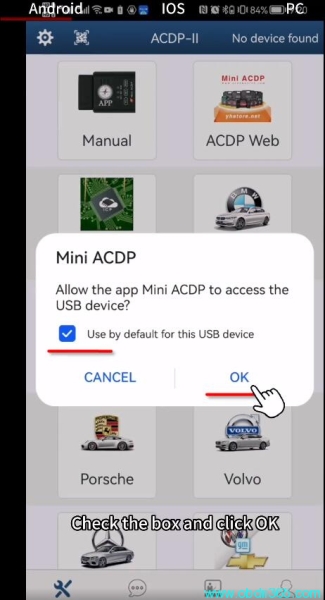
Click Close and then click OK to allow the App Mini ACDP to access the USB device
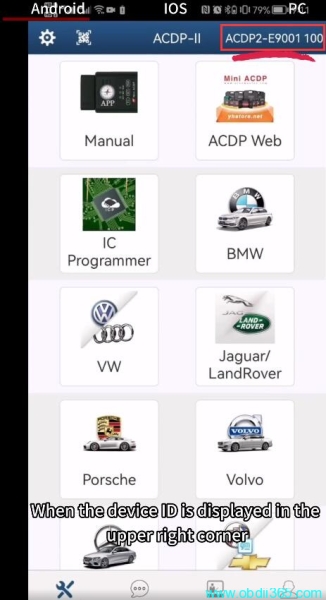
You will see device ID when it is well-connected
For iOS devices
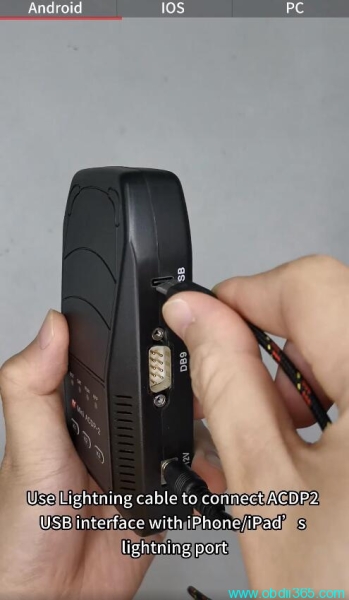
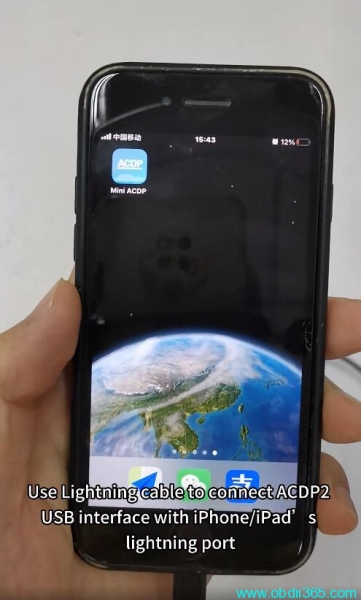
use lighting cable to connect ACDP2 USB interface with iphone/ipad’s lighting port
Run ACDP App
You will see device ID when it is well-connected
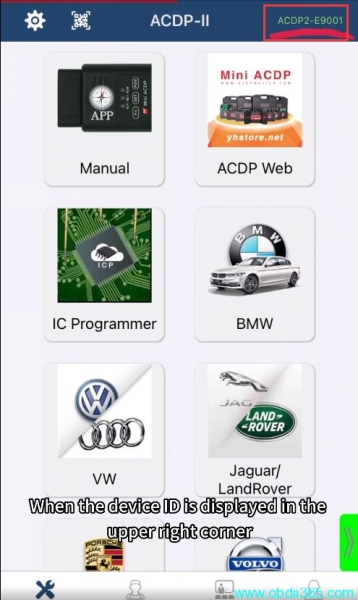
For PC
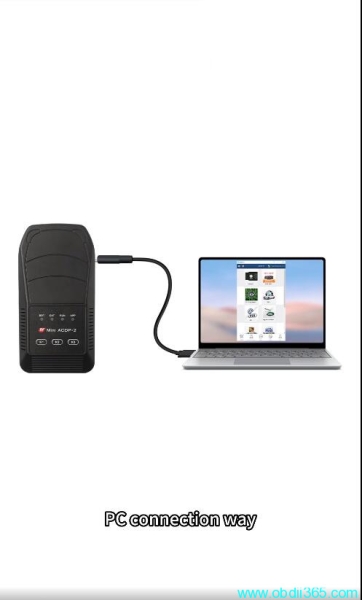
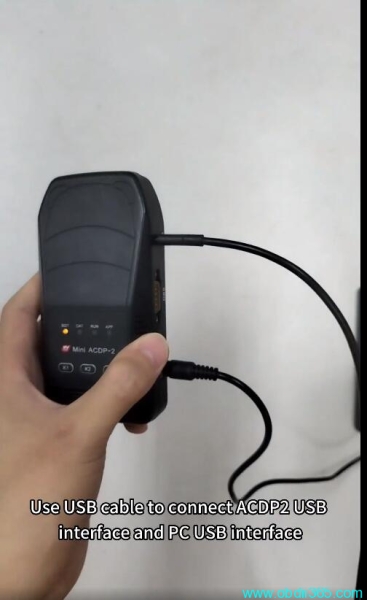
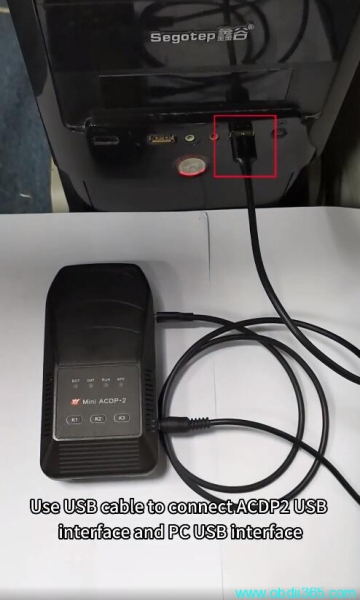
Use USB cable to connect ACDP2 USB interface and PC USB interface
Run ACDP2 PC software
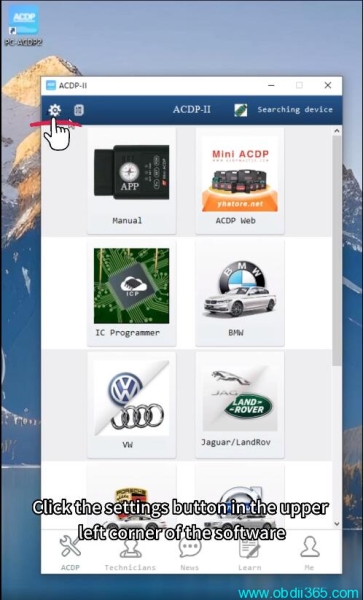
Click the settings icon
Select PC Bound to ACDP2 Device
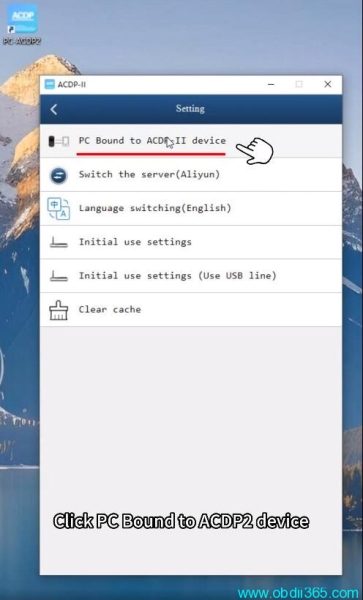
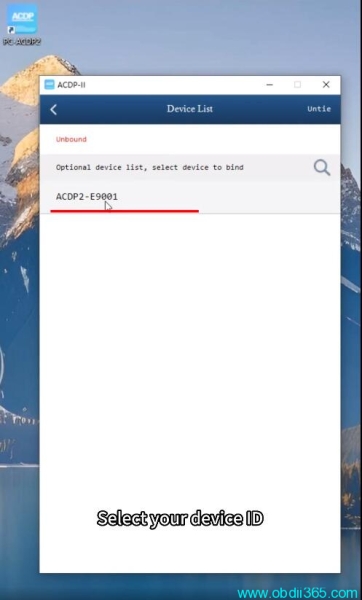
Select your device ID
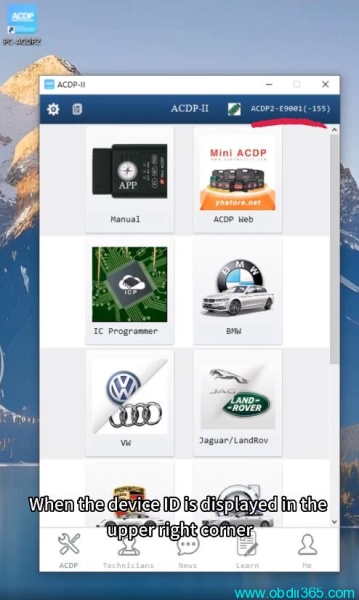
Back to home page
You will see device ID is displayed when it is connected and bound to PC.
www.obdii365.com