Yanhua Mini ACDP Replace BMW FEM/BDC Module Guide
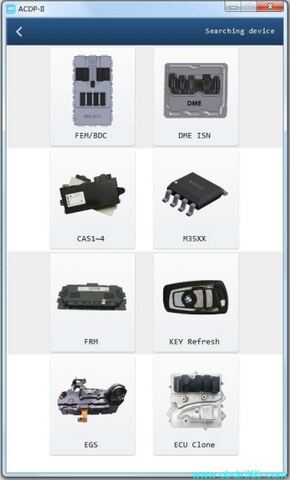
Yanhua Mini ACDP2/ACDP has got 2 methods to replace BMW FEM/BDC module without soldering.
Require module 2 BMW FEM/BDC license activated.
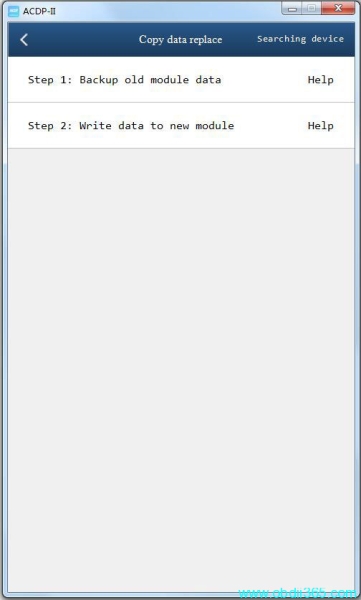
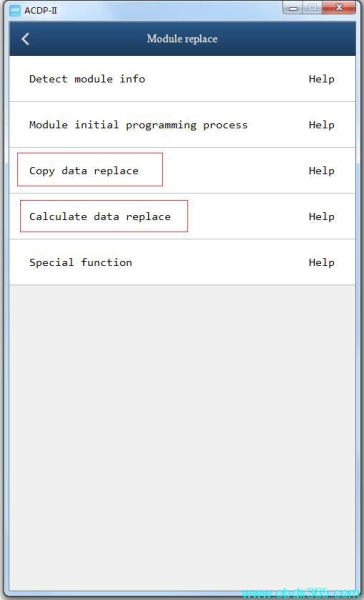
Copy data replace: this menu is selected when FEM/BDC module data still can be read
Calculate data replace: FEM/BDC no communication, cannot read data, select this menu to calculate data to replace module
How to Replace BMW FEM/BDC Module by Yanhua Mini ACDP?
Copy data replace method:
Select BMW->FEM/BDC->Module Replace
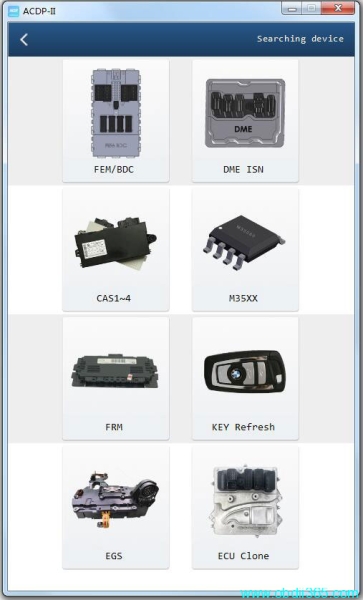
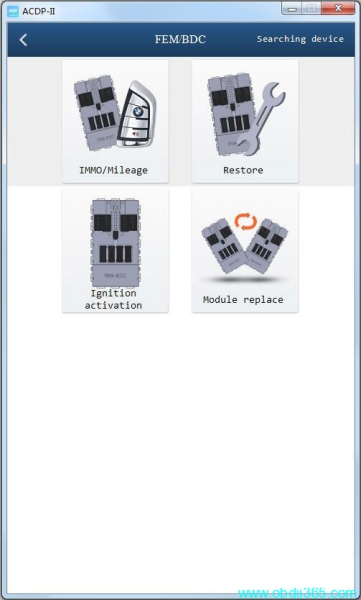
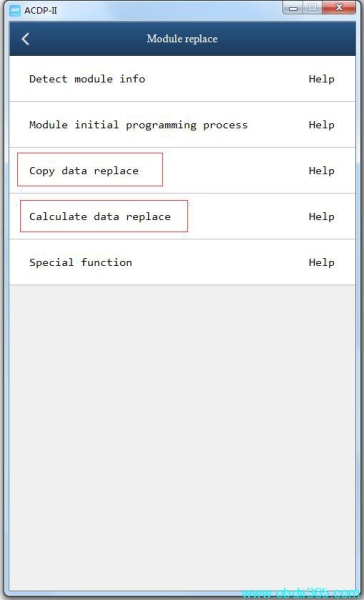
Detect module info
Run module intial programming process
Then select Copy data replace
1. To ensure the success of the module replacement, you need to prepare a working key or obtain the DME ISN and prepare a blank key;
2. It is strongly recommended to use FEM/BDC with a similar hardware version for replacement. If the version difference is large, it may cause the vehicle errors that cannot be cleared;
3. It is necessary to do initial programming process for the new (donor) module and old(original) module before “Copy data replacement”, if the new (donor) module is a brand-new one, then its no need to do initial programming process;
4. Please follow the steps in “Copy Parameter Replacement” strictly, the vehicle may casuse some errors after replacing FEM/BDC module, thus it will require special equipment (esys, istap) to program, code, and clear errors.
5. If the original working key can not remote after replacing the module, please try to disable the key first and then enable the key, or you can delete the newly added key if not needed.
Step 1: Backup Old Module Data
1. To ensure the success of the module replacement, you need to prepare a working key or obtain the DME ISN and prepare a blank key;
2. It is strongly recommended to use FEM/BDC with a similar hardware version for replacement. If the version difference is large, it may cause the vehicle errors that cannot be cleared;
3. It is necessary to do initial programming process for the new (donor) module and old(original) module before “Copy data replacement”, if the new (donor) module is a brand-new one, then its no need to do initial programming process;
4. Please follow the steps in “Copy Parameter Replacement” strictly, the vehicle may casuse some errors after replacing FEM/BDC module, thus it will require special equipment (esys, istap) to program, code, and clear errors.
5. If the original working key can not remote after replacing the module, please try to disable the key first and then enable the key, or you can delete the newly added key if not needed.
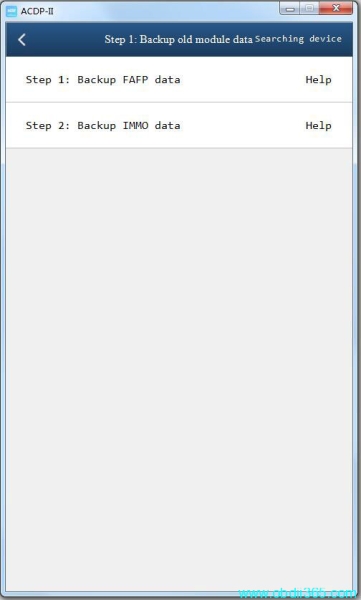
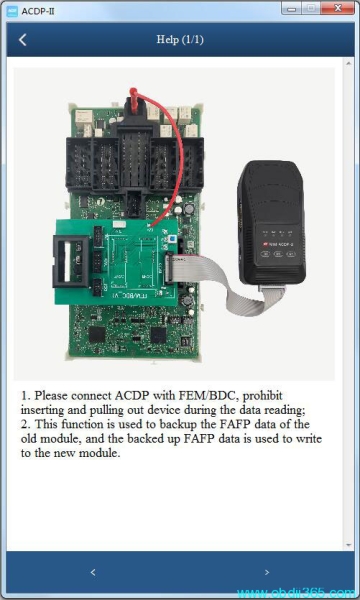
- 1: Backup FAFP data
1. Please connect ACDP with FEM/BDC, prohibit inserting and pulling out device during the data reading;
2. This function is used to backup the FAFP data of the old module, and the backed up FAFP data is used to write to the new module.
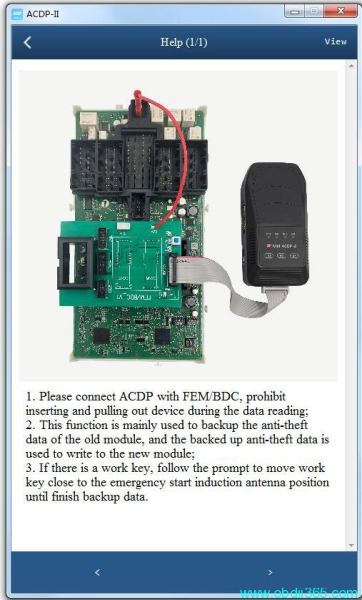
- 2: Backup IMMO Data
1. Please connect ACDP with FEM/BDC, prohibit inserting and pulling out device during the data reading;
2. This function is mainly used to backup the anti-theft data of the old module, and the backed up anti-theft data is used to write to the new module;
3. If there is a work key, follow the prompt to move work key close to the emergency start induction antenna position until finish backup data.
Step 2: Write Data to New Module
1. This function is used to write back the FAFP data and anti-theft information data of the old (original) module to the new (donor) module;
2. Need to prepare a working key or obtain the DME ISN and prepare a blank key at the same time.
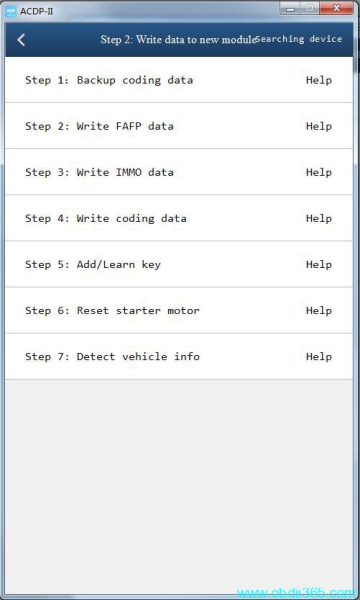
need to perform 7 steps to write data to new modules
Write FAFP data
Write immo date
Write coding data
Add/learn key
Reset starter motor
Detect vehicle infor
Calculate data replace method
1. Please prepare the VIN, vehicle frequency and DME ISN, which are used to calculate and generate anti-theft data;
2. To ensure the success of the module replacement, you need to obtain the DME ISN, and prepare a new blank key at the same time, because the the original key can not work anymore after the module replacement;
3. It is strongly recommended to use FEM/BDC with a similar hardware version for replacement. If the version difference is large, it may cause the vehicle errors that cannot be cleared;
4. It is necessary to do initial programming process for the new (donor) module before “Calculation data replacement”, if the new (donor) module is a brand-new one, then its no need to do the initial programming process;
5. Please follow the steps in “Calculation Parameter Replacement” strictly, the vehicle may casuse some errors after replacing FEM/BDC module, thus it will require special equipment (esys, istap) to modify vehicle information such as FAFP and integration level first, and then programming, coding, and clearing errors.
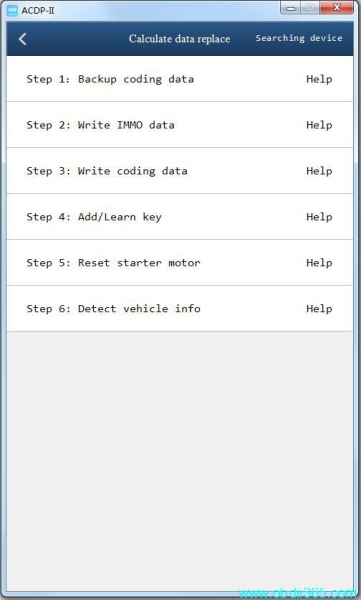
Perform following 7 steps to complete calculation module replacement by Yanhua ACDP.
Backup coding data
Write IMMO data
Write coding data
Add/Learn key
Reset starter motor
Detect vehicle info
Read also: