Xtool KC501 Read Porsche BCM 2011-2017 2M25J
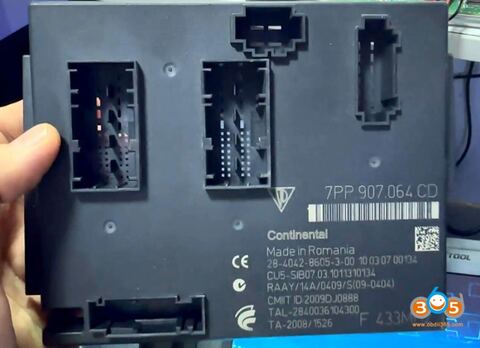
How-to: read Porsche Continental BCM which was installed in all cars from 2011 to 2018 using Xtool tablet (X100 PAD3, X100 MAX, H6, H6 Pro, and many more) and KC501 programmer.
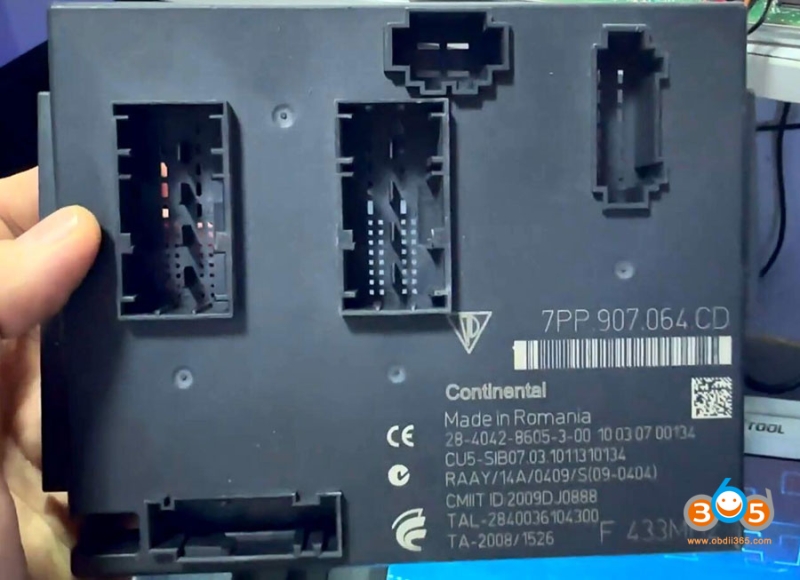
In order to prepare dealer key and learn key, we need to read Dflash data from the BCM.
Connect xtool table with KC501 and vehicle
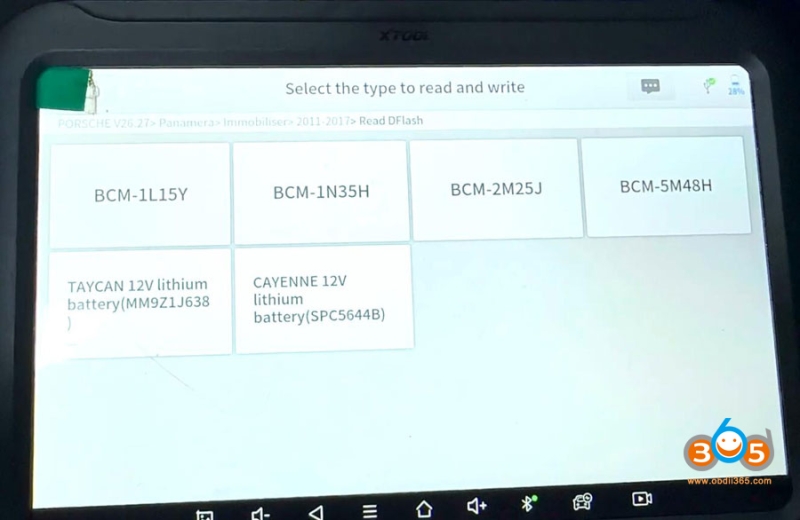
Select Special function->Key Programmer->Porsche->Panamera->Immobilizer->2011-2017-> Read Dflash
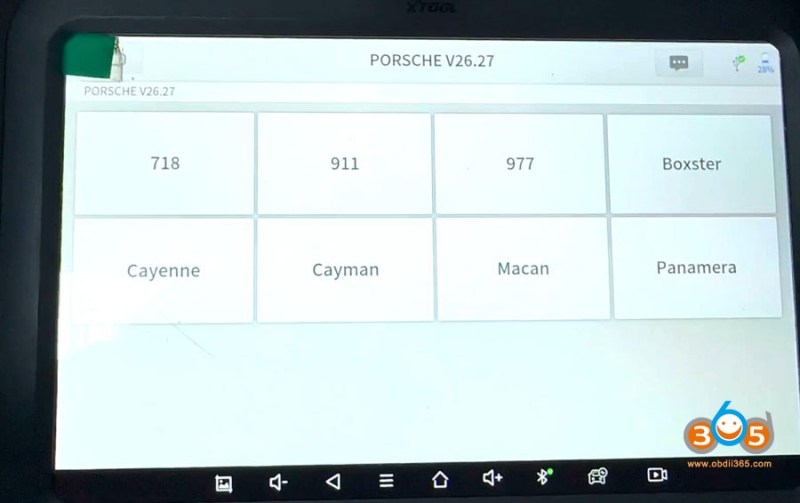
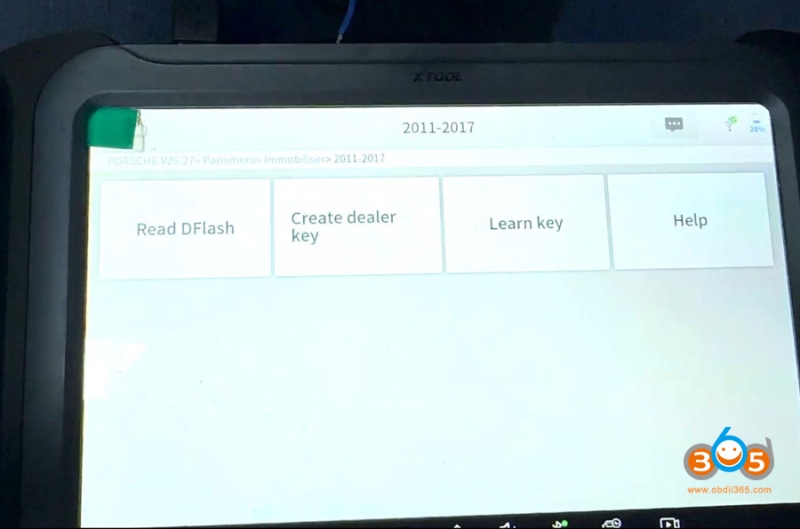
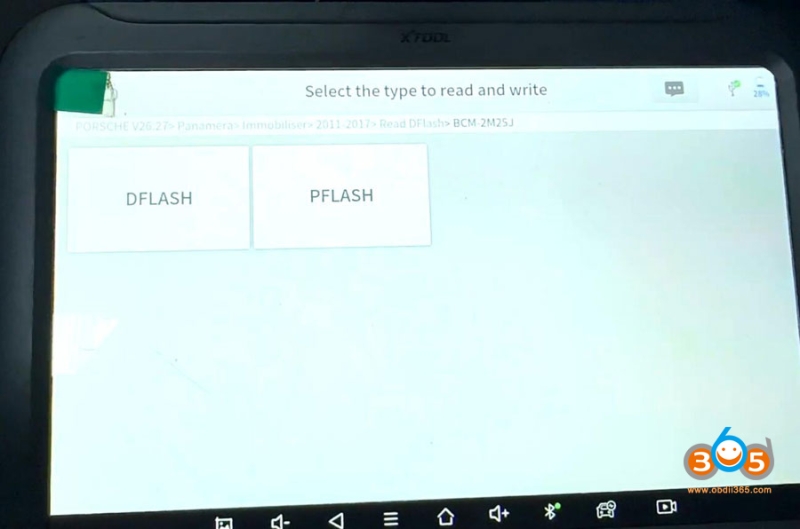
Choose processor, here choose BCM 2M35J->DFlash
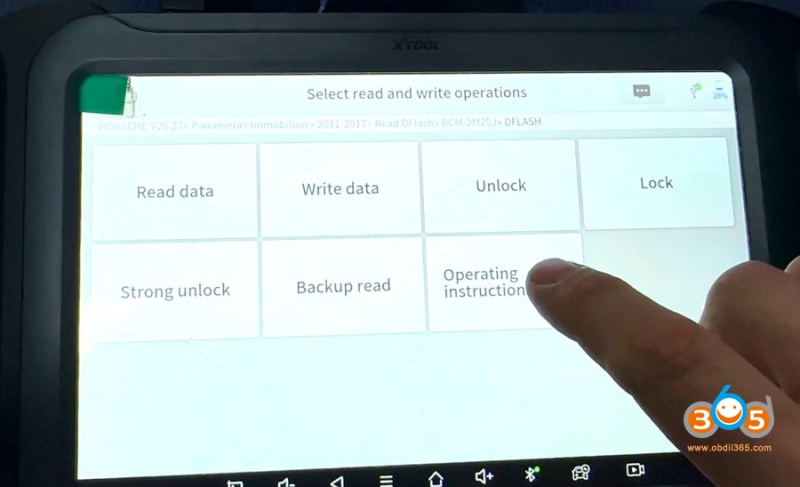
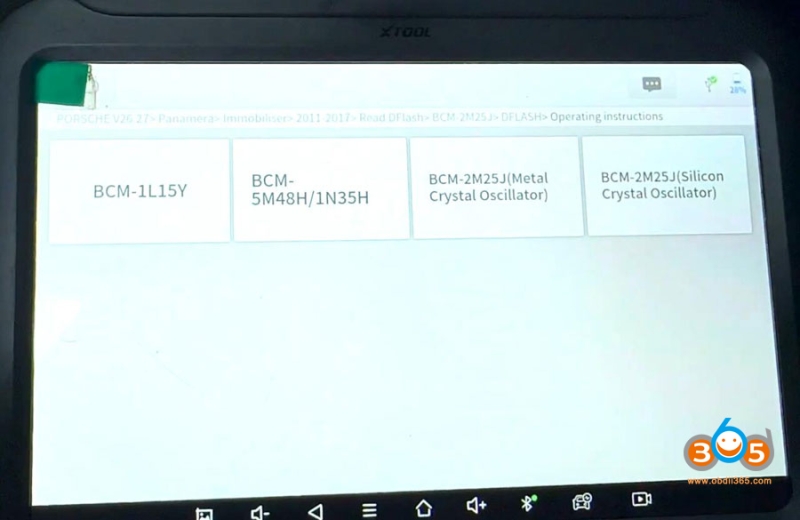
Check operation instruction
BCM 2M25J (Metal Crystal Oscillator)
We will see wiring diagram to BCM
Xtool wirings require to remove components.
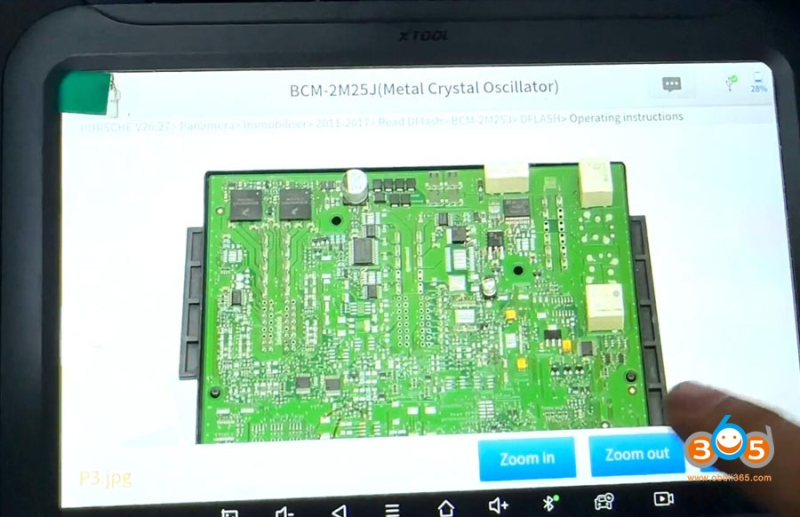
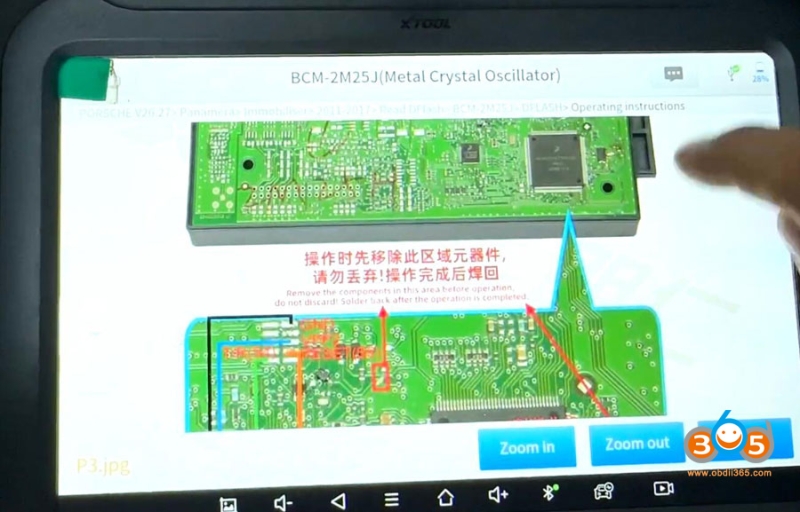
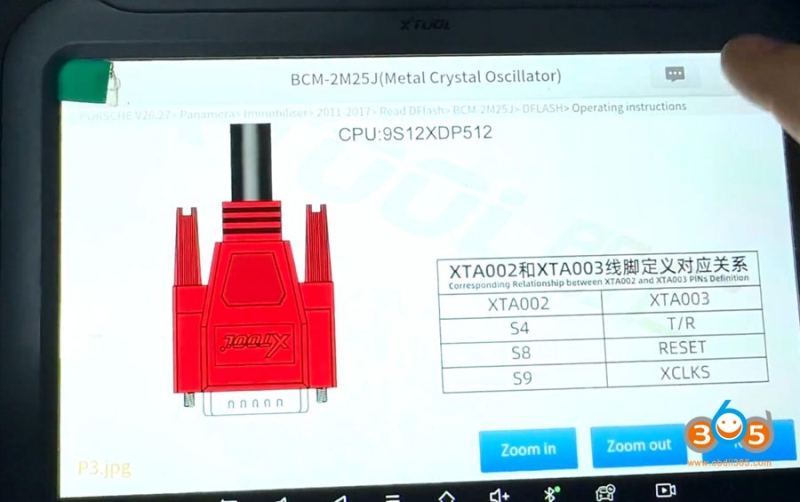
Follow wiring diagram to connect BCM with Xtool KC501
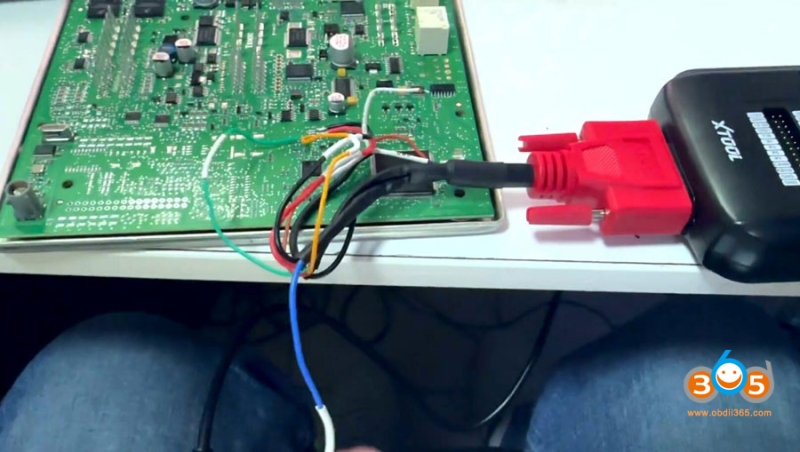
Read Dflash and save
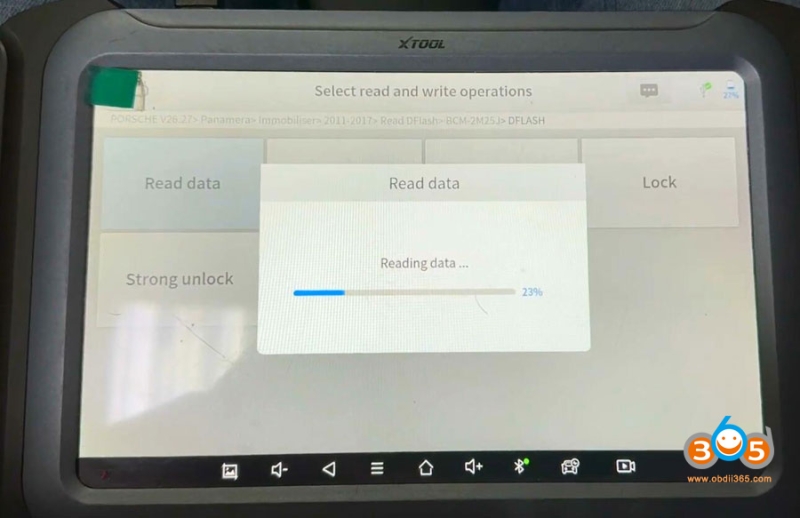
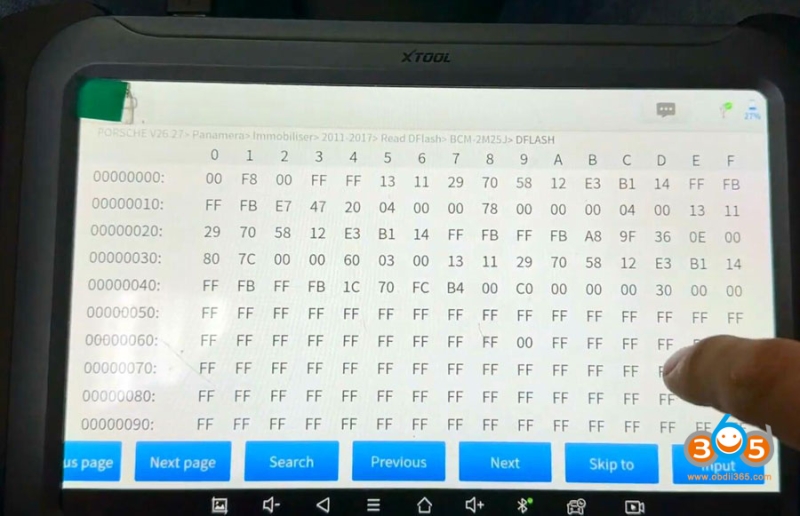
Generate dealer key
Upload Dflash saved and select an unused key position to generate dealer key.
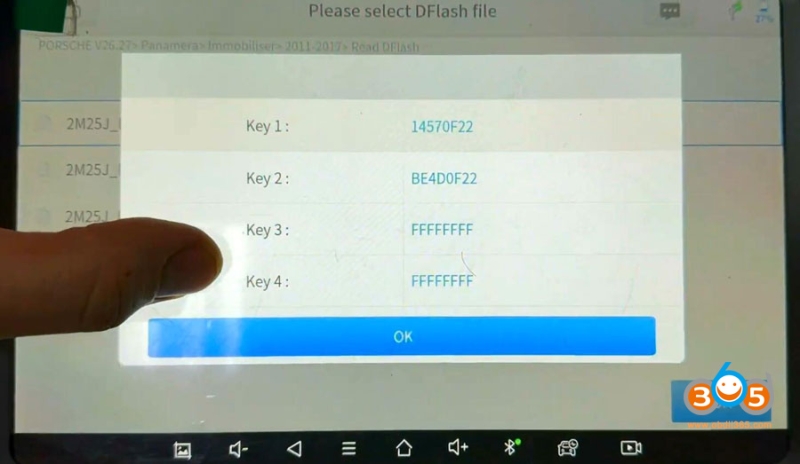
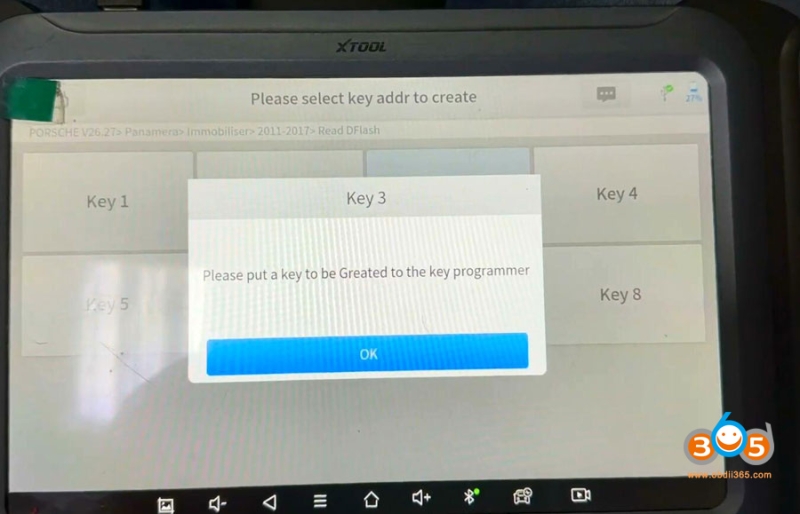
After generating dealer key you can learn key with the xtool kc501.
There are some other tools will read Porsche BCM without removing components, check