Program Toyota 8A H Blade Key AKL with Autel KM100 and Gbox3
Possible to use Autel Gbox3/Gbox2 with Autel KM100?
Yes, Gbox2/3 is compatible with KM100. Since KM100 will not program the Mercedes key nor read BMW ISN, Gbox3+ KM100 are usually used to program Toyota 8A blade all keys lost on bench.
Check: Autel Gbox2 vs Gbox3
How to use Gbox3/Gbox2 with Autel KM100?
Here is an example of Toyota Corolla 8A H blade AKL programming using KM100 and gbox.
The wiring diagram may be slightly different on different models, but KM100 will show you instructions and wiring diagram.
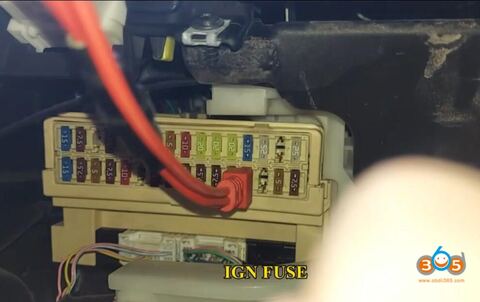
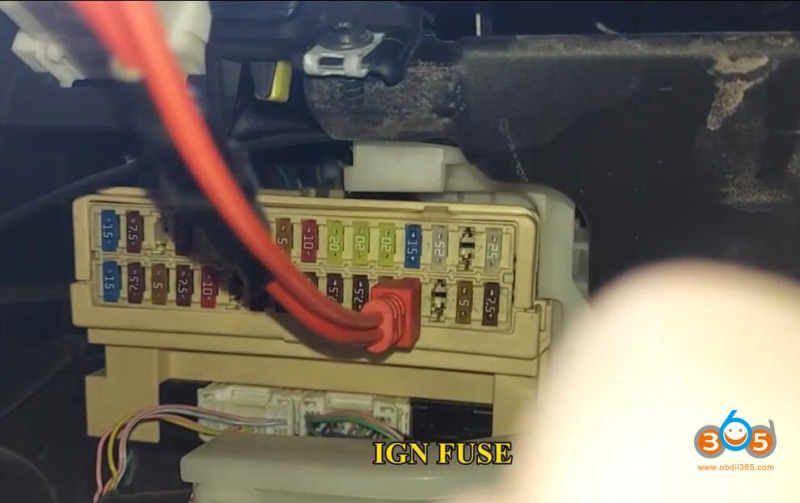
Remove the IGN No1. Fuse in the fuse box in front driver compartment and use the IGN FUSE wiring harness to connect.
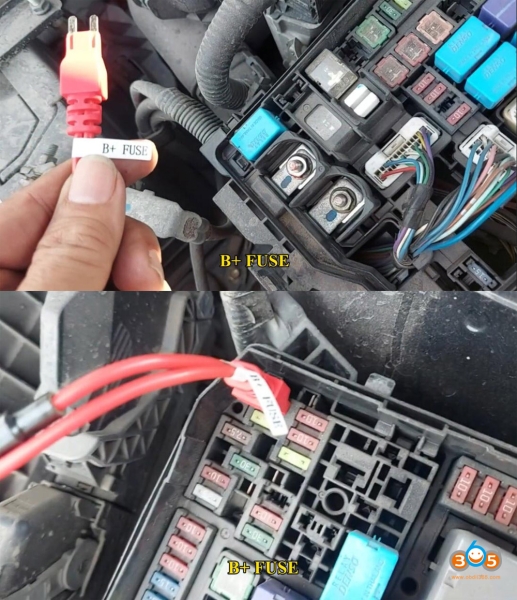
Remove the BAT_NO.1 fuse in the engine compartment fuse box and use the B+ FUSE wiring harness to connect
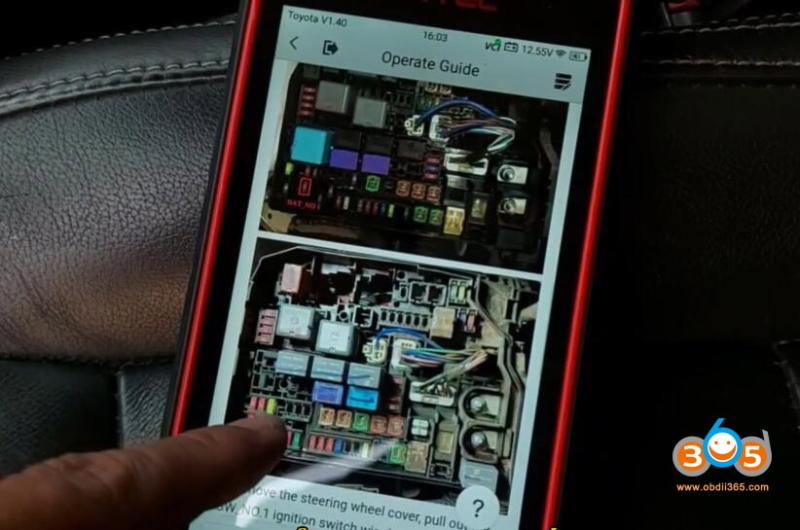
Remove the steering wheel cover, pull out the KSW_NO 1 ignition switch wire harness as shown in the figure and use the KSW wire harness connect
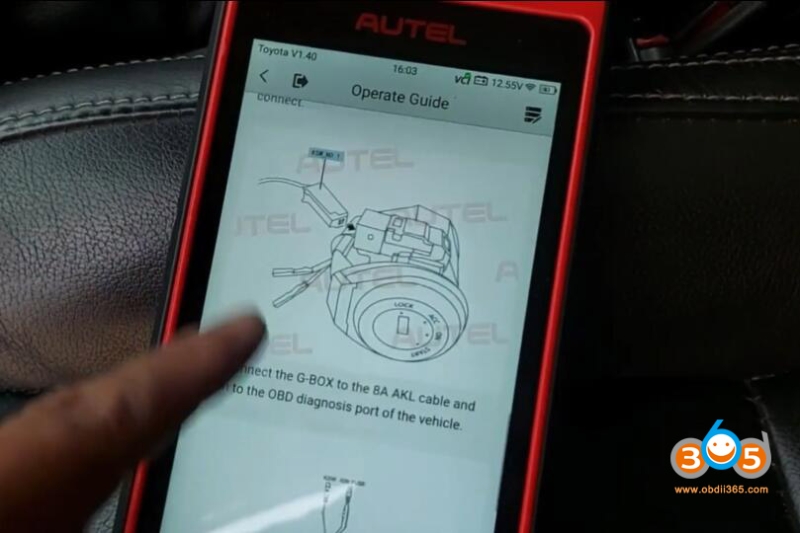
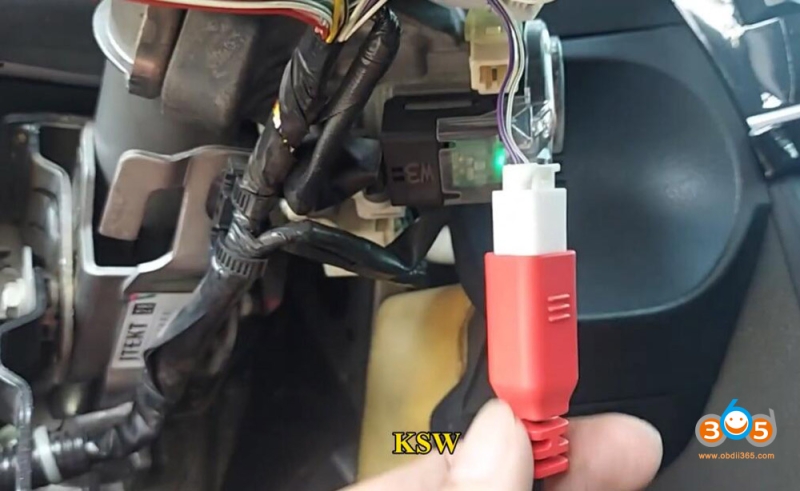
Connect the G-BOX into the Toyota 8A AKL cable and then to the OBD diagnosis port of the vehicle
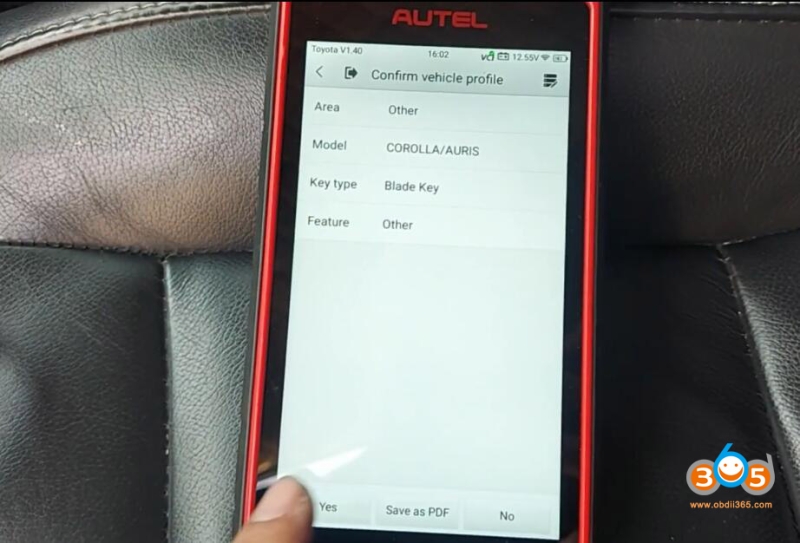
Select IMMO->Brand->Region->Blade key-> Other and confirm vehicle info.
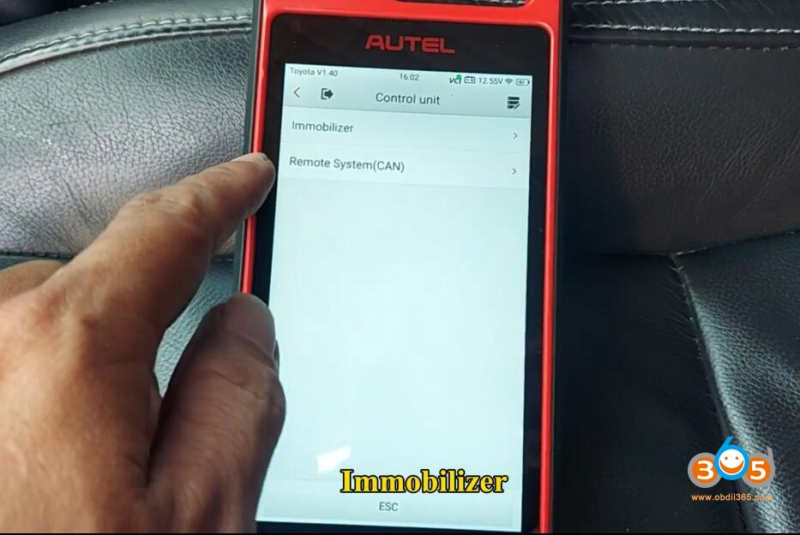
Select Control unit->Immobilizer->Immobilizer (H 8A/8E)->All keys lost (using 8A AKL cable)
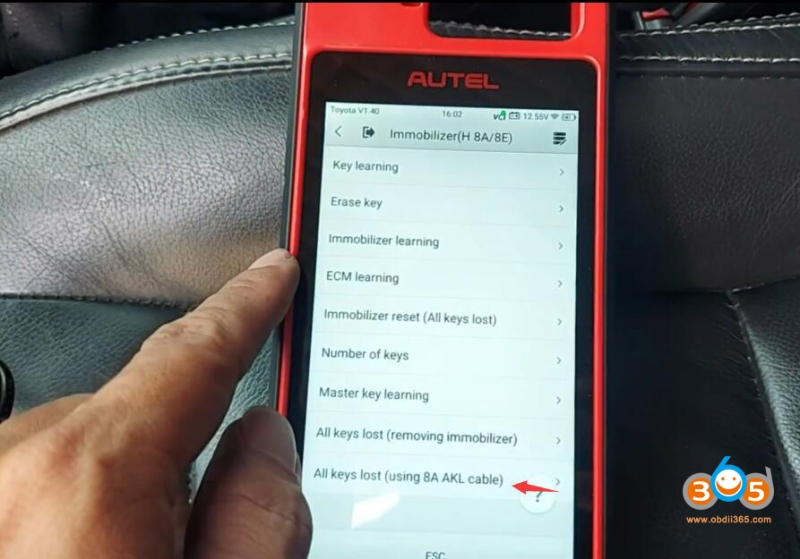
You must turn off the Bluetooth function of the device and connect VCI to KM100 with USB cable.
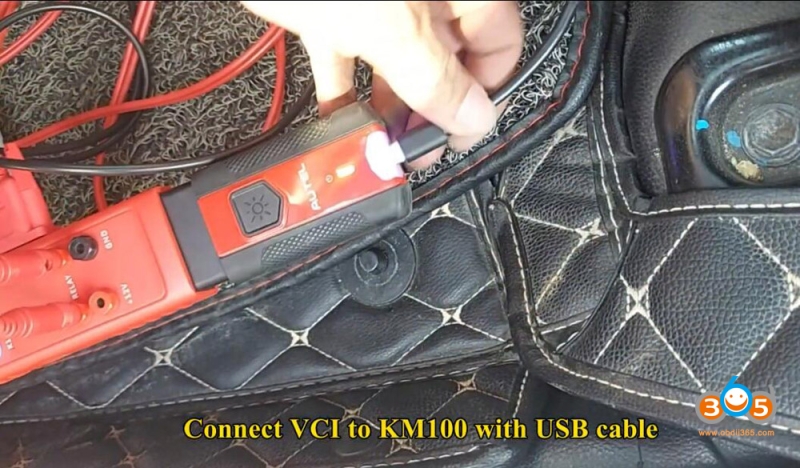
Check operation guide and wiring diagram.
Press OK when connection is done.
Read vehicle data
Insert a blade key without chip and turn on ignition
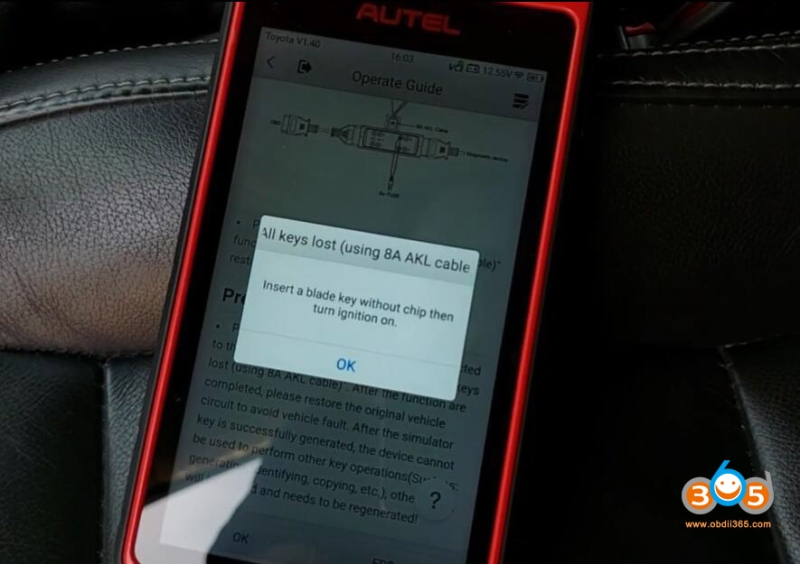
Detect key information
Select an key position
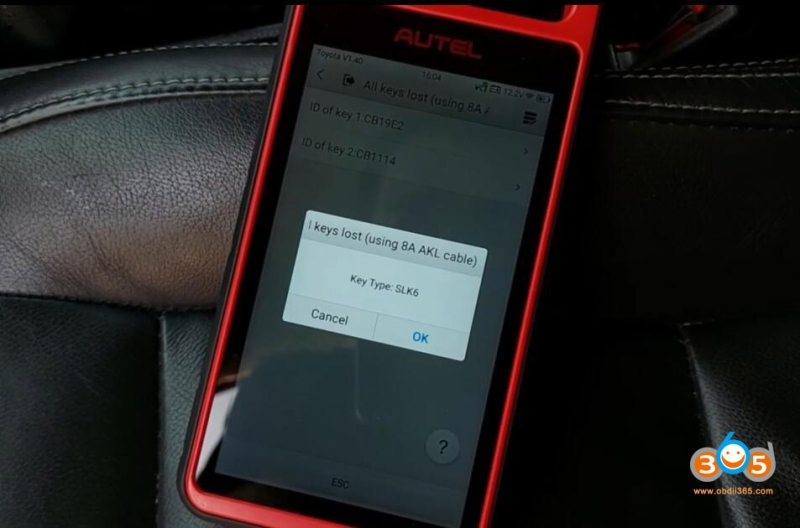
Generate emulator key until completed

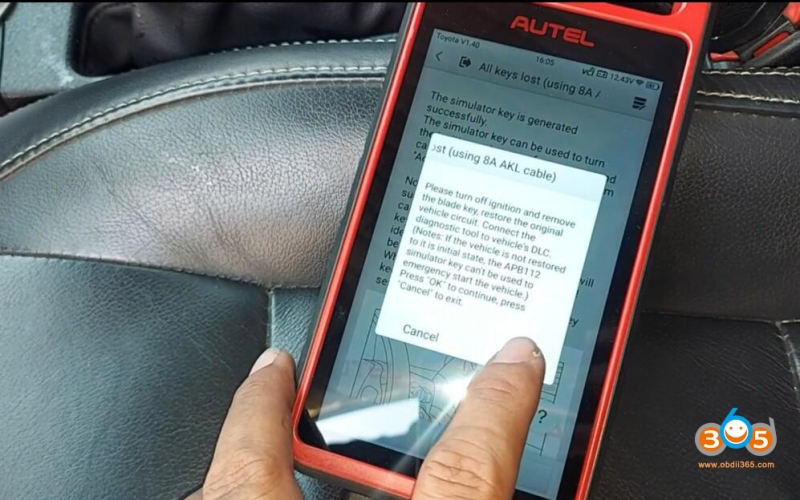
Turn off ignition and remove the blade key, remove Gbox3 B+ Fuse, IGN FUSE and KSW wire harness from vehicle. Restore the original vehicle circuit.
Connect the KM100 to the vehicle’s DLC.
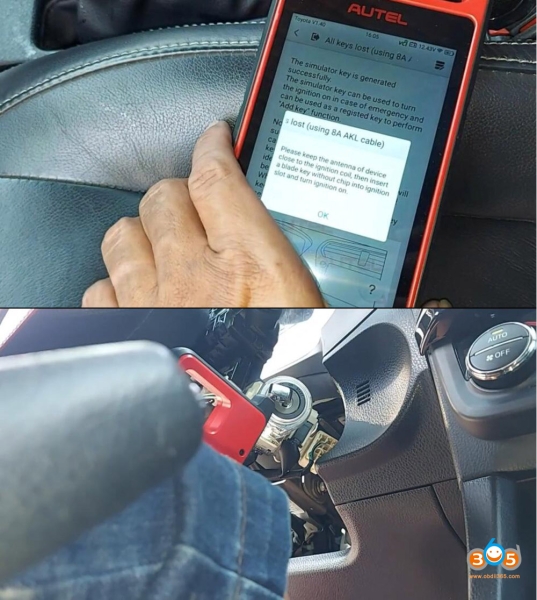
Keep the antenna of the KM100 close to the ignition coil, then insert a blade key without chip into ignition slot and turn ignition on.
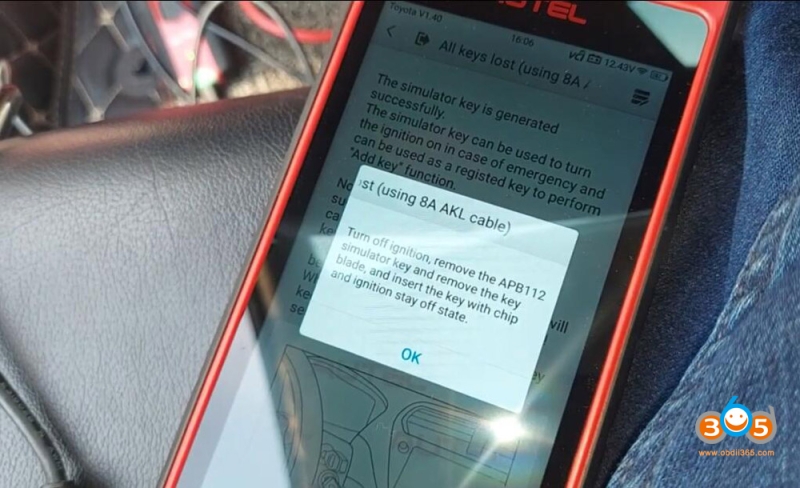
Turn off ignition, remove the key blade, and insert the key with chip and ignition stay off state.
Program key successfully.
Test the 8A chip key.