Read Benz W164 2009- EIS Password with OTOFIX IM1
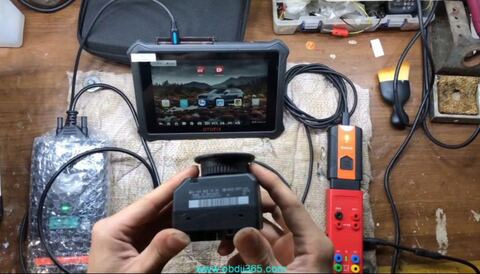
How to read Mercedes Benz W164 2009- EIS password for all keys lost using OTOFIX IM1 XP100 PRO and G-box3 in fast mode?
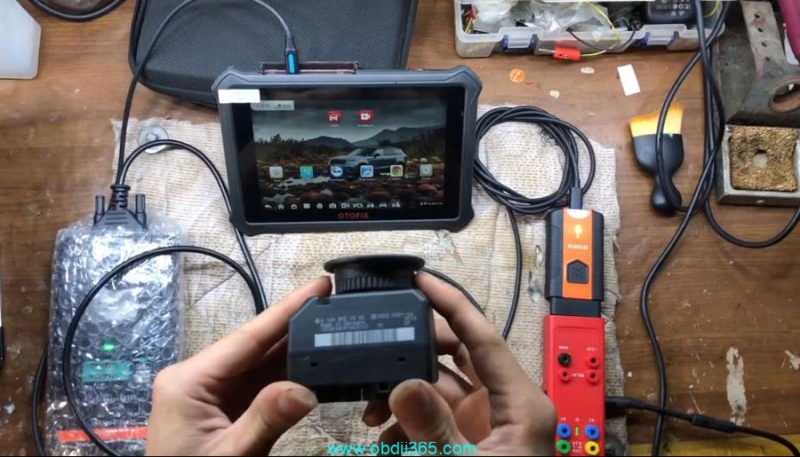
Check instruction below:
IM1/IM2 is compatible with Autel Gbox2/Gbox3 for Benz EIS password fast reading on table.
Select ECU Replacement function->Mercedes Benz-> Expert Selection->Get Password->All keys lost (Fast)-> Select EIS Type W164/2009 onwards-> On bench (Gbox Fast)
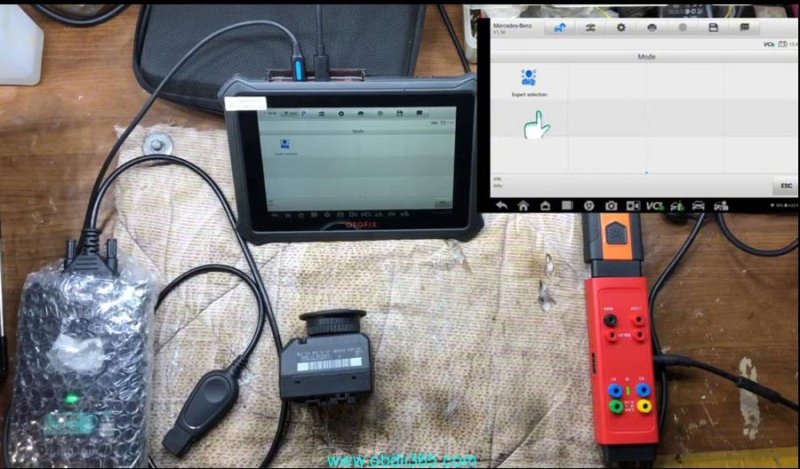
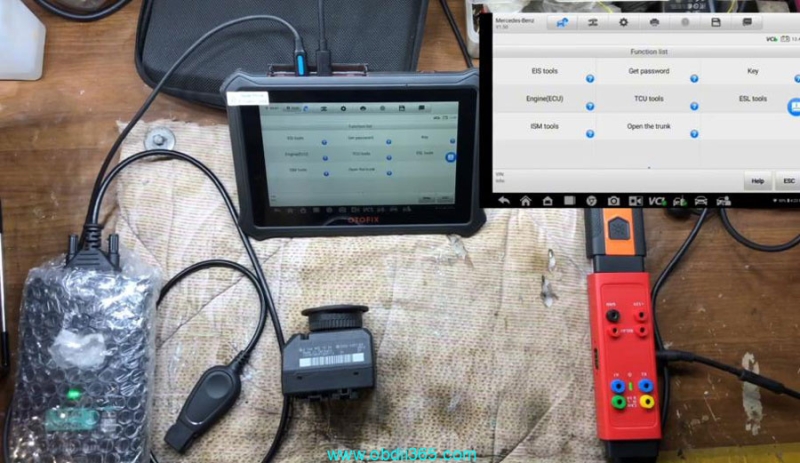
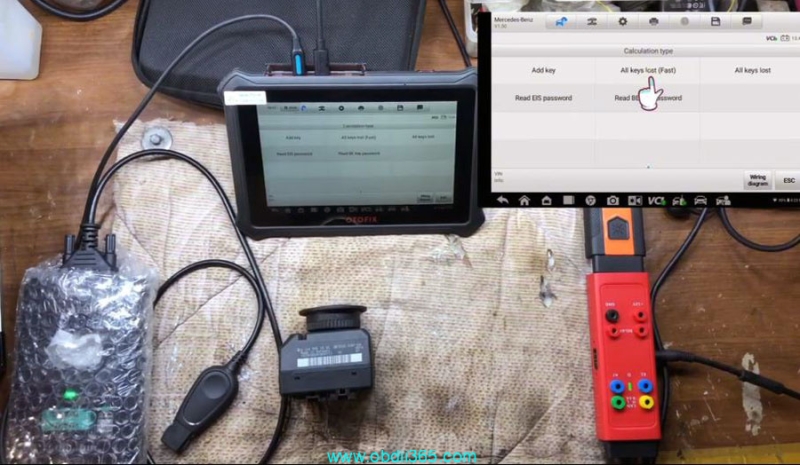

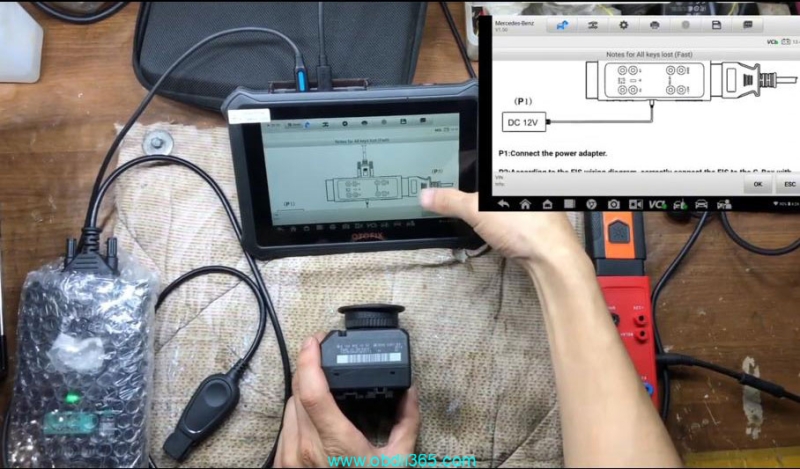
IM1 will show you instruction and wiring connection to Gbox3.
Connect OTOFIX IM1 with EIS and Gbox3 following the diagram.
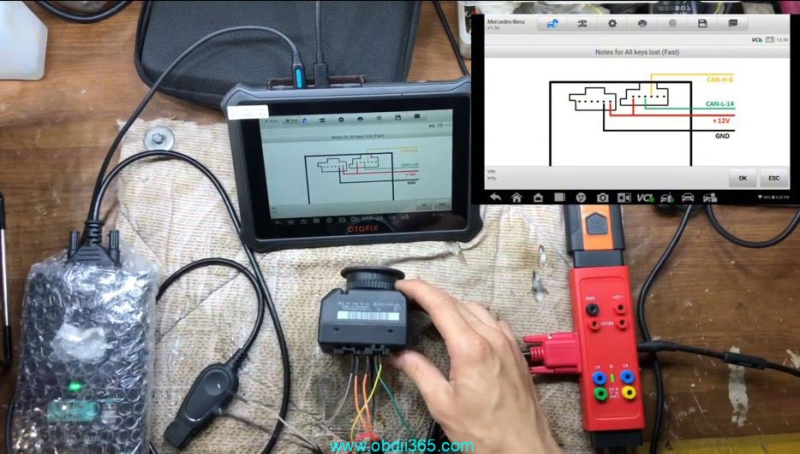
Follow 5 steps to read password.
1. Connect the device, OBD cable and OBD connector on the wiring harness in sequence
2. Connect the IE key simulator (APB102/APB125) to the programmer
3. Insert the IR key simulator into the EIS, start collecting data
4. Collecting data, and calculating password.
5. Password calculation completed.
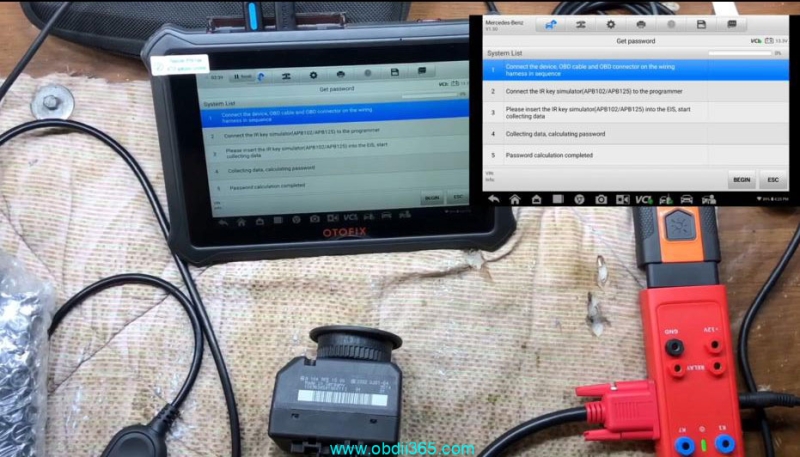
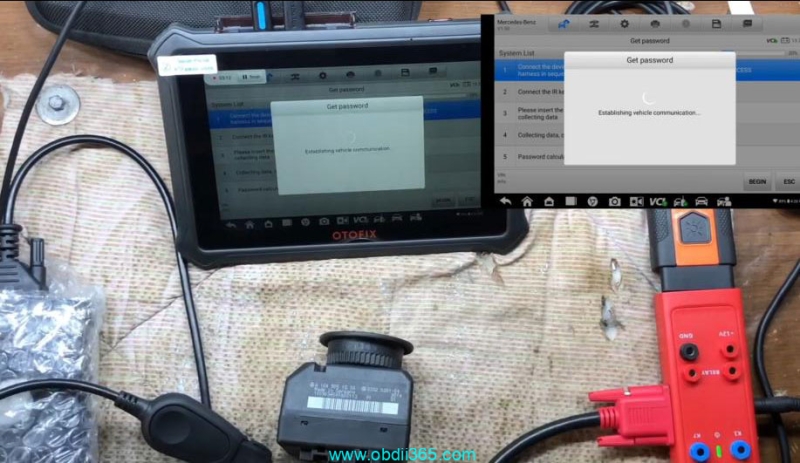
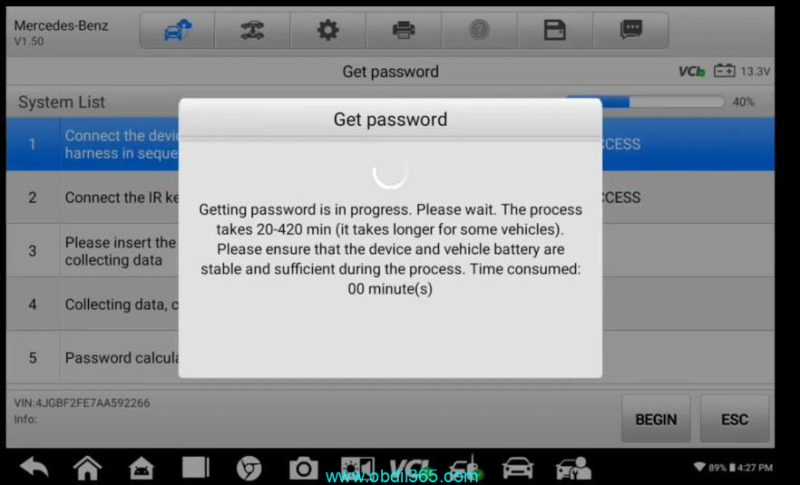
Getting password is in progress. The process takes 20-420 mins.
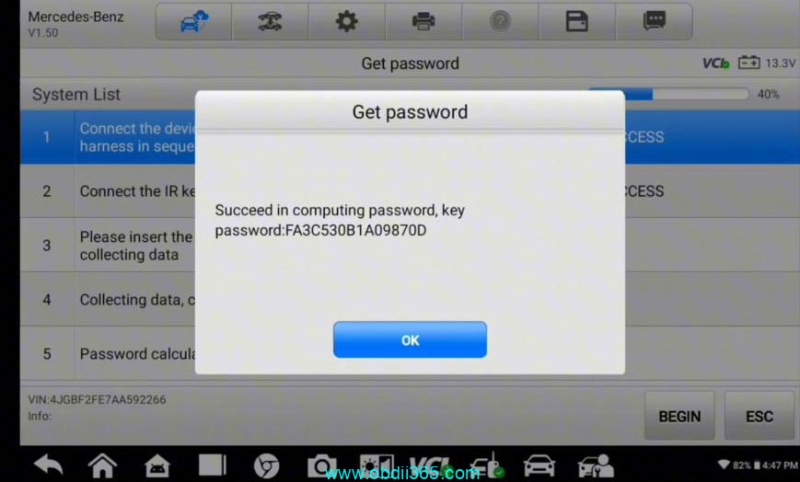
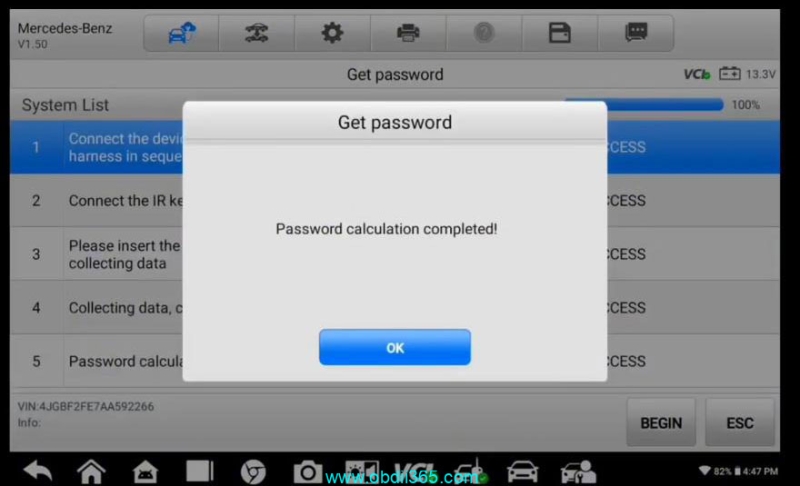
Password calculation completed.
www.obdii365.com