Skip to content
Key Programmer

    How to Add Toyota RAV4 2013-2018 Smart Key with Launch X431 Pro Elite?
    japantoyota-key-programmer
    (0)

    How to add smart key on Toyota 2013 – 2018 Rav4 using the Launch X431 Pro Elite diagnostic scanner?

    If you’re looking for how to add a smart key on Toyota for these years, as well as Camry and Avalon, this should help.
    Launch X431 Pro Elite Add Key Toyota Rav4 Key 2

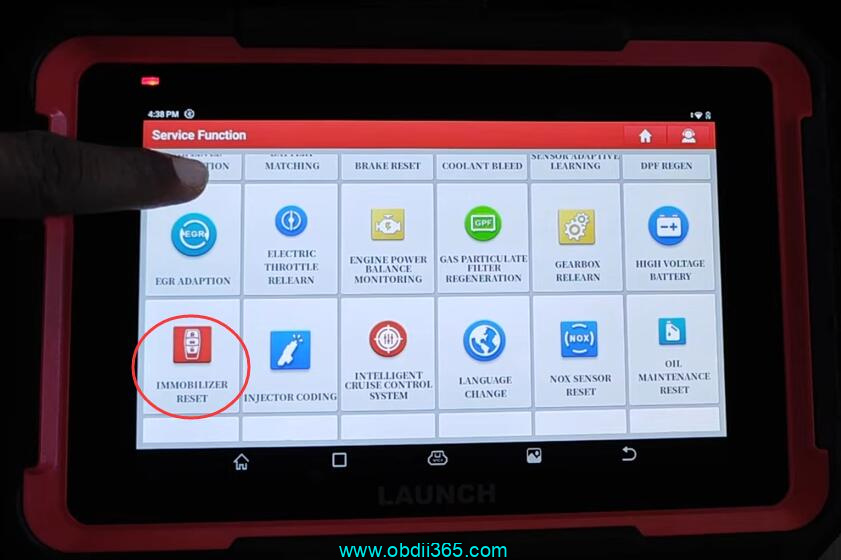
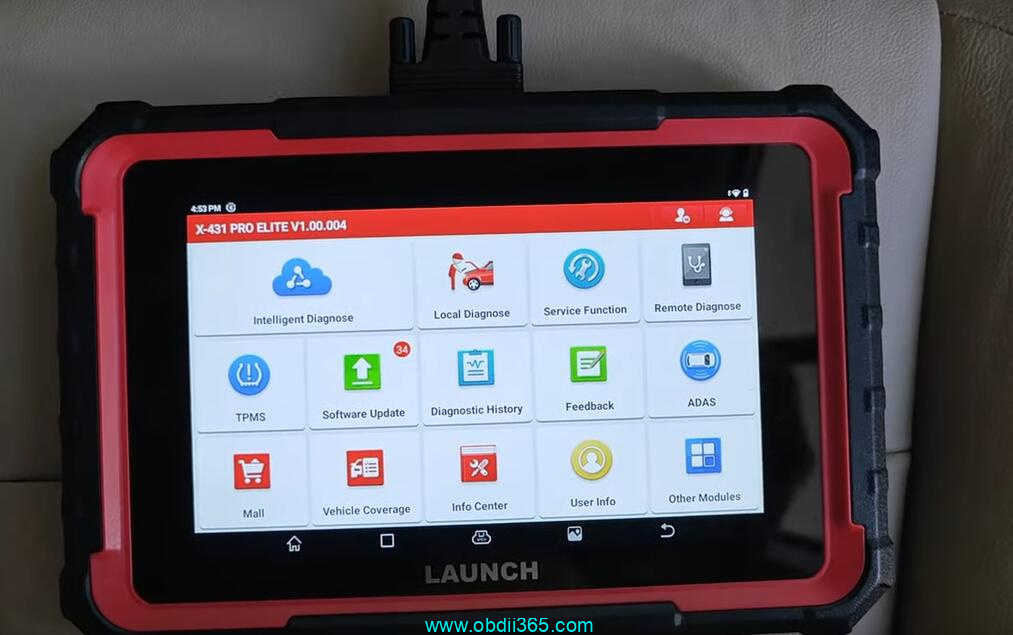
    Go to Service Function->Immobilizer Reset->Toyota
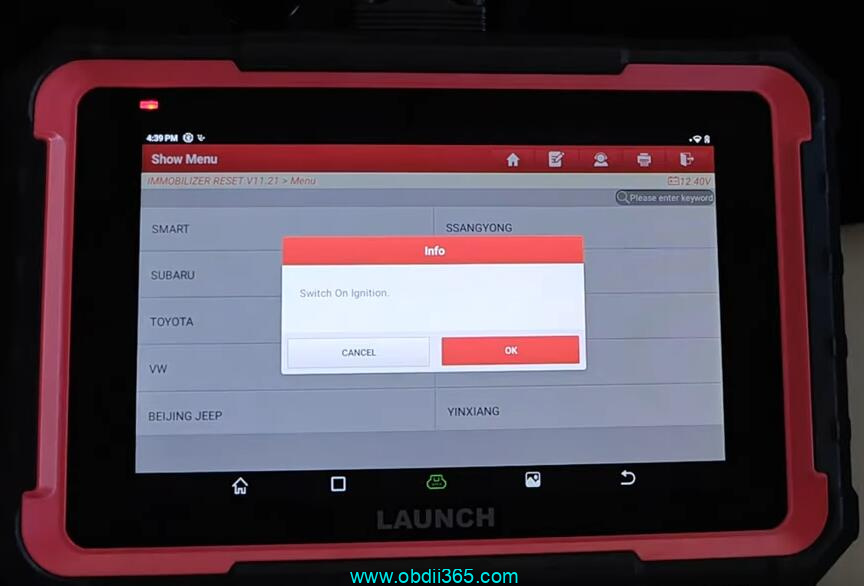
    Switch on ignition with a working key.
    Launch X431 Pro Elite Add Key Toyota Rav4 Key 1

    Launch X431 Pro Elite Add Key Toyota Rav4 Key 3

    Launch X431 Pro Elite Add Key Toyota Rav4 Key 4
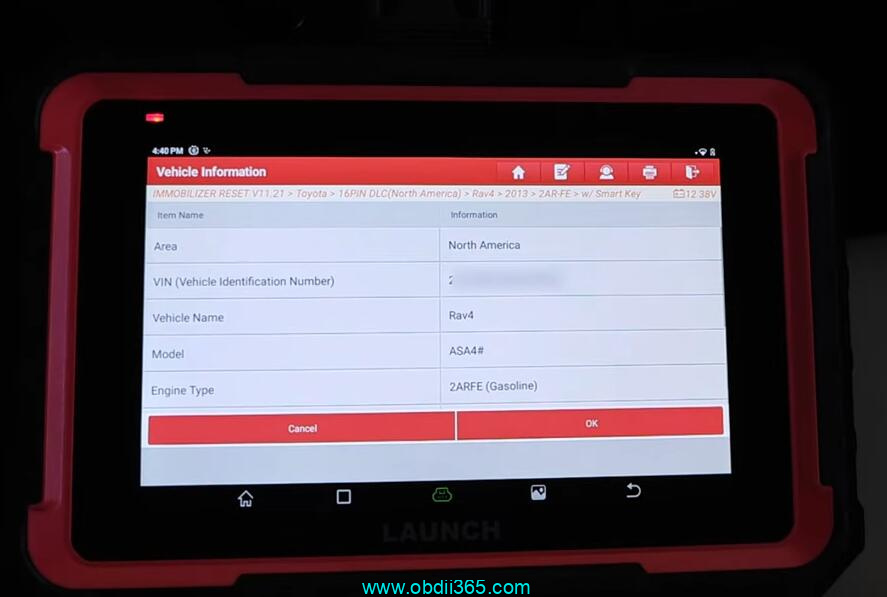
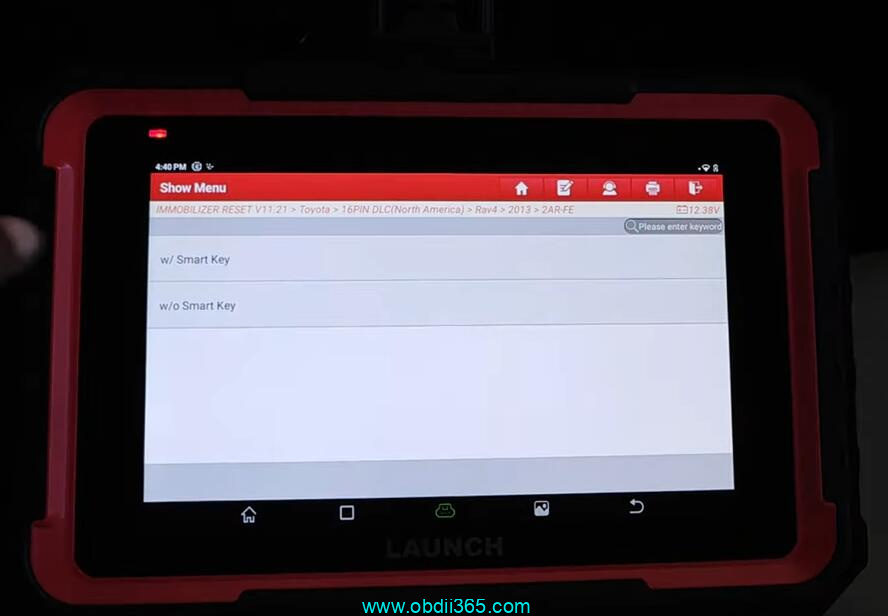
    Select 16-PIN, with Smart key
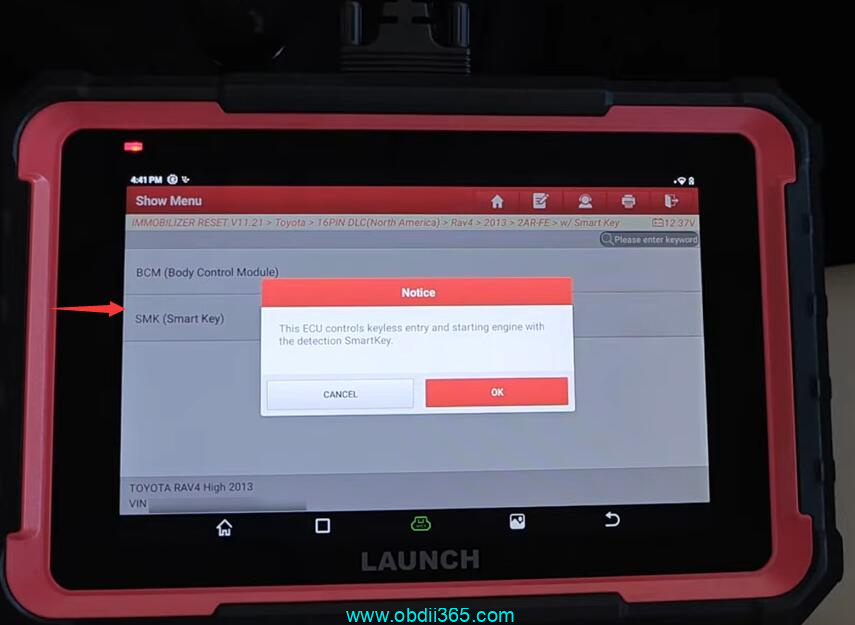
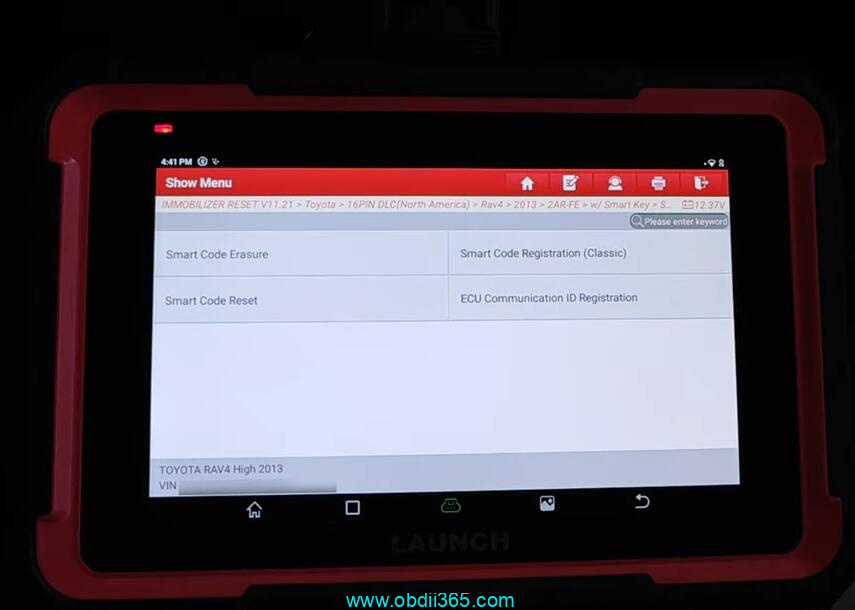
    Select SMK Smart Key->Special function->Smart code registration (Classic)
    Launch X431 Pro Elite Add Key Toyota Rav4 Key 5

    Launch X431 Pro Elite Add Key Toyota Rav4 Key 6

    Launch X431 Pro Elite Add Key Toyota Rav4 Key 7

    Launch X431 Pro Elite Add Key Toyota Rav4 Key 8
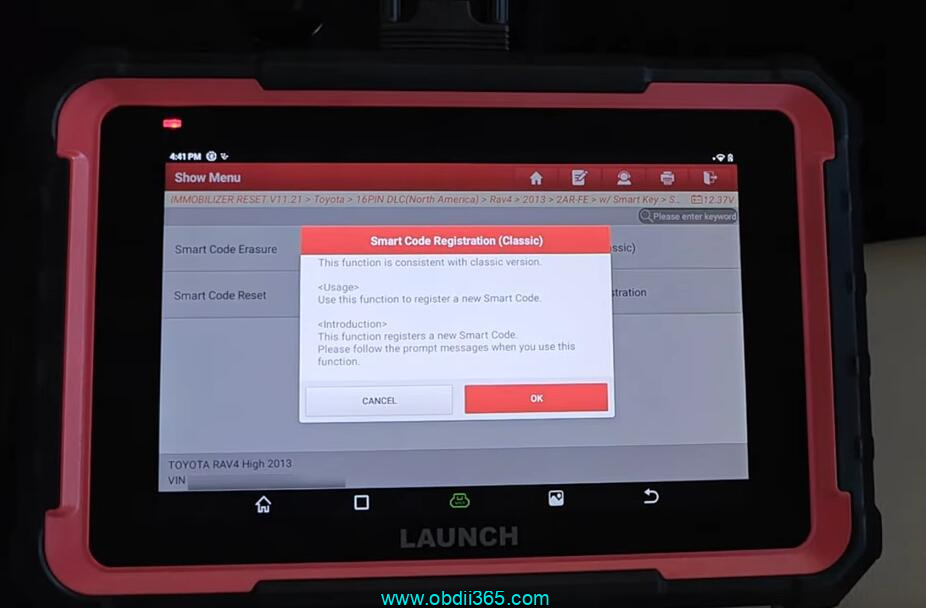
    Use this function to register a new smart code.
    Launch X431 Pro Elite Add Key Toyota Rav4 Key 9
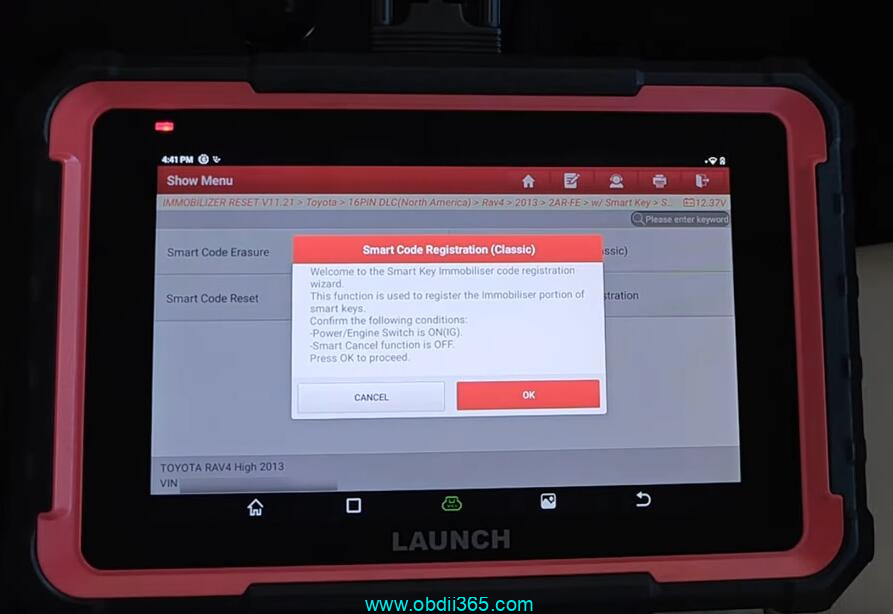
    Make sure power ignition is ON, the smart cancel function is OFF.
    Launch X431 Pro Elite Add Key Toyota Rav4 Key 10
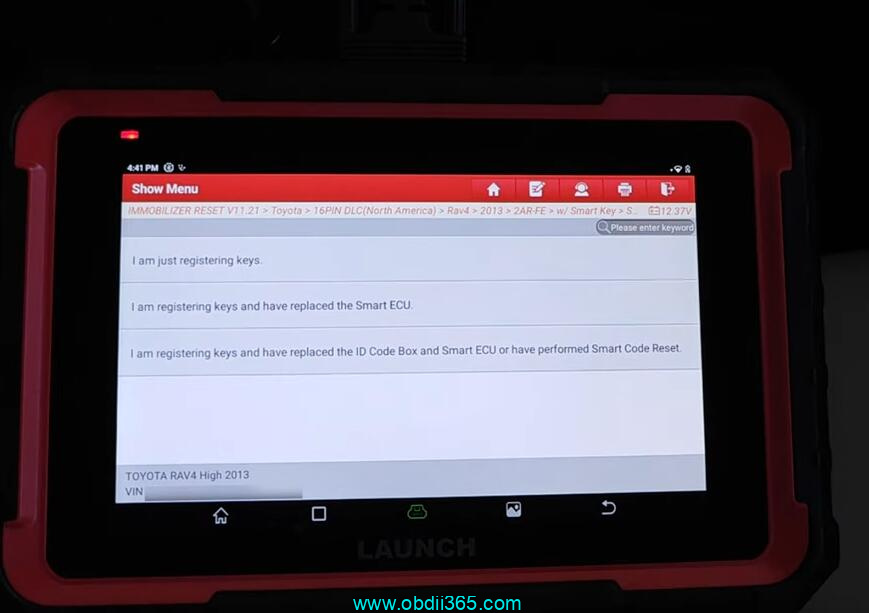
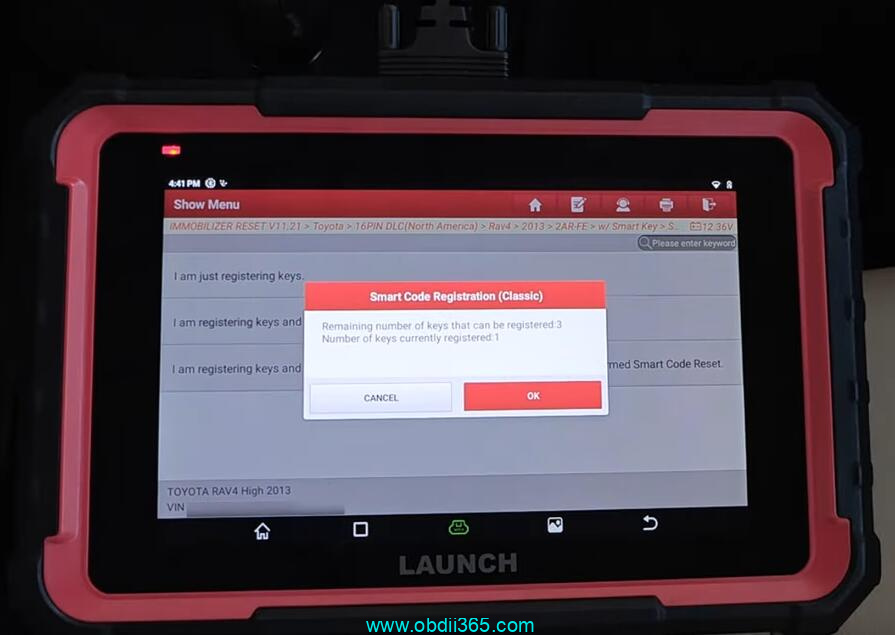
    Select Just Register keys

    Launch X431 Pro Elite Add Key Toyota Rav4 Key 11
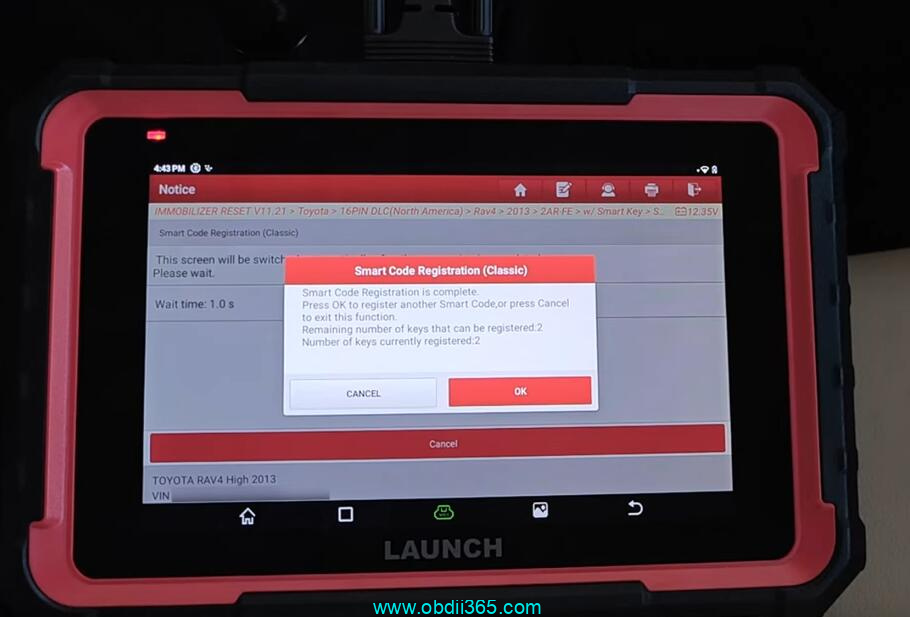
    Number of keys currently registered: 1
    Launch X431 Pro Elite Add Key Toyota Rav4 Key 12
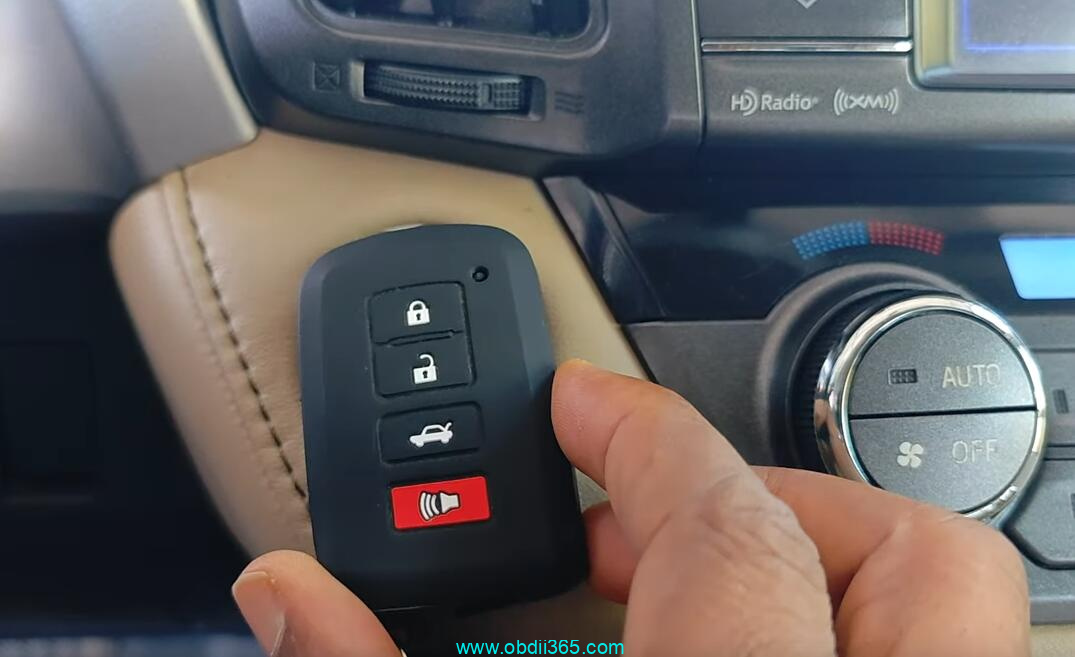
    Touch a power ignition with a register key.
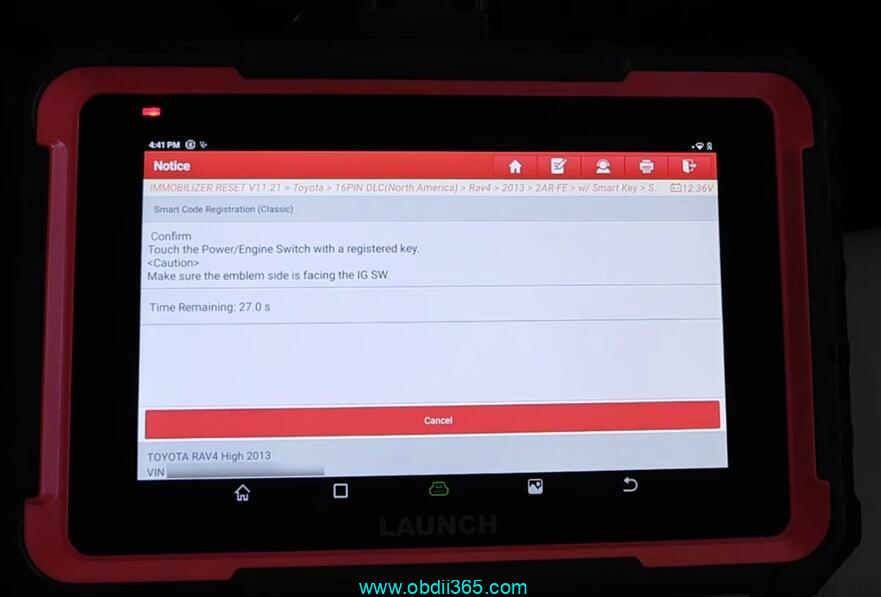
    Launch X431 Pro Elite Add Key Toyota Rav4 Key 13

    Launch X431 Pro Elite Add Key Toyota Rav4 Key 14

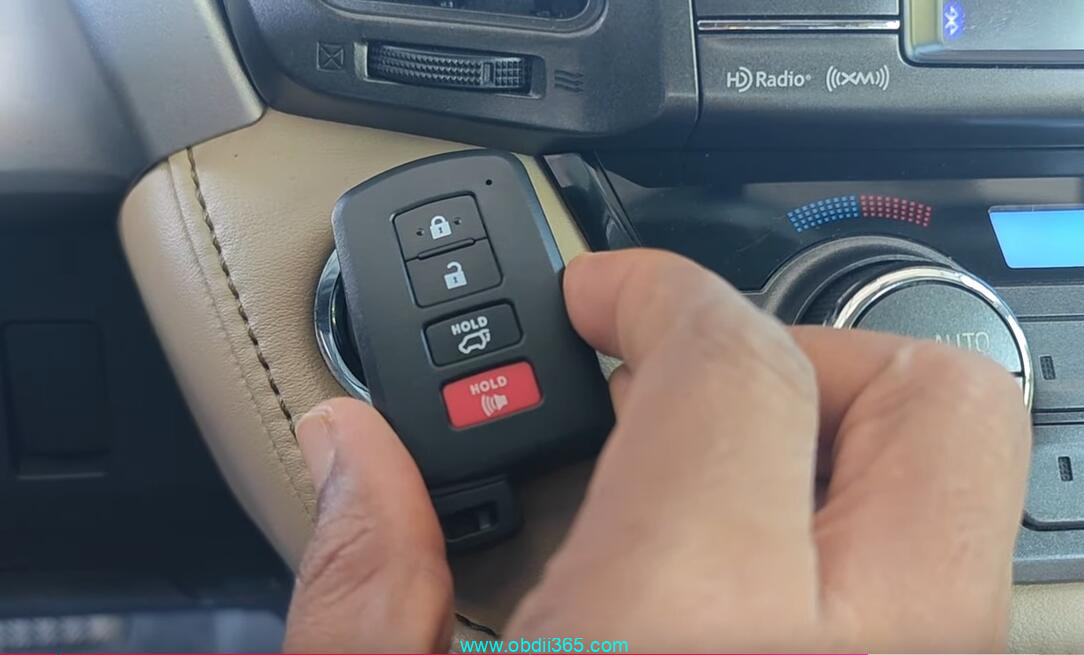
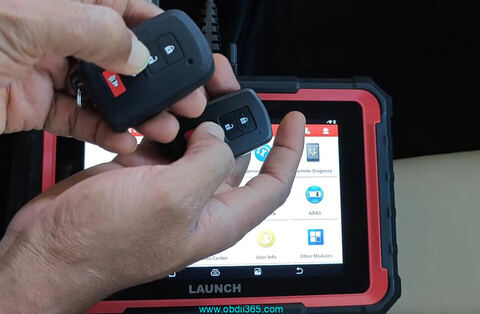
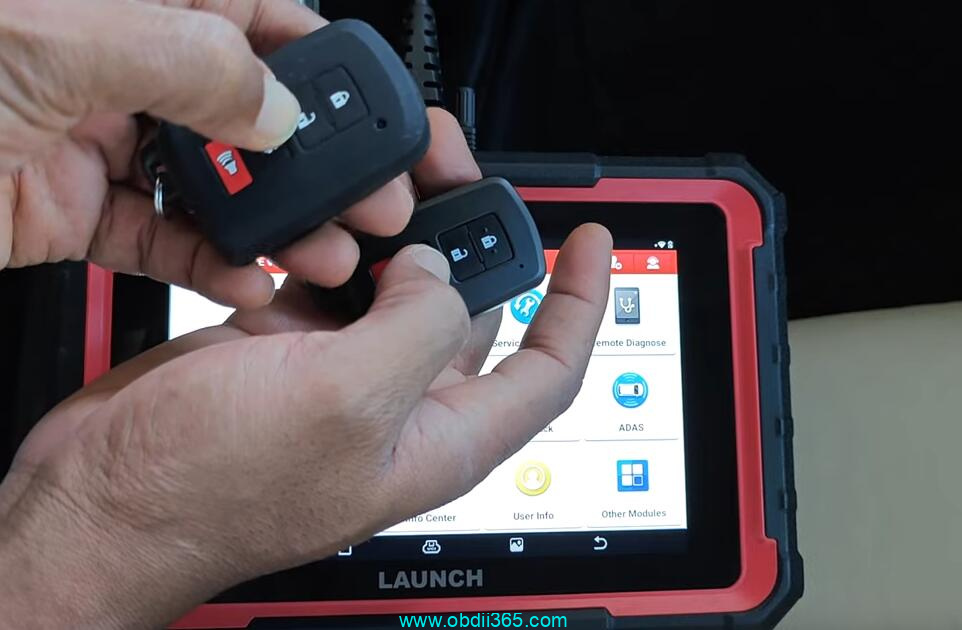
    Put a new key to be registered to the Start button
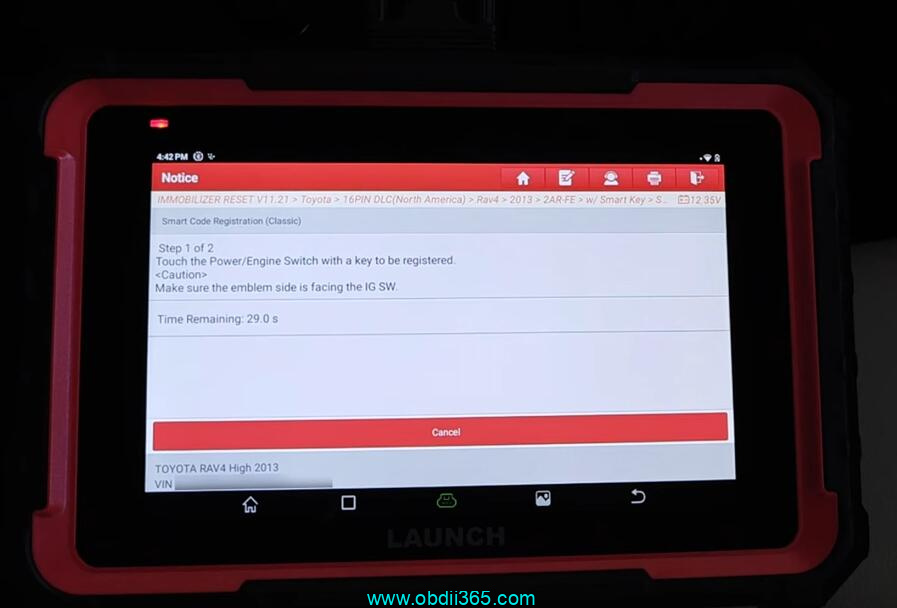
    Launch X431 Pro Elite Add Key Toyota Rav4 Key 15

    Launch X431 Pro Elite Add Key Toyota Rav4 Key 16

    Register key with Launch X431 Pro Elite successfully.
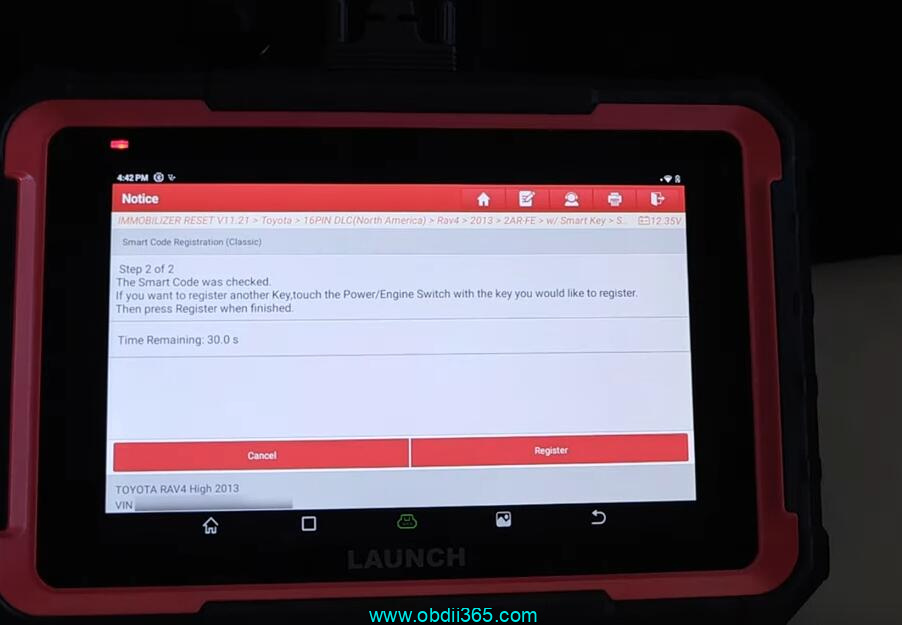
    Launch X431 Pro Elite Add Key Toyota Rav4 Key 17

    Launch X431 Pro Elite Add Key Toyota Rav4 Key 18

    www.obdii365.com

    Rate this article (0)