Autel IM508 Adds 2024 Highlander Smart Key via Xhorse XM38
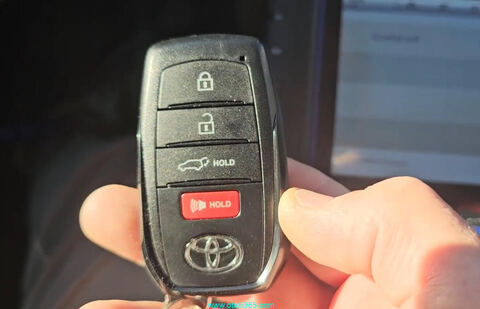
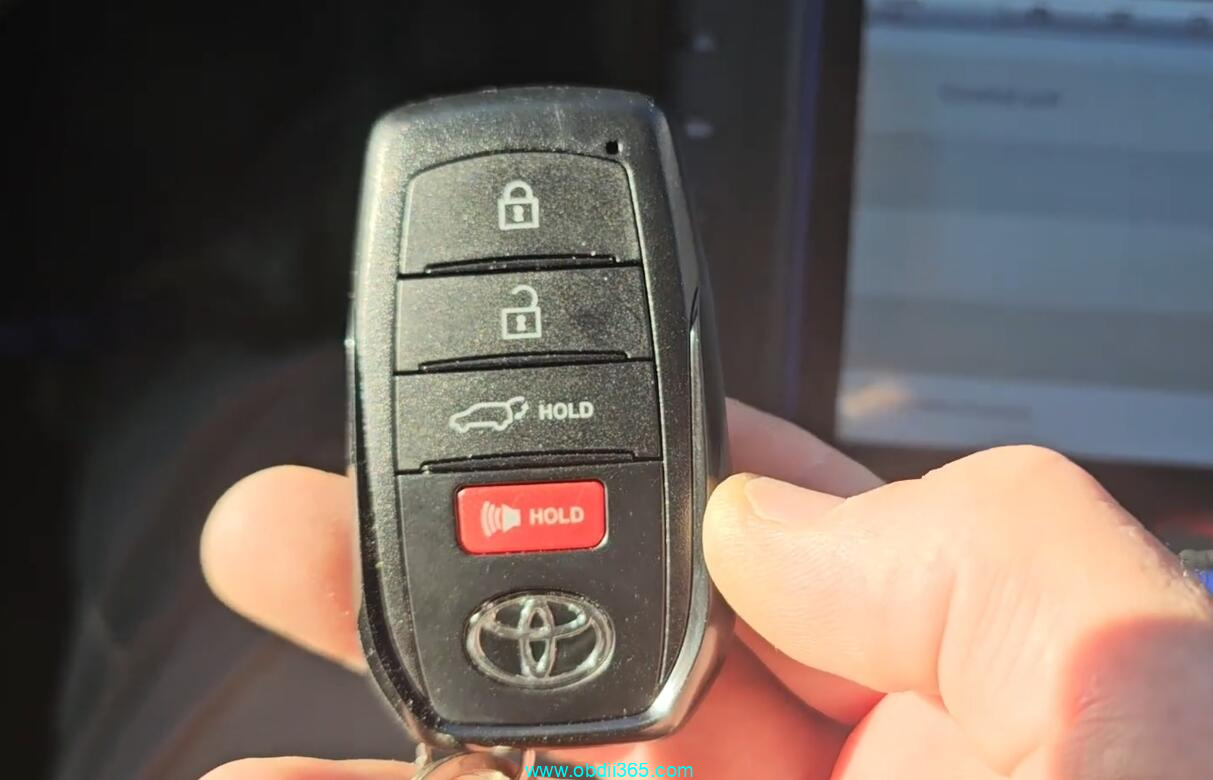
This is a 2024 Toyota Highlander and we need to add new spare key to it.
Device used:
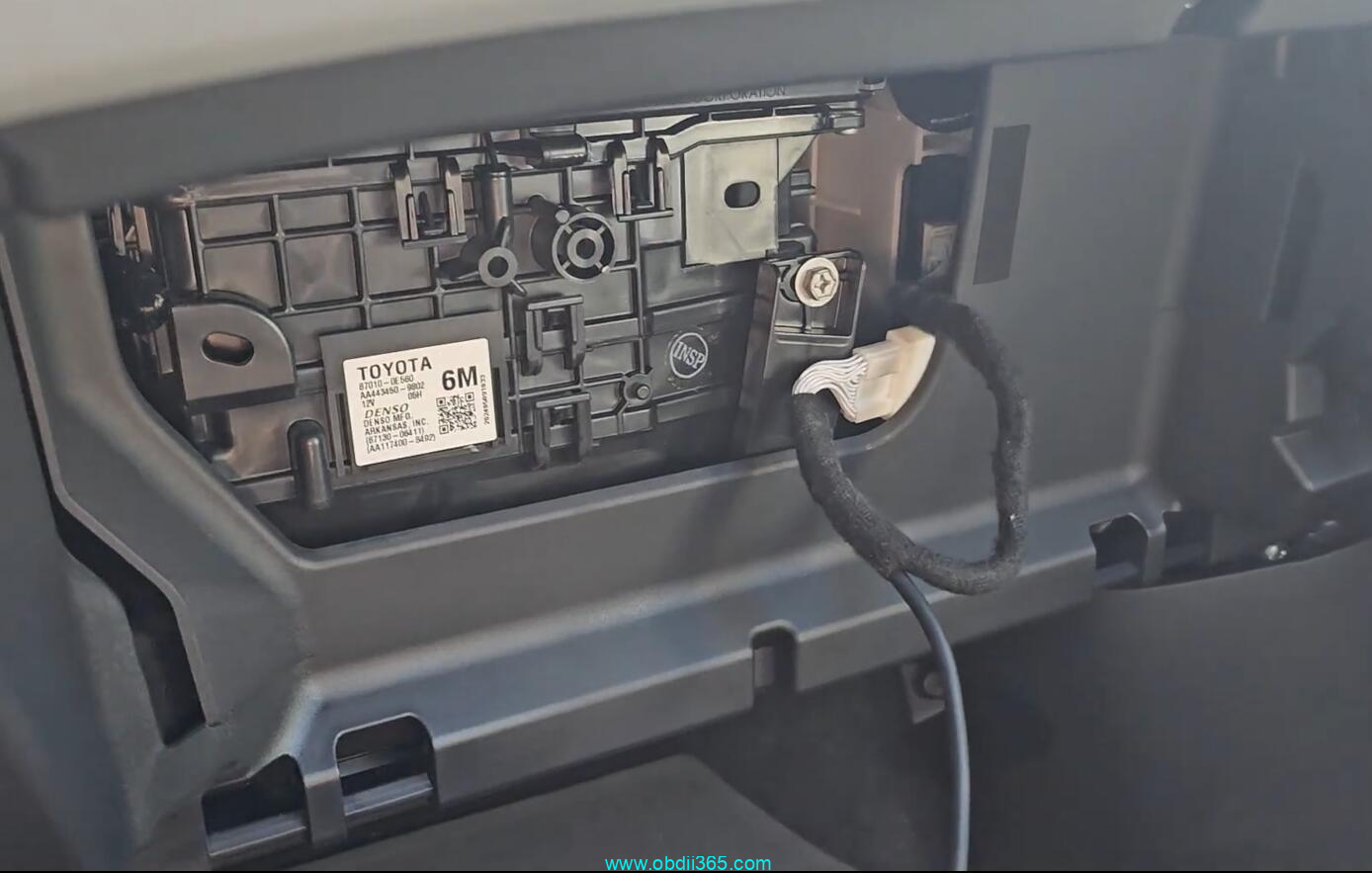
Find PEPS immo box, plug in your 30-pin adapter.
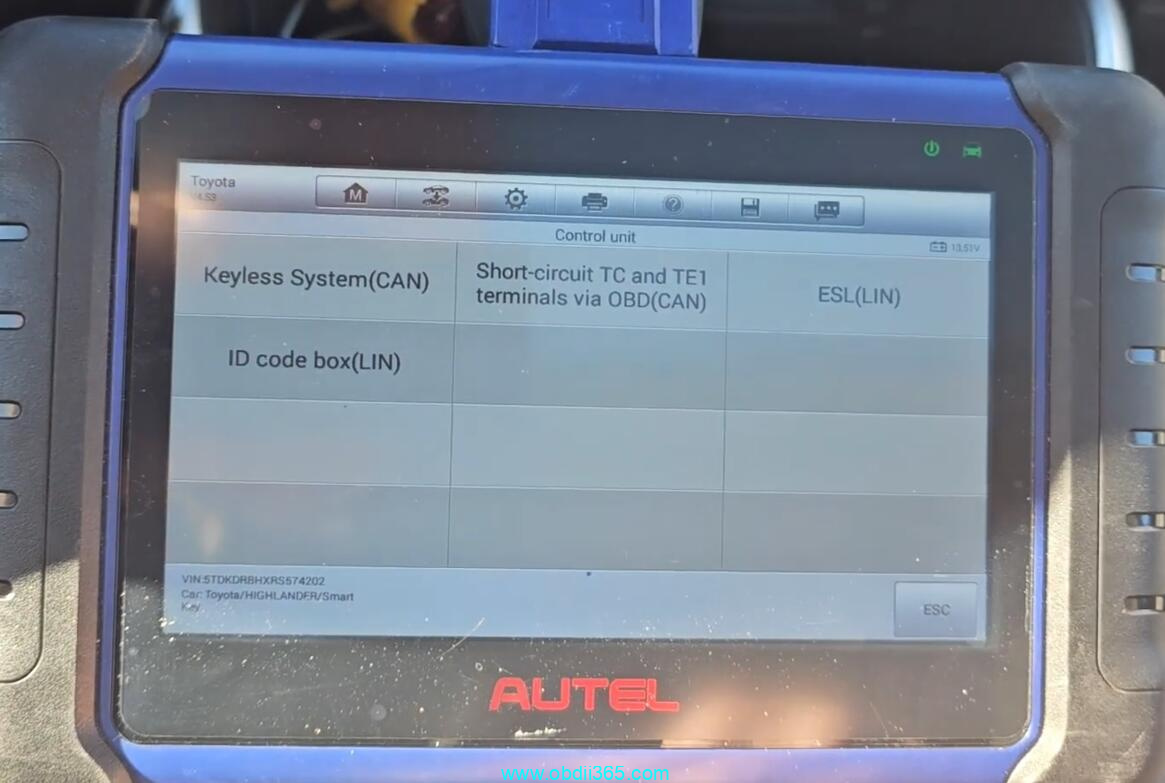
Go to Highlander.
It recognized the VIN and that it knows it’s a 2023 with smart key.
Go to Control Unit->Keyless System (CAN)
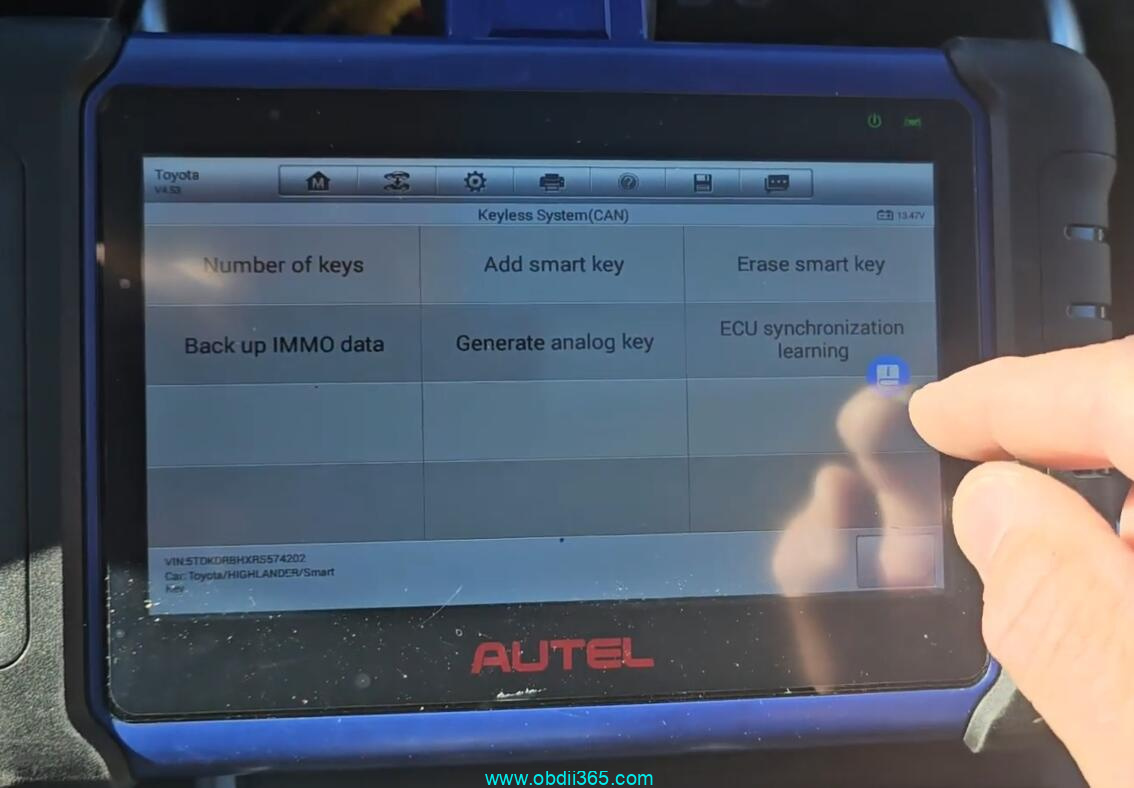
Turn the hazard warning lights on and off once, press the Start/Stop button 5 times and keep ignition off.
Back up immo data in process.
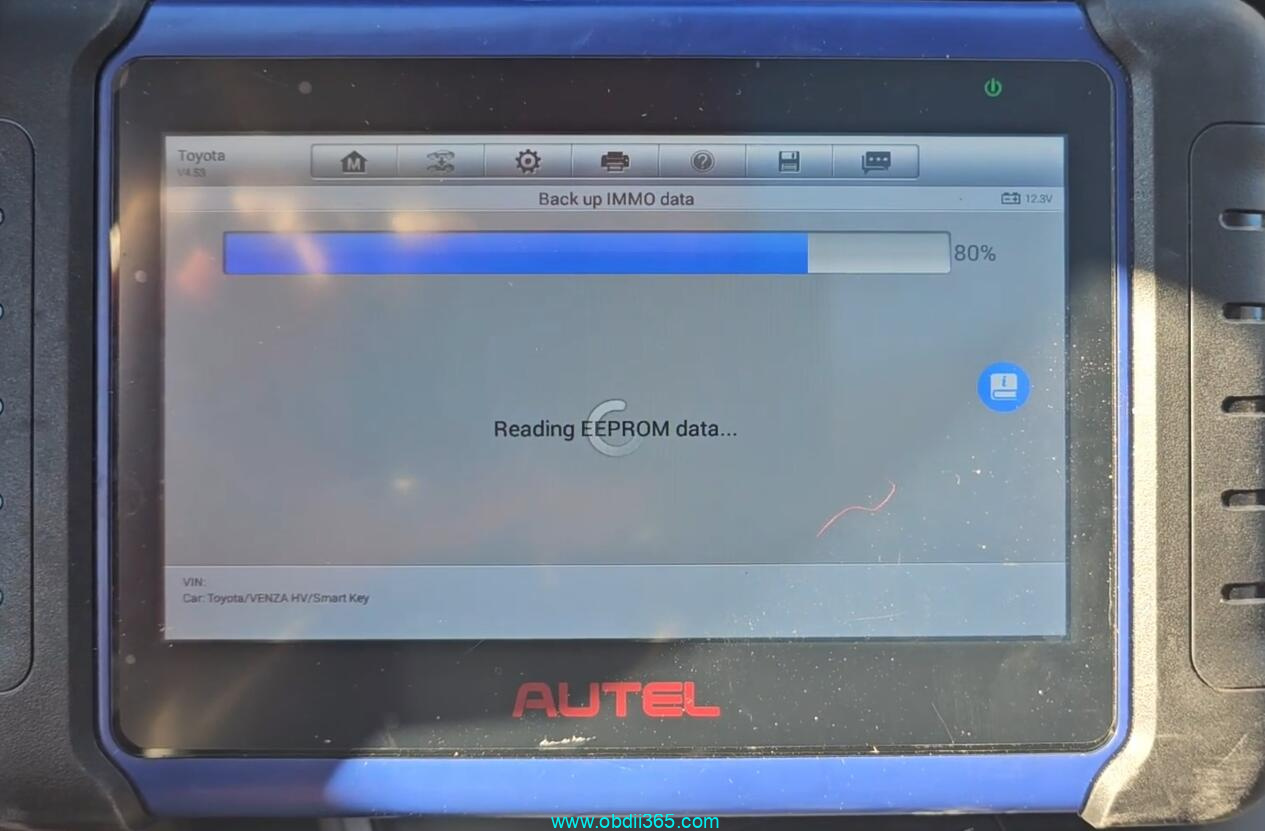
Save eeprom data.
Select Add smart key
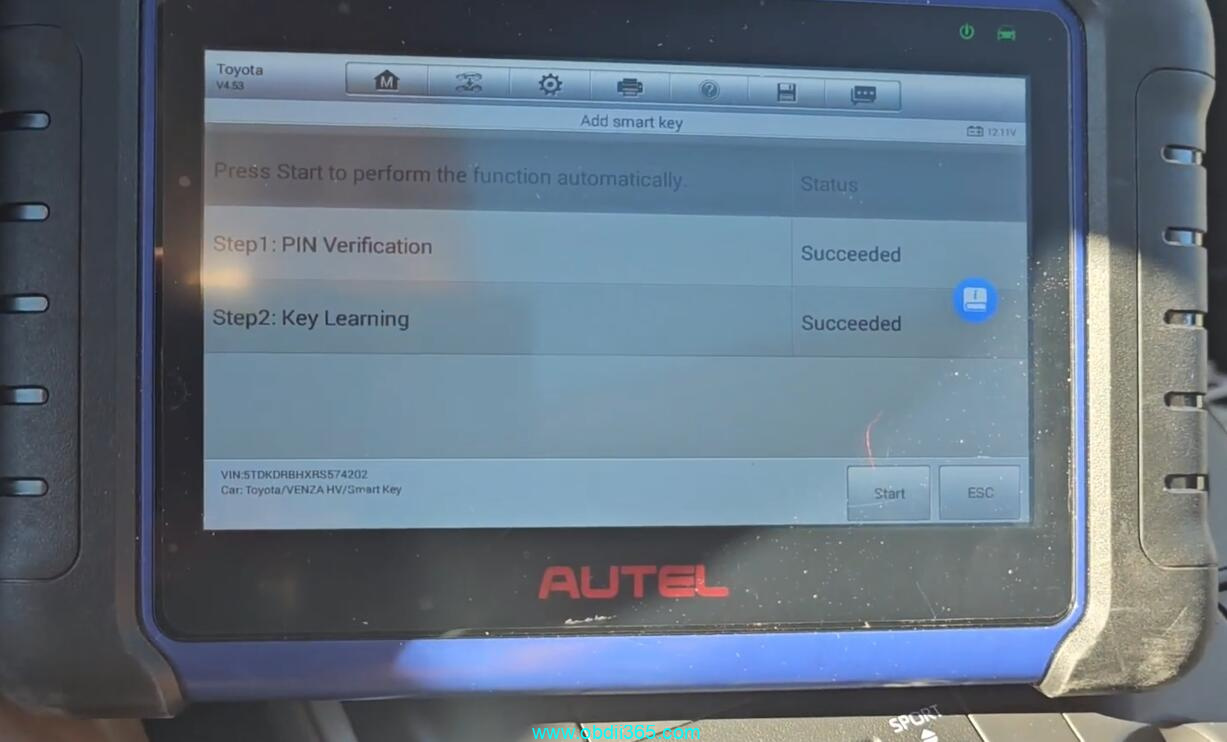
Perform 2 steps to add smart key.
1. Verify PIN
Turn ignition on.
Automatically ipout VIN.
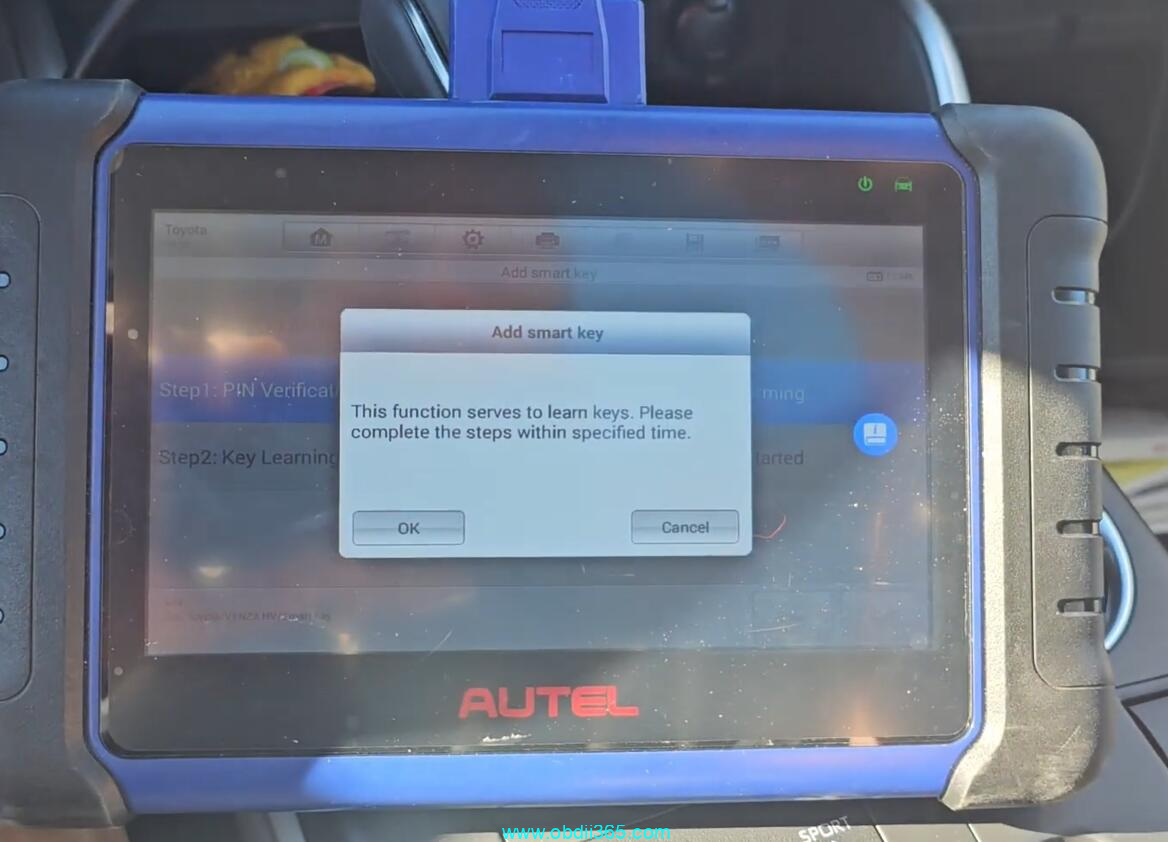
Autel will ask have you back up the eeprom. Press Yes and load eeprom data we just saved.
Reading PIN
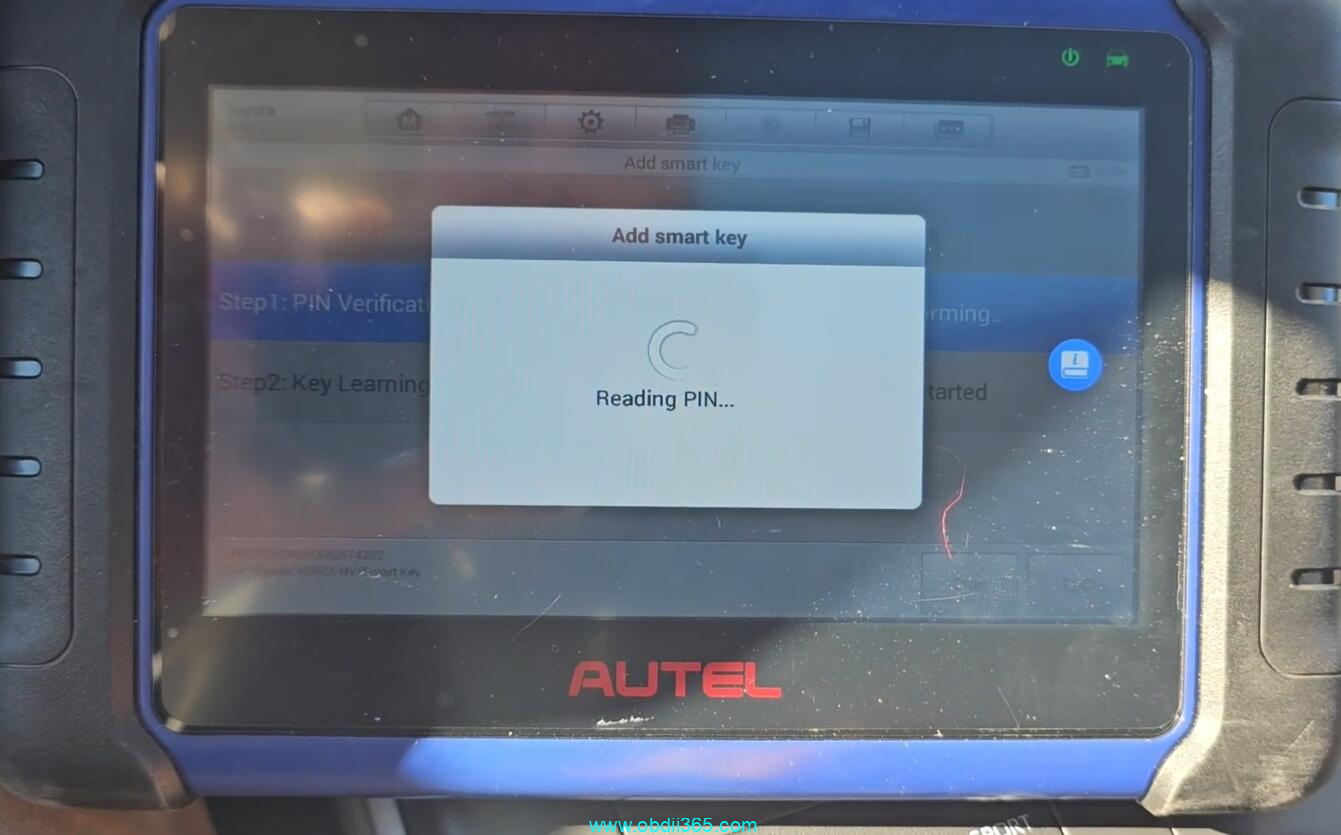
Keep a learned key close to the start button within 30s
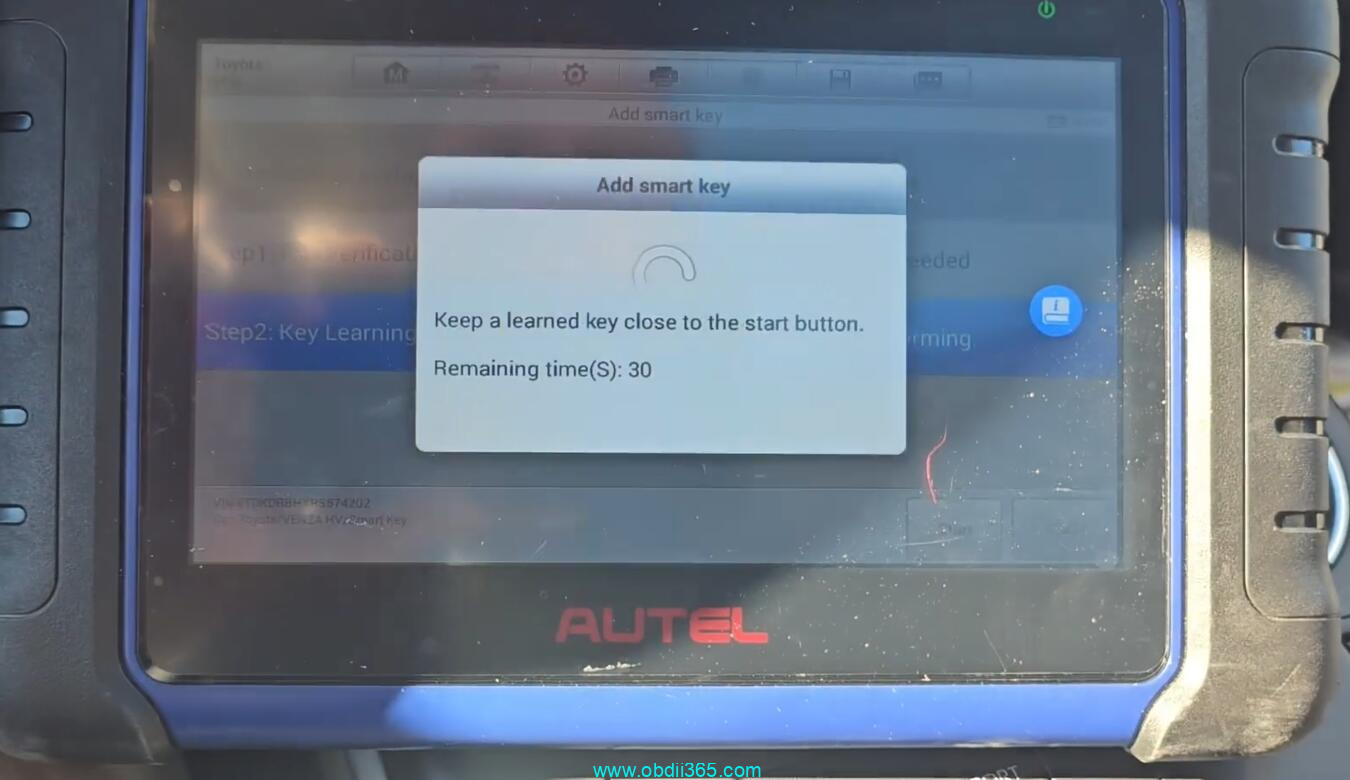
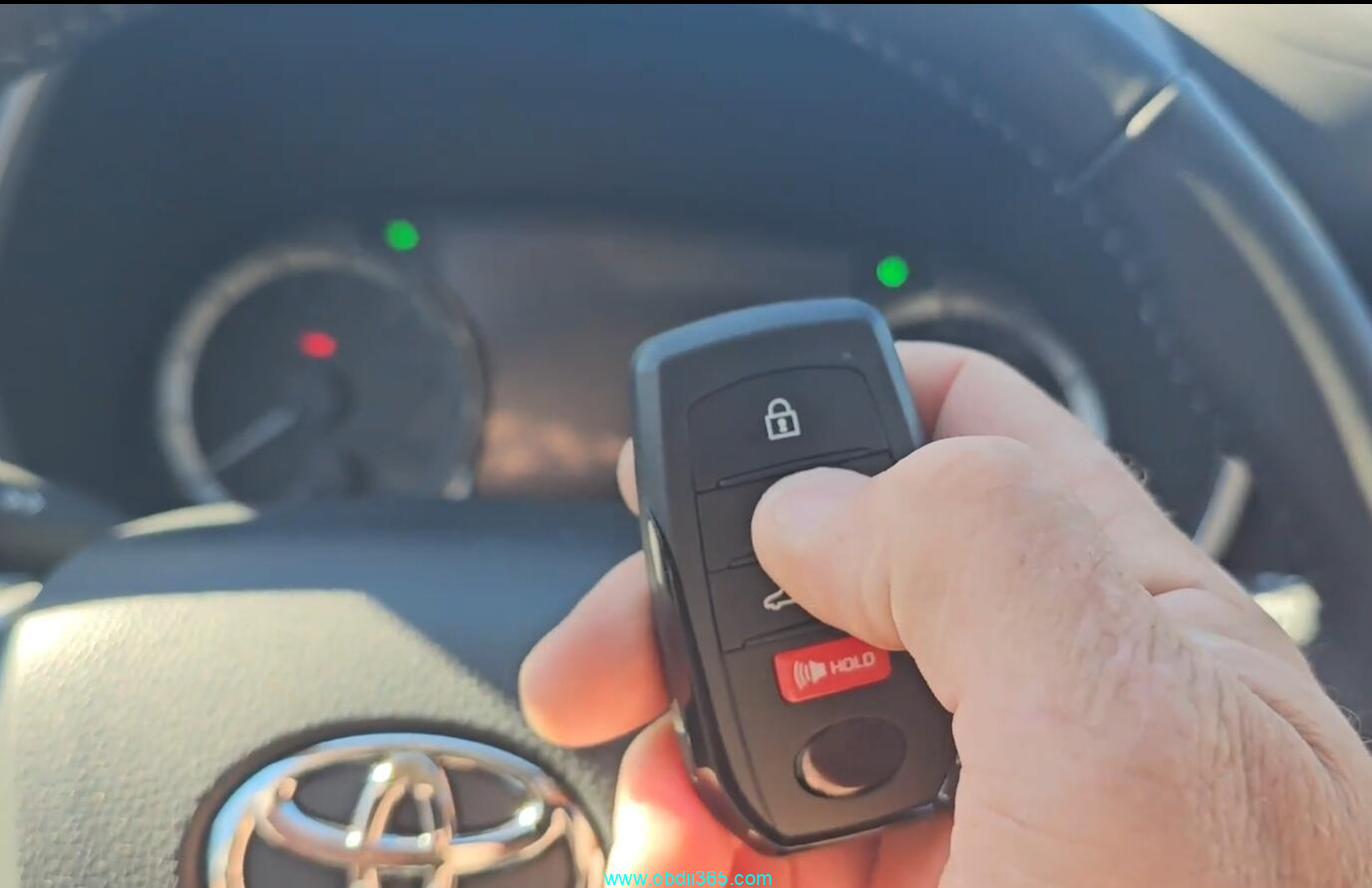
Then keep a key to be programmed to the Start button.
Learning completed.
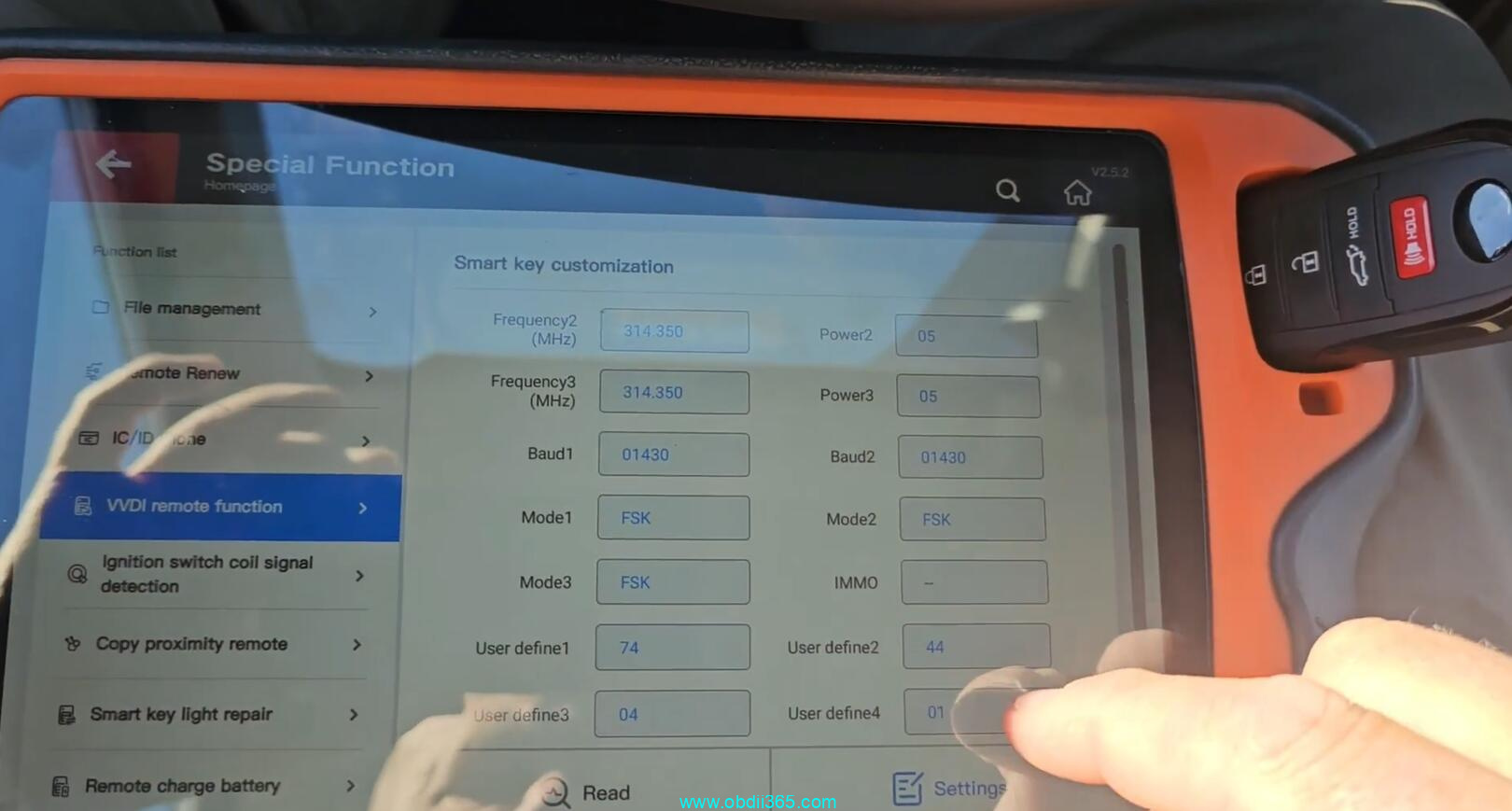
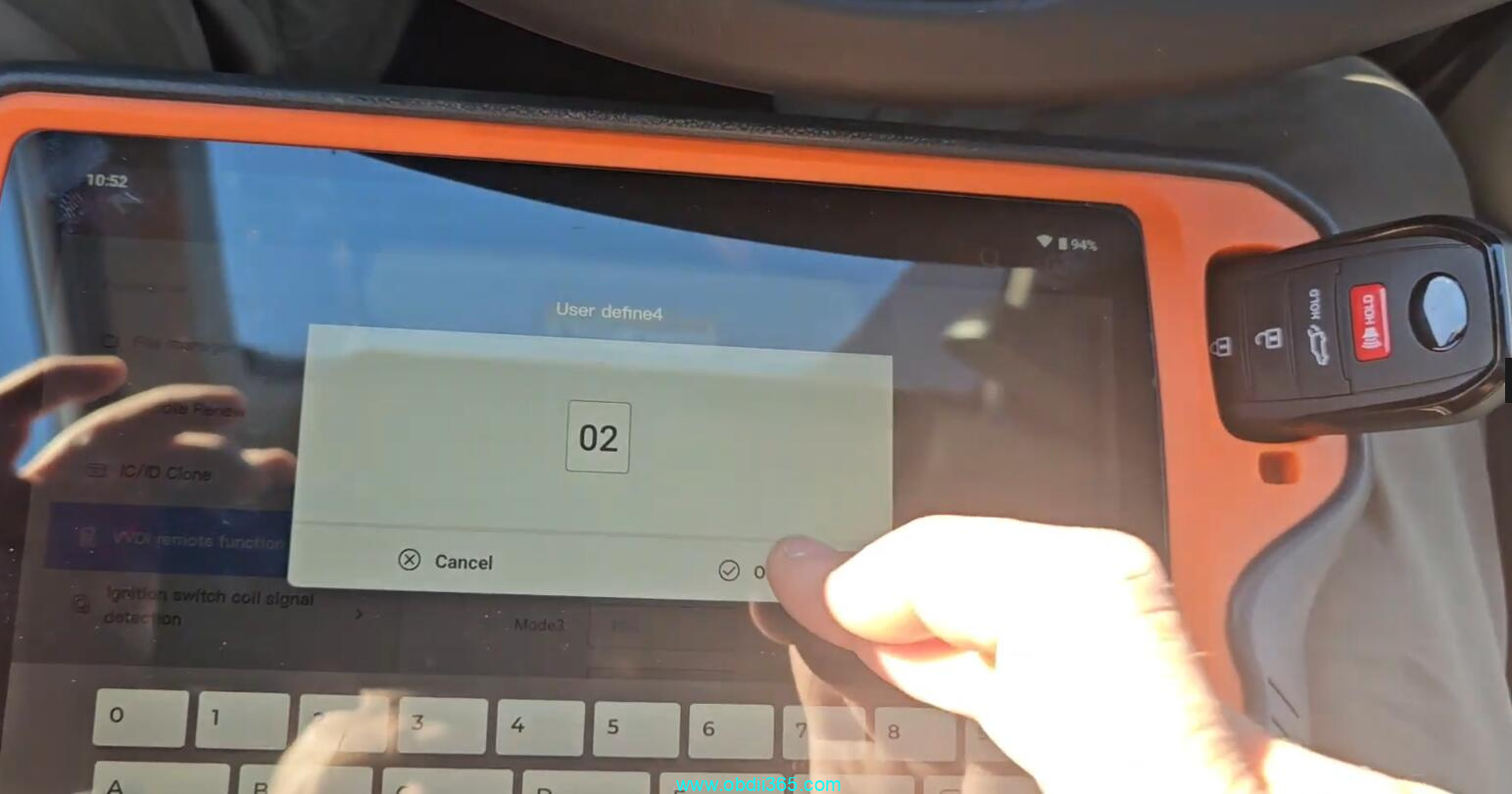
If keyless function is not working, adjust the smart key with xhorse vvdi key tool plus or other key tools. Using Define under special function->Smart key customization.
www.obdii365.com