Skip to content
Key Programmer

    OBDSTAR Program 2022 Hyundai Elantra Proximity Smart Key
    info
    (0)

    How to read pin code and add smart key to a 2022 Hyundai Elantra using OBDSTAR X300 DP Plus? Check instructions below:

    1.Read pin code

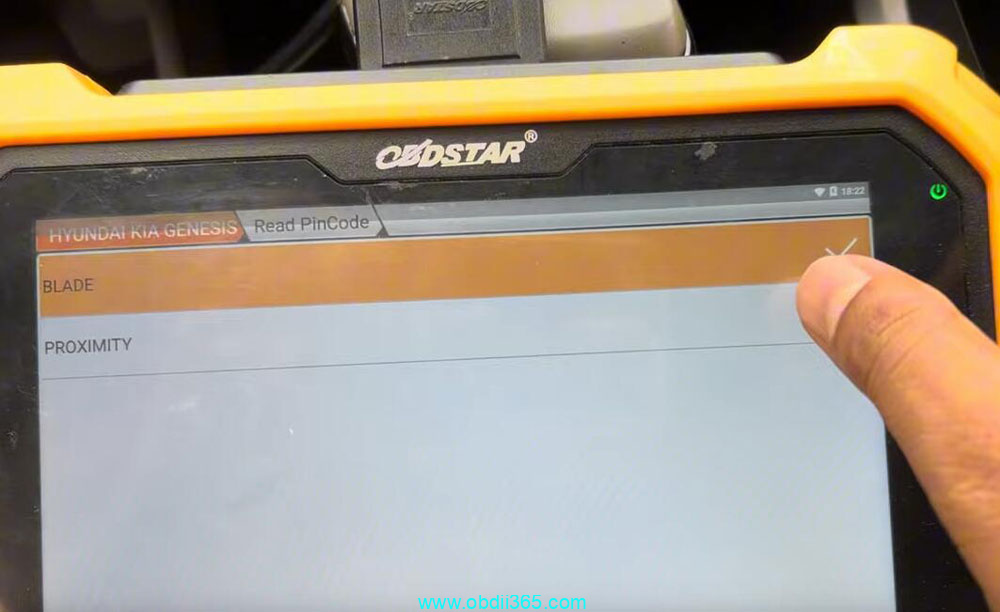
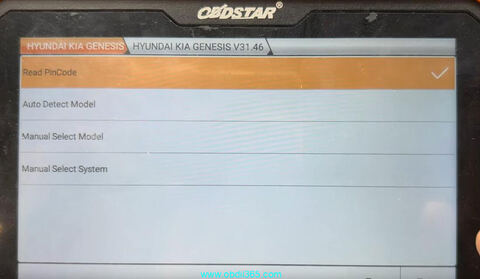
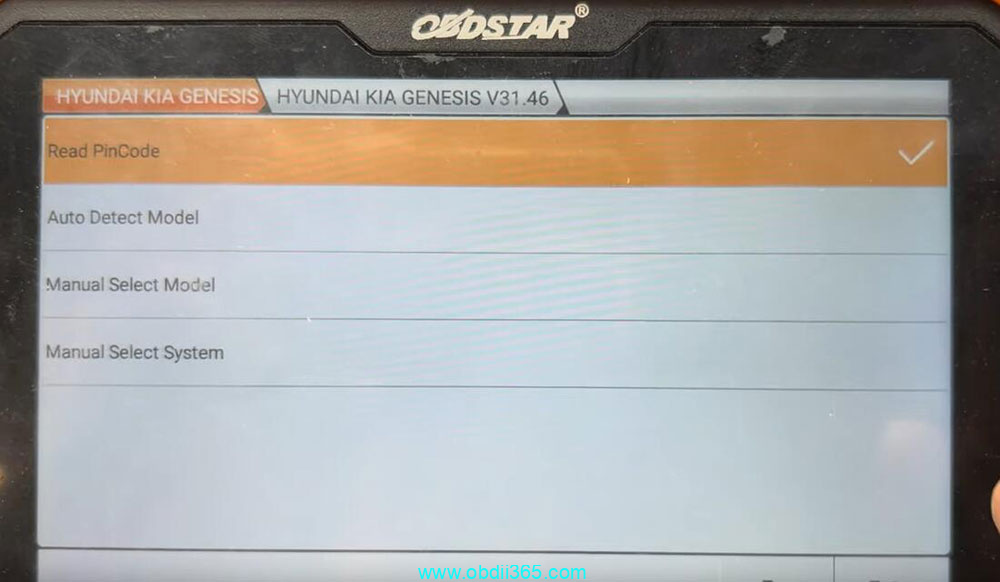
    Select Hyundai latest software->Read pin code->Proximity
    The function requires network connection

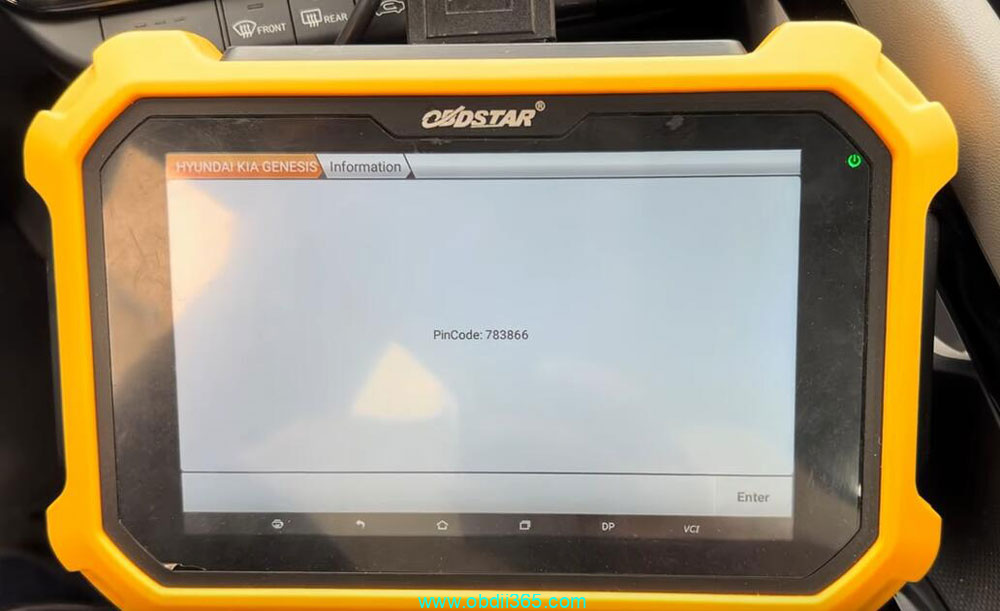
    Read pin code successfully.
    OBDSTAR Program 2022 Hyundai Elantra Proximity Smart Key0 OBDSTAR Program 2022 Hyundai Elantra Proximity Smart Key1 OBDSTAR Program 2022 Hyundai Elantra Proximity Smart Key2

    2. Program smart key

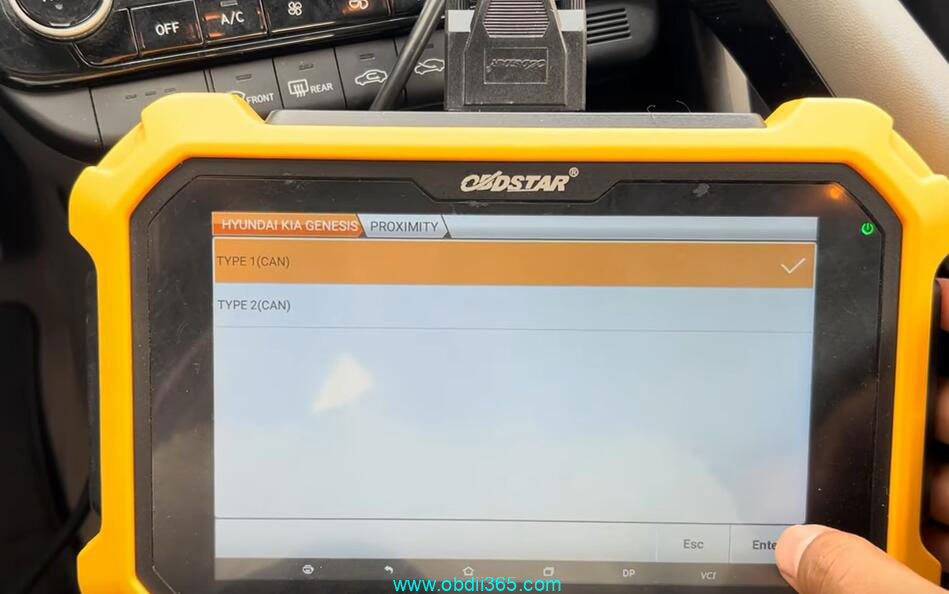
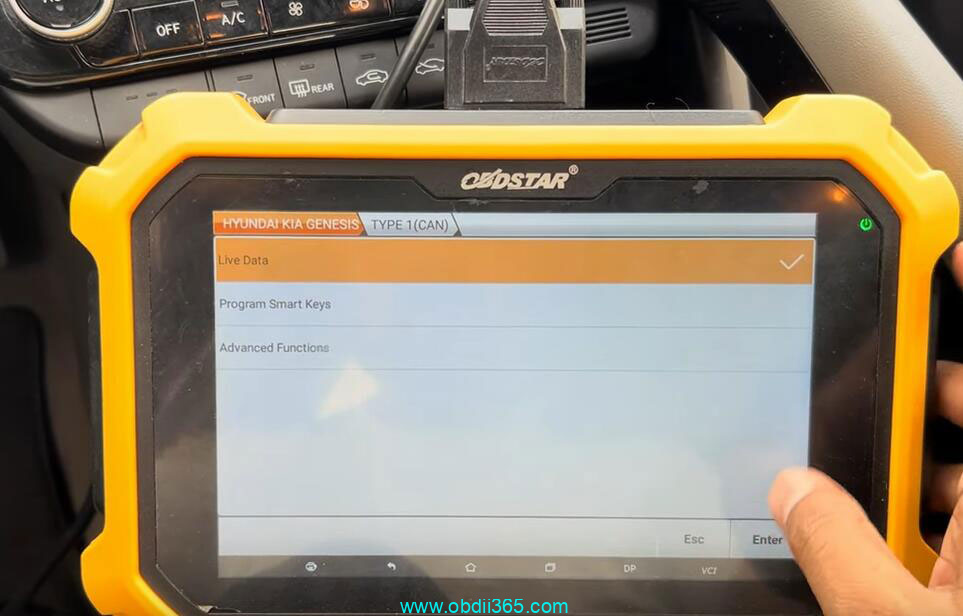
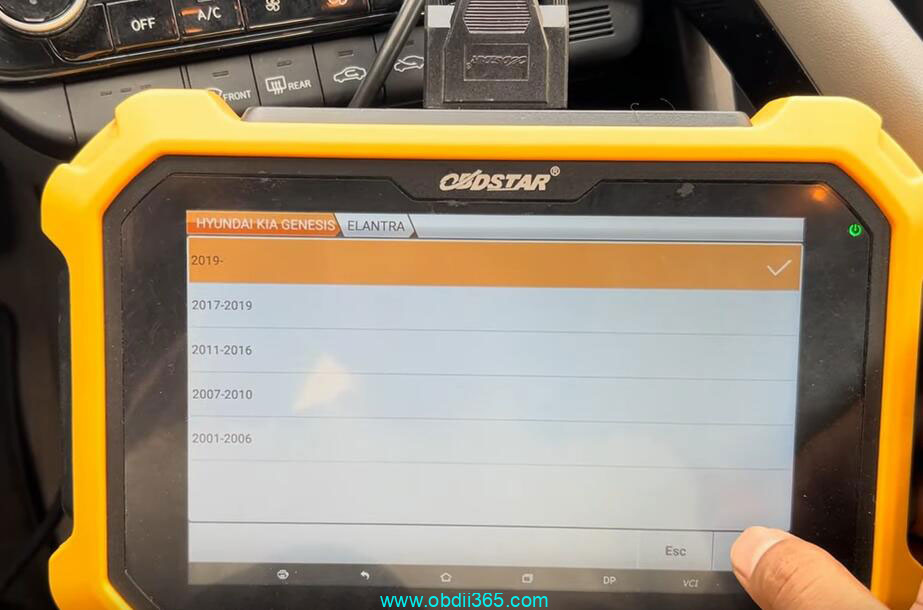
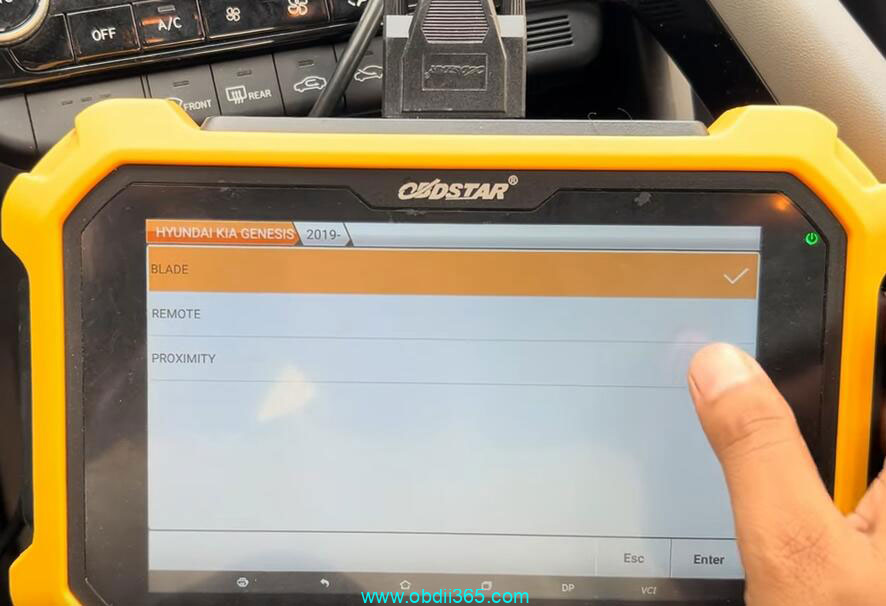
    Select from model->Hyundai->North America->Elantra-> 2019 onwards-> Proximity->Type 1(CAN)->Program Smart keys
    OBDSTAR Program 2022 Hyundai Elantra Proximity Smart Key3

    OBDSTAR Program 2022 Hyundai Elantra Proximity Smart Key4

    OBDSTAR Program 2022 Hyundai Elantra Proximity Smart Key5

    OBDSTAR Program 2022 Hyundai Elantra Proximity Smart Key6

    The function requires network connection
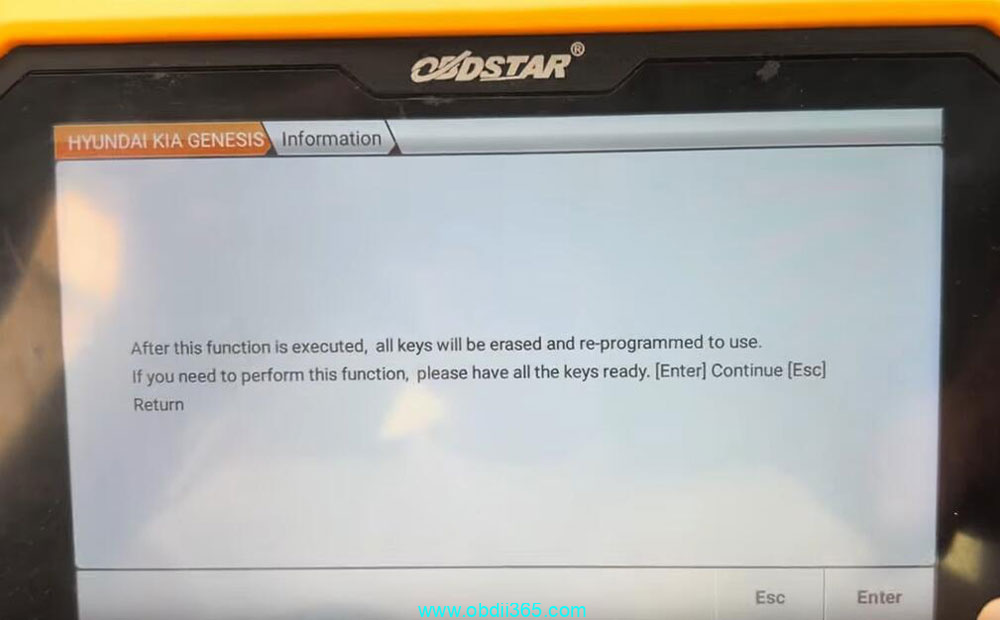
    All keys will be erased and need to be programmed to use.
    OBDSTAR Program 2022 Hyundai Elantra Proximity Smart Key7
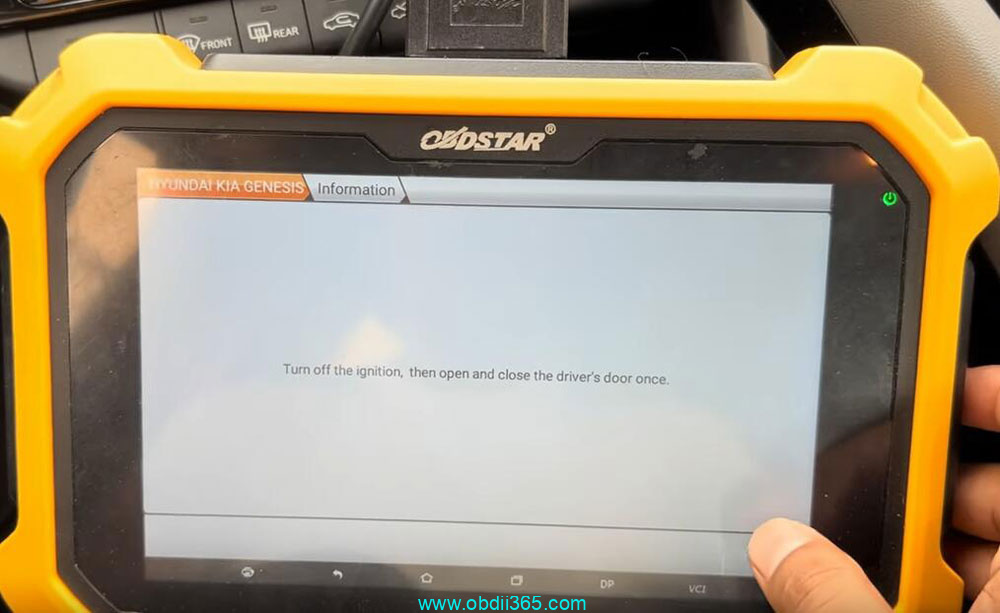
    Turn off ignition, open and close the driver door.
    OBDSTAR Program 2022 Hyundai Elantra Proximity Smart Key8
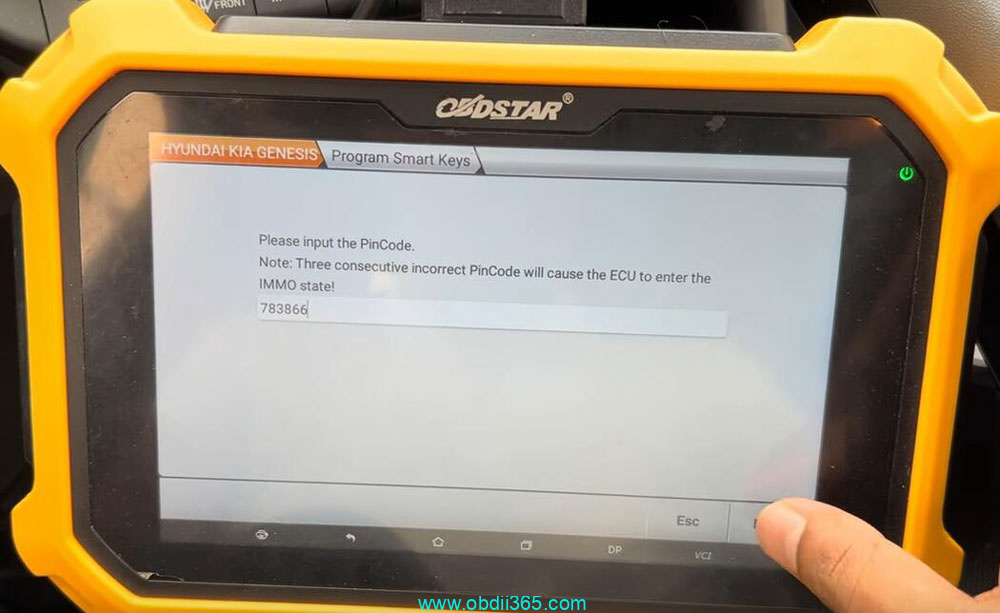
    Input pin code to continue.

    OBDSTAR Program 2022 Hyundai Elantra Proximity Smart Key9
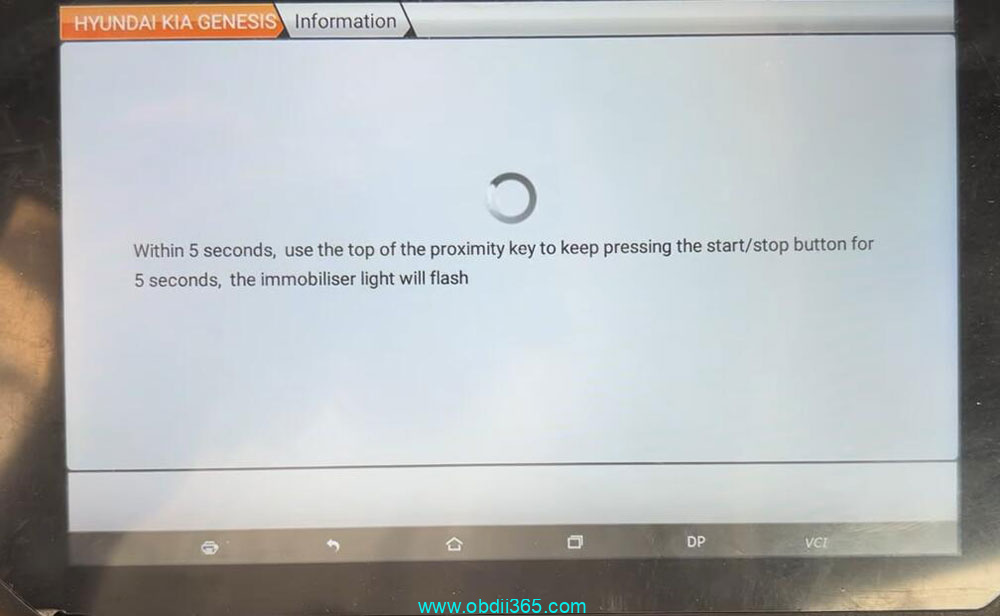
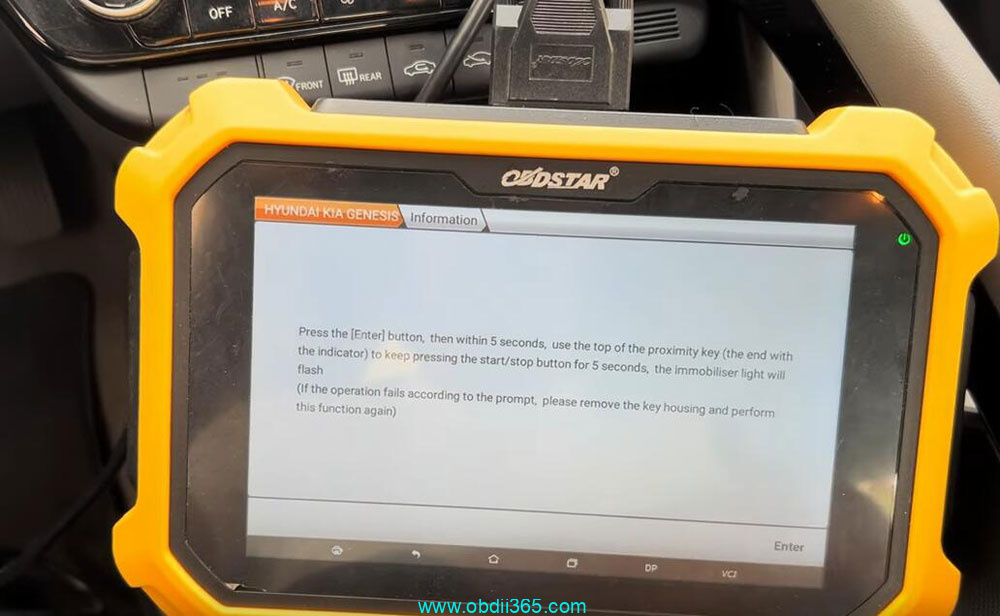
    Press Enter button, use the top of the proximity key to keep pressing the start/stop button for 5s within 5s, the immobilizer light will flash.
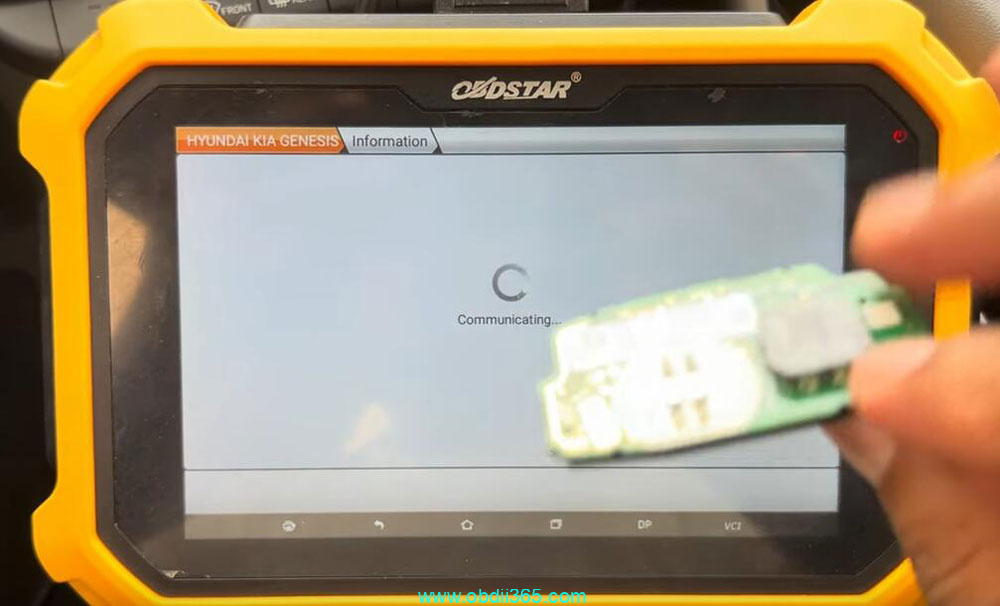
    If the operation fails, remove the key shell and perform function again.
    OBDSTAR Program 2022 Hyundai Elantra Proximity Smart Key10

    OBDSTAR Program 2022 Hyundai Elantra Proximity Smart Key11

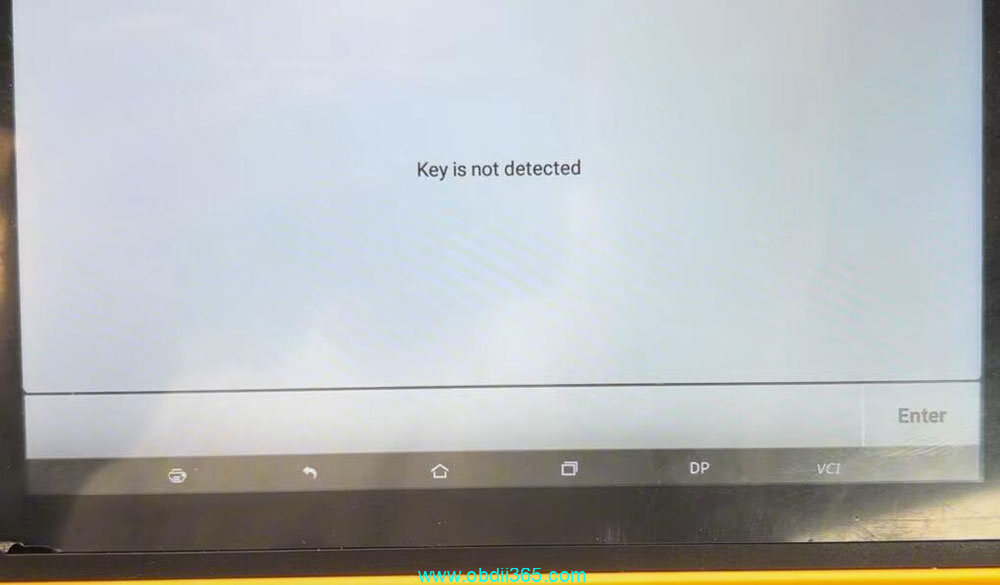
    X300 DP Plus said key is not detected. So we remove key shell and try again.
    OBDSTAR Program 2022 Hyundai Elantra Proximity Smart Key12

    OBDSTAR Program 2022 Hyundai Elantra Proximity Smart Key13

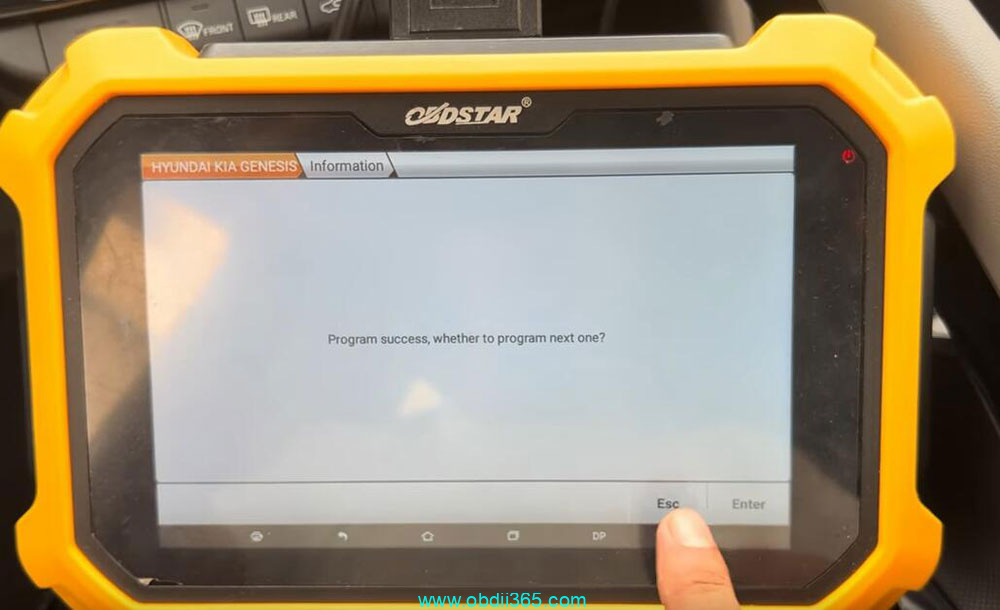
    Repeat and program 1st key successfully.
    OBDSTAR Program 2022 Hyundai Elantra Proximity Smart Key14

    Put the 2nd key to the Start/Stop button to program until completed.

    Done.

    Rate this article (0)