Repair BMW FRM3 by Launch X431 IMMO Plus X-prog3
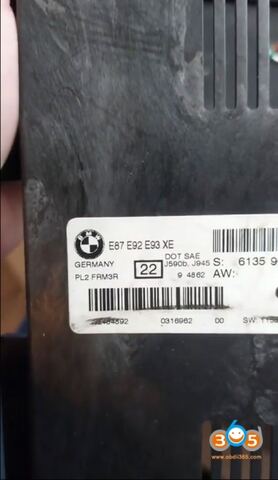
We will show you how to repair the BMW FRM3 (Footwell) module using Launch X431 IMMO Plus and the X-prog3 programmer. Launch IMMO PLUS now supports one-click repair of FRM modules.
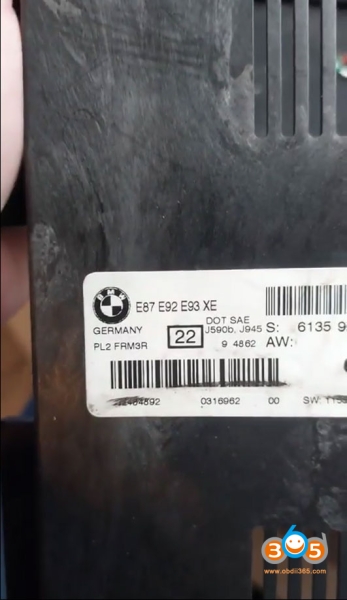
For example, it is a FRM3R module (9S12XEQ384 3M25J) out of a BMW E87/E92/E93.
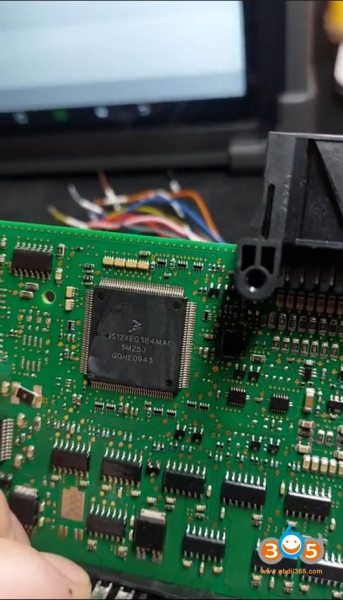
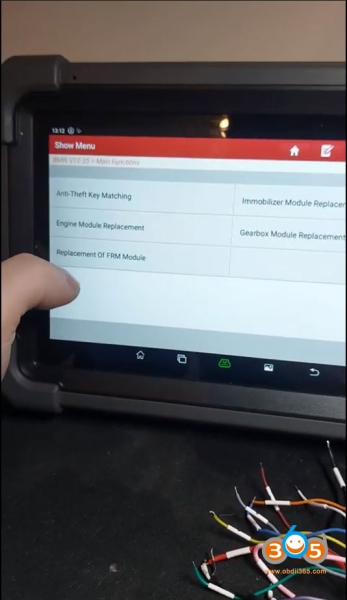
Go to IMMO function- BMW- Replacement of FRM Module-XET384
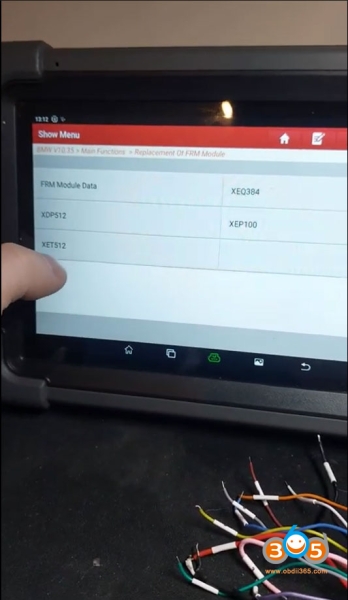
Display Wiring Diagram.
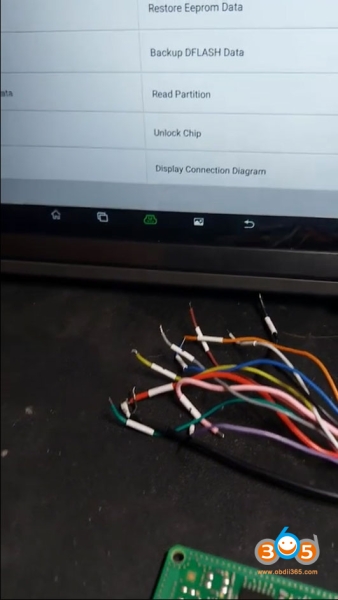
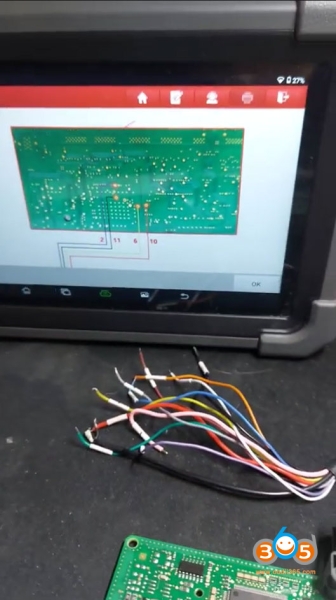

Make sure that you connect everything.
Solder the cables and connect to the Launch X431 immo plus X-prog3 programmer.
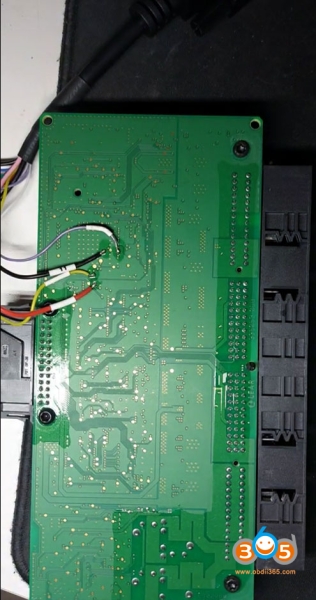
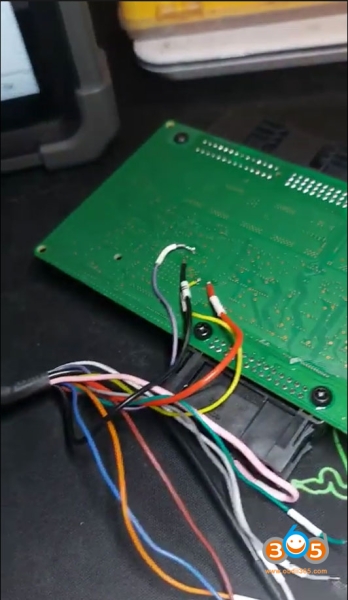
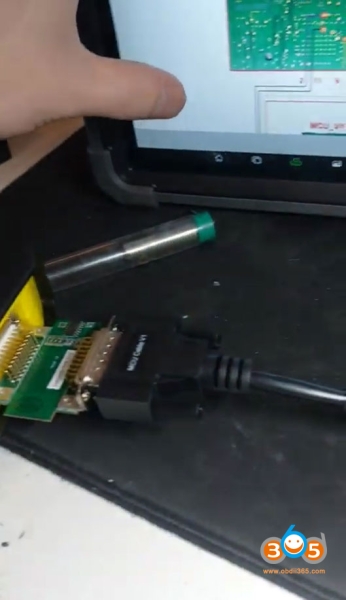
What we doing next is reading the chip ID.
Read ID successfully.
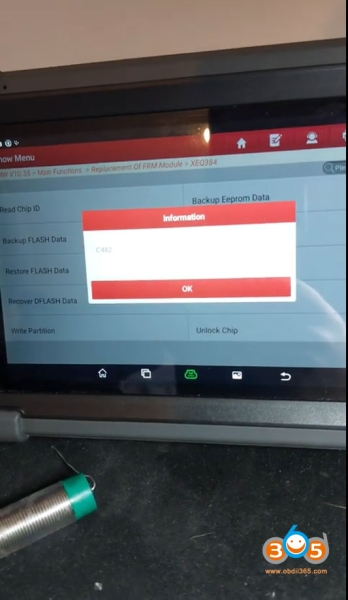
Normally on FRM module because of the low or bad battery voltage, it lost the eeprom data.
Let’s see if everything is fine with the eeprom data.
Hit Backup EEPROM data.
You can see the partition is zero what means there is nothing on the eeprom and it’s corrupted.

There is a “Repair” function. Press the Repair.
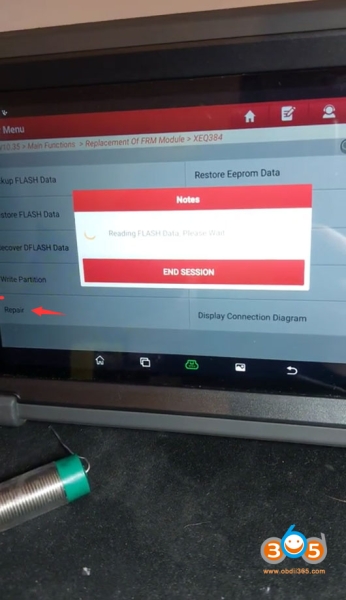
It’s going to read the Flash data and make new eeprom files.
Repair is successful.
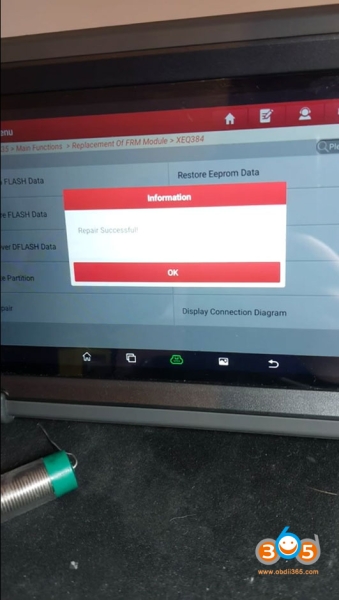
Now we can see we have data on the eeprom.

So it is sorted. The FRM3 module is going to work.