Autel IM608 Adds Nissan NOTE E-13 2022 Smart Key with APB131
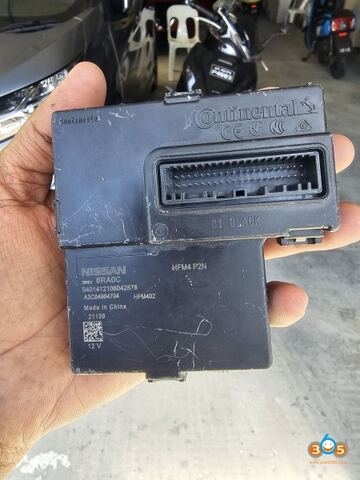
How to program Nissan NOTE E-13 2022 smart key using Autel IM608 and Autel apb131 adapter.
Step 1: Read PIN via Dump
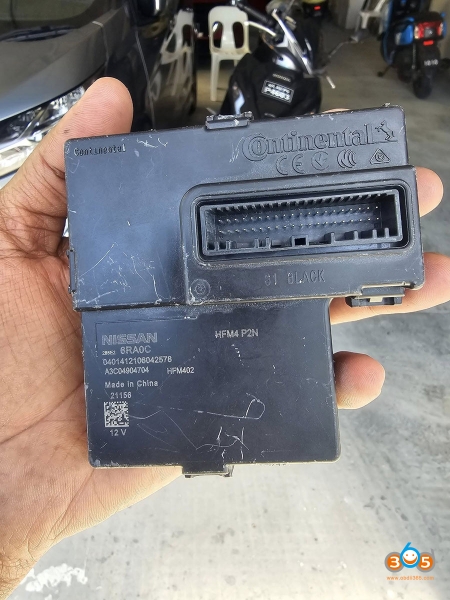
Remove HFM module from vehicle.
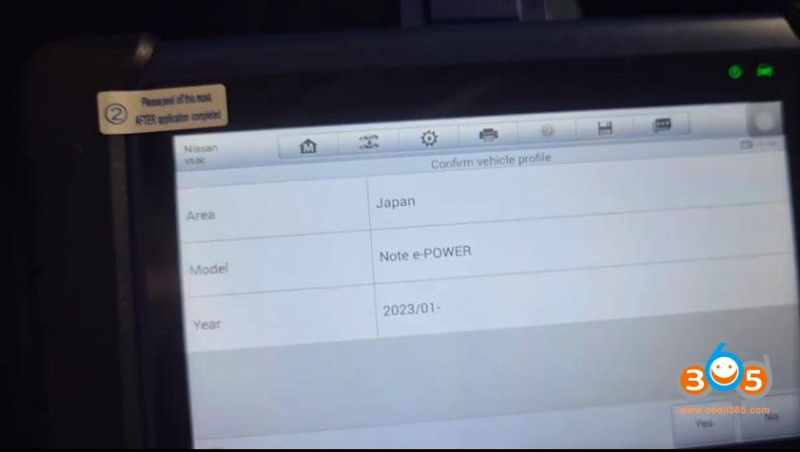
Go to IMMO function, select Nissan NOTE e-Power-> 2023.01 onwards-> Control Module-Immobilizer system.
Turn on the hazard warning light.
Open and close the driver door once.
Turn on the ignition. If the ignition cannot turn on, press OK to continue.
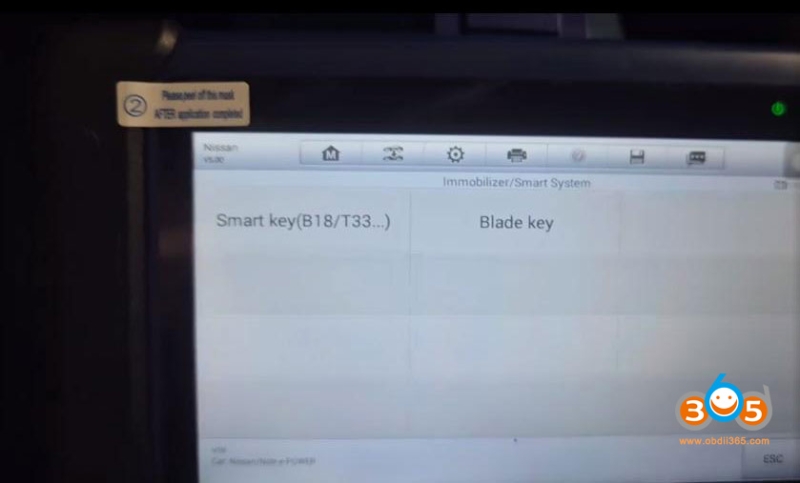
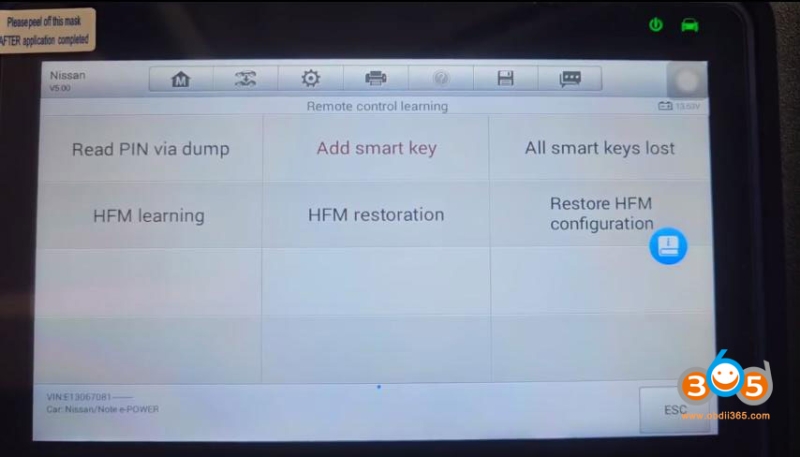
Select Smart key (B18/T33…)- Remote Control learning->Read PIN via Dump
IM608 will show you wiring diagram of HFM to apb131. Connect HFM module with apb131 and xp400 pro.
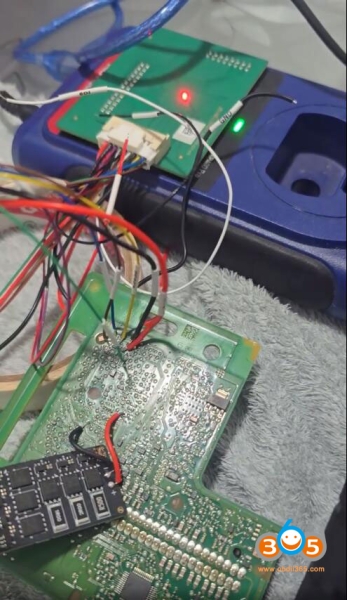
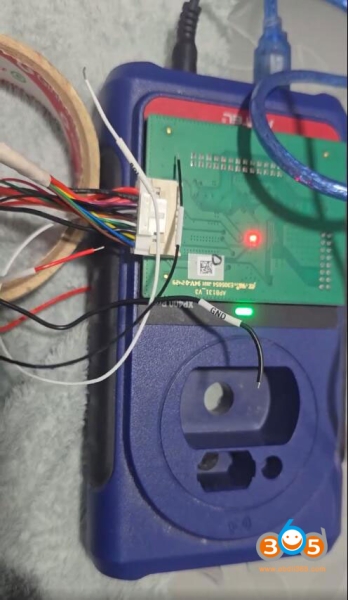
Reading data and save.
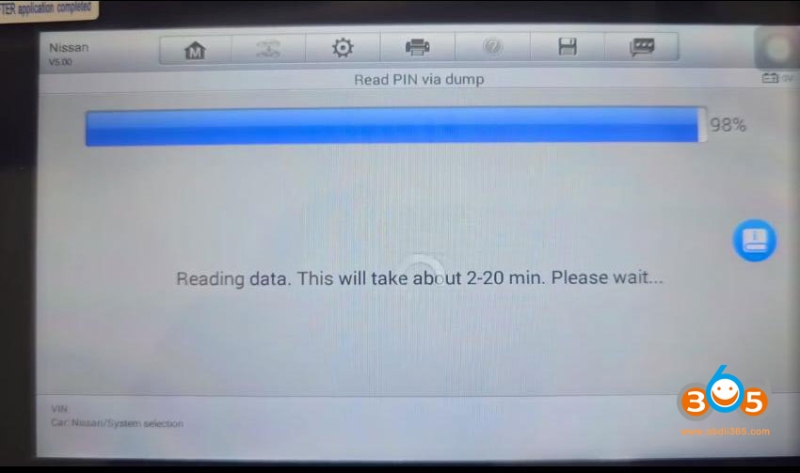
It will read pin from dump.
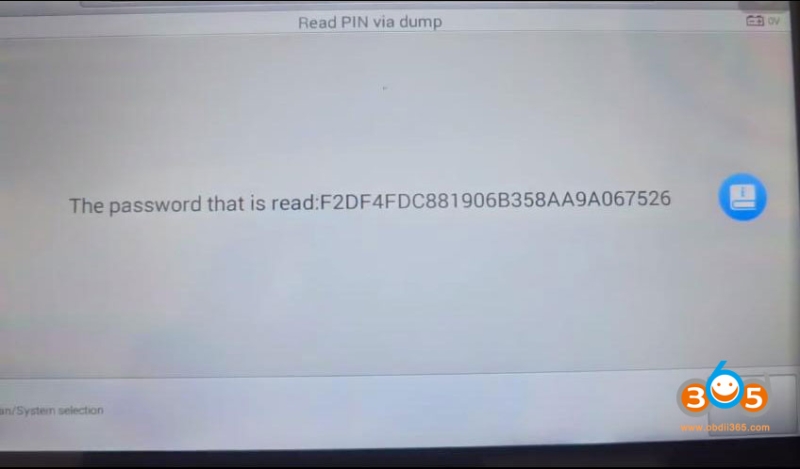
Disconnect wiring. Reinstall HFM module back to vehicle.
Step 2: Add smart key
In Autel IM608, select Add smart key function.
Enter VIN and confirm.
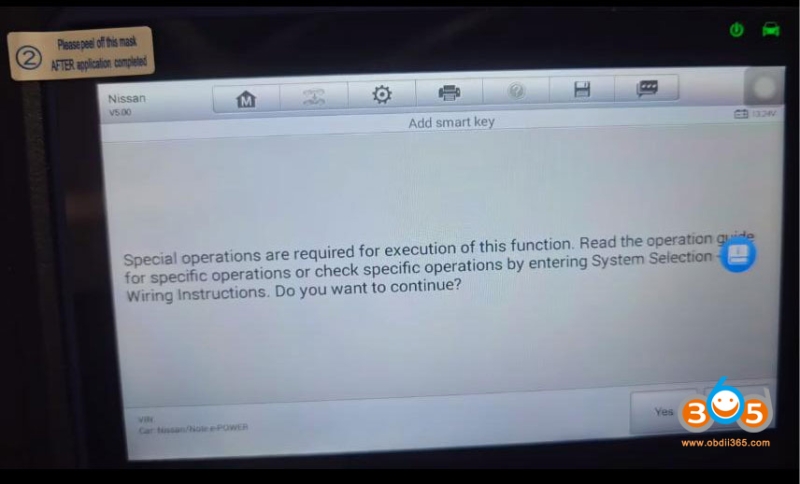
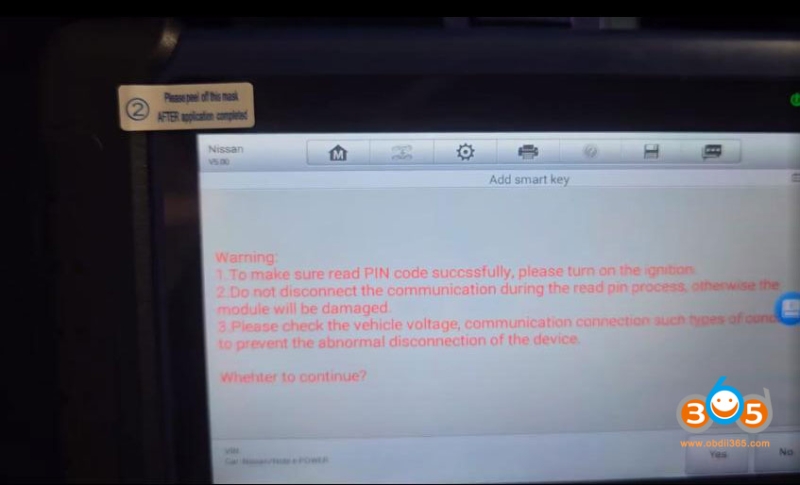
Sure sure you read the PIN code successfully. Turn on ignition.
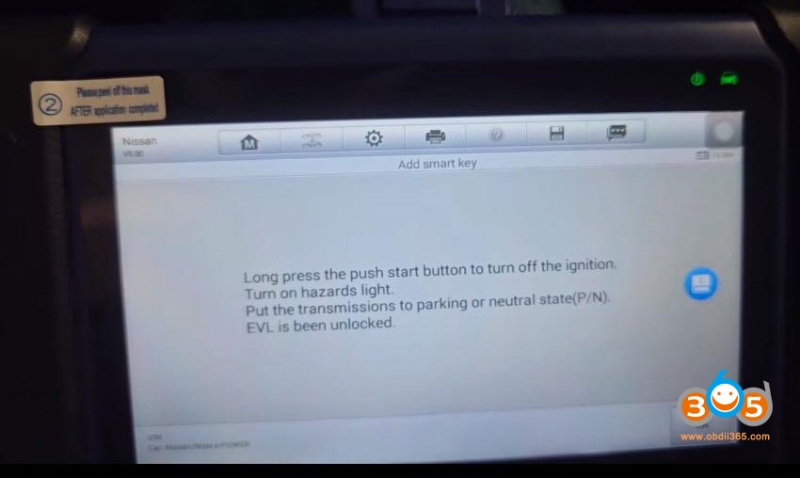
Long press the push start button to turn off the ignition.
Turn on hazards light.
Put the transmissions to parking or neutral state (P/N). EVL is been unlocked.
Start to read key ID.
Place the 1st smart key on the ignition switch and put the key tag side on the switch.
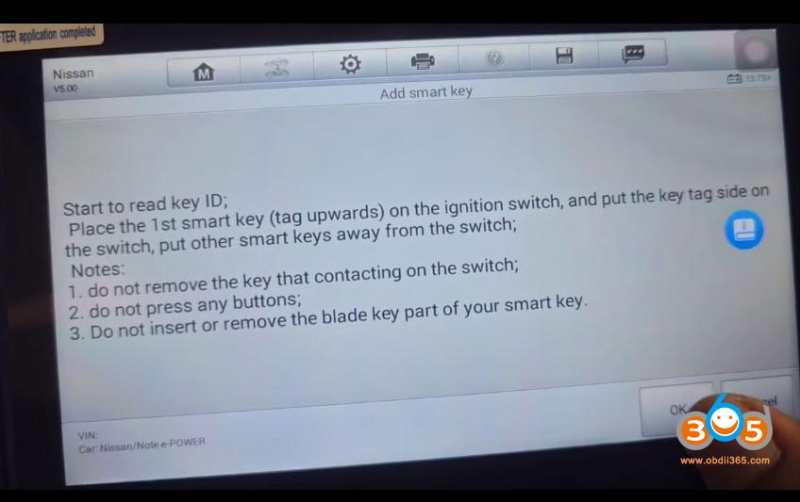
Read key information.
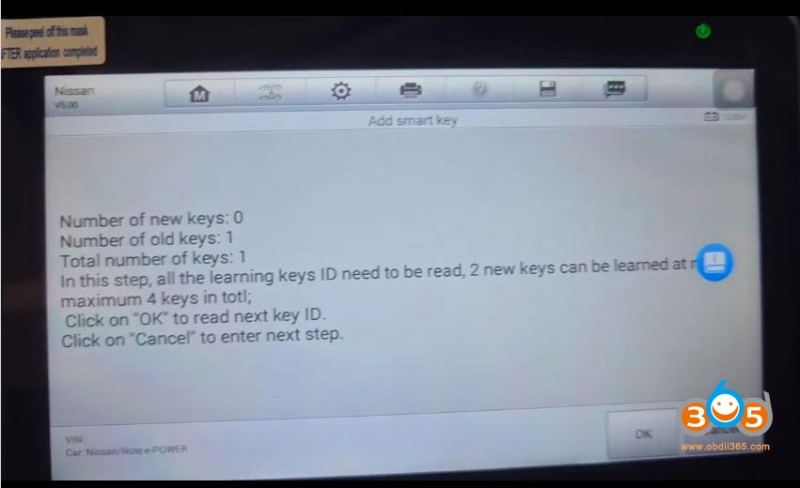
Place the 2nd smart key on the ignition switch and put the key tag side on the switch.
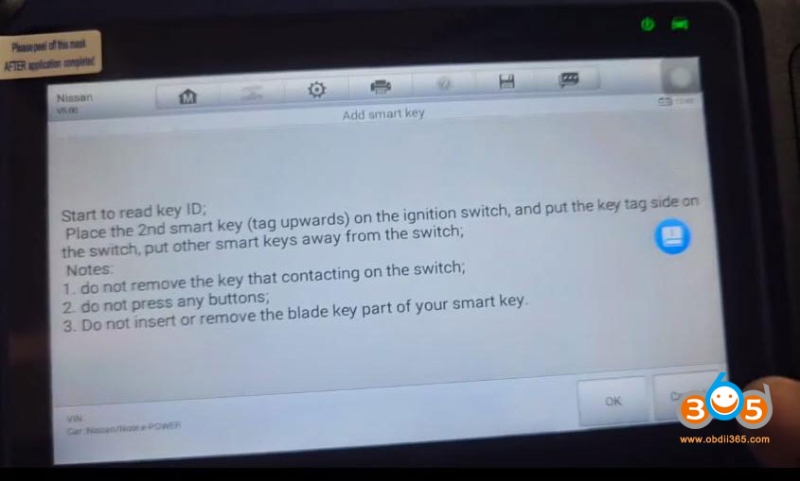
Then program 1st key.
Learn key successfully.
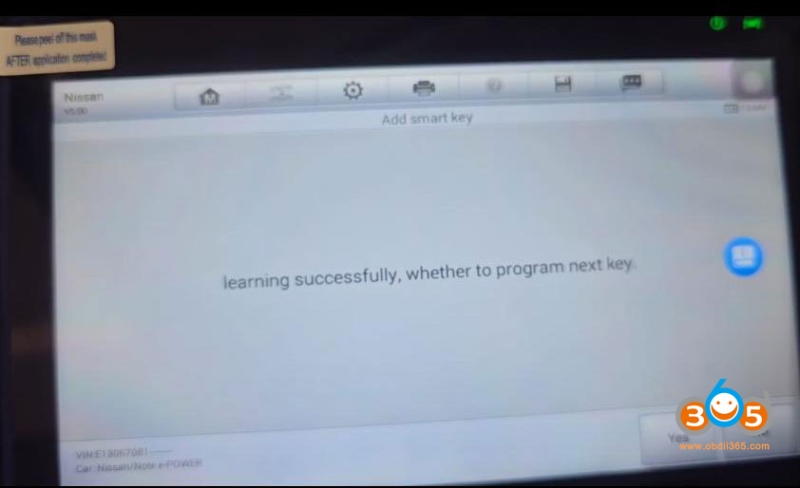
Hit Yes to program next key.
Program 2 keys successfully.
Press the lock and unlock button of smart keys one by one to check whether the remotes are normal.
Put each smart key inside the vehicle to try to start the car.
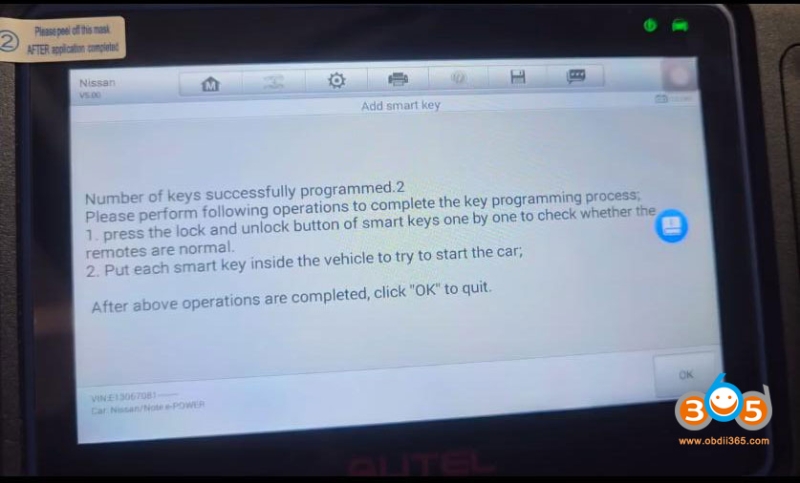
Done.
Read also: