Read BMW MEV17.2.2 DME ISN Code with Yanhua ACDP
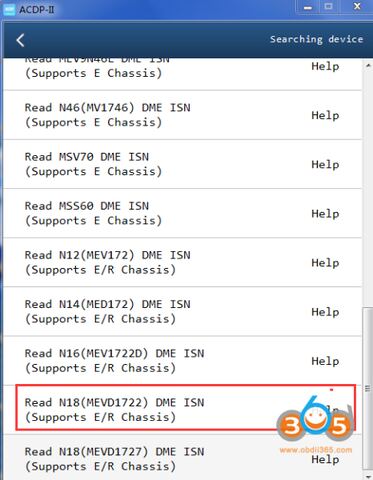
Possible to read BMW MEV17.2.2 DME ISN code for key programming using Yanhua ACDP? reading by bench or adapter?
Yes, it is possible to read MEV17.2.2 DME ISN code with module 3 adapter.
In BMW DME ISN function, select Read N18 (MEVD1722) DME ISN function.
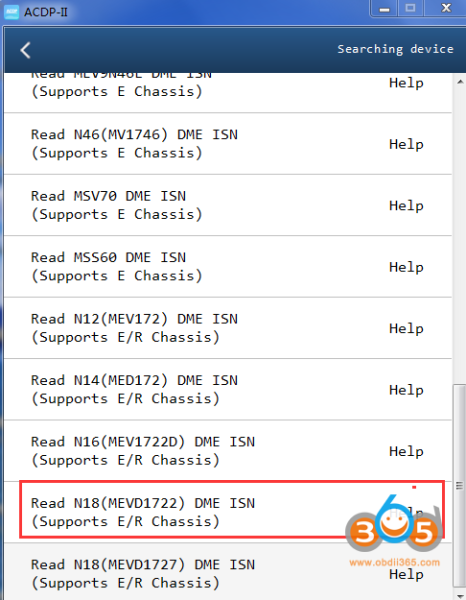
Check the connection diagram.
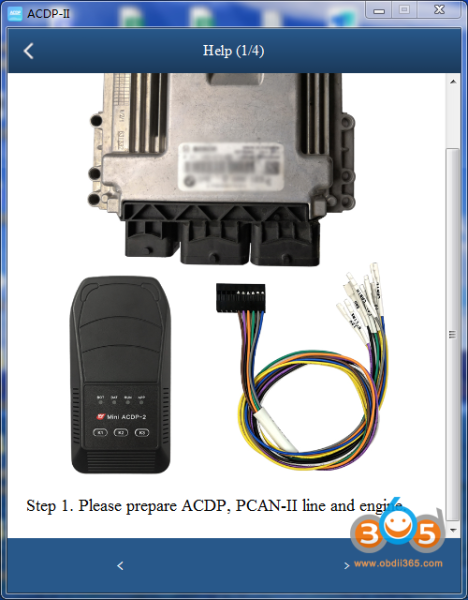
Step 1: Prepare ACDP, PCAN-II cable and DME.
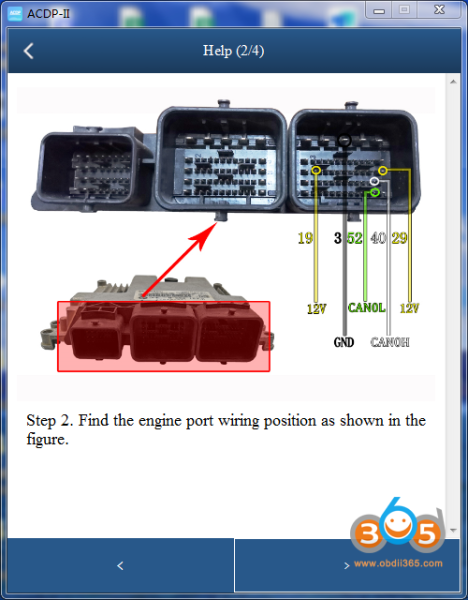
Step 2: Check connection pinout.
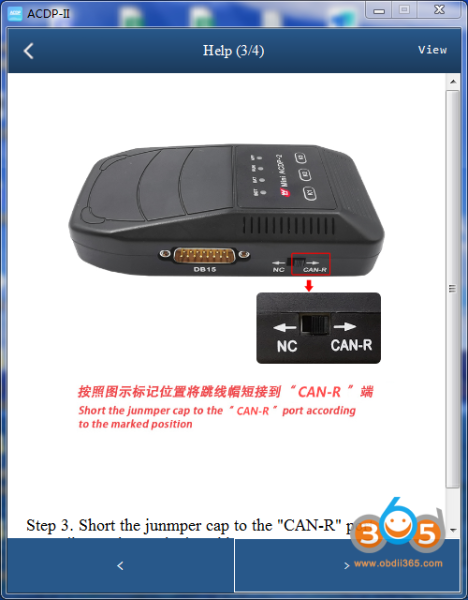
Step 3: Short the jumper cap to the “CAN-R” position.
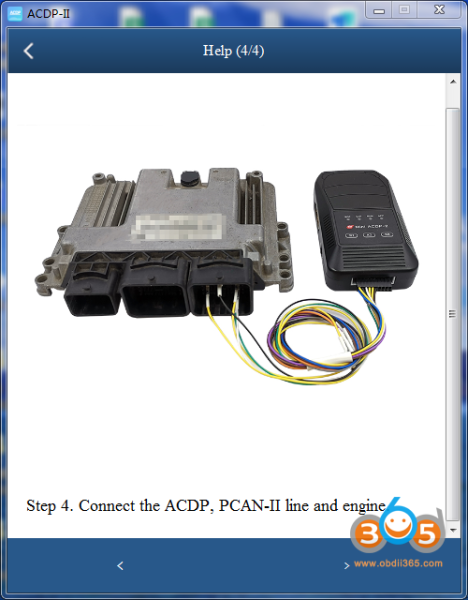
Step 4: Connect the ACDP, PCAN-II cable and DME.
Then read DME ISN code.
Xhorse key tool plus also pulls ISN code every time.