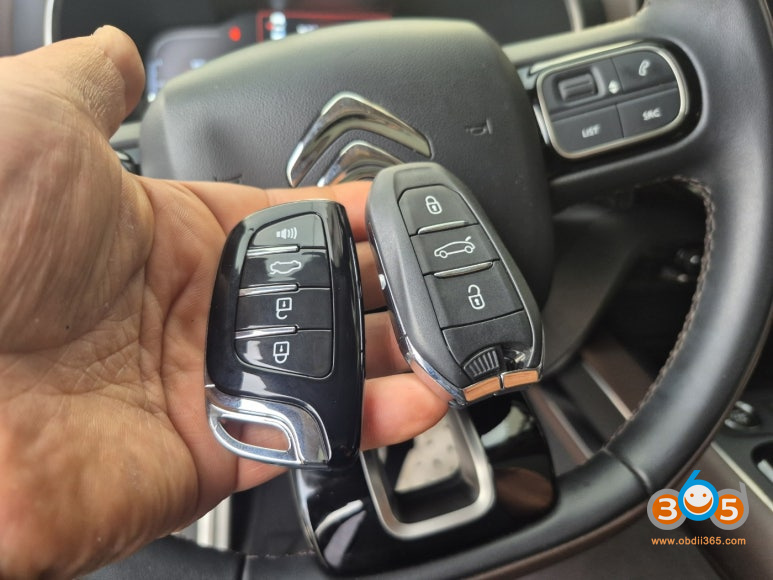
Autel IM508 Adds 2019 Citroen C5 Smart Key via OBD
How to add a spare smart key for a 2019 Citroen C5 using Autel IM508?
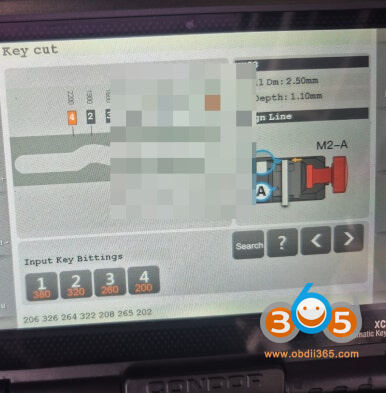
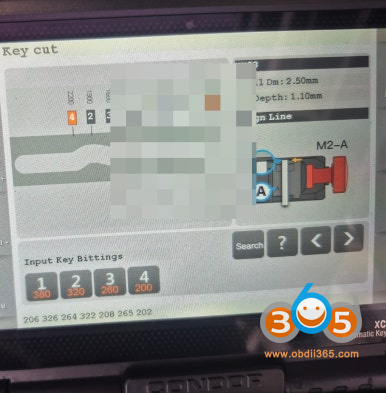
First, create a key-type emergency key inside the smart key.
Turn the car door to make sure it opens and locks properly.
The key system is made of HU83 key blade and 7 bit.
You can open the car door by turning it towards the left bonnet.
The emergency key I made works smoothly on both the left and right.
Now, to register the new smart key you have prepared, connect Autel IM508 device to your vehicle’s OBD.
Connect the programmer to start communicating with the vehicle.

Autel will read 4-digit pin code.
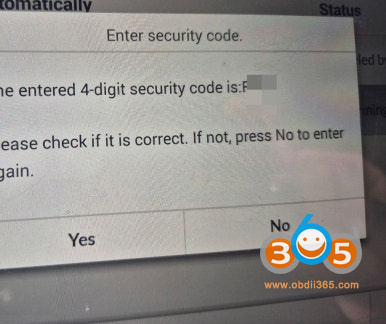
You must enter the information correctly to proceed to the next item.
The slot location is a groove on the left side of the handle, so when registering the key.
You will need to register the key by contacting this section.
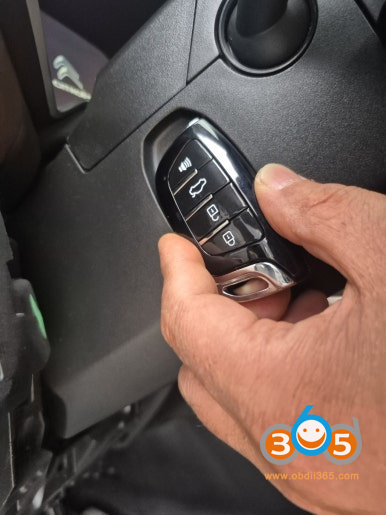
Even if the smart key battery is discharged, if you place the key in the car and press the start button as shown in the photo.
You will be able to start it.
If both the original key you currently have and the newly registered key are registered.
The number of registered keys is displayed on the scanner screen.
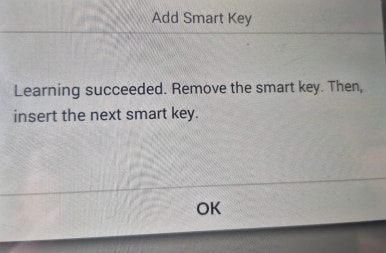
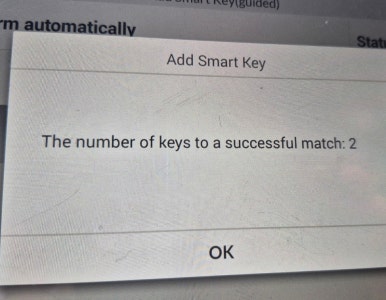
Add a smart key successfully
Both the original key and the additional key start the car normally.
We also test each remote control to see if it works properly.