Lonsdor K518 Pro Adds 2023 Lexus LX600 Smart Key with 30 PIN Cable
Here we willl show you how to add a new smart key to a 2023 Lexus LX600 using the Lonsdor K518 key programmer. Whether you’re a professional locksmith or doing it yourself, this method is quick, reliable, and works seamlessly with the Lonsdor devices.
Tools Used:
– Lonsdor K518 Pro/ K518ISE
– Lonsdor FP30 Toyota 30 pin bypass cable
– OEM Smart Key (New or Unused)
Step-by-Step Guide to Adding a Smart Key
1. Prepare Your Vehicle
-
Ensure your Lexus LX600 is parked in a safe location.
-
Have both the original smart key and the new smart key ready.
2. Access the Smart Key Menu
-
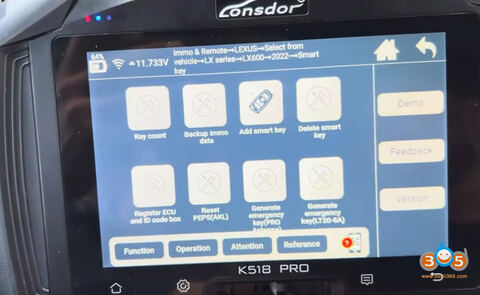
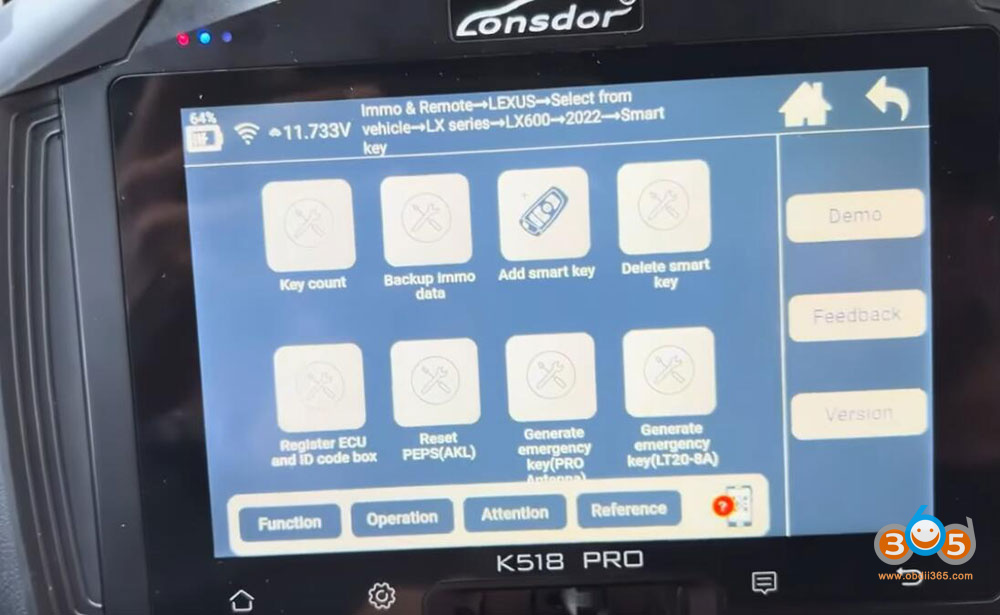
Go to IMMO & Remote- Lexus- Select from vehicle- LX series- LX600- 2022 onwards (include 2023 and 2024 models)- Smart Key
3. Check Existing Keys
-
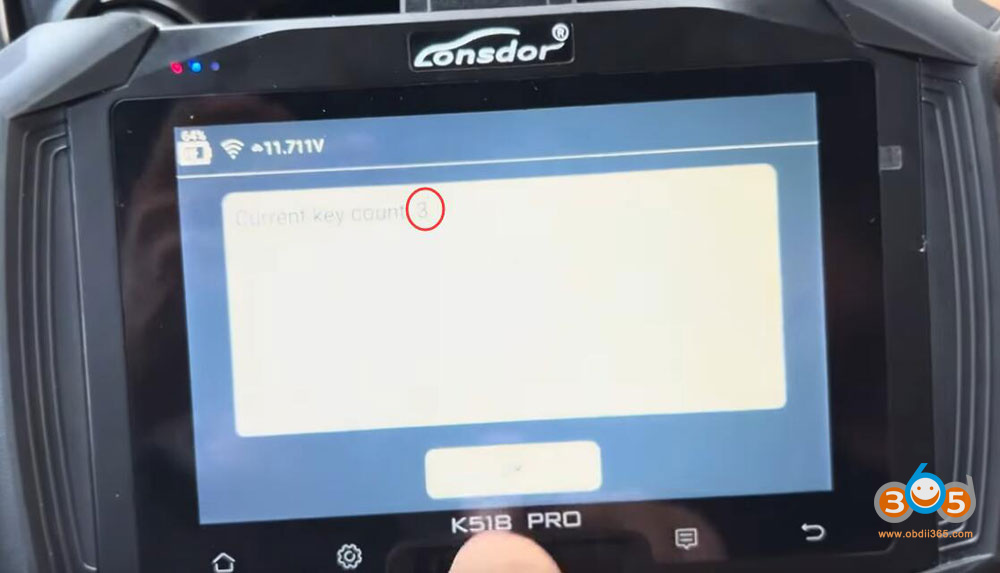
The system will display the number of smart keys currently programmed to your vehicle. In this case, there were three keys registered.
-
Confirm the count before proceeding.
4. Initiate Key Programming
-
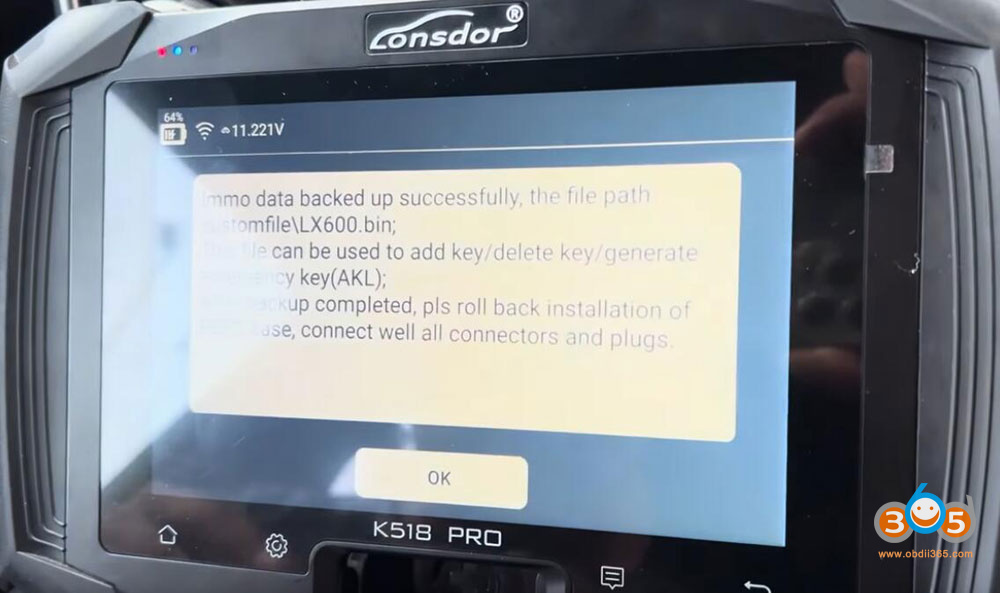
Select the “Back up IMMO Data” option from the menu.
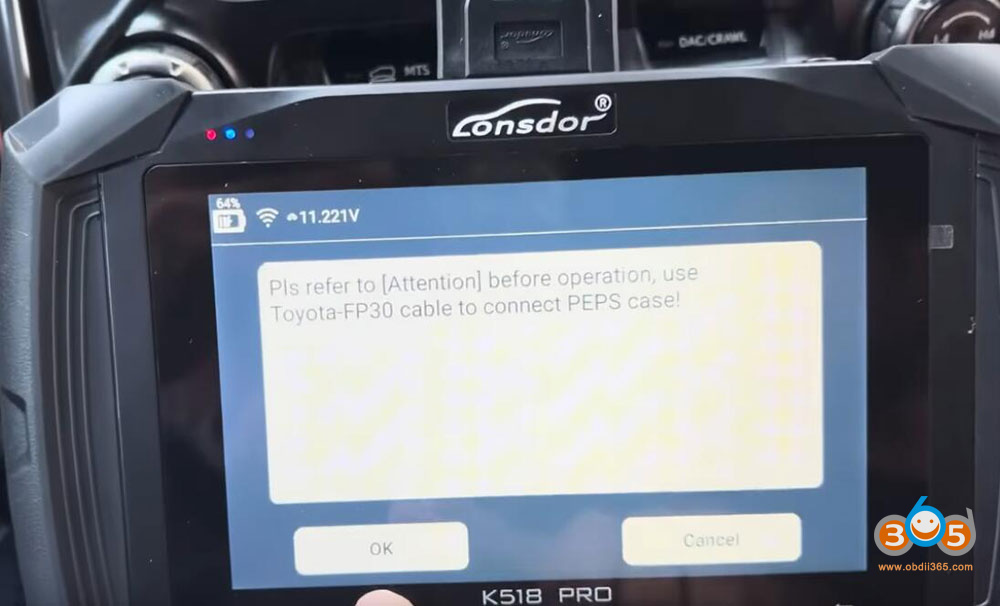
- Londsor will ask to connect Toyota FP-30 cable to the PEPS box. Connect 30 pin cable with smart box.
-
Turn the ignition switch on (but do not start the engine).
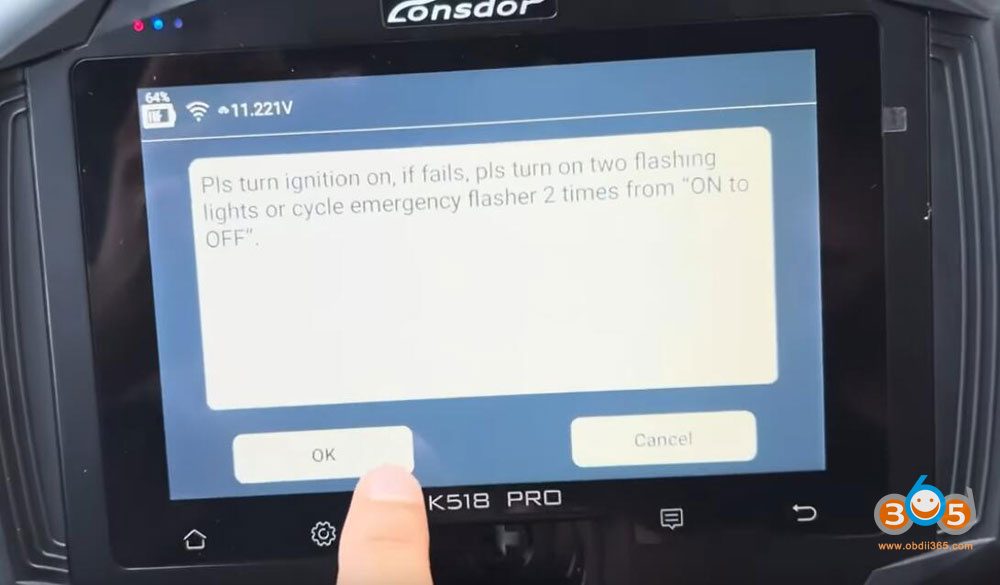
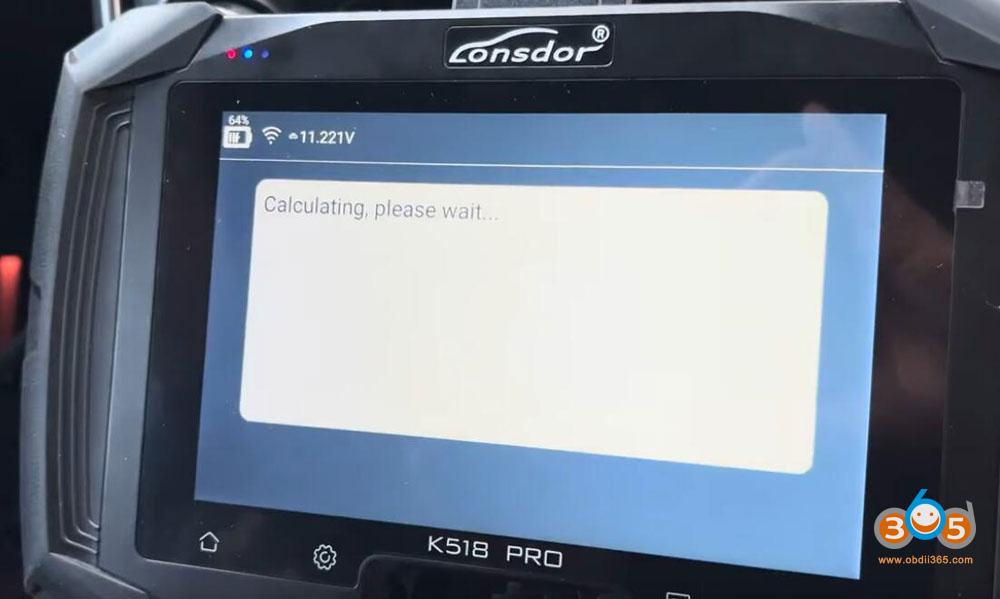
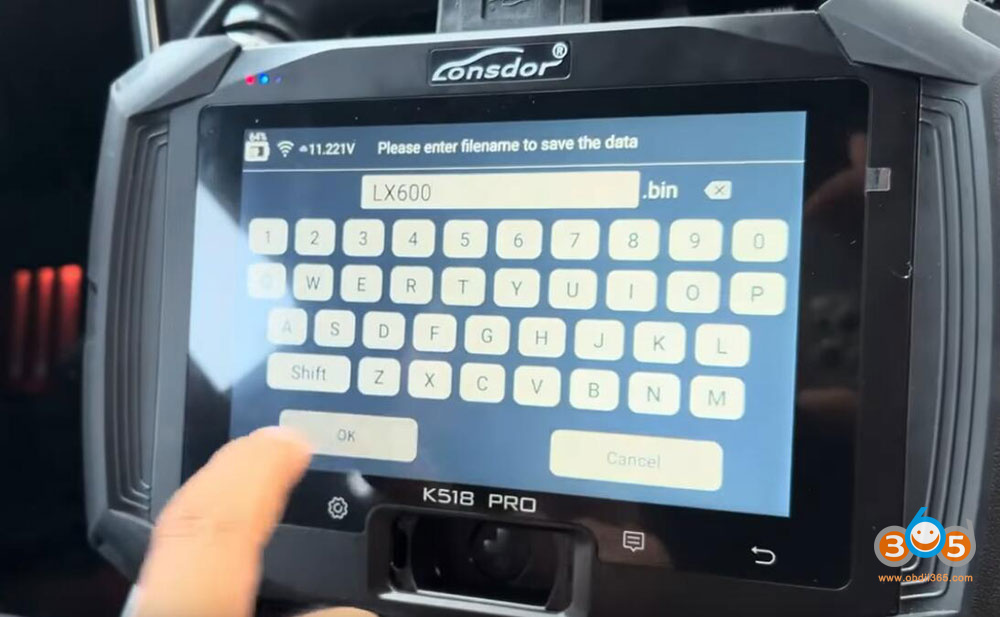
Save eeprom data.
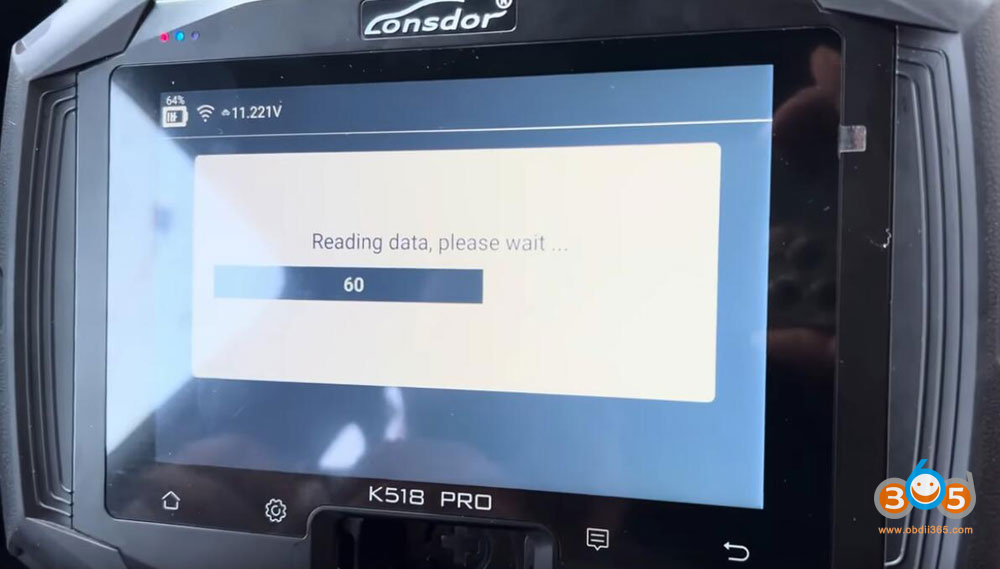
Back up immo data successfully.
5. Register the New Key
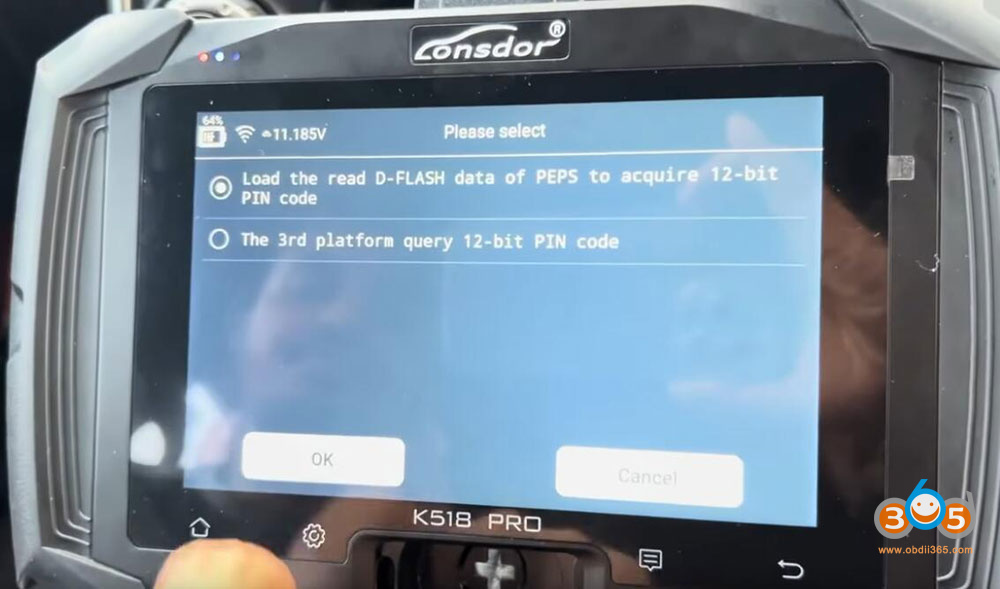
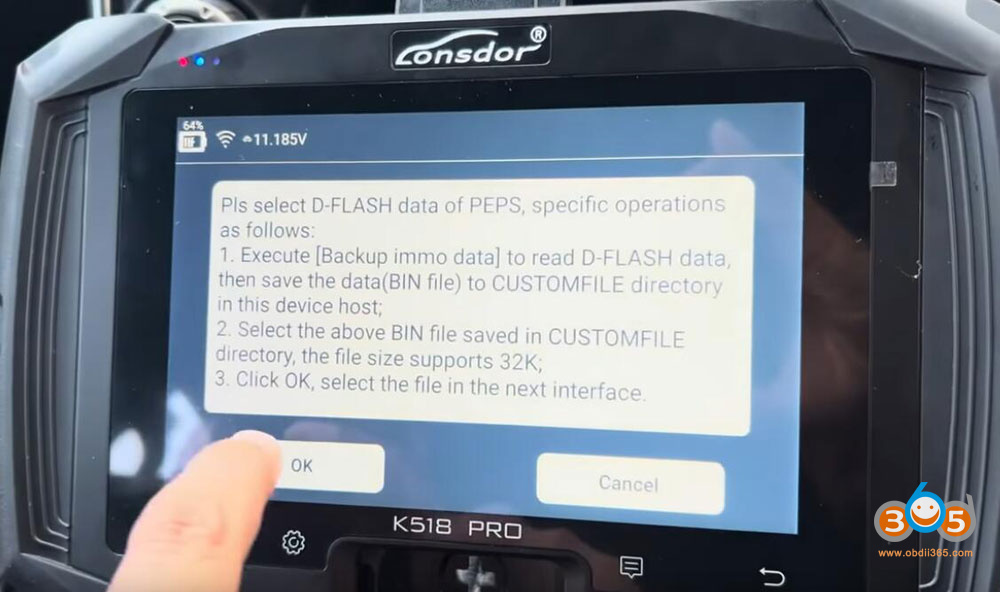
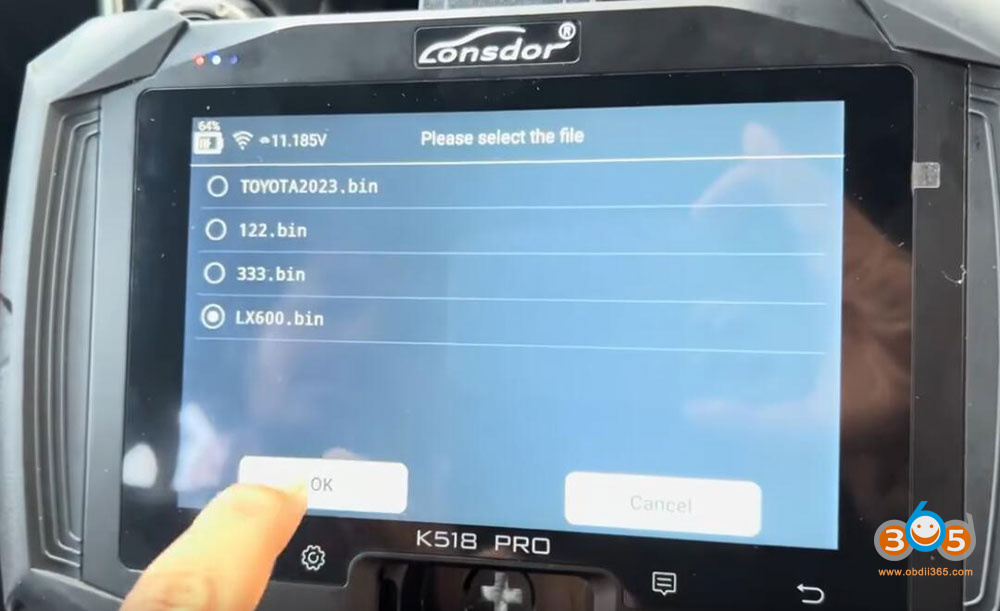
- Select the “Add Smart Key” option from the menu.
- Select load the D-FLASH data of PEPS to obtain 12-digit pin code.
-
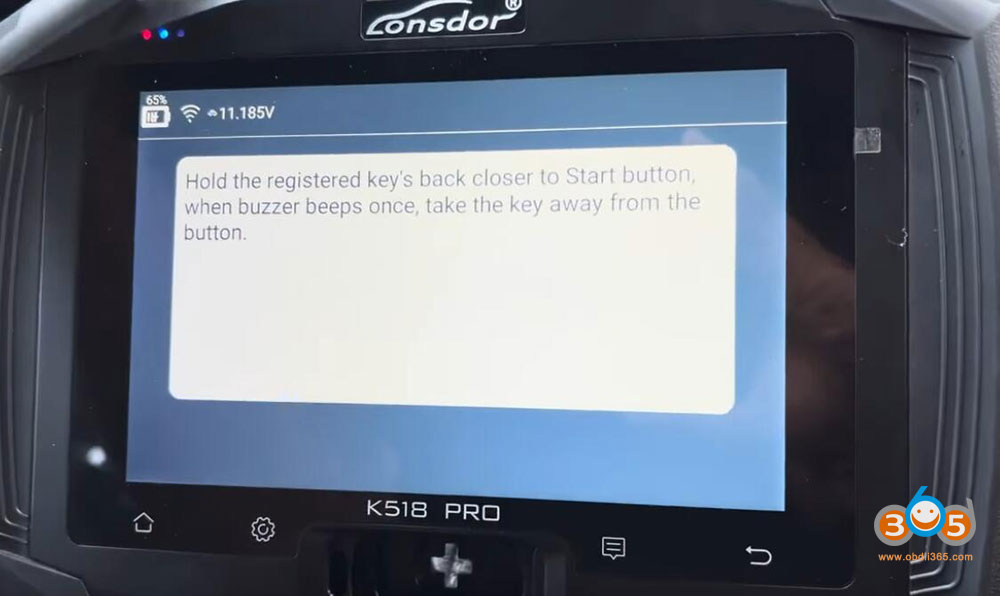
Place the original smart key near the ignition or designated key recognition area (usually near the center console).
-
Wait for the system to recognize it.
-
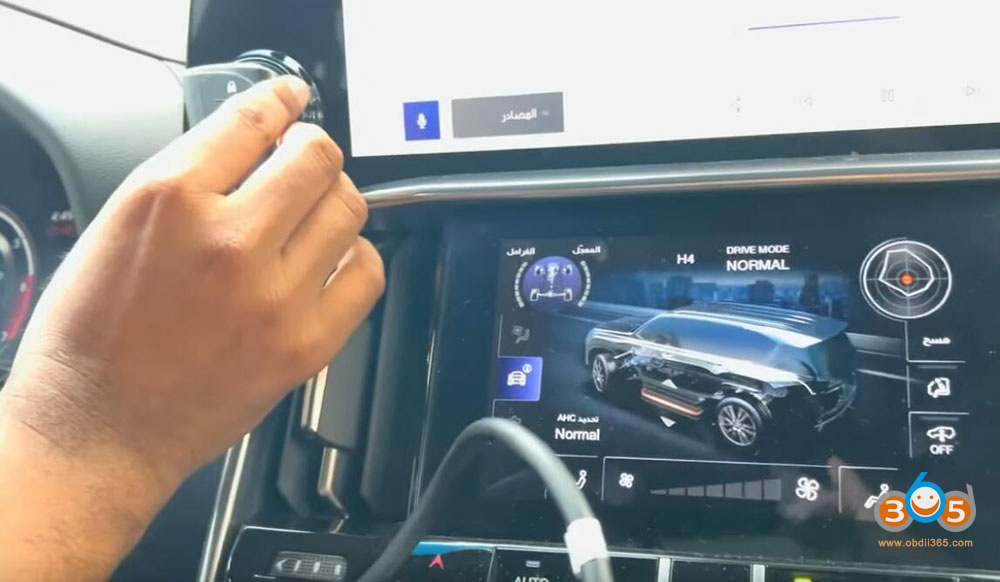
Next, place the new smart key in the same spot.
-
You’ll hear a double beep, indicating the key has been successfully programmed.
6. Verify the Key Count
-
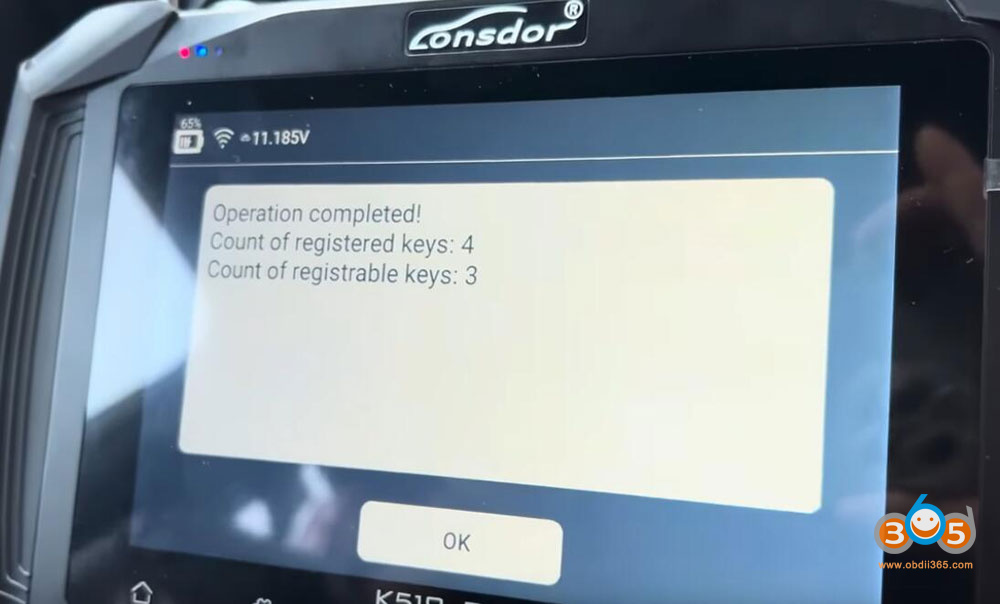
The system will now show four keys registered (up from the original three).
-
Press “OK” to confirm.
7. Test the New Key
-
Turn the ignition off and test both keys:
-
Original key: Check if it locks/unlocks the doors and starts the car.
-
New key: Ensure it works for both remote functions and ignition.
-
If everything works, congratulations! You’ve successfully added a new smart key to your Lexus LX600.
Read also:
Londsor K518 Pro Program Land Cruiser 2022-2024 All Smart Keys Lost with FP30 Cable