How change VAG MQB49 5C 5D Key ID to match original system in Keydiy KD-X4? This is a frequently asked questions of Keydiy MQB49 function.
Here is the clue.
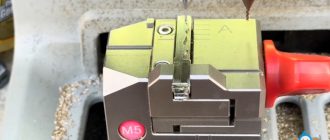
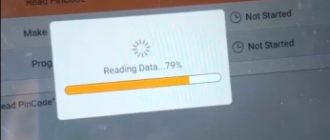
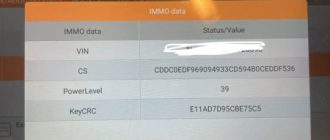
First of all, need to disassemble and read original key data, then generate a service code.
Keydiy will display two key IDs. Place original key into the KD-X4 induction coil, it will display key ID and check which ID between these two is the original key ID.
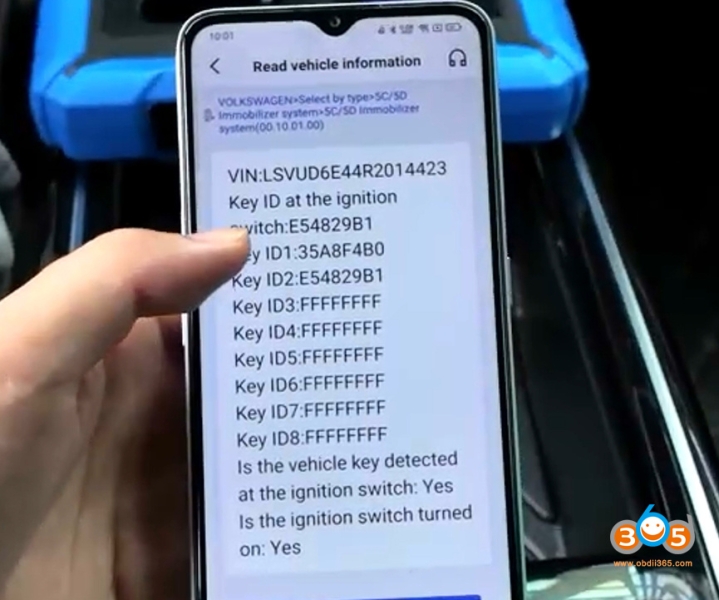
We can write the ID of the original factory key onto the key to be matched.
After programming the dealer key, we will write this ID to it.
NOTE: Only Keydiy remote allows modification of ID.
Select the Service code- choose FGB remote and generate dealer key.
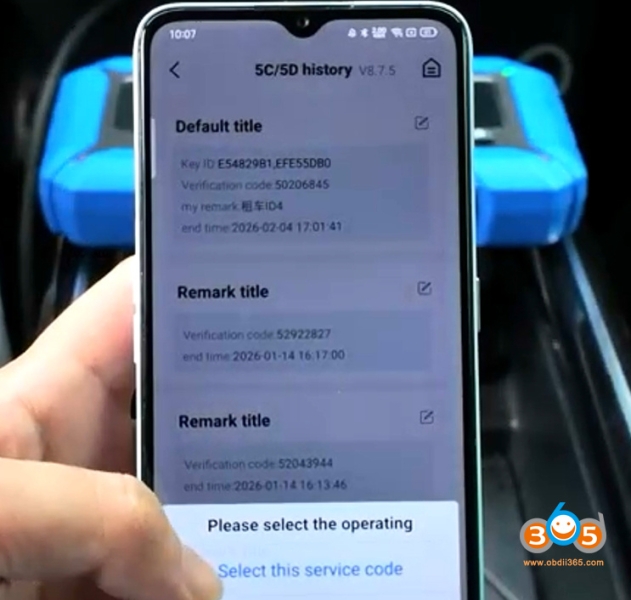
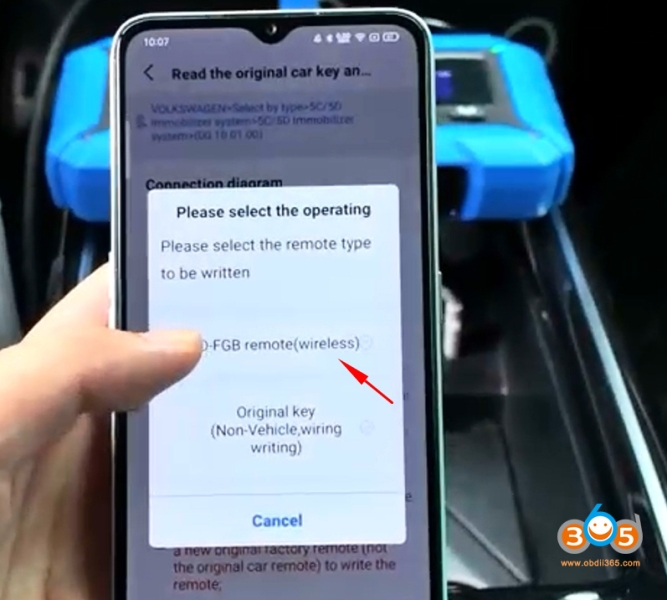
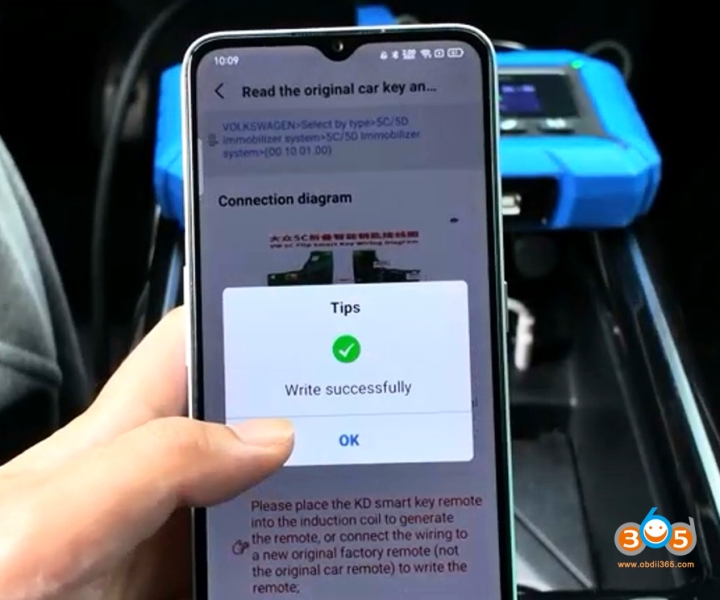
Select Chip function- Automation detection clone.
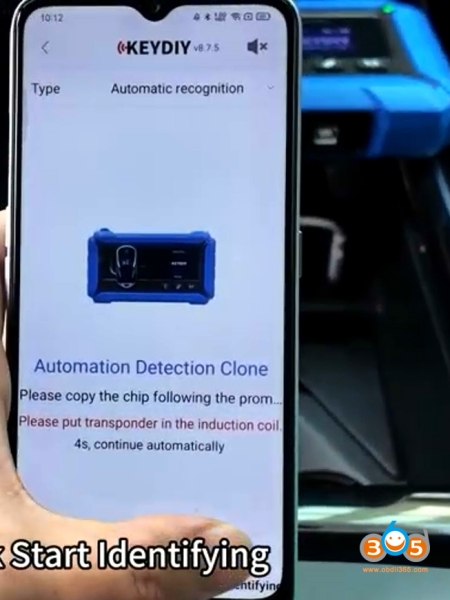
Place the Keydiy FGB remote to the KD-X4 induction coil.
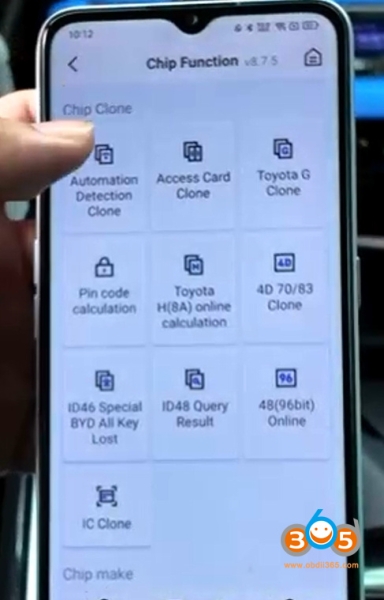
Hit Start identifying.
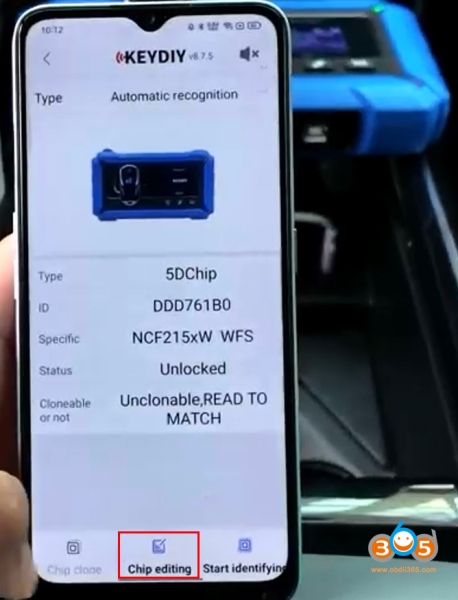
It will read chip type and ID. Hit Chip editing.
Modify the ID to original key ID.
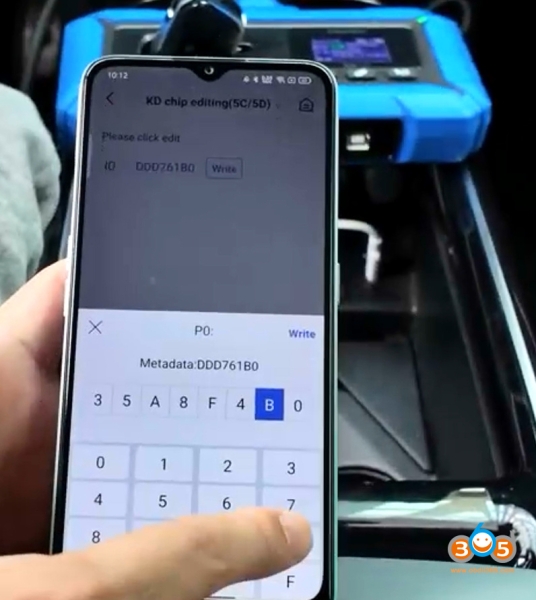
Write ID successfully.
Identify remote information again.
Now you can see key ID has been changed.
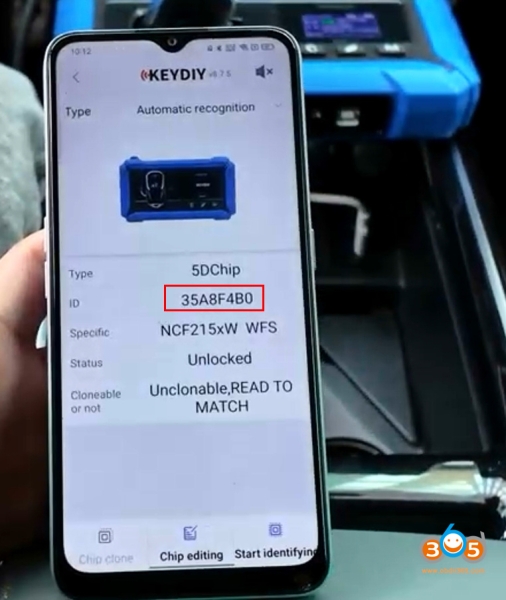
After changing key ID to match original system, then you start learning keys in car.
Read also: