Learn the latest updated method to read VAG PCR2.1 ECU immobilizer data using AUTEL IM508 after recent software updates.
We will explain the complete step-by-step process to safely read IMMO data from PCR2.1 ECU using bench mode and programmer (XP400 Pro).
The latest update from Autel has improved EEPROM/PFLASH read & write capabilities and IMMO data extraction, making advanced ECU work easier and faster for locksmiths and technicians.
New updates improved:
- Adds FLASH reading/writing, EEPROM reading/writing, IMMO data calculation, and EEPROM cloning data conversion functions (in bench mode) for Siemens/Continental series PCR2.1, SIMOS8.3x, SIMOS8.4x, SIMOS8.5x, SIMOS8.6x, SIMOS12.1, and SIMOS12.2 ECMs.
- IMMO data reading stability
- EEPROM & PFLASH operations
- More ECU compatibility
REQUIRED TOOLS
AUTEL MaxiIM IM508/IM608
XP400 Pro Programmer
ECU Bench Cable / Adapter (G-box3/G-box2)
Stable Power Supply
Laptop (optional for backup)
IM508 supports EEPROM/MCU read-write and IMMO ECU data access, especially when used with XP400 Pro.
STEP-BY-STEP PROCESS
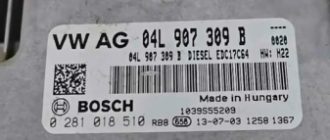
Remove PCR2.1 ECU from vehicle.
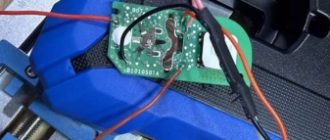
Open ECU carefully (heat + blade method).
Identify EEPROM / MCU (Common: TC1767 / TC1797).
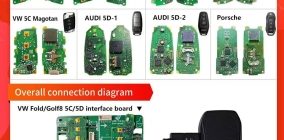
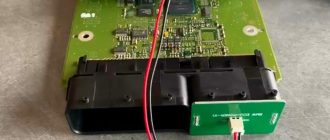
Connect using bench wiring or Gbox adapter.
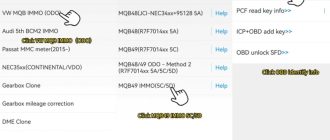
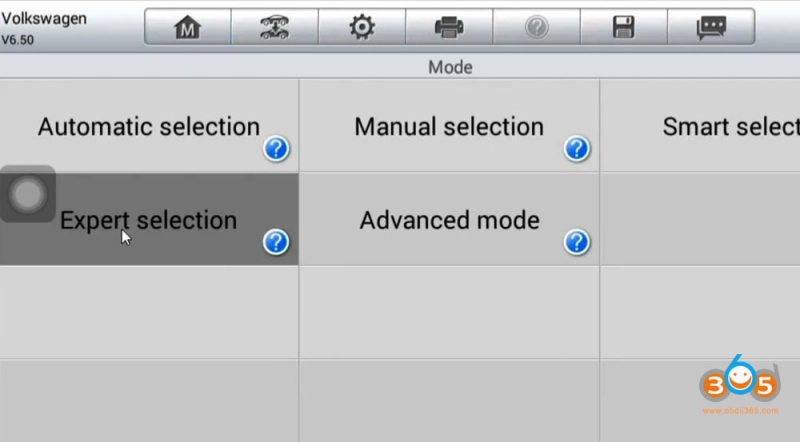
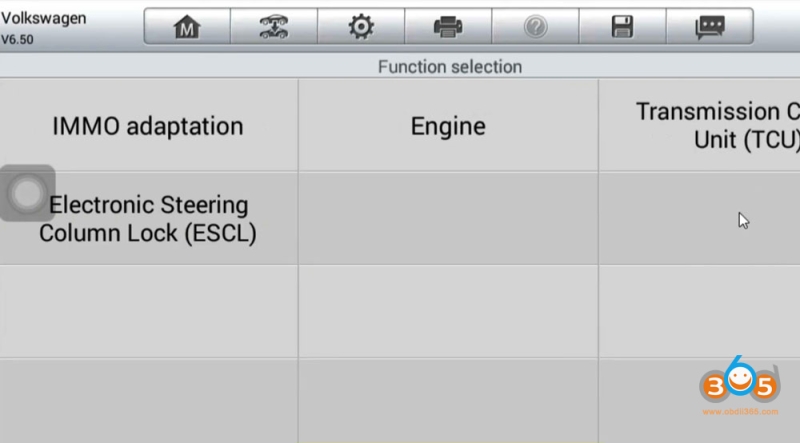
In IM508, go directly to Expert Selection.
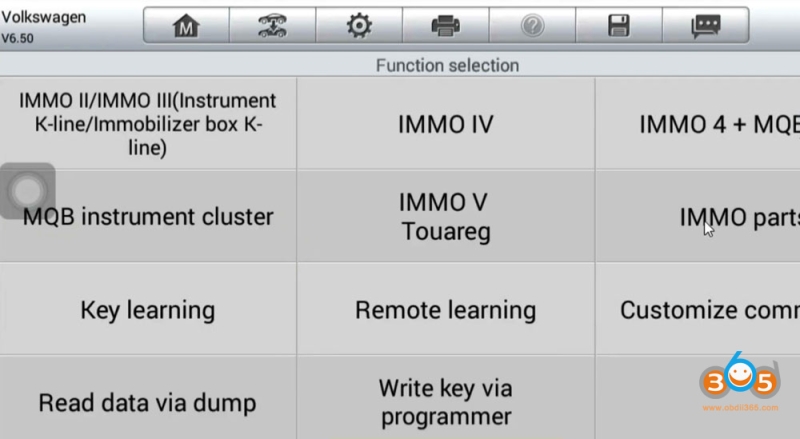
You will see there will be IMMO Parts, previously, it was Engine.
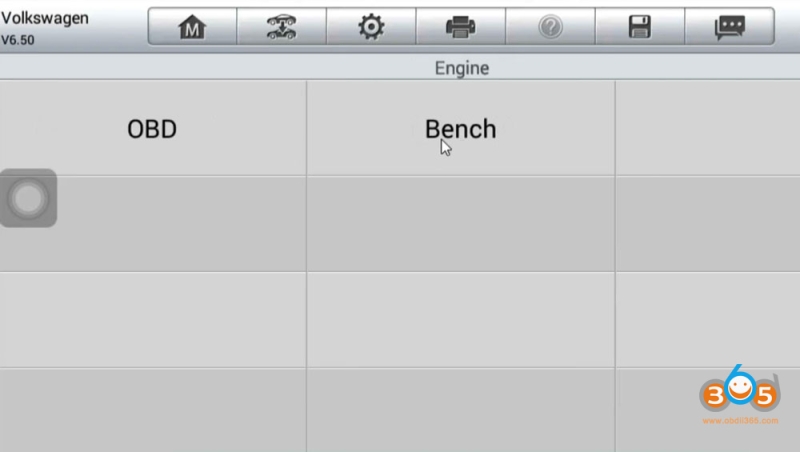
In IMMO Parts, select Engine.
Select Bench Mode. This is required for reading the PIN code on the PCR2.1 diesel white meter.
Select engine type: Bosch or Siemens/Continental.
Select Siemens/Continental.
Select ECU type (PCR2.1 / TC1766).
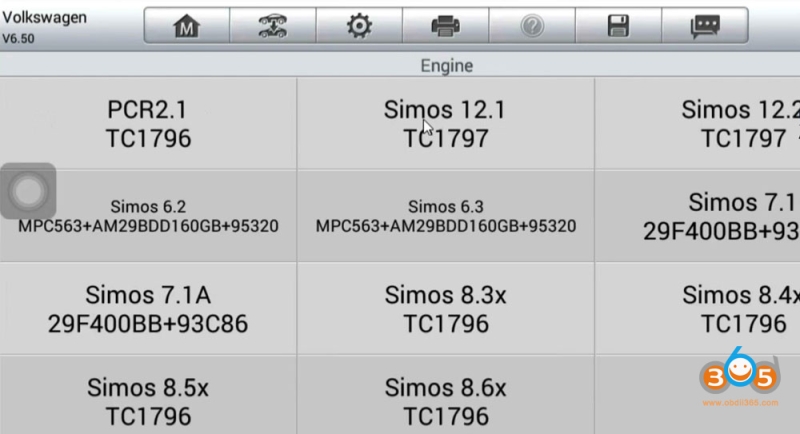
This method works with both GBOX2 and GBOX3 interfaces.
Check the bench wiring diagram.
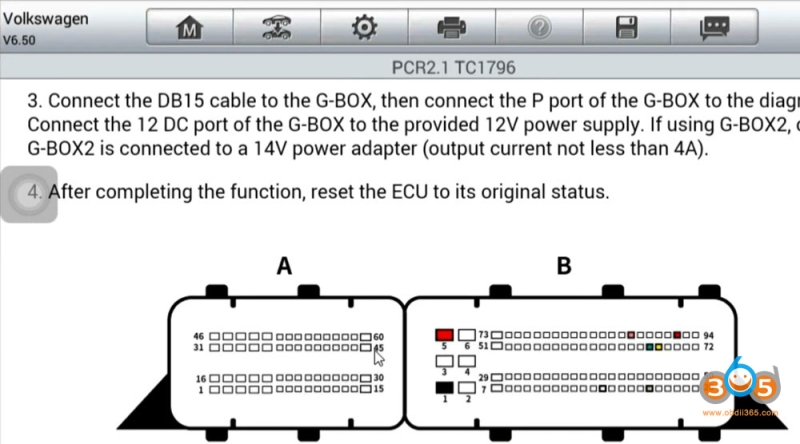
Choose Read EEPROM / Read FLASH.
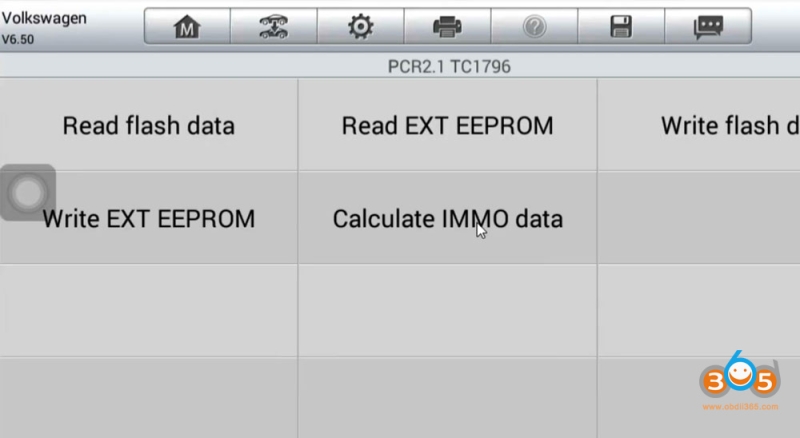
CS and PIN code will be found in Flash data. Flash data must be saved.
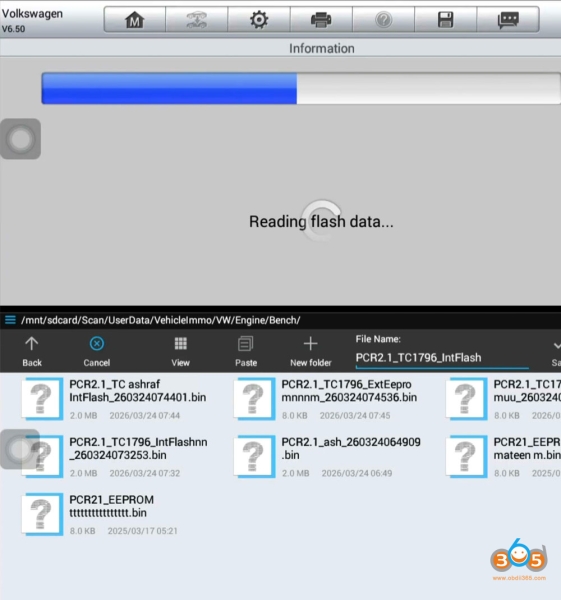
Then read and save EEPROM data.
Save original backup (VERY IMPORTANT ).
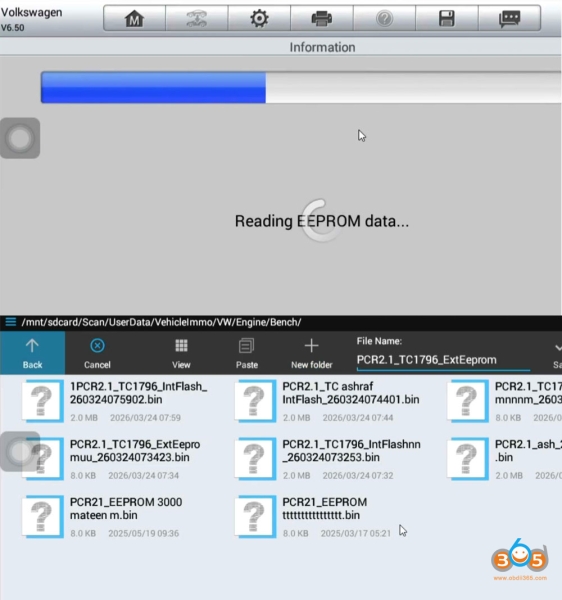
Select Calculate IMMO data.
Load the ExtEEPROM and IntFlash data of the same vehicle to extract IMMO data /CS/PIN from file.
Once both are loaded, click Decode.
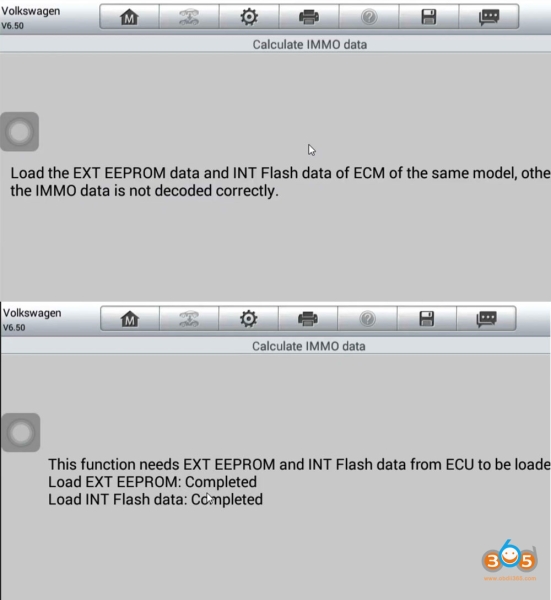
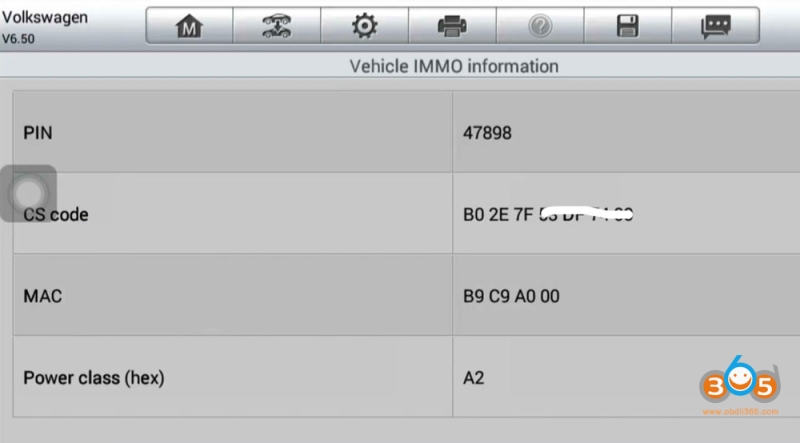
The system will process the data and display:
- PIN Code
- CS Code
- MAC ID
- Power Class
Take a photo or note down these details for use during programming.
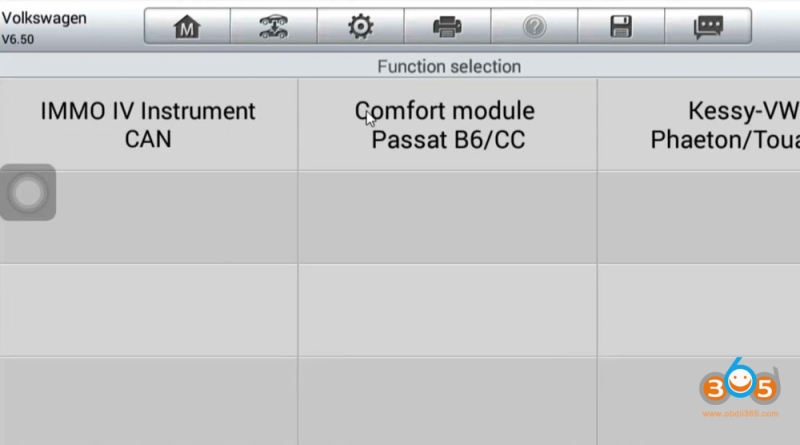
Go back to Expert Selection- IMMO IV- IMMO IV Instrument CAN.
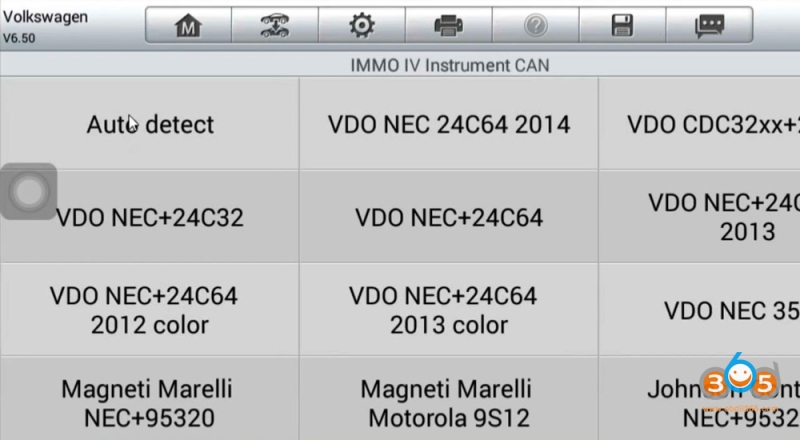
Select cluster type- VDO NEC35XX.
There will be All Key Lost via OBD mode option.
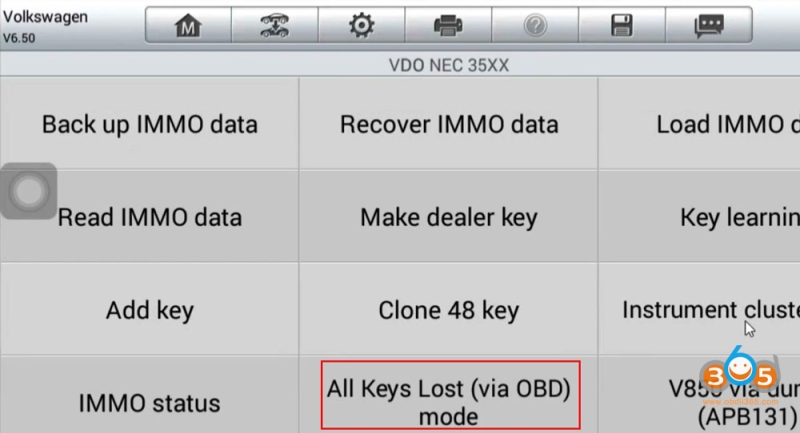
Here IMMO data will not be read.
What to do for this, do not Press Yes again.
Select No.
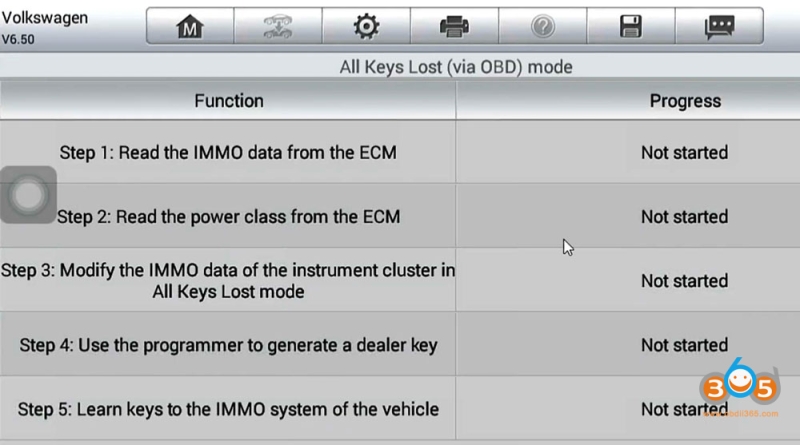
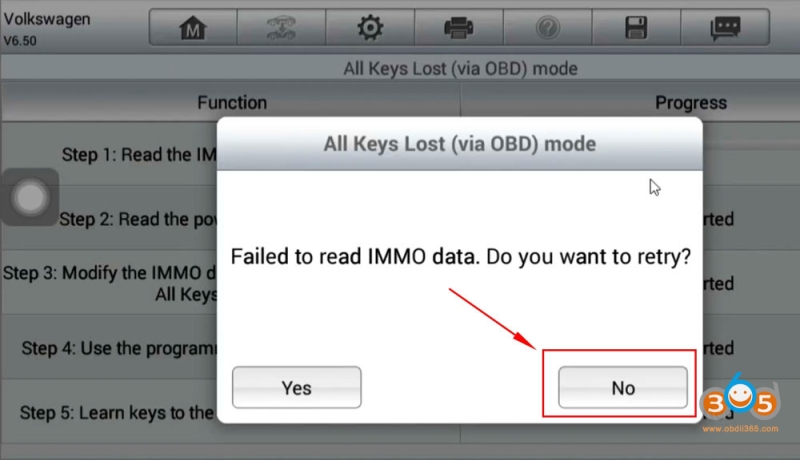
It will allow us to input CS and Code manually.
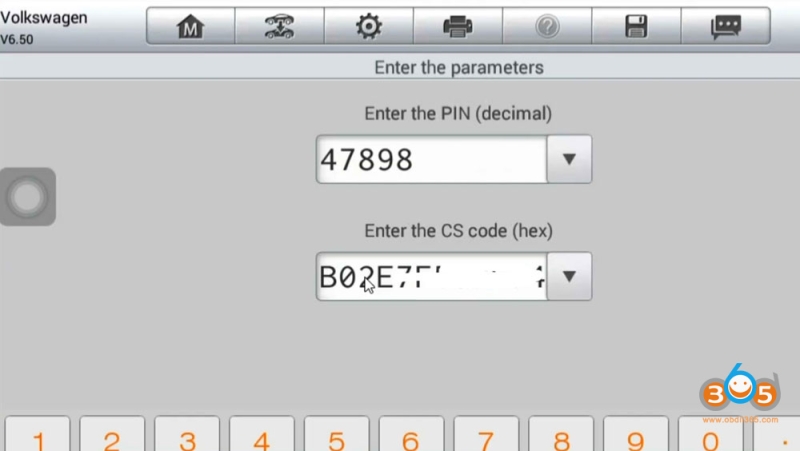
Then generate dealer key and learn key to the IMMO system via OBD.
PRO TIPS
Some PCR2.1 may still need boot mode or external tools (Xhorse Multi Prog etc) for full read.