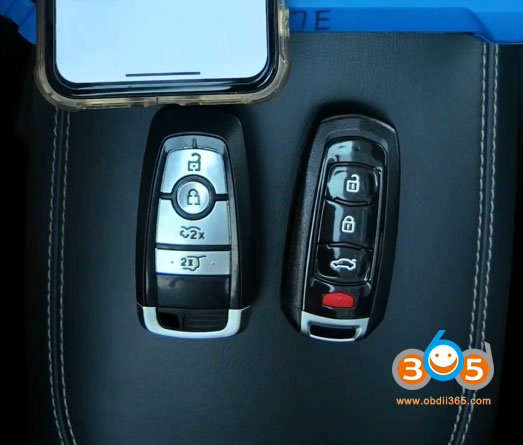
How to Program 2021- Ford BCM Key with Keydiy KD-X4
Keydiy KD-X4 key programmer will release new Ford Immobilizer software soon- supports 2021+ Ford key programming by reading BCM module data. Keep an eye on the software upgrades.
Here is an example of adding a spare key on a 2022 Ford Mustang Mach-E using KD-X4. Keydiy will do both add key and all keys lost. All keys lost share the same procedure.
The same procedure goes to 2021- Ford F-150, Focus, Bronco, Mondeo, EVOS etc.
BCM: R7F701053 or R7F701073
This function requires removing BCM module and back up immo data first.
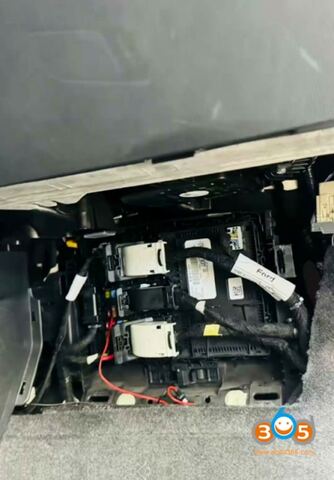
The BCM is located on the passenger side of the vehicle.
Remove the BCM module.
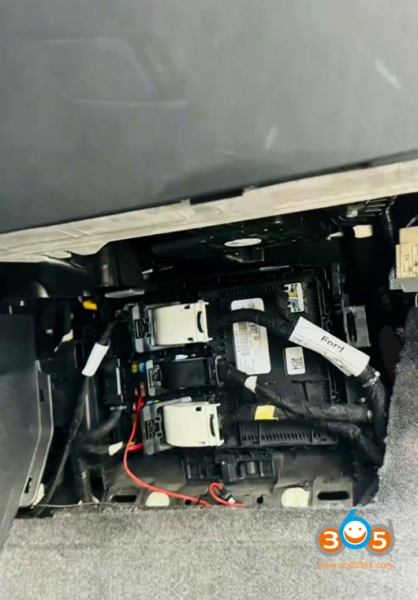
Connect the BCM and the KD-X4 MCU cable according to the wiring diagram.
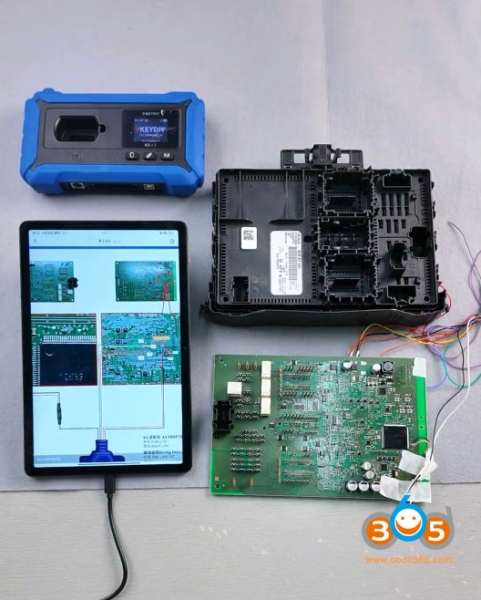
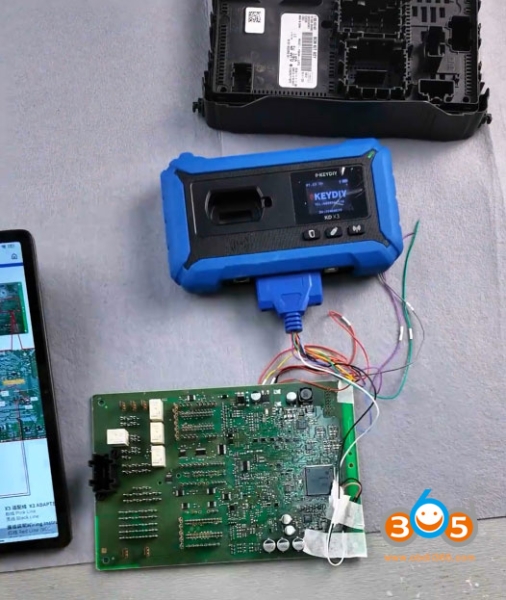
Connect Keydiy KD-X4 with tablet or phone via OTG connector.
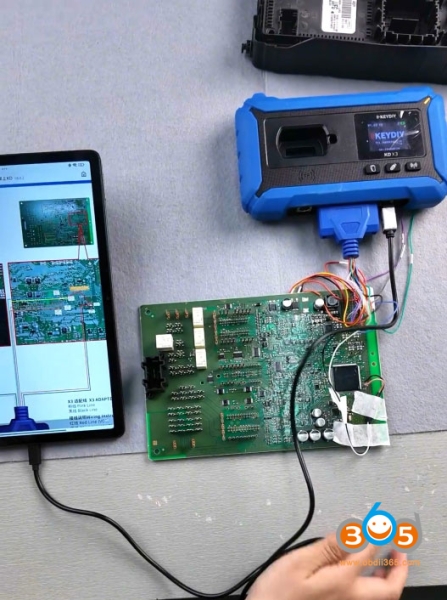
Go to IMMO Programming function.
Select KD-X4 device- Programmer function.
Select Read file function.
Choose Ford- BCM R7F701053 or R7F701073
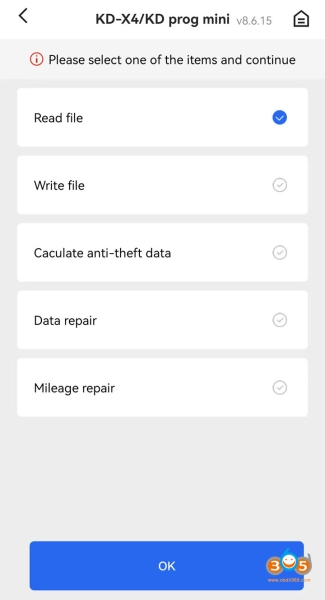
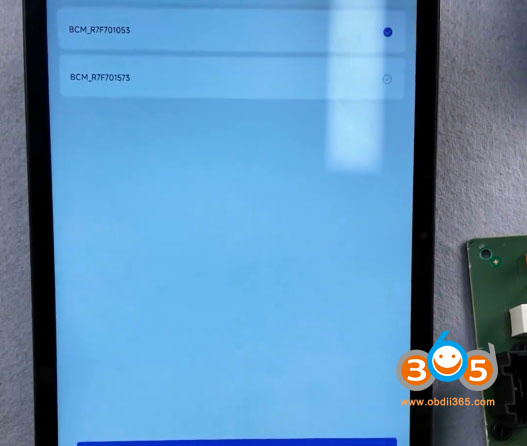
Read and save BCM data.
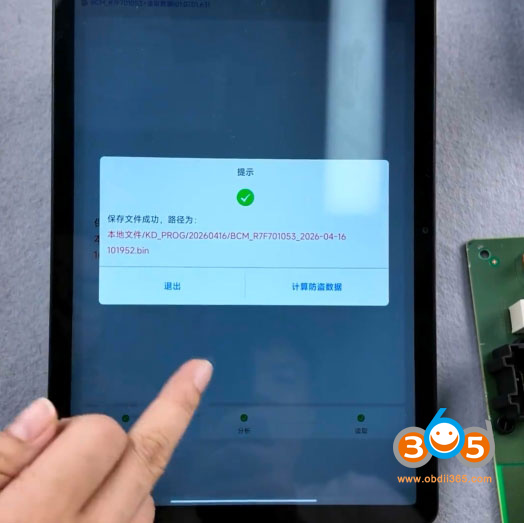
Reinstall BCM module back to vehicle and add key in car.
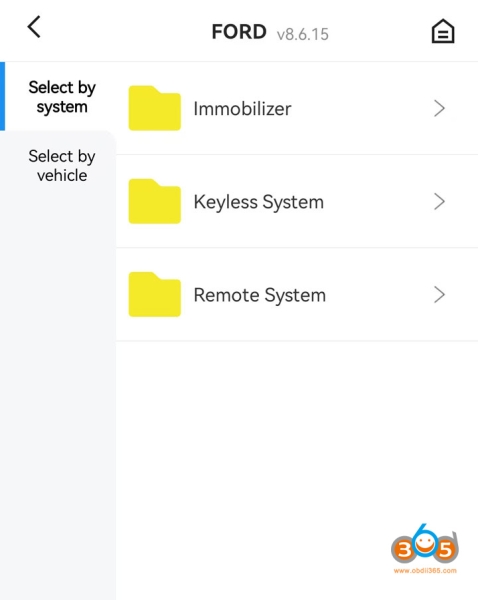
Select IMMO Programming- Ford- select by type- Keyless System- Type 35- Add key or All keys lost.
Follow KD-X4 App prompts to add a spare key.