How to Add 2024 Ford Mondeo KD Smart Key with Keydiy KD-X4
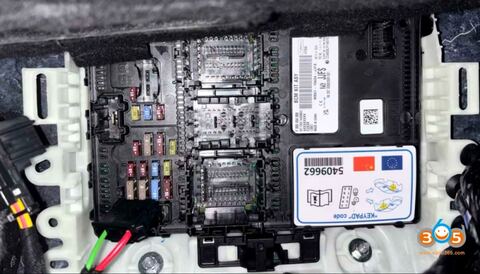
Here obdii365.com will show how to read 2021-2024 Ford RH850 BCM module immo data and add key or perform all keys lost using Keydiy KD-X4 key programmer.
Supports Add Keys & All Keys Lost for:
Ford: 2021- F-150, Bronco, Mustang Mach-E, Focus, Mondeo etc
Linclon: 2021- Nautilus 2022- Navigator, 2023- Corsair etc
With BCM RH850 R7F701053 or R7F701573 processor.
Tools required:
Keydiy KD-X4 key programmer
Mobile phone with KD app
New key to be programmed if add key (original key or KD ZB21-4 Ford smart remote)
Keydiy Ford active alarm bypass cable (if with active alarm)
Procedure:
Add key and all keys lost share the same way.
Need to load BCM file before proceeding.
Step 1: Read BCM Data
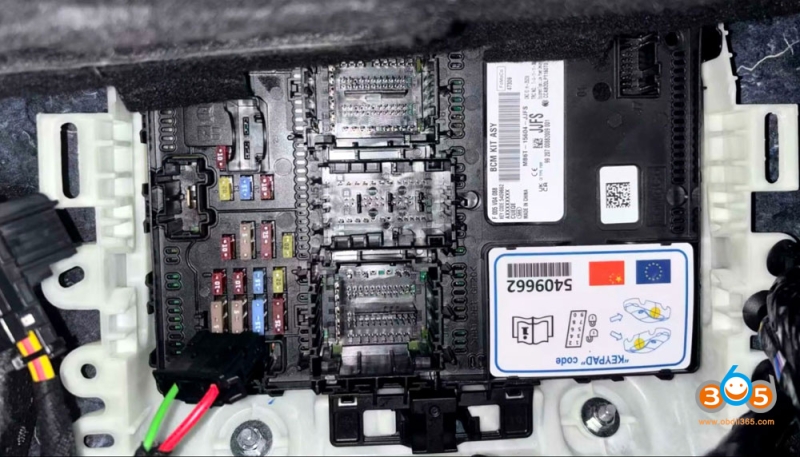
Remove and disassemble the BCM module under the dashboard on the passenger side.
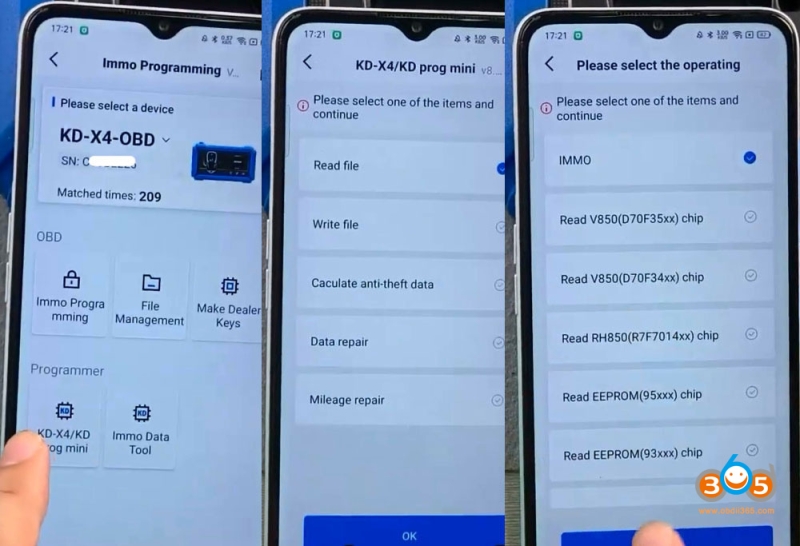
In KD App, go to KD-X4 Programmer- Read Files- IMMO- Ford- BCM R7F701053/R7F701573.
Check wiring diagram.
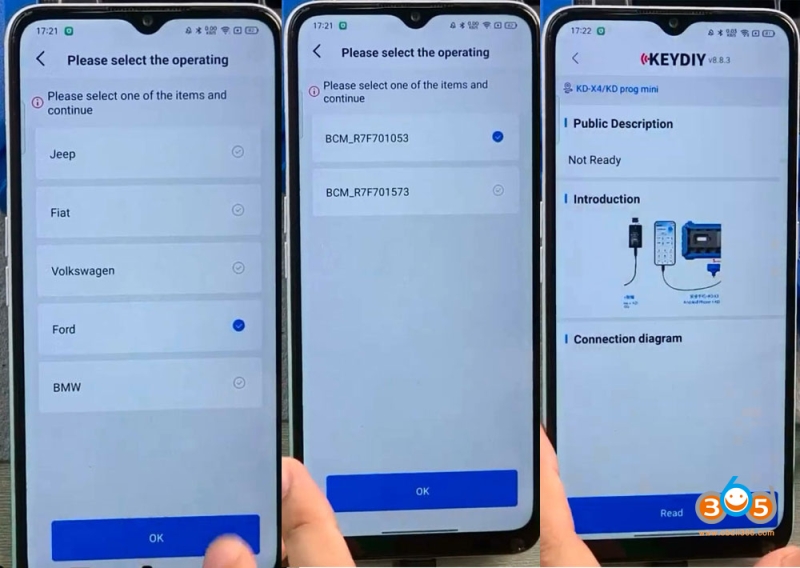
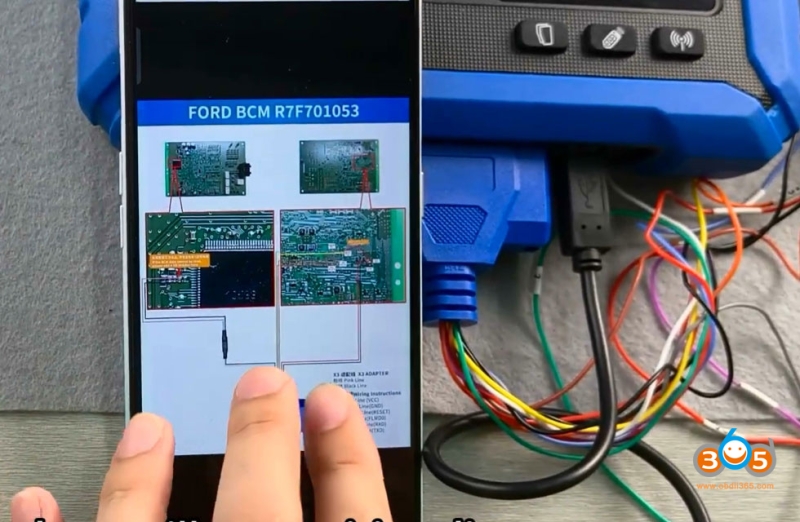
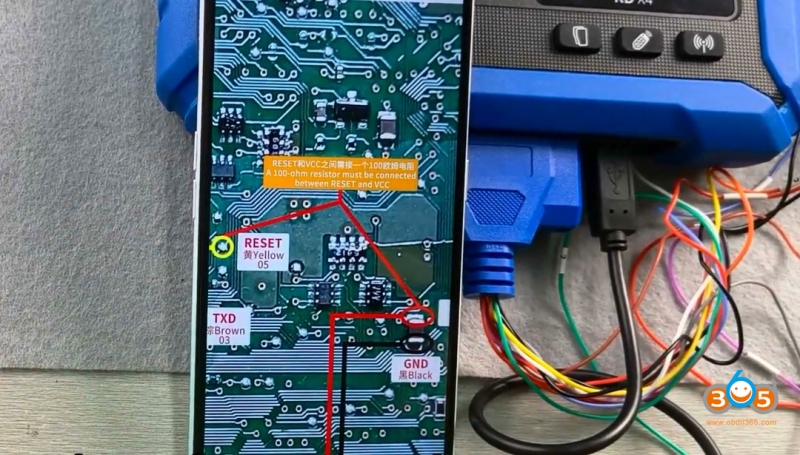
Connect the BCM module with KD-X4 mcu cable according to the wiring diagram (in App).
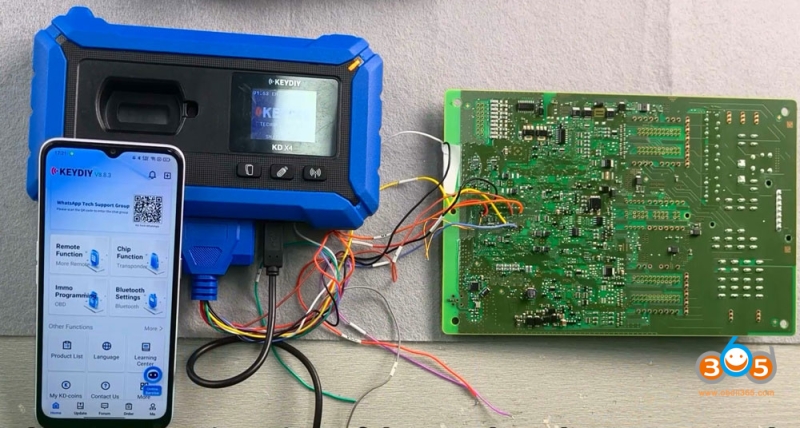
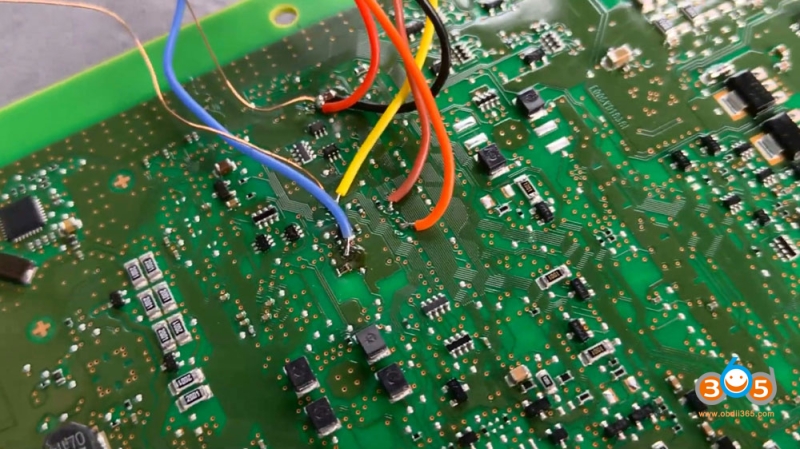
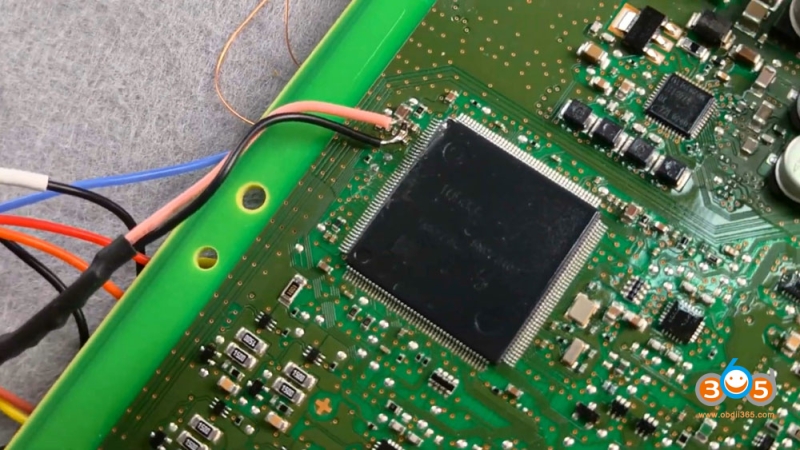
It is necessary to connect a 100 ohm resistor between the yellow dot (RESET) and the red solder joint (VCC) before reading the data.
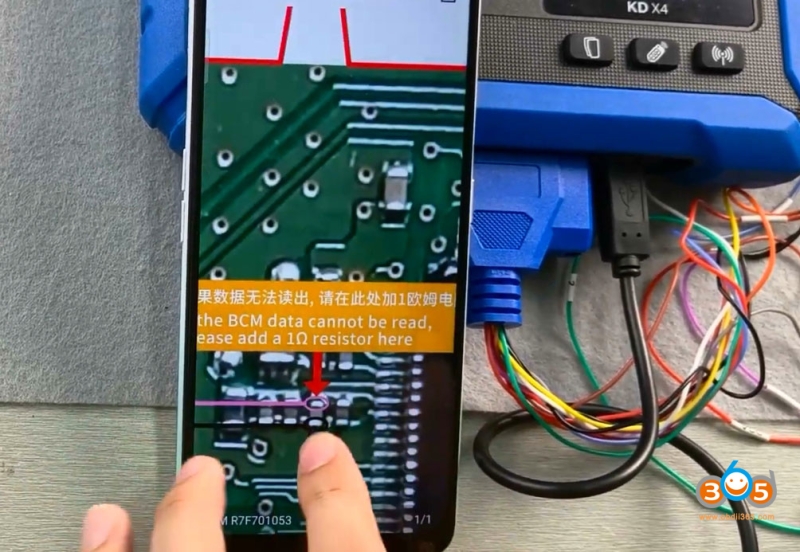
If it still fails to read the data, you may also need to connect a 1 ohm resistor at the pink solder joint.
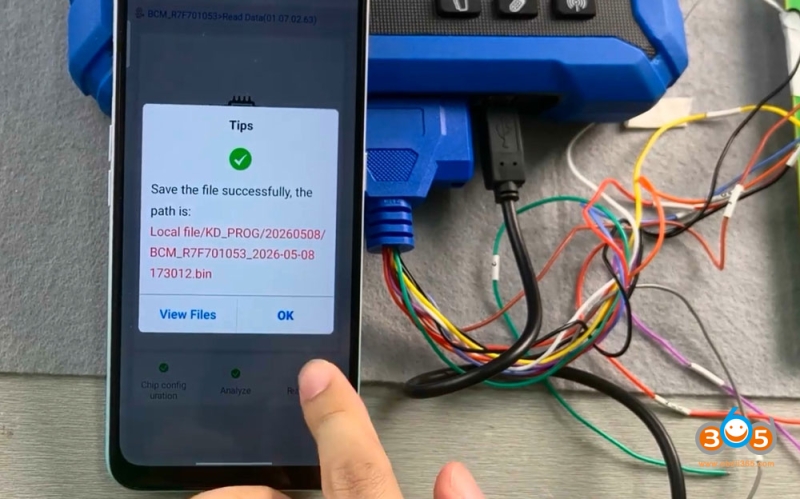
Read and save data.
Load eeprom file to the server to calculate immo data.
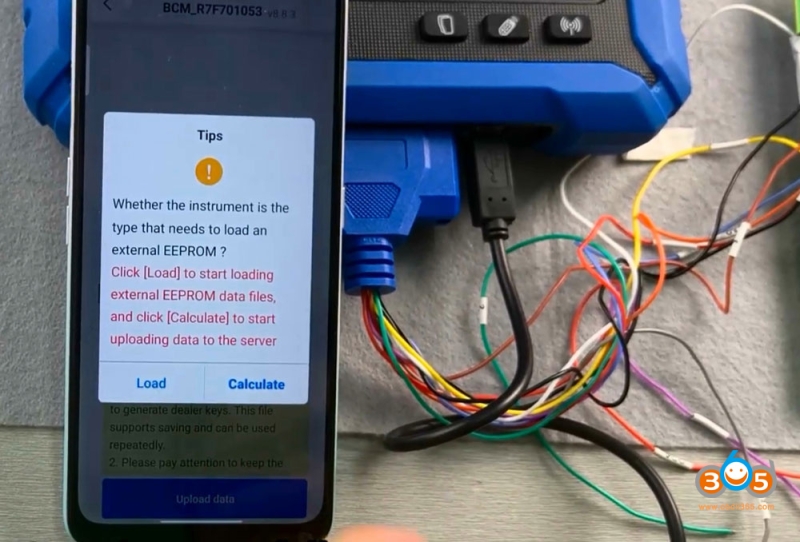
There is no need to generate a file for this model, click OK and save file.
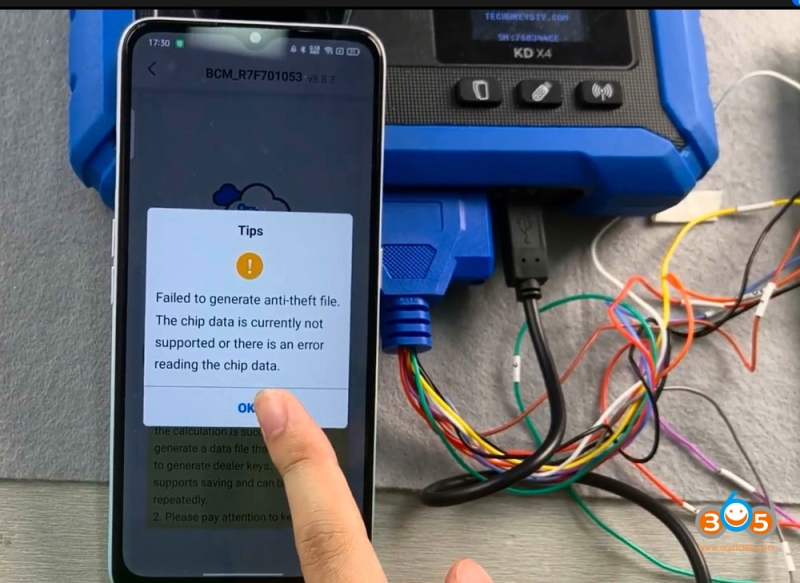
After saving, you can load the data in the vehicle to perform add key or all keys lost programming.
The file contains a password, but KD will not display it directly.
Step 2: Add Key
Reinstall BCM module back to vehicle.
Connect KD-X4 with vehicle via OBD connector.
Select Ford IMMO and correct type.
Then go to Add Key or All Keys Lost function.
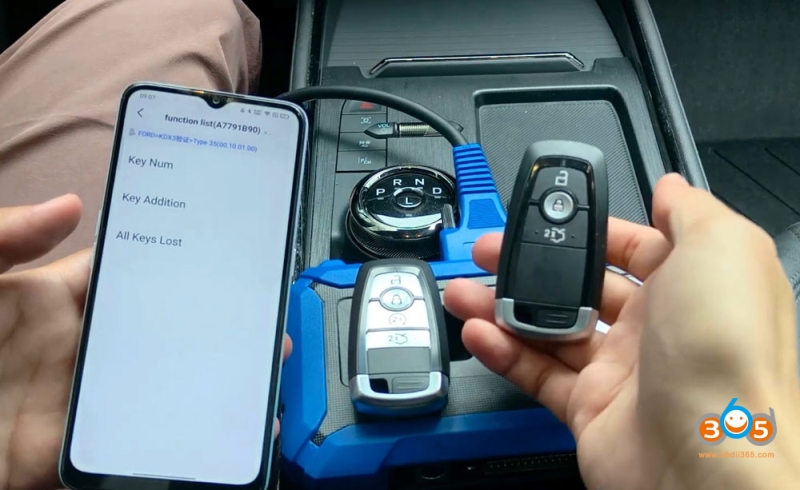
Read key number, i.e KD-X4 reads this car key: 3.
Turn on ignition switch.
Load the immo file saved in Step 1 to proceed.
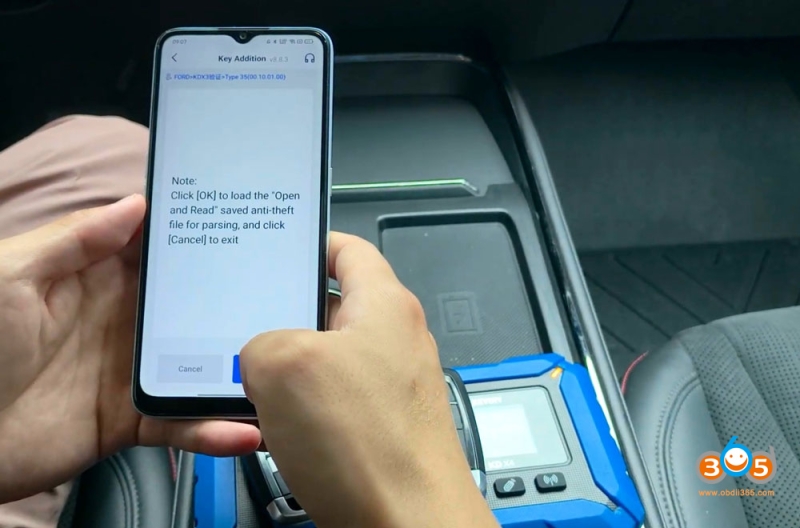
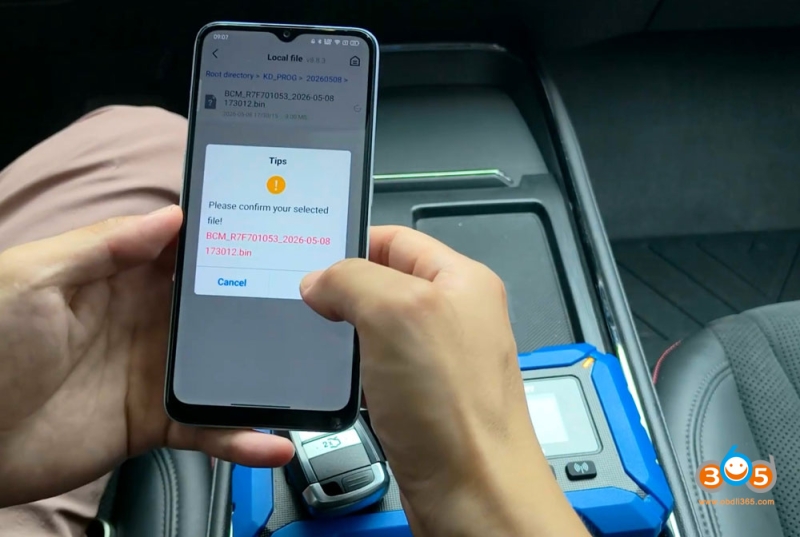
Keep the network in good condition. Connecting with the server.
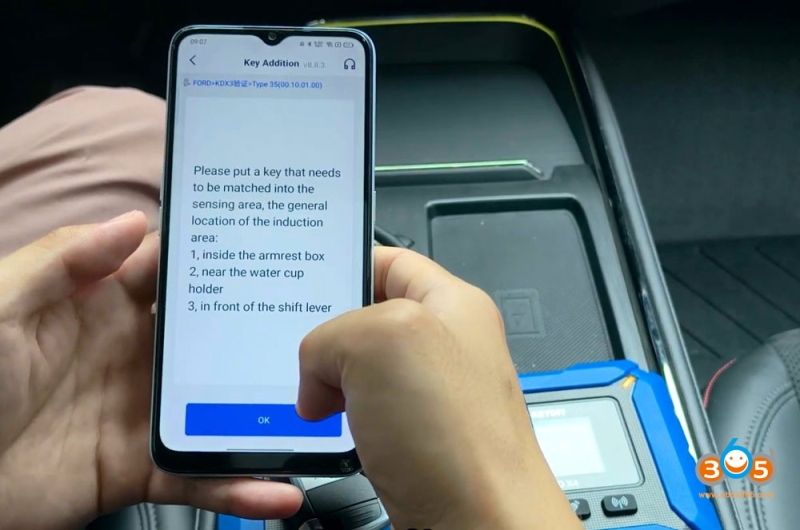
Place the key to be programmed in the key induction area. The general location of the induction area can be
1. inside the armrest box.
2. near the water cup holder
3. In front of the shift lever.
For this model, place the key inside the armrest box.
Emergency indicators flash several times.
Key learning is completed.
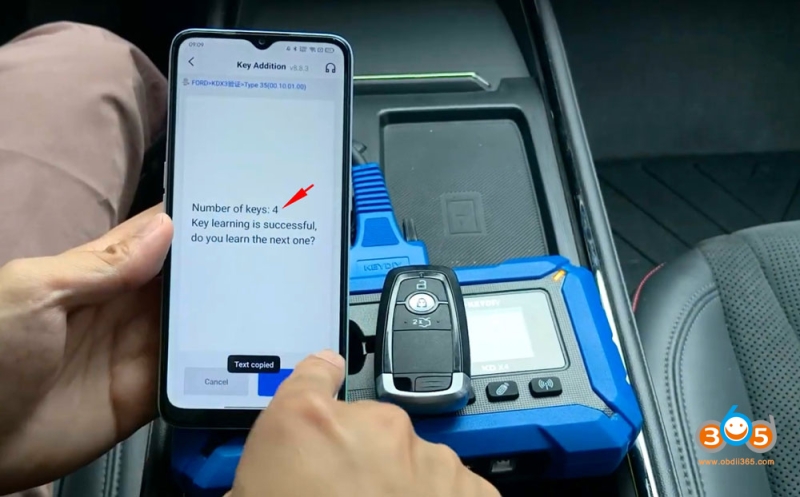
Test the new key. Done.