How to Copy Hyundai ID47 Smart Key with EoneBoss NK001?
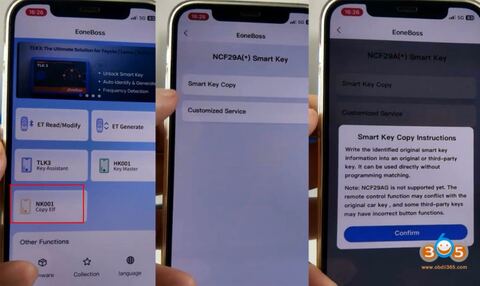
Obdii365.com here will show how to copy NCF29Ax smart keys using EoneBoss NK001 key tool.
Key type example: Hyundai ID47 smart key
Procedure:
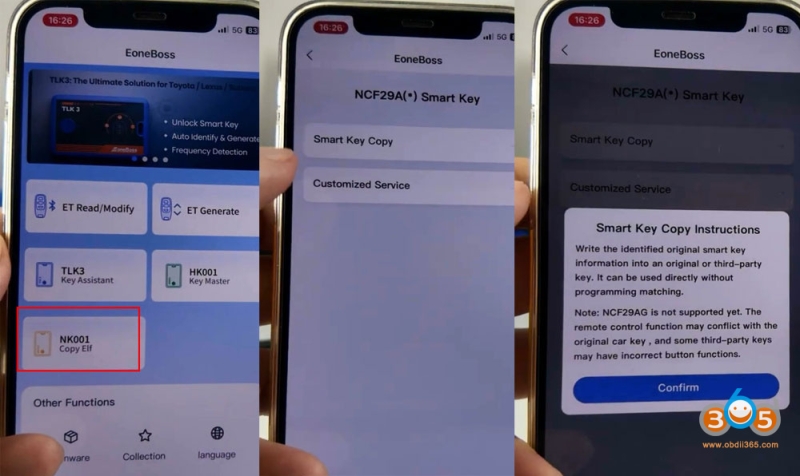
Download and run the EoneBoss NK001 App.
Choose Smart Key Copy Function.
Read instructions and confirm.
Write the identified original smart key information into an original or 3rd party key. It can be used directly without programming afterwards.
*NCF29AG is not supported. Some 3rd party keys may have incorrect button functions.
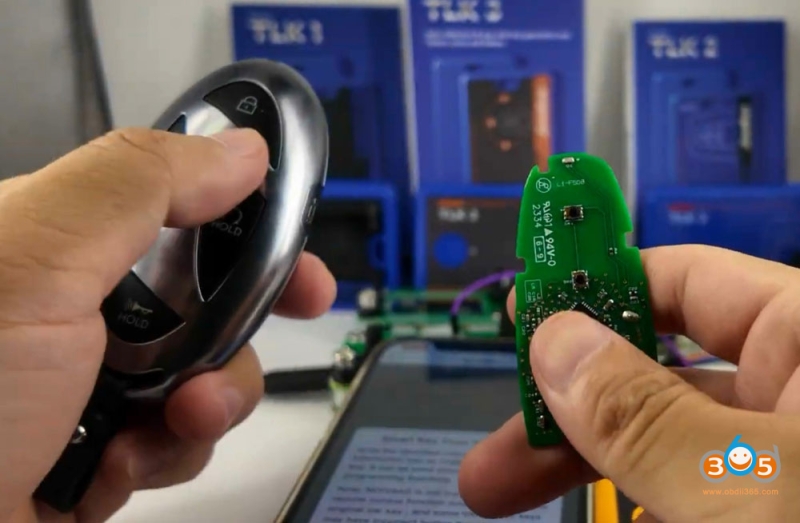
You need to open the original key shell and take out the circuit board.
2 Ways to connect the key circuit board with NK001.
Way 1: Use NK001 connector adapter
Way 2: Use solder free interface board.
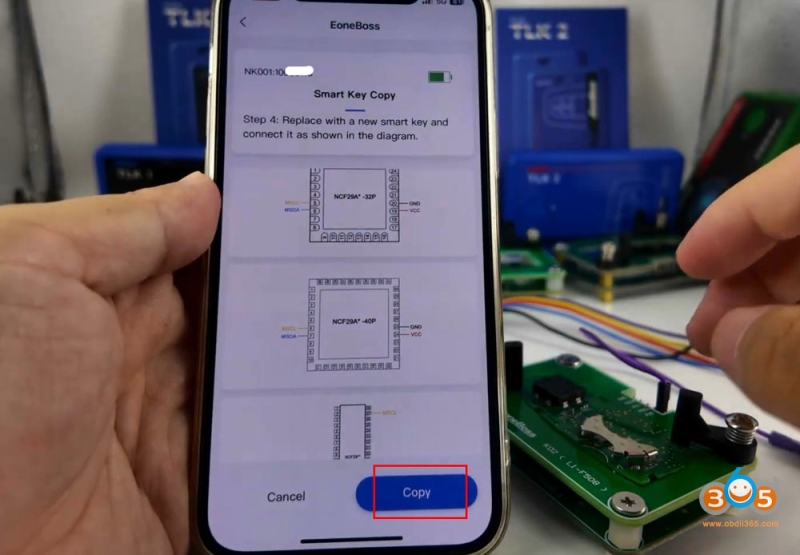
NK001 will show key wiring diagram.
The App shows NCF29A diagram at present. They will release more diagrams in PDF format.
Connect key board with NK001 via the solder adapter.
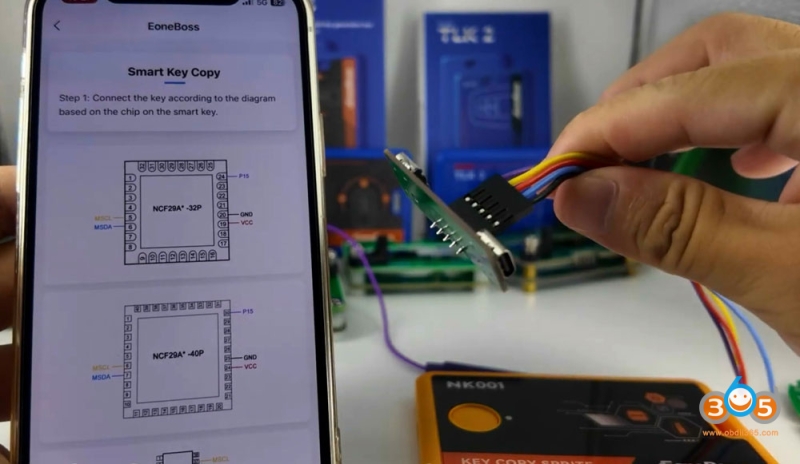
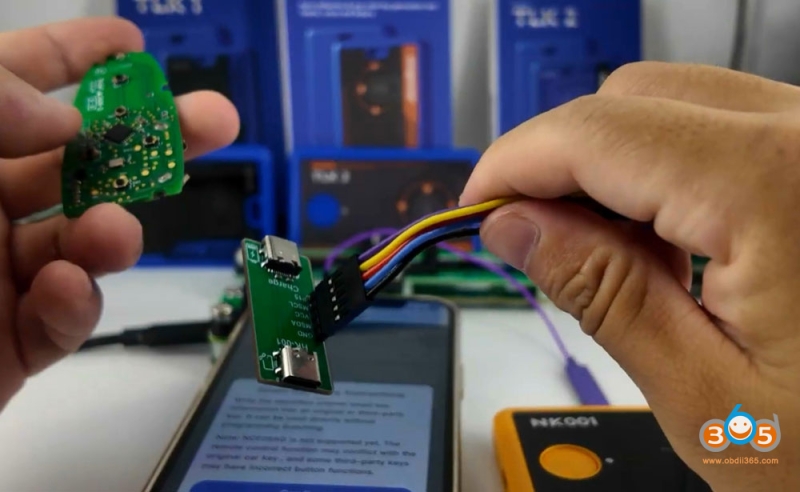
Here we will introduce way 2.
Connect the solder-free adapter with NK001 via USB cale.
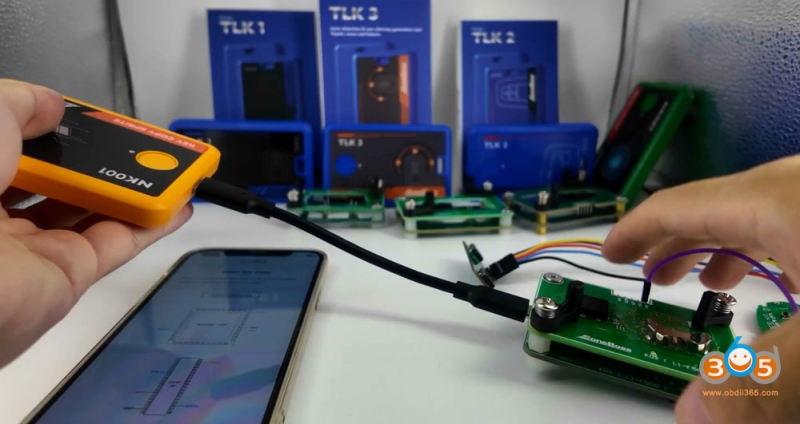
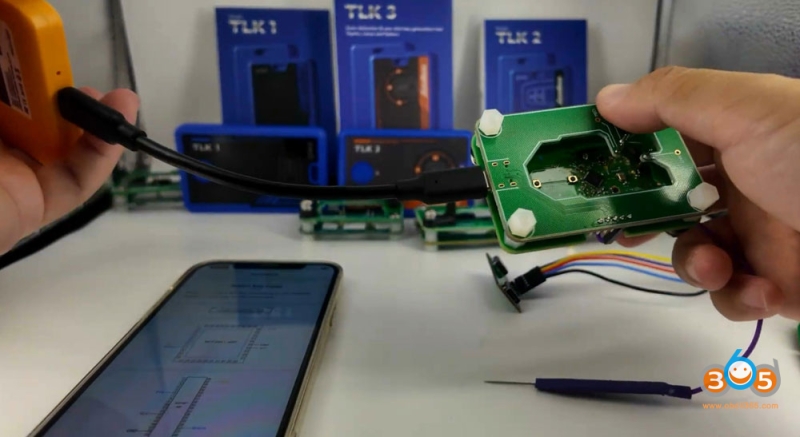
It has a PIN15 (purple), this cable needs to connect to key board.
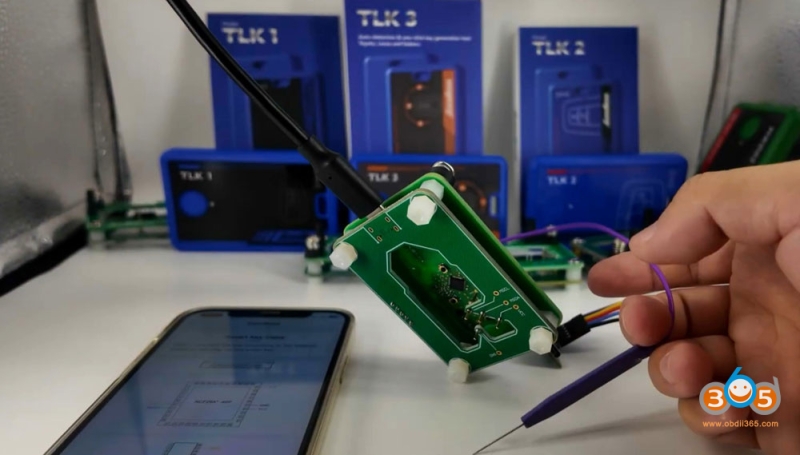
Click Next step.
Press the NK001 button for 3 seconds to power on and enable your Phone’s bluetooth.
Connect NK001 with Bluetooth.
Click Connect.
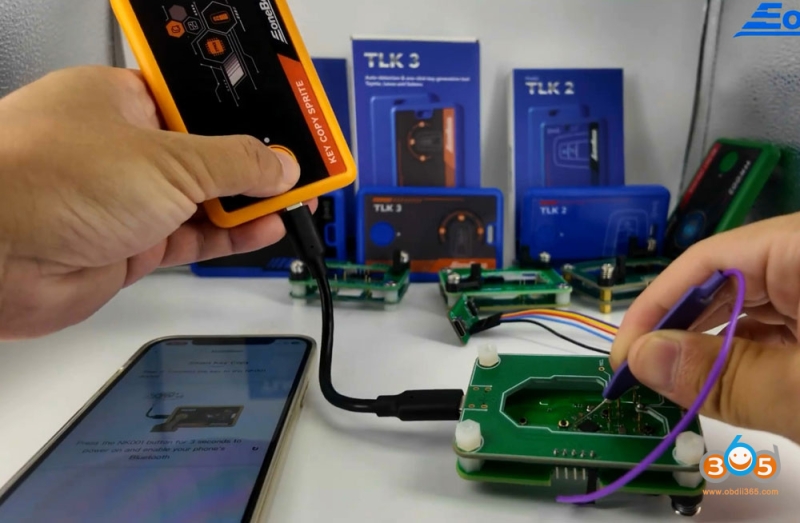
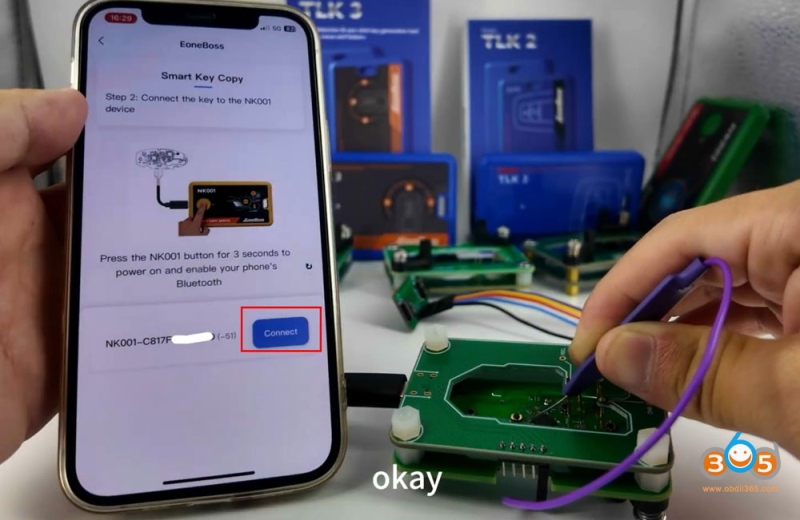
Read original key information.
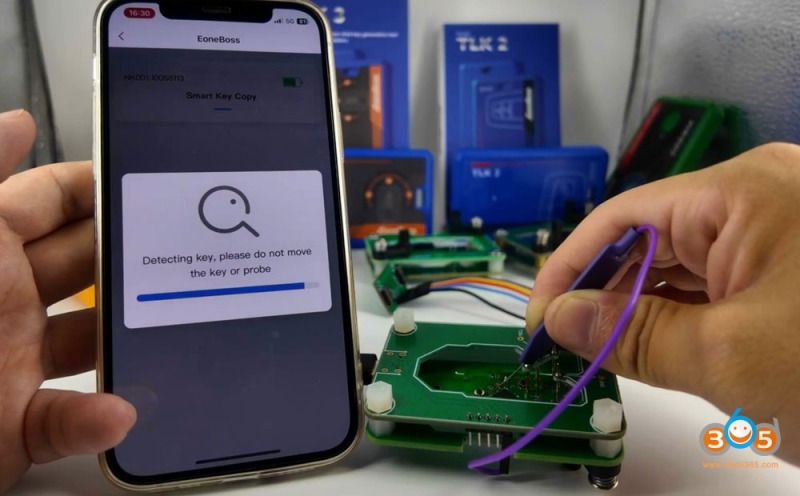
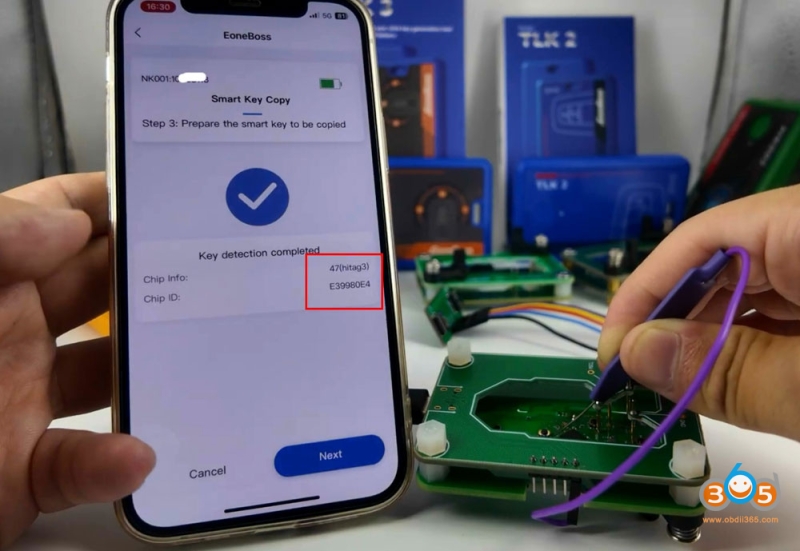
Read original key information successfully. NK001 will read key chip type and ID.
Prepare the smart key to be copied.
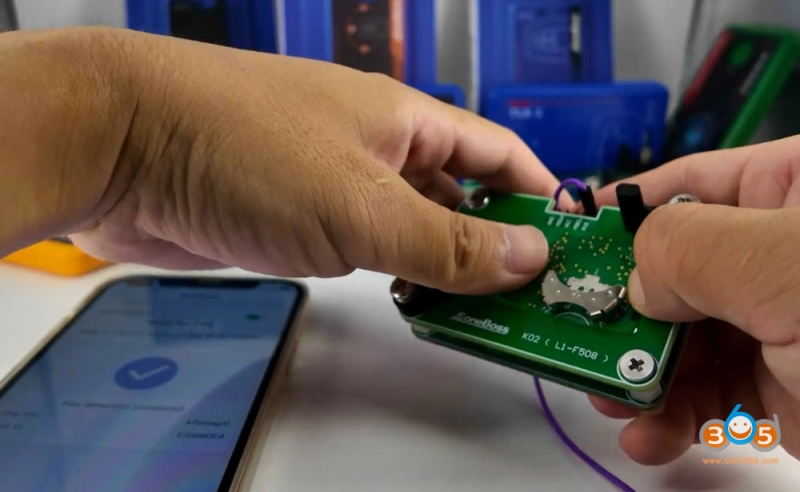
Install the new key board to the interface board and connect with NK001.
Click Copy function.
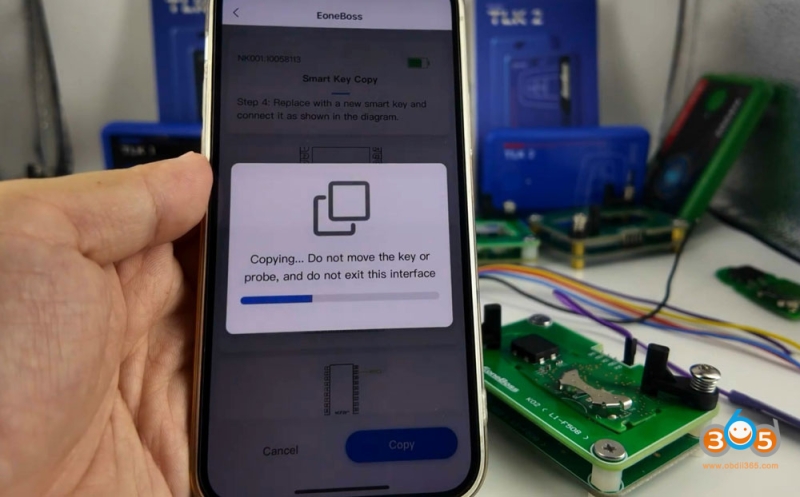
Copying key in process. Do not remove the key or probe during this procedure.
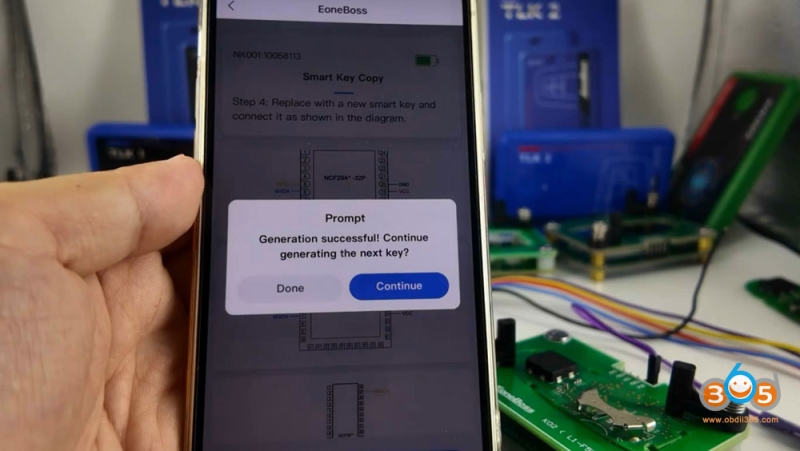
Generate a new smart key successfully. Don’t need to program this new key afterwards.
If your key is an Eoneboss smart key, there is no daily generation limitation.
If it is other keys, you can generate up to 5 keys each day.