Program 2025 Nissan Magnite Proximity Key with OBDSTAR G3
OBDSTAR X300 Classic G3 programmed 2025 Nissan Magnite proximity smart key successfully.
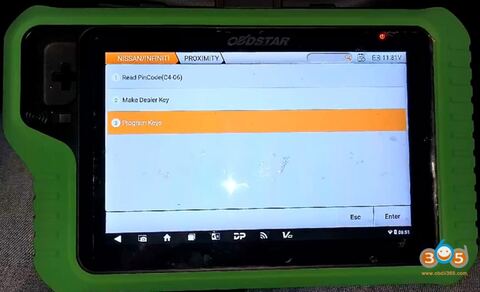
Go to Nissan, select the model and Proximity function.
Select Program Keys.
This function requires network connection.
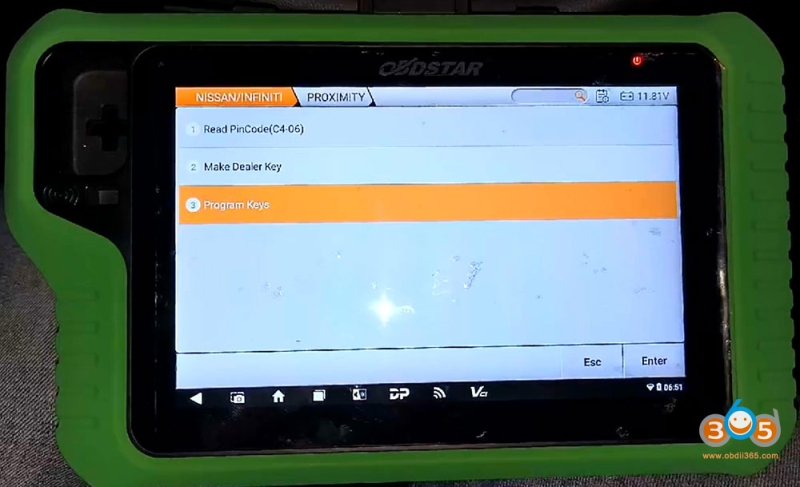
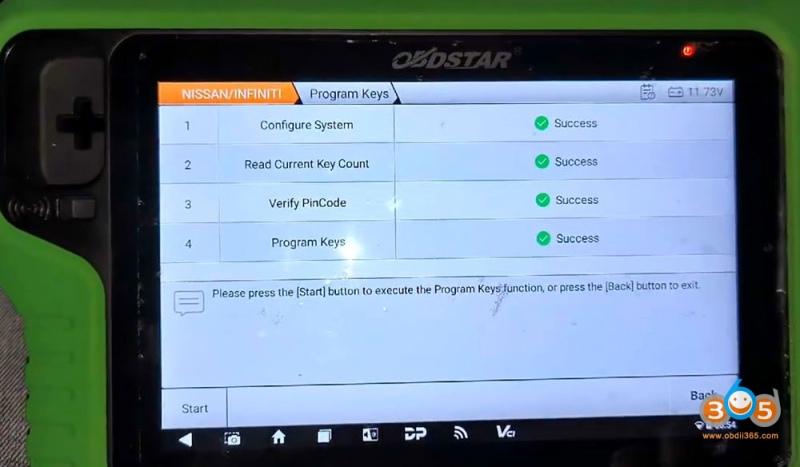
Follow 4 steps to program keys.
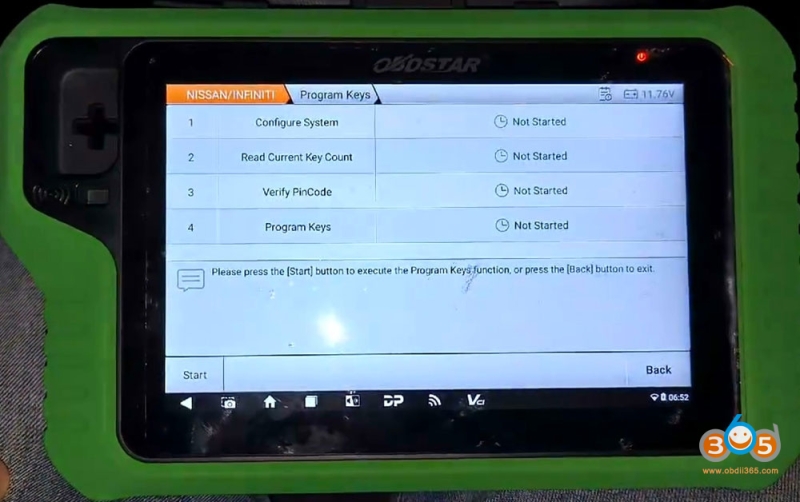
Press Start button to execute key programming function.
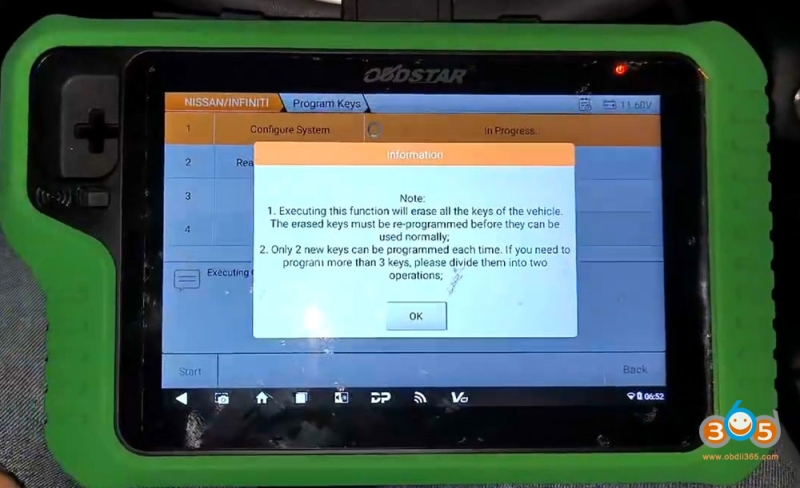
1. Configure system
Executing this function will erase all the keys of the vehicle.
Only 2 new keys can be programmed each time.
Insert the original key into the slot.
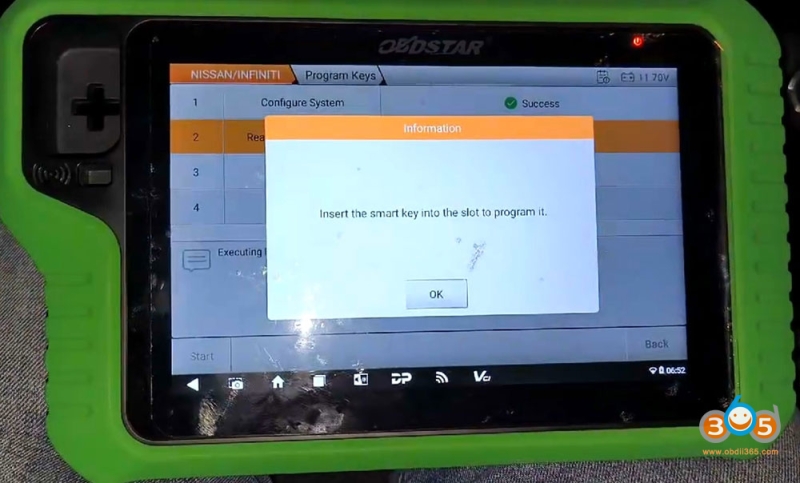
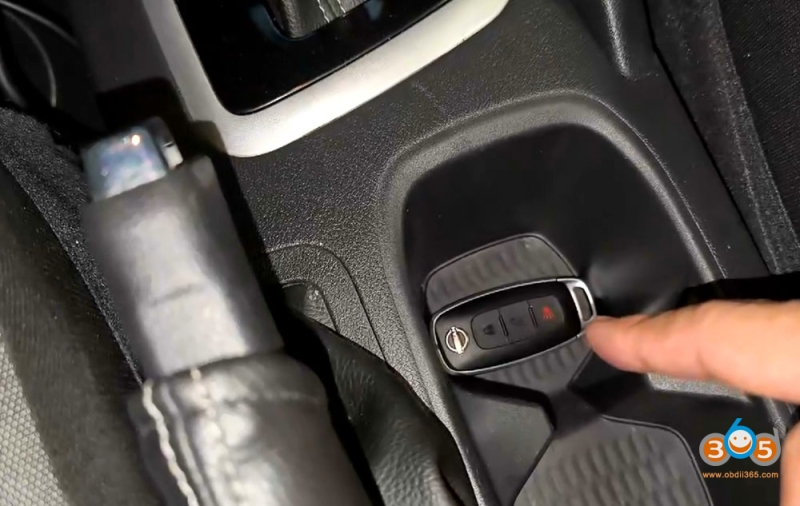
2. Read current key number
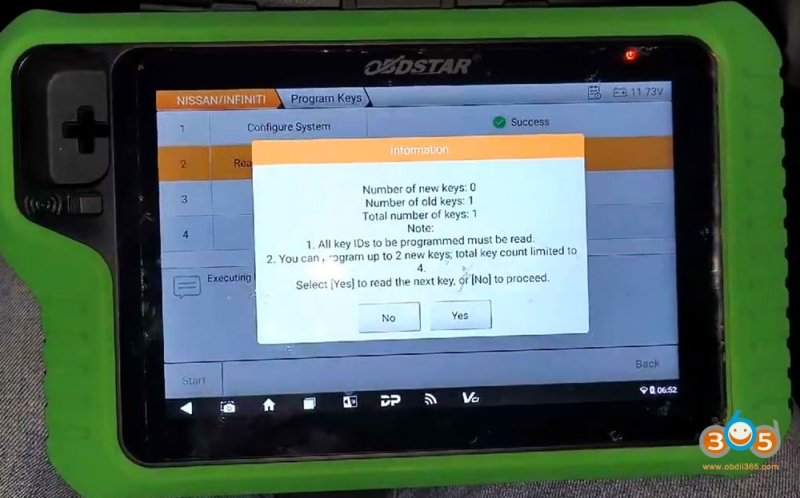
G3 read current number of key: 1.
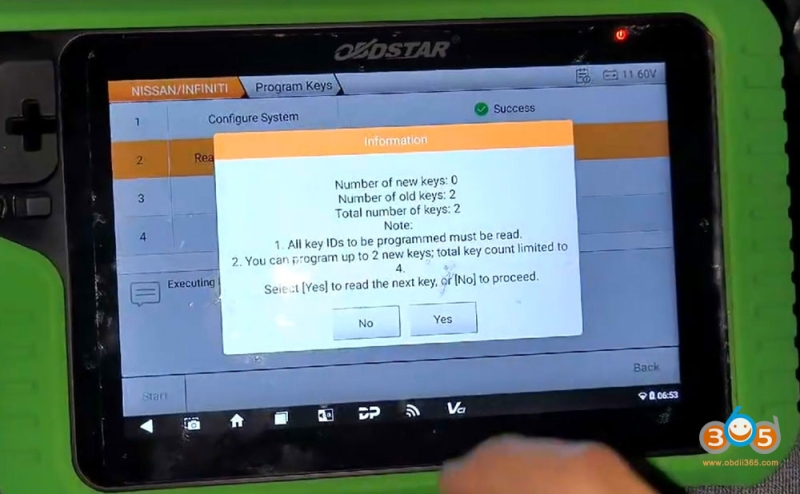
Insert new smart key into the slot.
2 keys detected.
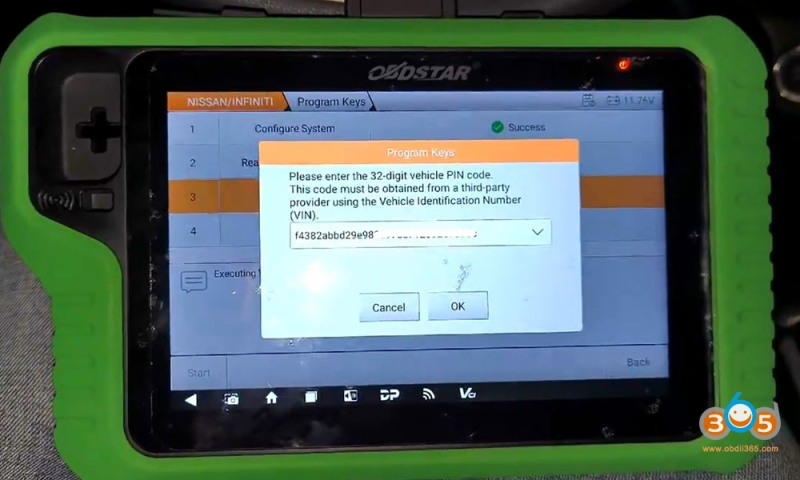
3. Verify PIN Code
G3 asks to enter a 32-digit PIN code.
This code must be obtained from a 3rd party provider using the VIN.
4. Program keys
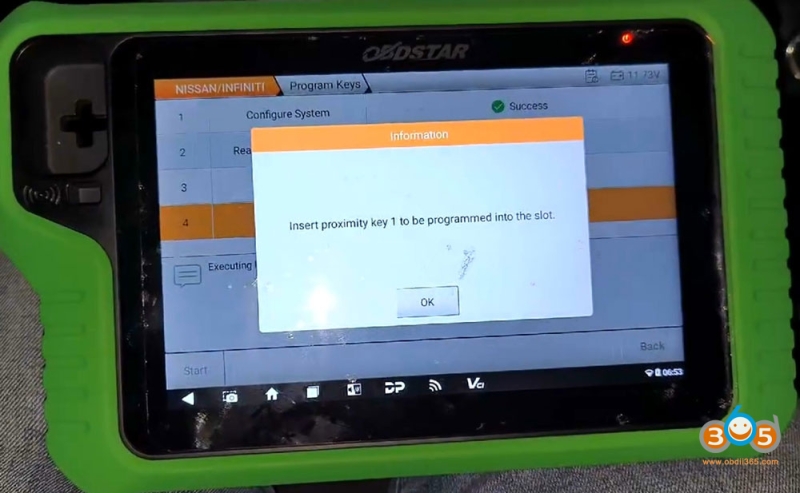
Insert the proximity key 1 to be programmed into the slot.
Program key 1 successfully.
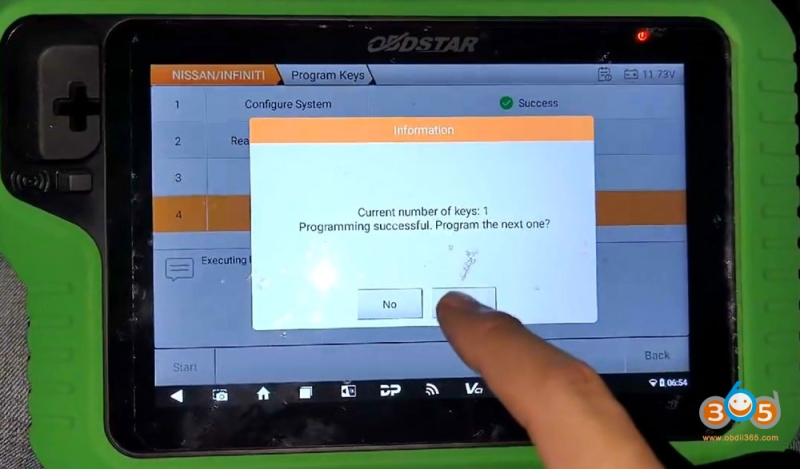
Insert a new proximity key to be programmed into the slot.
Program 2nd key successfully.
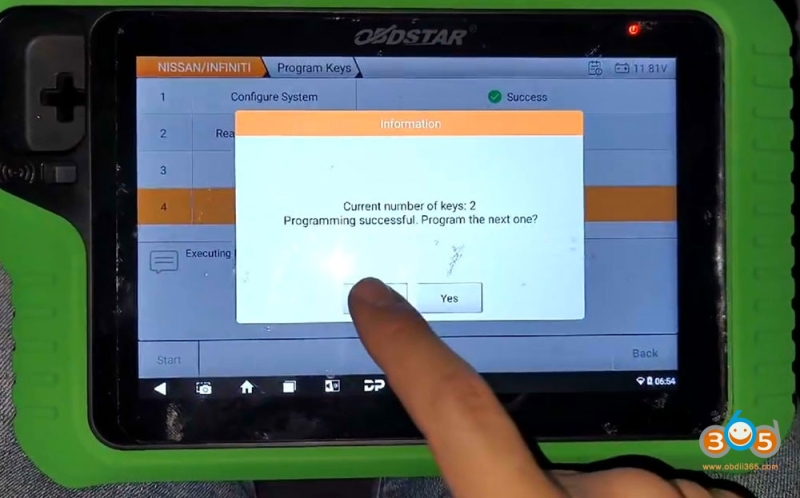
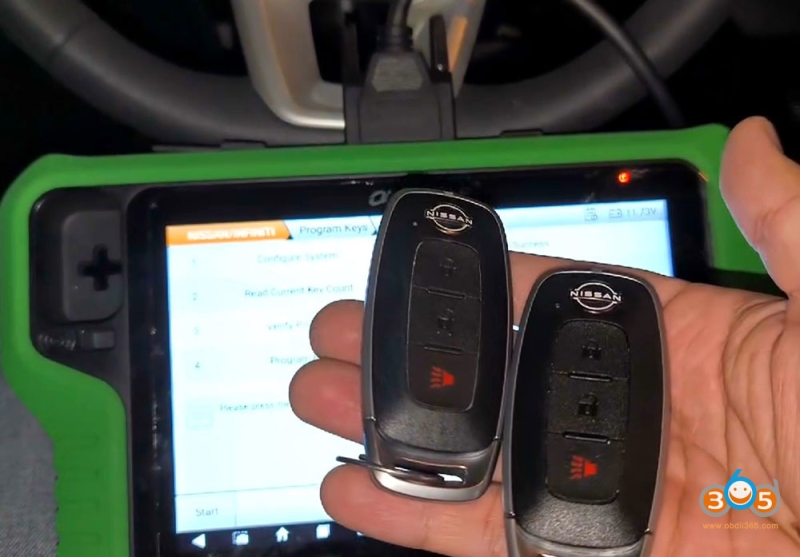
Test both keys.