Vapon VP100 BMW BDC2 All Keys Lost Full Reset Procedure
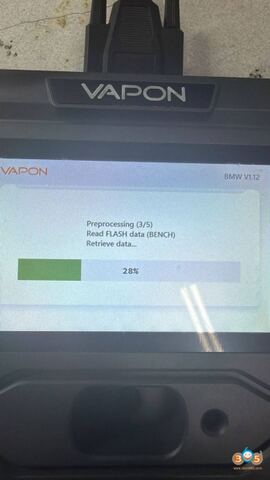
Vapon VP100 key programmer BMW G series BDC2 all keys lost full reset steps:
1. Read DME -DFLASH.
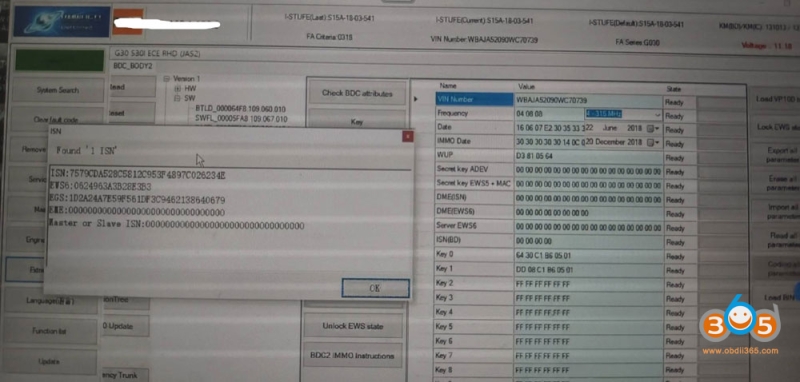
2. Load to UFO’s special function and check ISN+EWS6 +EGS codes.
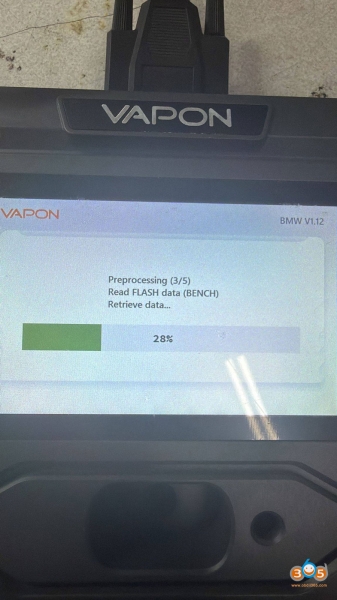
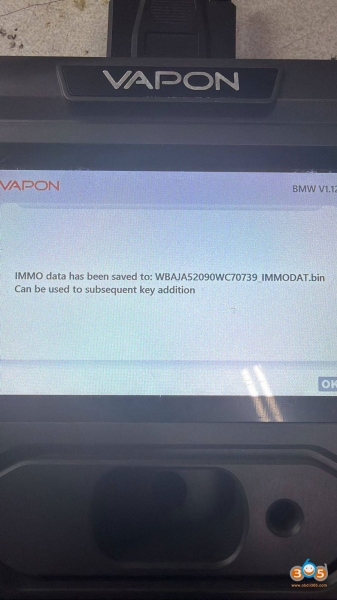
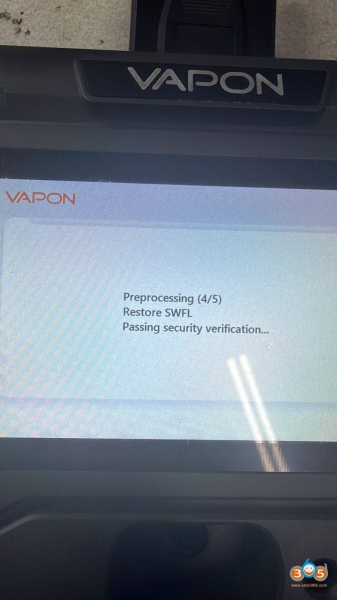
3. Preprocess BDC2 with VP100.
4. Connect VP100 to PC via USB.
5. Select full reset mode or new vehicle mode:
5-1 Load backup VIN file for this vehicle.
5-2 Manually enter ISN+EWS6.
5-3 Data is automatically generated and calculated successfully.
5-4 Write all data.
5-5 Learn key code; the learned key must be in locked state, ID+0501.
6. Synchronize DME and EWS automatically, or you can directly access DME (you can manually enter EWS6 calculated by BDC here, which is faster).
7. Synchronize EGS. Here it’s recommended to go to EGS manually for faster results (manually enter EGS ISN).
All work is completed.