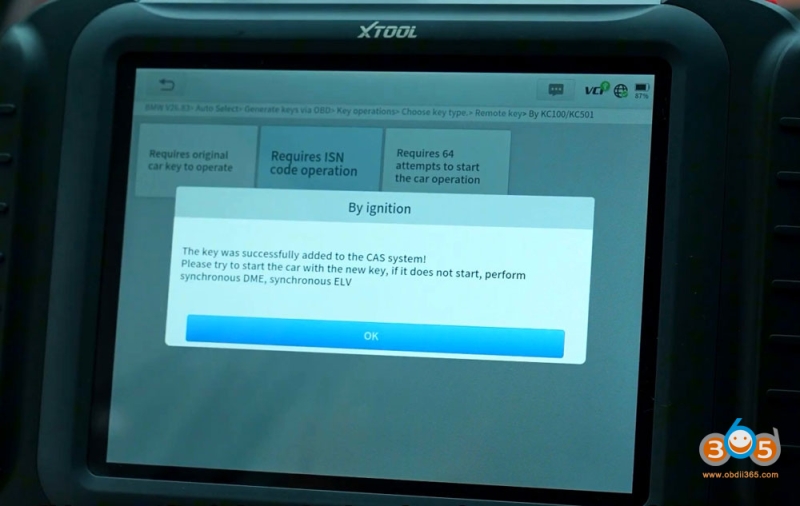
Program BMW CAS3+ All Keys Lost with Xtool + KC501
How to read engine ECU ISN code and program BMW CAS3+ all keys lost using xtool x100 pad3/pad elite.
Model example: BMW X1 2014
Procedure:
Step 1: Read Engine ISN code
Remove engine ECU from vehicle.
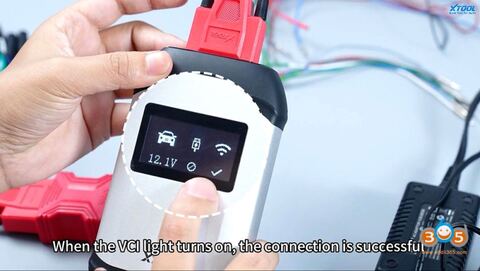
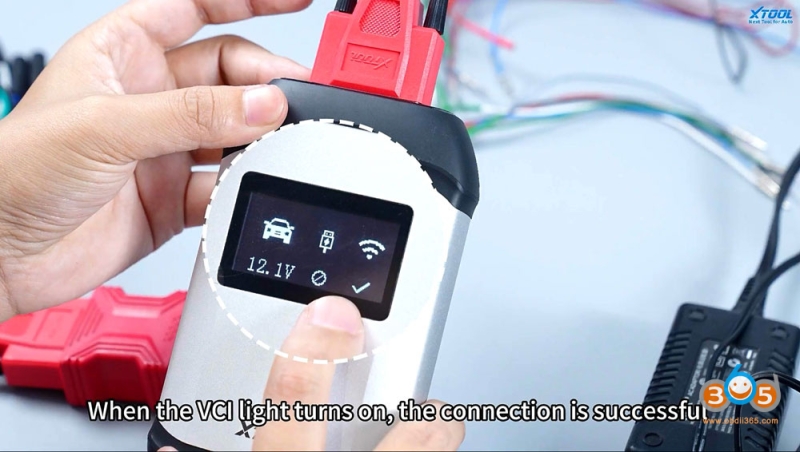
Connect Xtool VCI with tablet.
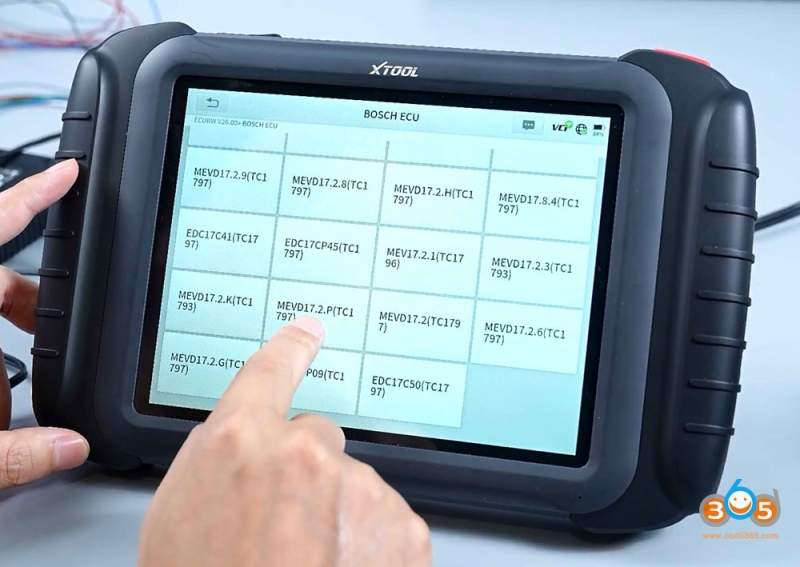
Select Bosch ECU type: MEVD17.2.P
Check bench wiring diagram.
Connect ECU with device via jumper cable.
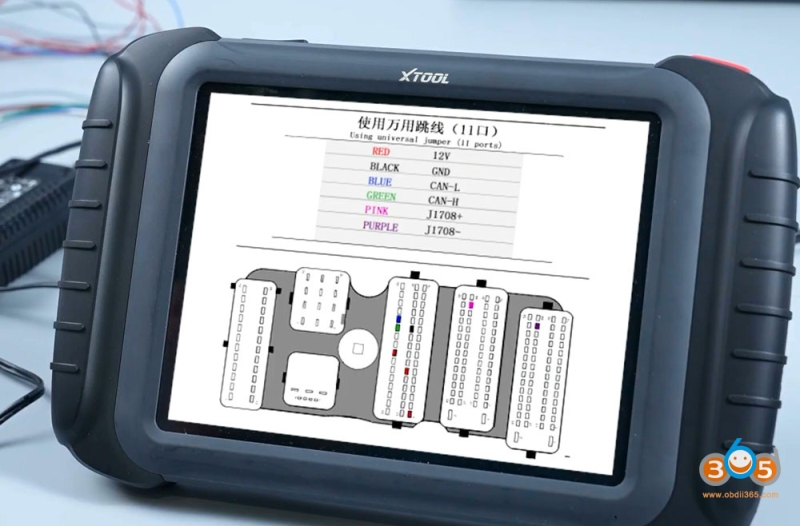
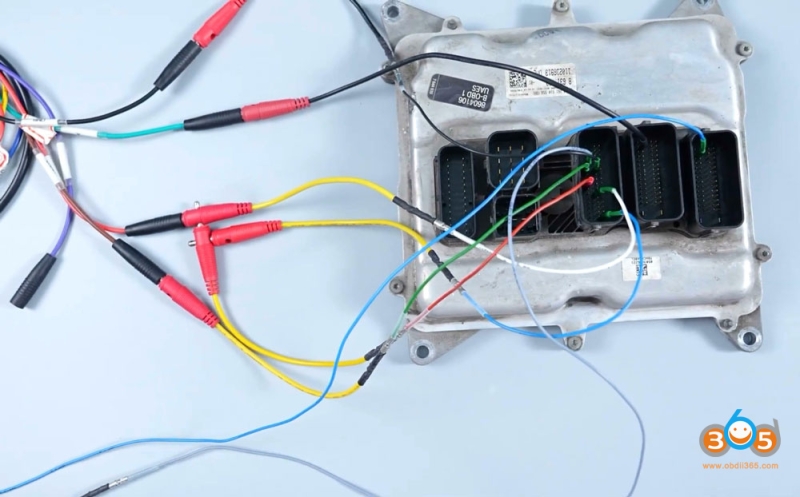
Read and save 32-digit ISN code.
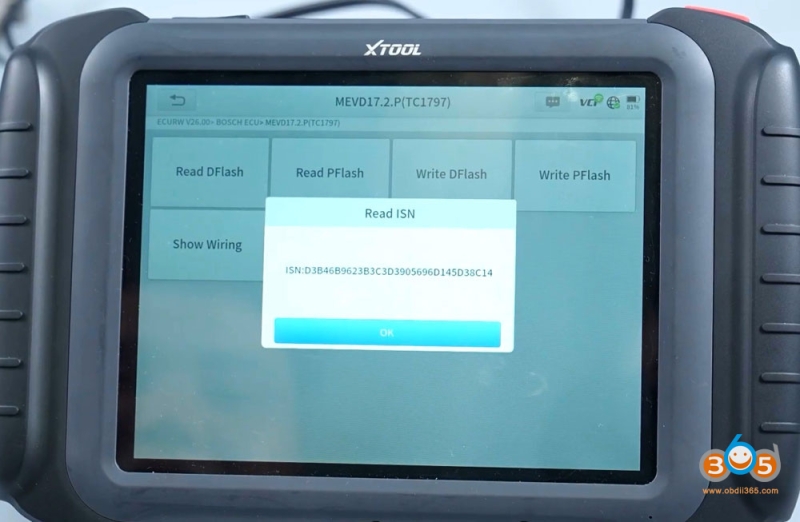
Step 2: Program key via OBD
Install engine ECU back to vehicle.
Connect xtool device with vehicle via OBD socket.
Turn on ignition and hazard warning lights to turn on ignition switch.
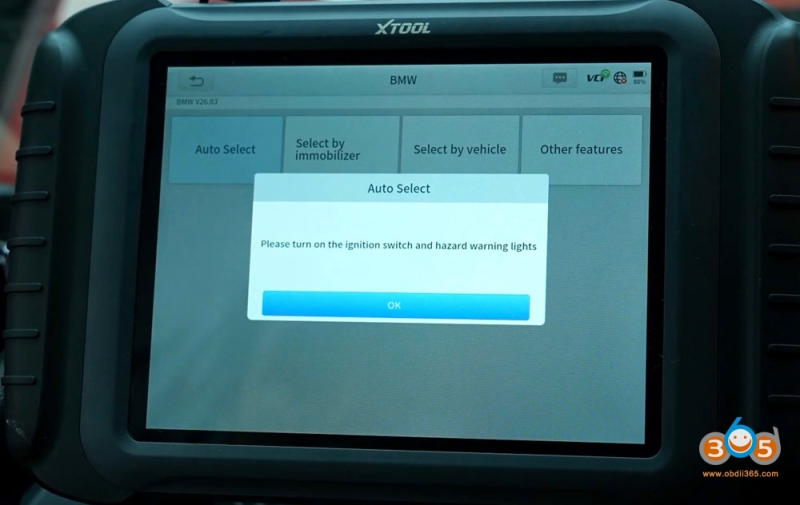
Select Generate keys via OBD-Select key position- select key programming method By KC100/KC501– Remote Key
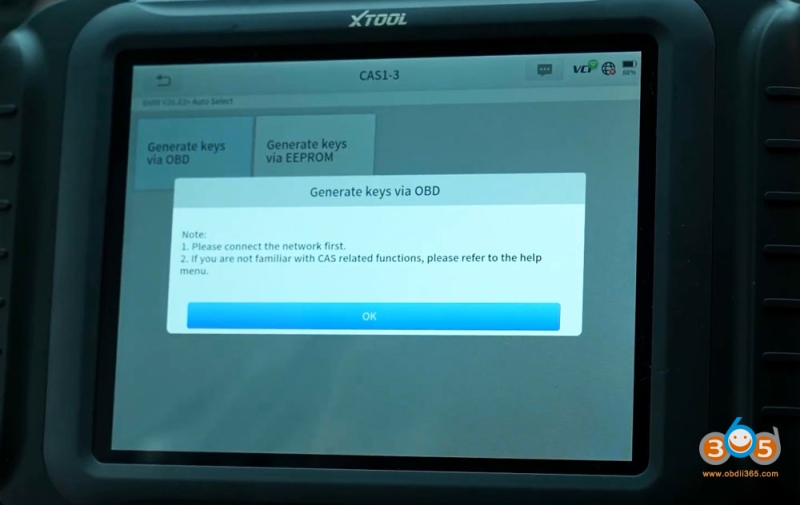
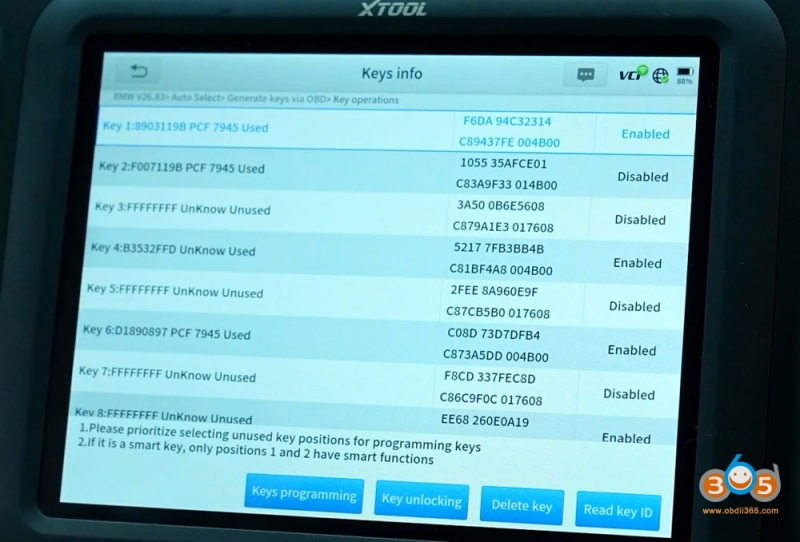
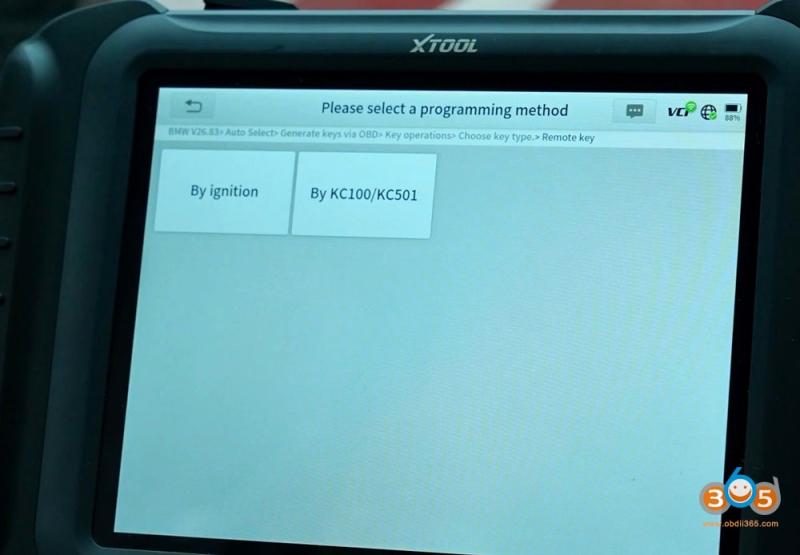
Input 32 digit ISN code to proceed.
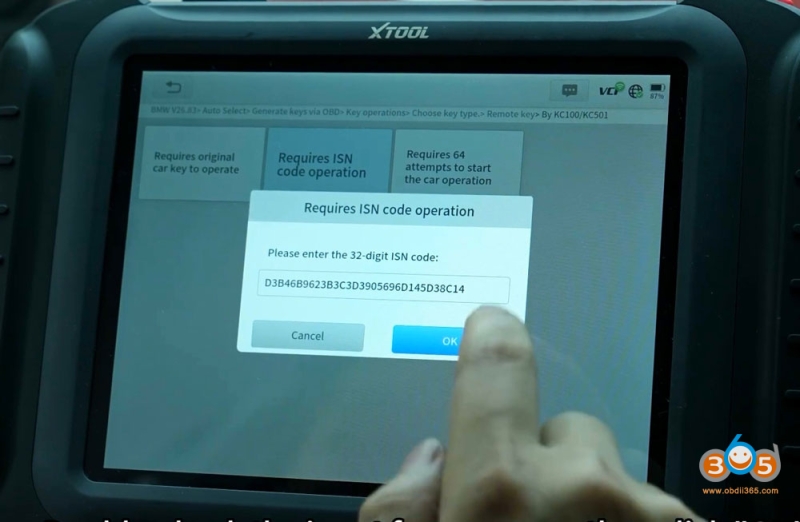
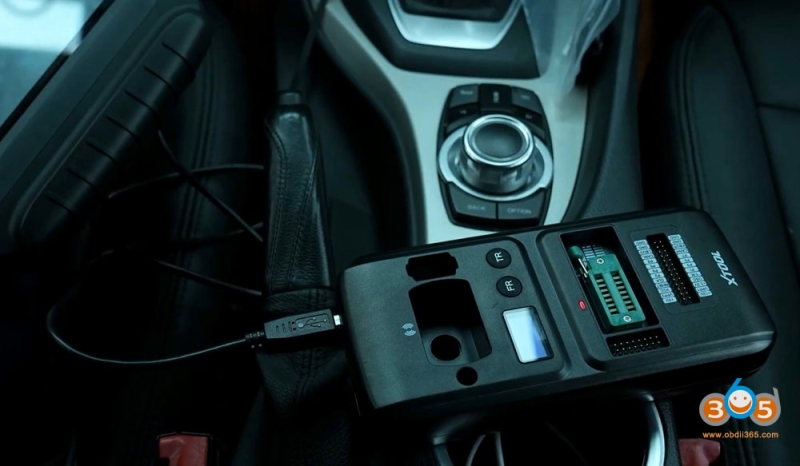
Connect KC501 programmer with Xtool tablet.
Follow screen prompts unitl key programming finished.