Autel IM608 VAG PCR2.1 PIN & CS Code Issue Solved
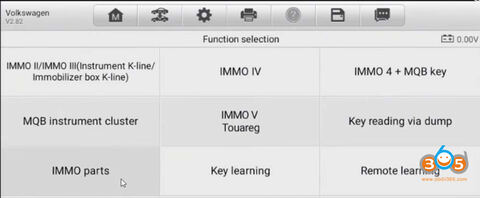
We are addressing a long-standing server issue that affected the White Meter (immobilizer) functions for Volkswagen and Skoda vehicles. We will demonstrate how to retrieve the necessary data for an “All Keys Lost” situation on a PCR 2.1 ECU using Autel IM508 or IM608.
The issue was related to a server-side maintenance problem that has now been resolved. We can now successfully read the needed data, including the CS and PIN code for these ECUs.
Step-by-Step Process for Data Retrieval
1. Hardware Setup & Connections
To begin, we are working in Bench Mode. The target ECU is the Continental SIMOS PCR 2.1 TC19796.
It is critical to ensure you have a proper 12V power supply connected to the ECU. Without a stable 12V connection, the process will not work.
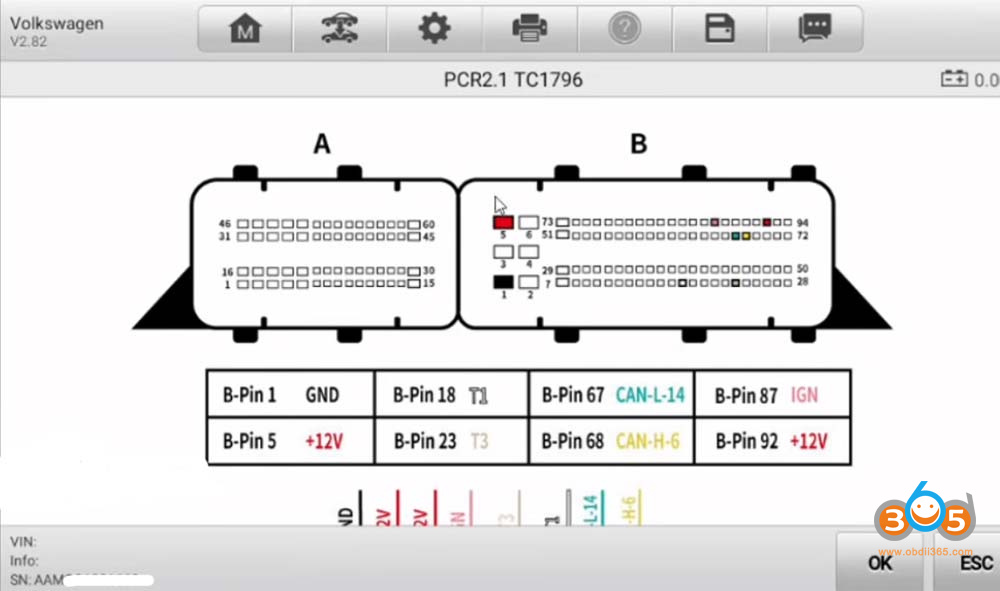
Verify all pin-out connections are correct according to the diagram for the PCR 2.1.
2. Reading the ECU Data
Once the ECU is connected and powered, use the Autel device to read the data:
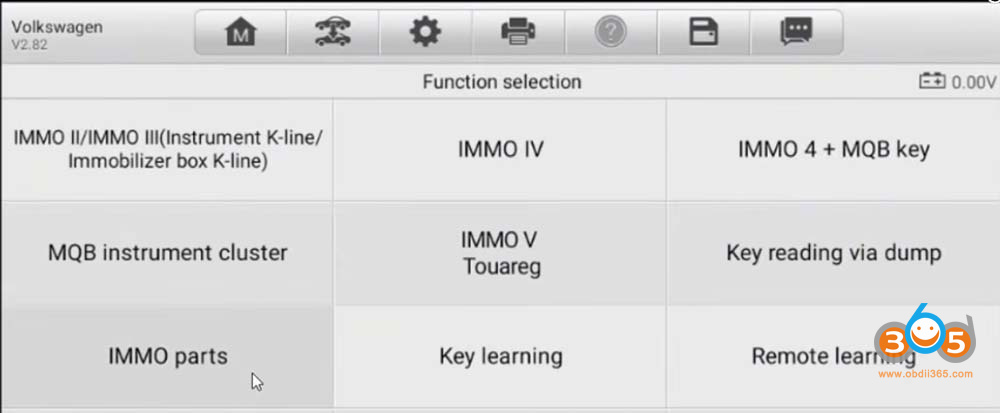
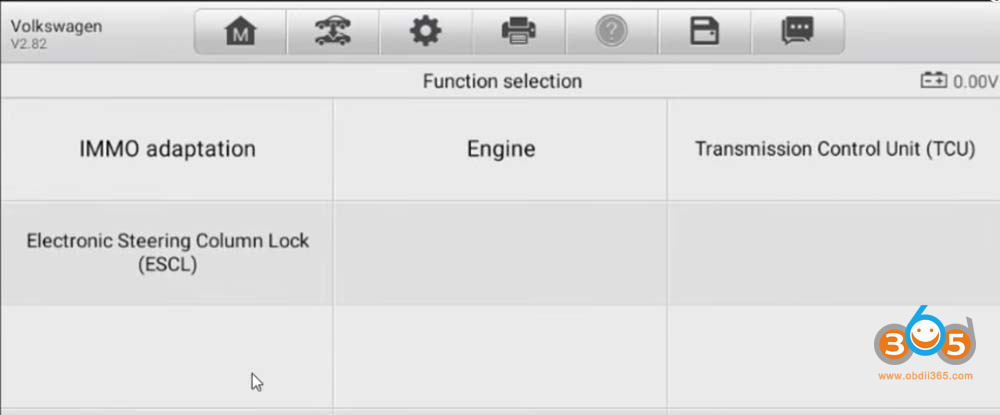
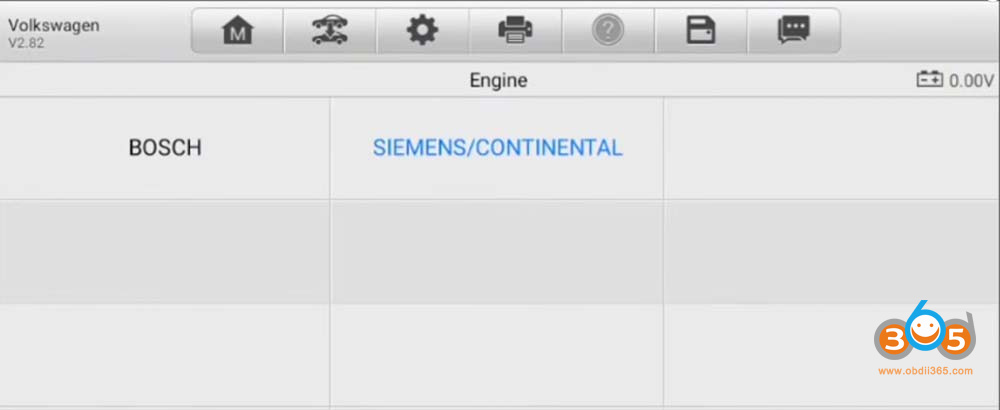
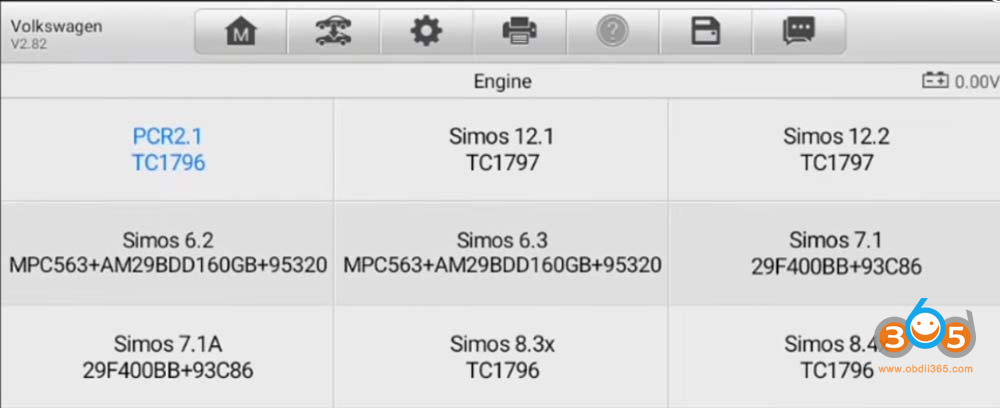
Navigate to Immobilizer Parts > Engine- Siemens/Continental-PCR2.1 TC1796.
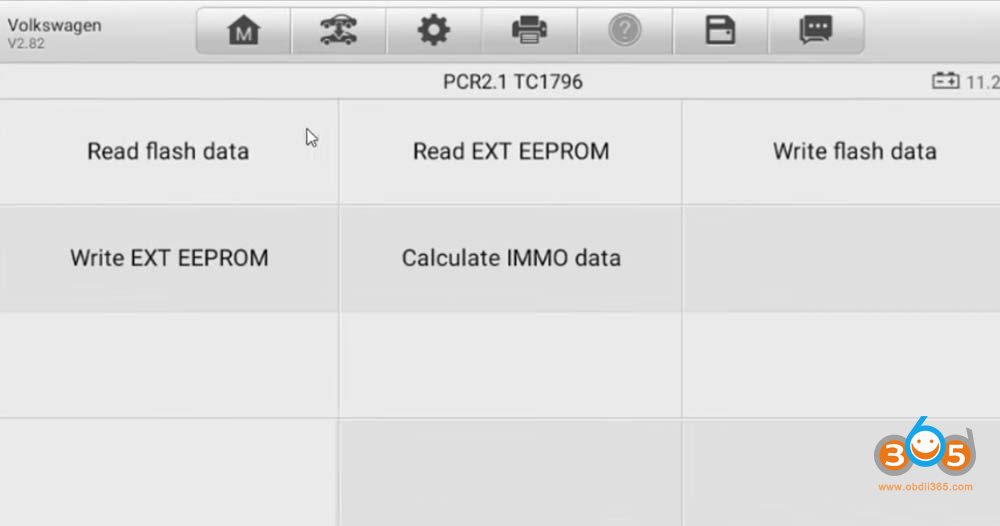
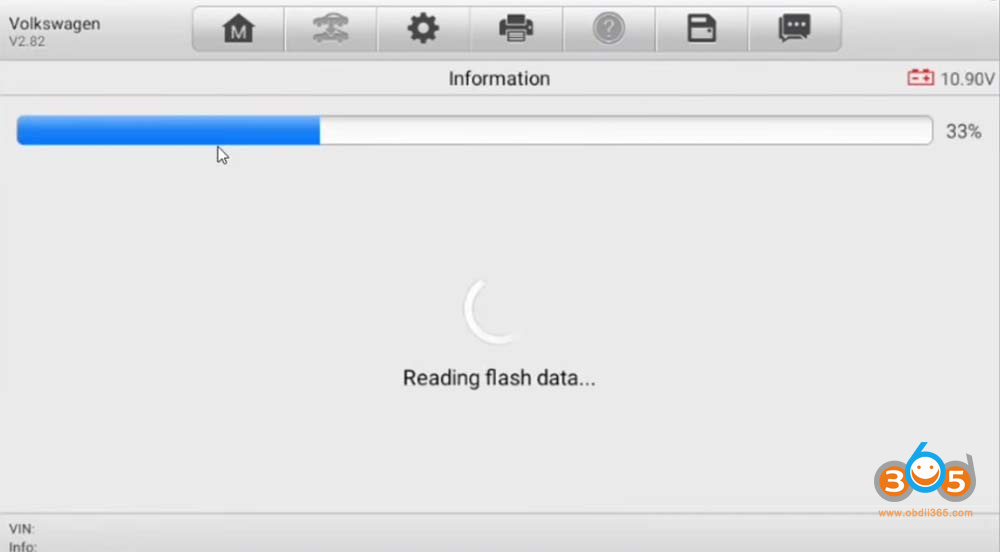
Proceed to read the Flash Data. (The device is now successfully reading the data without network errors).
Save the Flash file with an appropriate name.
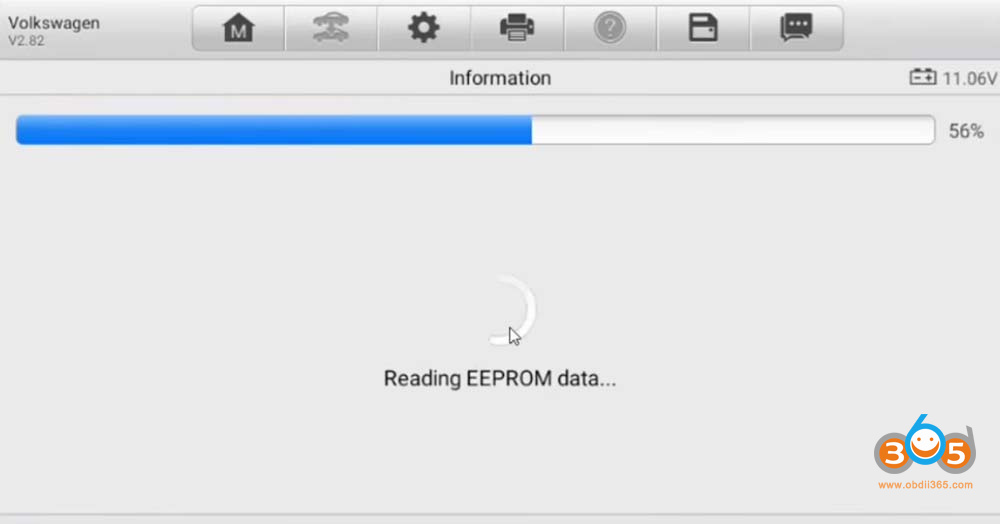
Next, read the External EEPROM Data. This data reads quickly and successfully.
3. Calculating the Security Data
After both files (Flash and External EEPROM) have been saved:
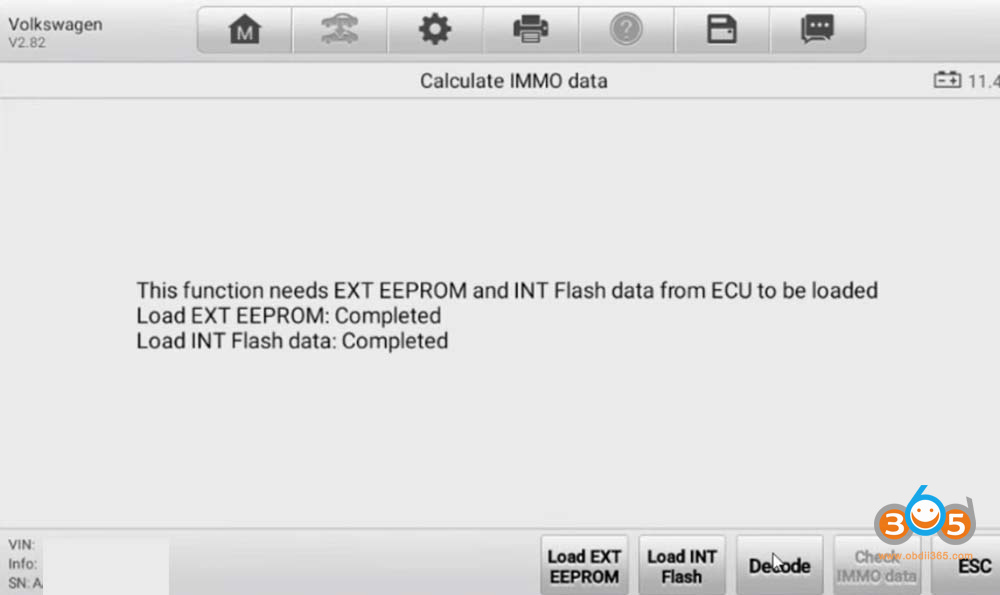
Go back into the software and select the option to “Calculate Immo Data”.
Load the saved Flash File and the External EEPROM File into the respective slots.
Press the Decode function.
4. Results
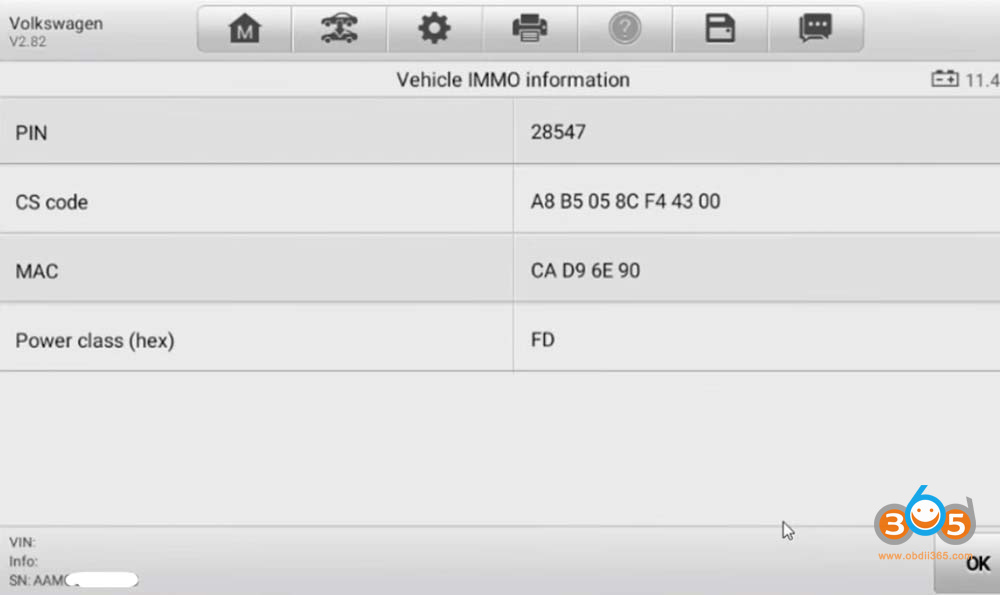
Once the decoding process is complete, the software will successfully calculate and display all necessary immobilizer data, including:
CS code
PIN Code
Power Class
MAC ID
Confirmation & Final Steps
The long-standing network error and access issues have been resolved by the software company, and the PCR 2.1 is now working properly. With the calculated CS and PIN code, you can now proceed to the vehicle to perform the “All Keys Lost” procedure via the OBD or diagnostic port using the “Learn” function.