Autel IM608 II Program Toyota 8ABA or 4ABA All Smart Keys Lost
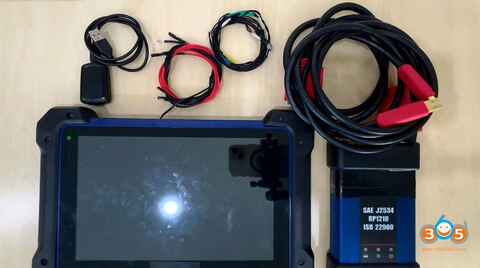
Autel MaxiIM IM508S and IM608 II series now support programming Toyota 8A_BA and 4A_BA proximity all keys lost. Take an example of a 2024 Toyota Frontlander HV.
Tools requires:
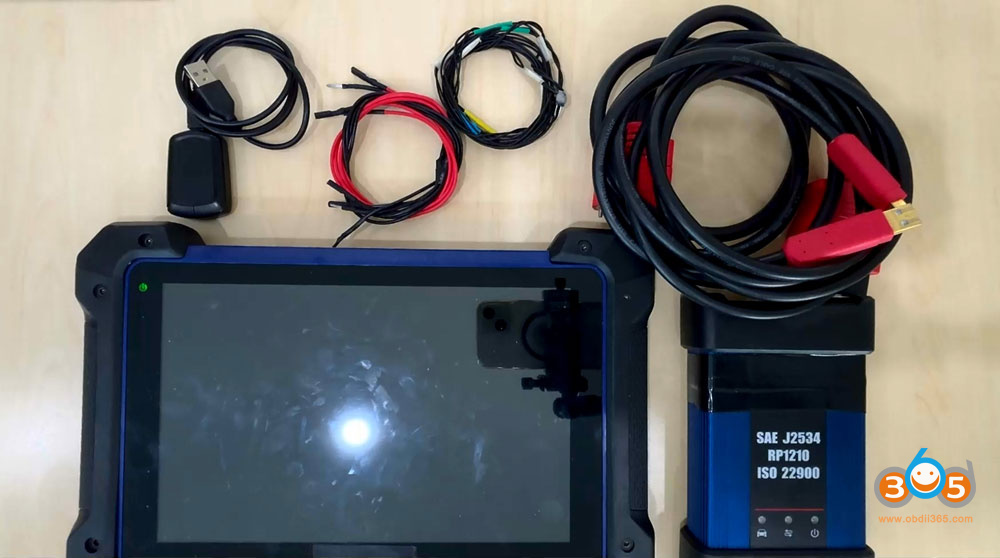
- Autel IM608 II/IM508S+ XP400 Pro
- Autel APB112 emulator
- 4 jumper cables
- new key to be programmed
Main steps:
- Back up immo data
- Generate analog key
- Add smart key
Procedure:
Step 1: Back up IMMO Data
Perform the “Back up IMMO Data” function to obtain the vehicle’s eeprom bin file, which is used to generate an analog key and facilitate the PIN-free process.
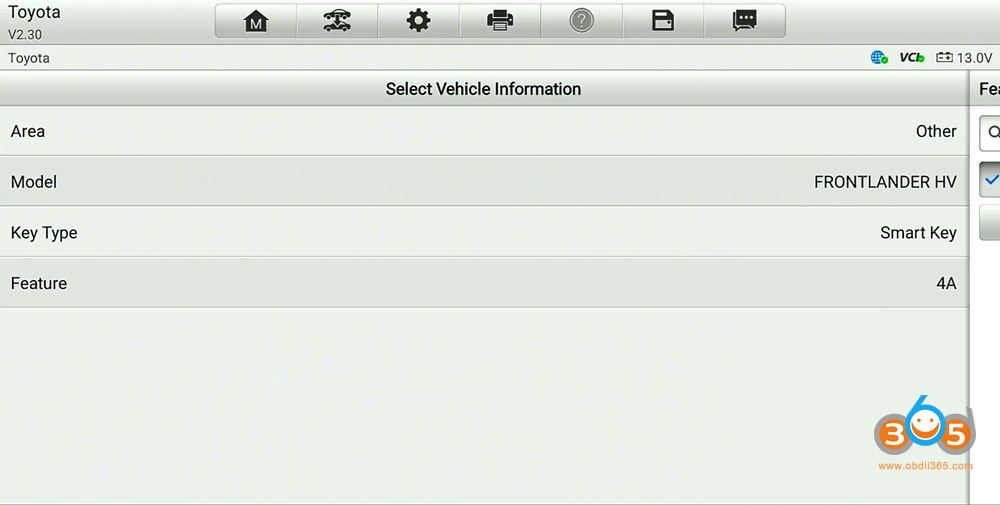
Menu path: Toyota- Manual selection- Other- Frontlander HV- Smart Key-4A- Control Unit- Keyless System (CAN).
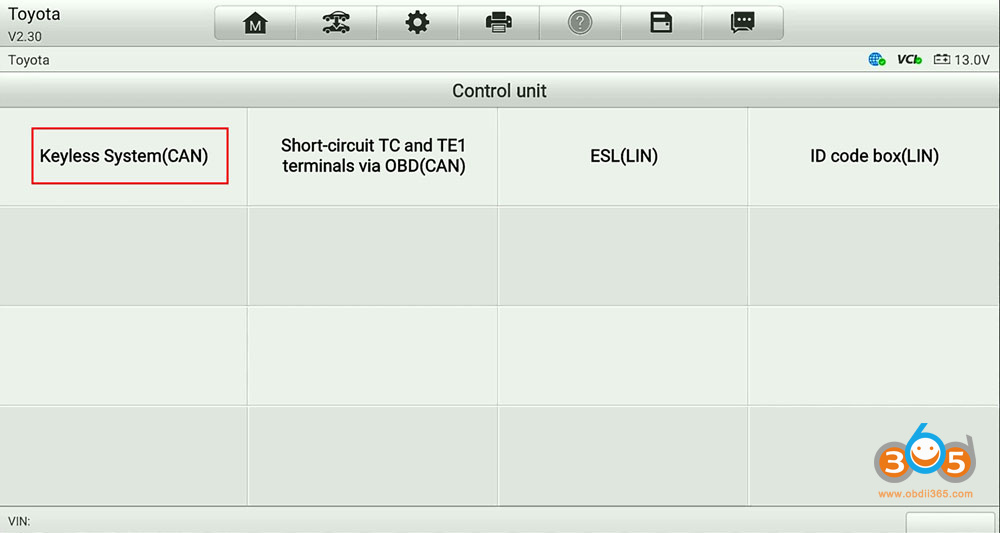
Select Back up IMMO Data function.
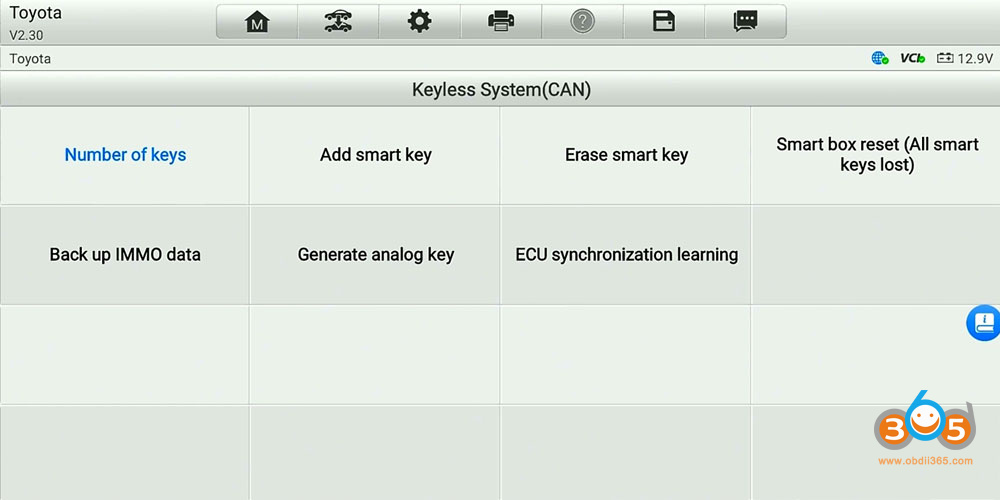
This function supports models with 4A Smart key as of 2022.
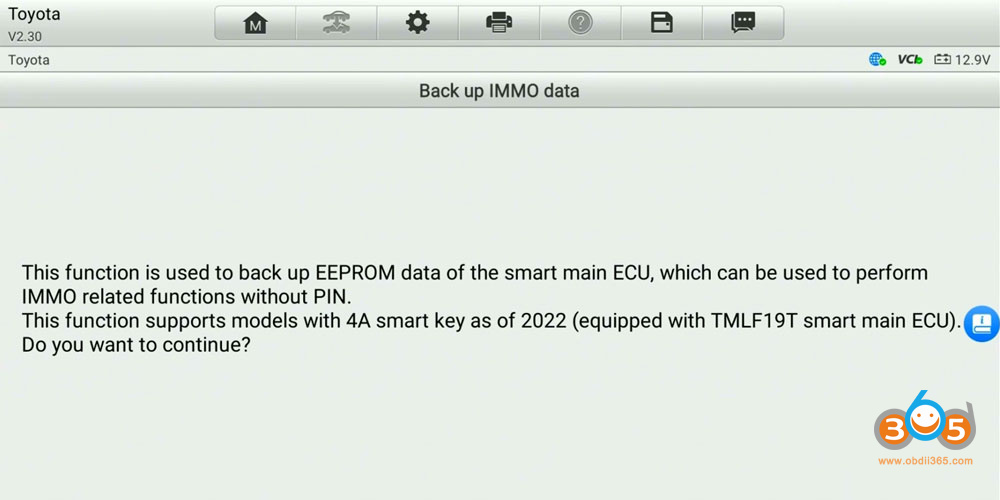
Enable network connection.
Turn the ignition off and turn the hazard warning lamps on and off once.
Follow the operation guide to connect jumper wires to the smart box.
12V
CAN-H
CAN-L
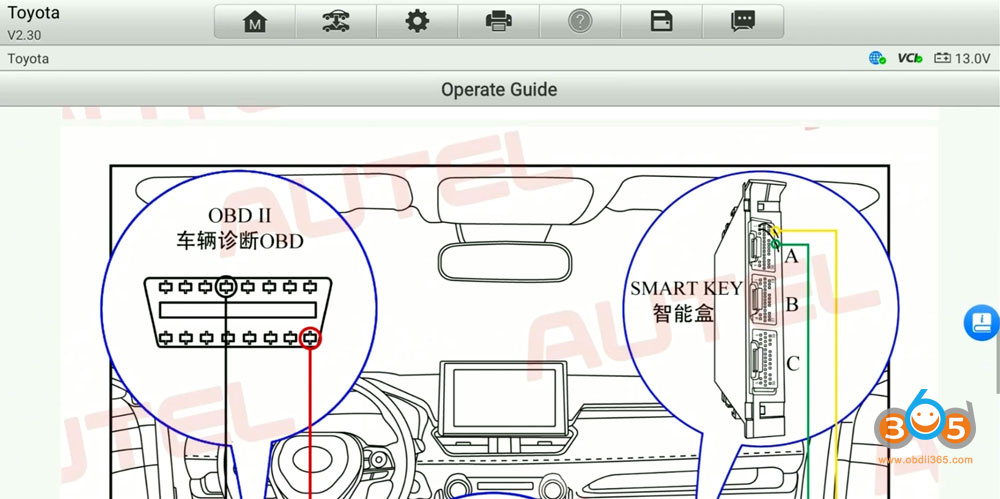
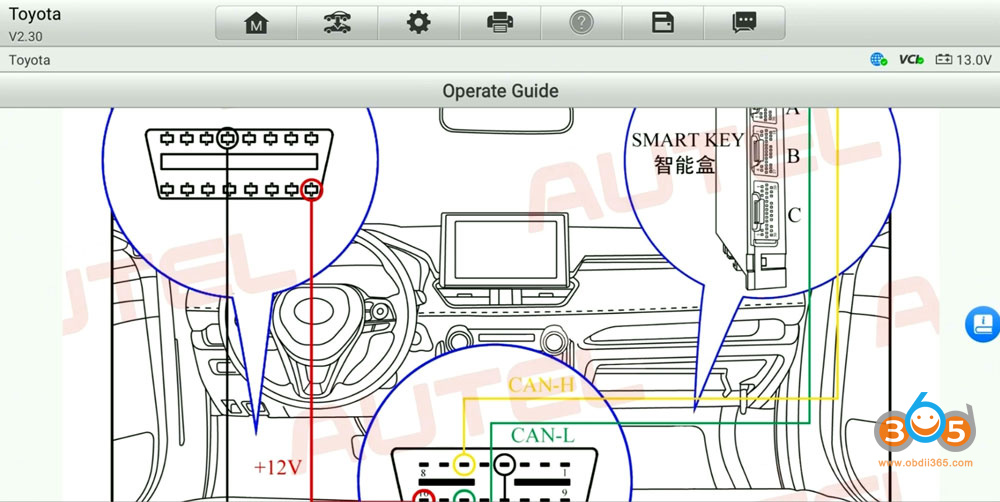
Connect the jumper cable with smart box.
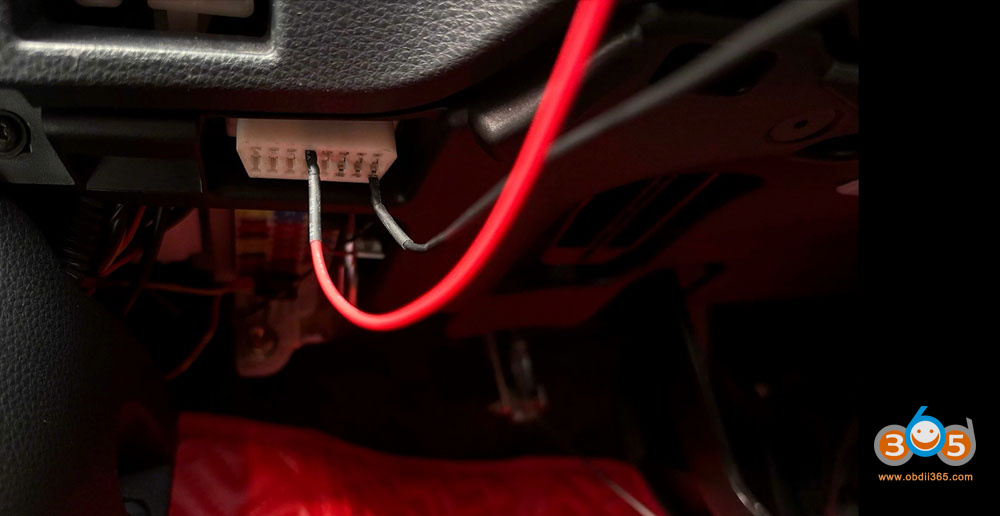
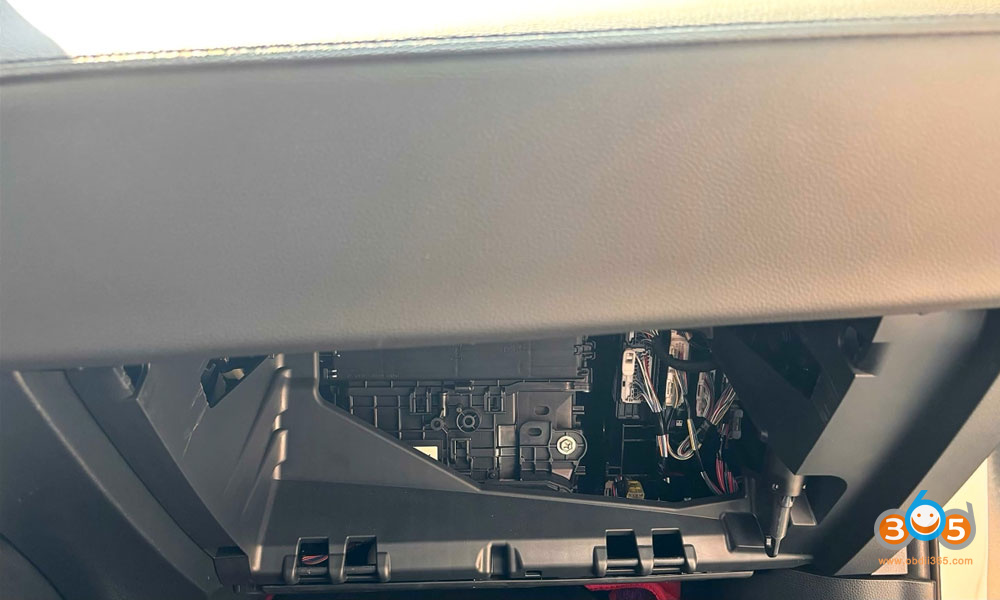
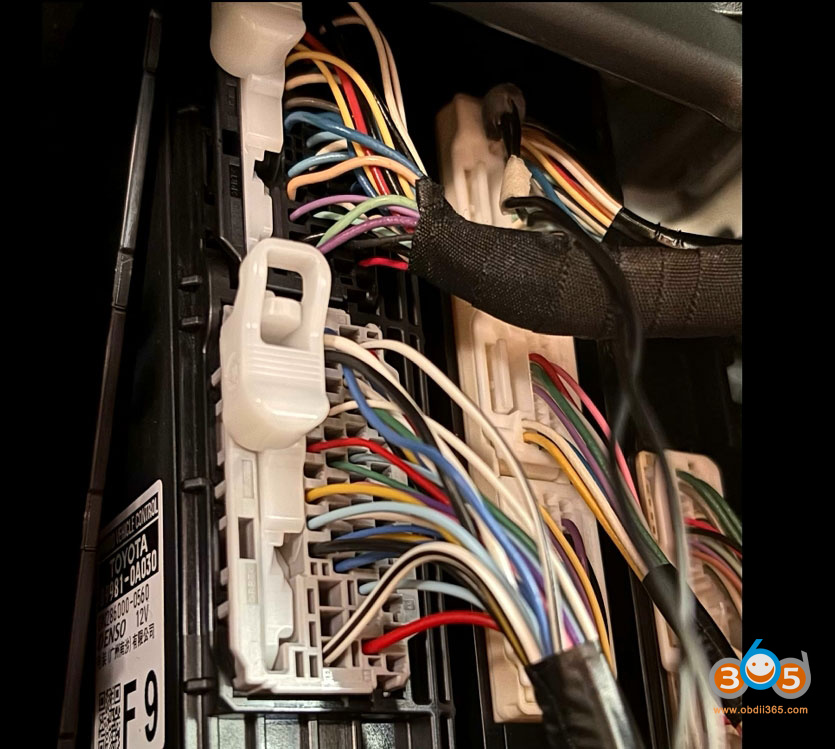
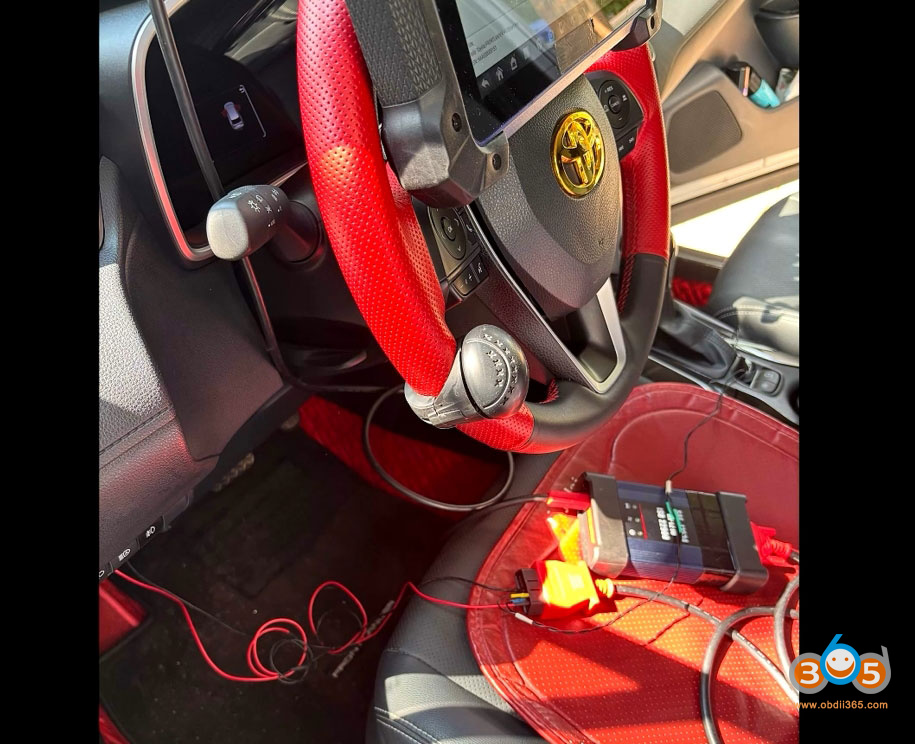
Read and save immo data.
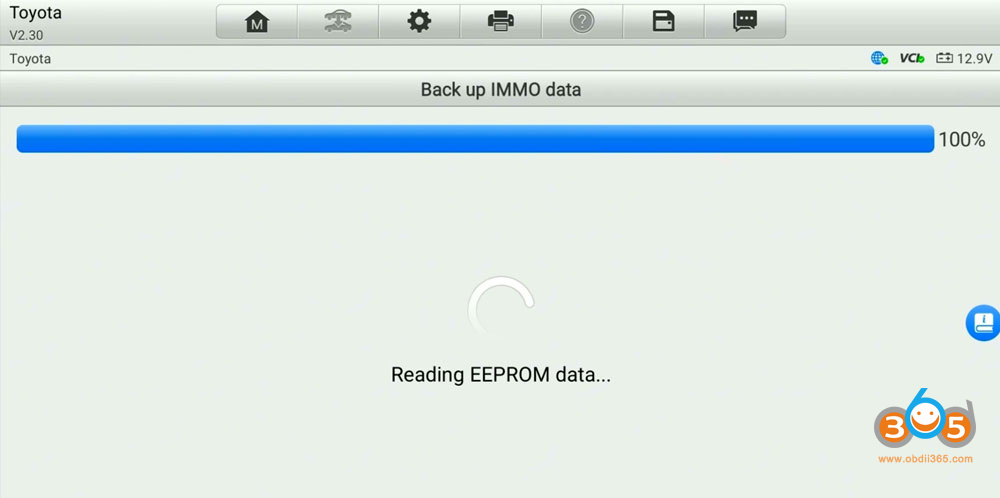
Step 2: Generate Analog Key
Perform the “Generate analog key” function by loading the backed-up EEPROM bin file, generate the analog key and verify that its emergency ignition function works correctly.
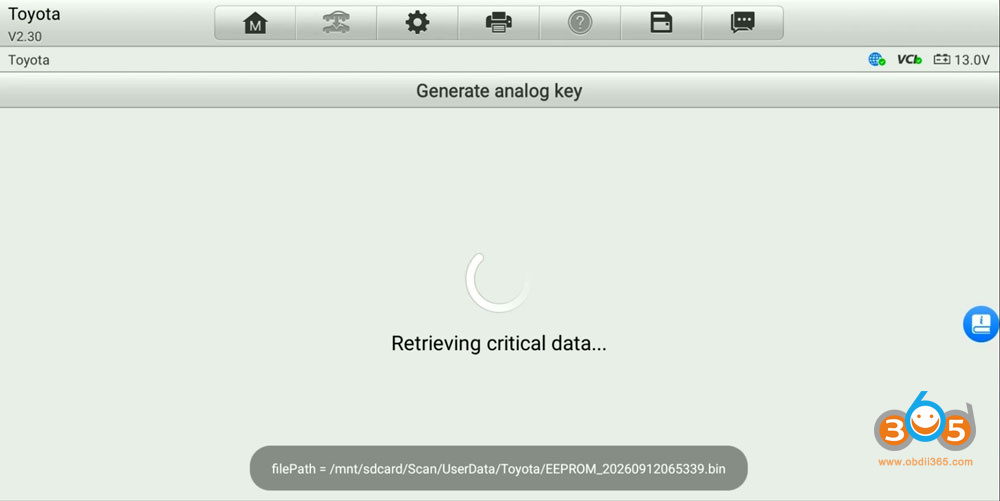
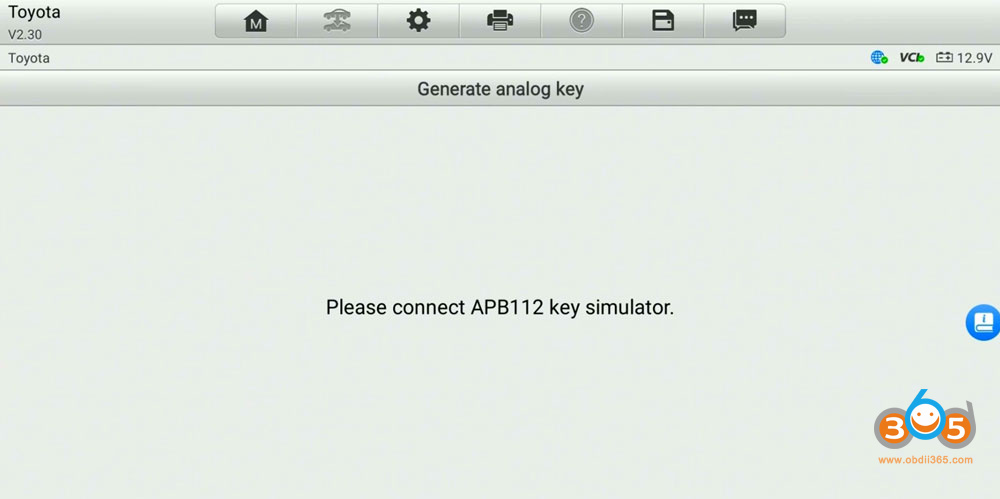
Connect APB112 emulator.
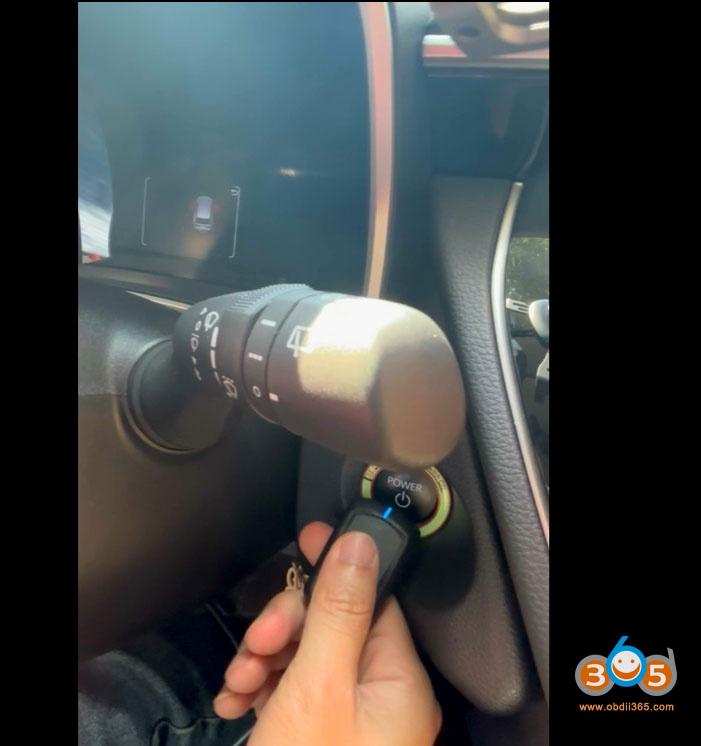
Put the APB112 emulator on the Start button.
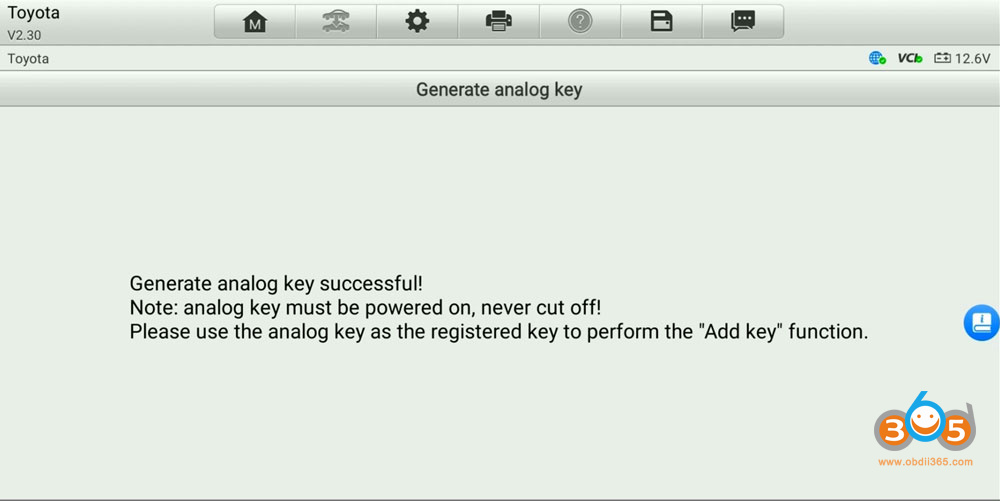
Generate the analog key successfully.
Step 3: Add smart key
Disconnect the jumper wire and connect the diagnostic connector directly to the vehicle’s OBDII port.
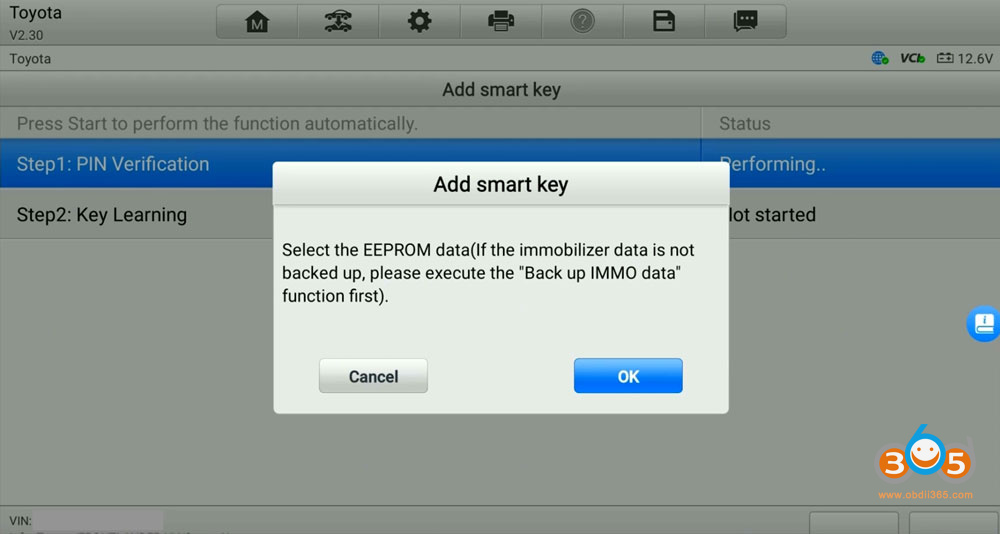
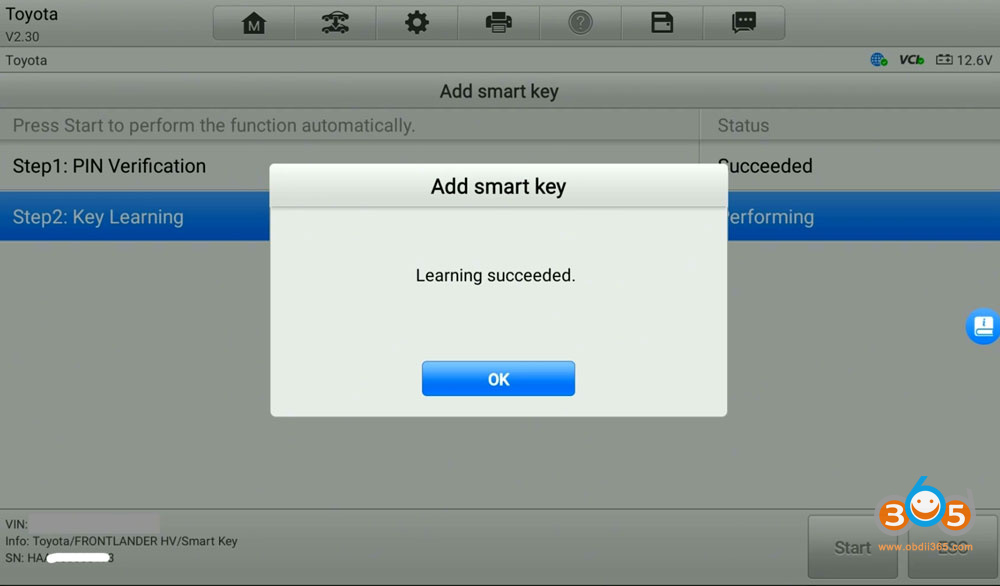
Perform the “Add smart key” function by loading the backed-up EEPROM bin file to enable PIN-free operation.
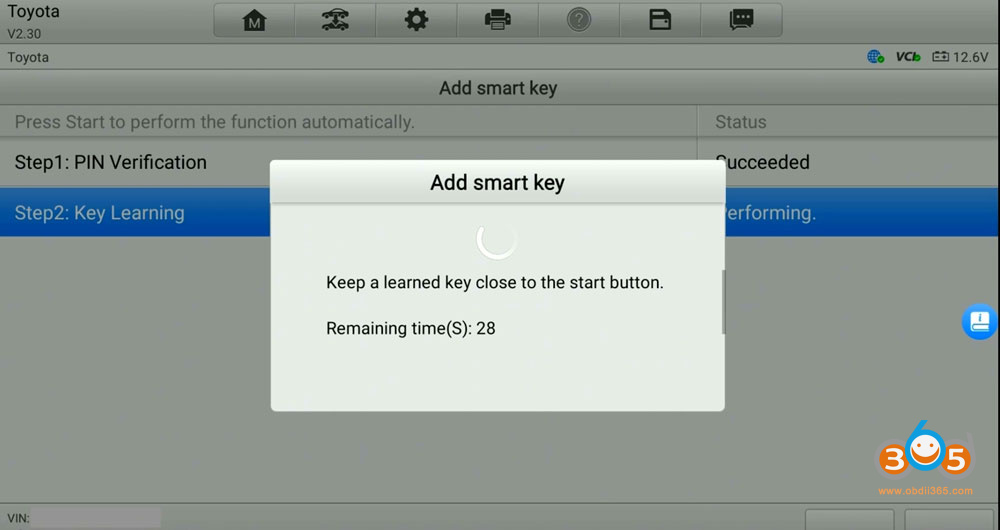
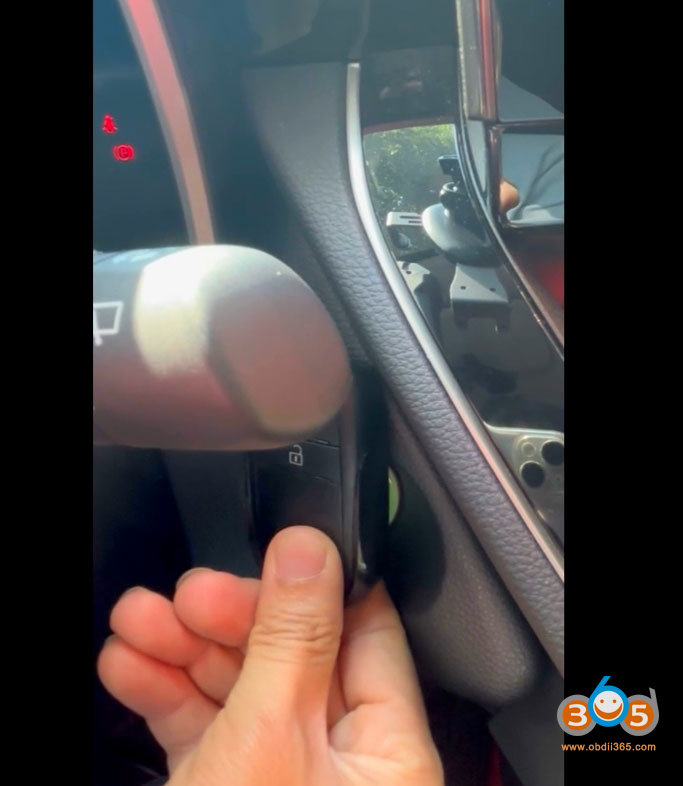
Follow Autel prompts to verify PIN and learn key.
Test the new key.