Yanhua ACDP 2
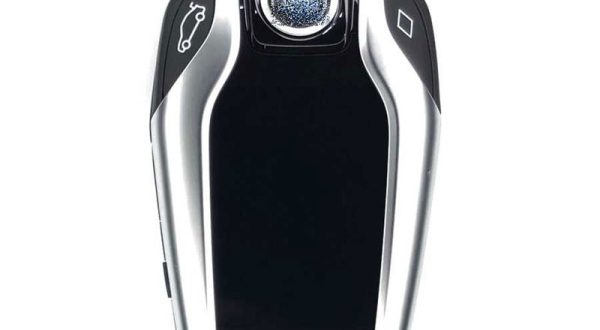
Will Yanhua ACDP copy BMW G series smart display key? no classic BDC3 key? Good news! Yanhua ACDP has upgraded the BMW G series smart display key copying
Problem: When I try to connect Yanhua Mini ACDP2 unit to my iphone, it won’t connect via Bluetooth. With pc with usb cable, connects and works. Solution: Method
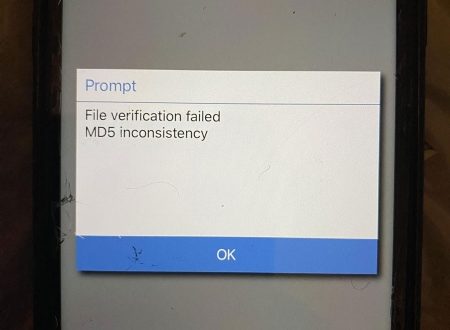
Problem: Try to work with Yanhua ACDP2 and BMW CAS4 I get this issue. It reads eeprom, says successful read, but then shows this error (File Verification Failed.
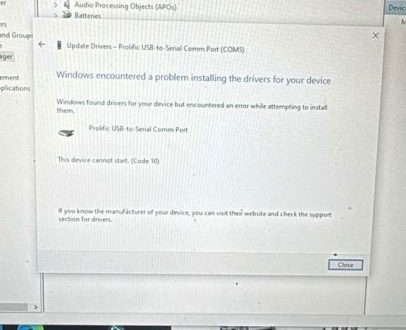
Problem: I tried to install Yanhua ACDP 2 to my PC but could not find the module. Still “searching device”. I downloaded and installed the pl2303 prolific gos
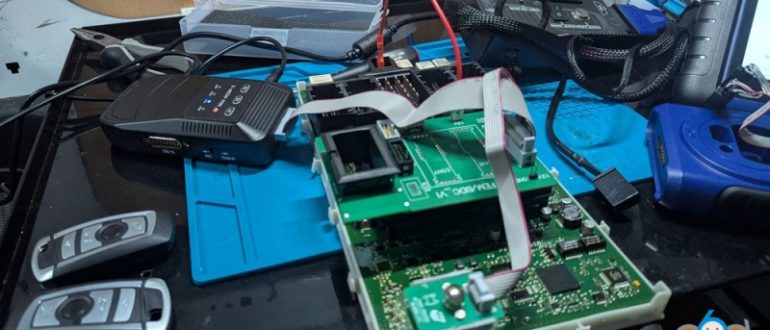
2012 F30 FEM replacement because the old one was faulty and causing door and window issues and turns out couldn’t read coding on bench for some reason. Done
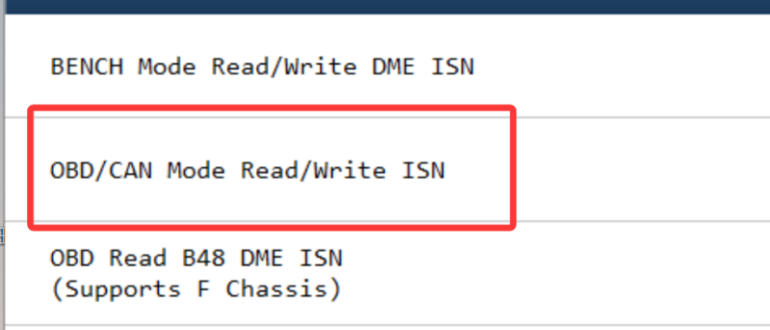
How to Read BMW MSV70 DME ISN Code with Yanhua ACDP? Tools required: Yanhua ACDP2/ACDP1 device Module 3 (with PCAN cable) Guide: Go to DME ISN function. Select
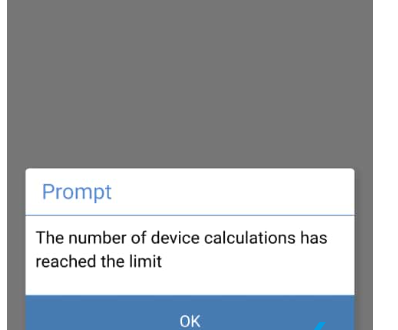
As titled, what Yanhua ACDP Modules have Daily Connection Limitations? Module 16, module 26, module 27 and module 30 require server connections. These modules are limited to 6
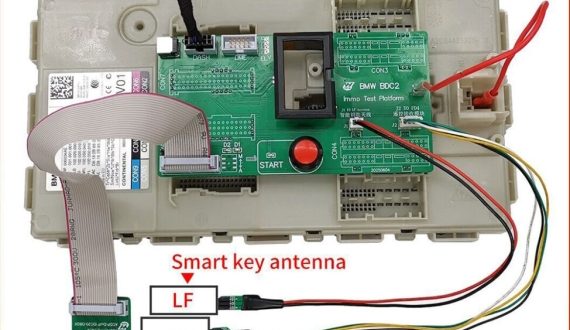
While Yanhua Mini ACDP supports BMW BDC2 all-key-lost functionality, there are still critical considerations. Here are the risk warnings. 1. This All-Key-Lost function is only an emergency solution and will affect the BMW
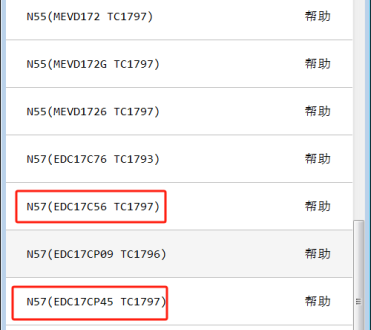
Question: Try to read ISN code from EDC17CP45 ECU with Yanhua ACDP, but cannot find wiring diagram in App. How to read it? Solution: There is no wiring
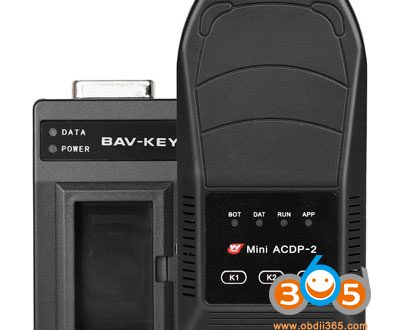
What’s the difference between Yanhua Mini ACDP2 and the APPRO2 key programmer? Which is better? Here is the comparison: Item Function Yanhua Mini ACDP2 APPRO2 License Module