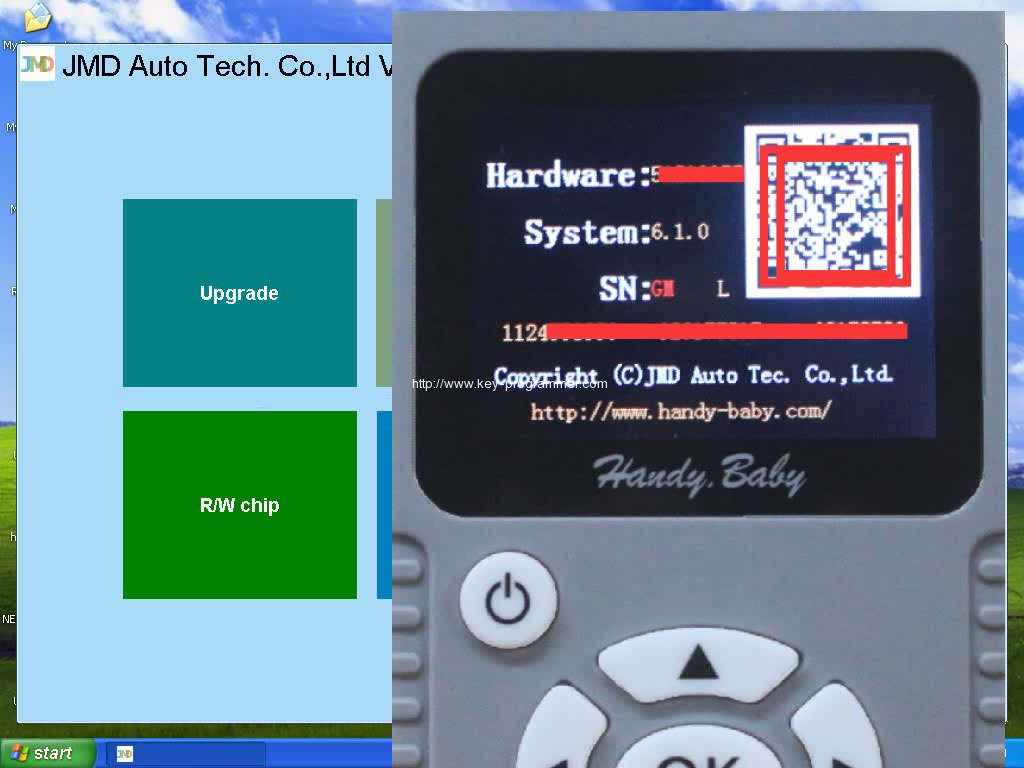
How to update Handy Baby Car Key Copy to V6.1.0
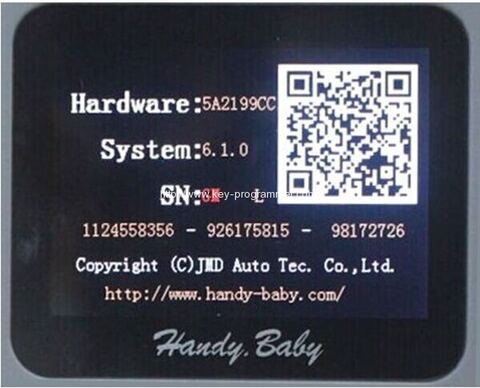
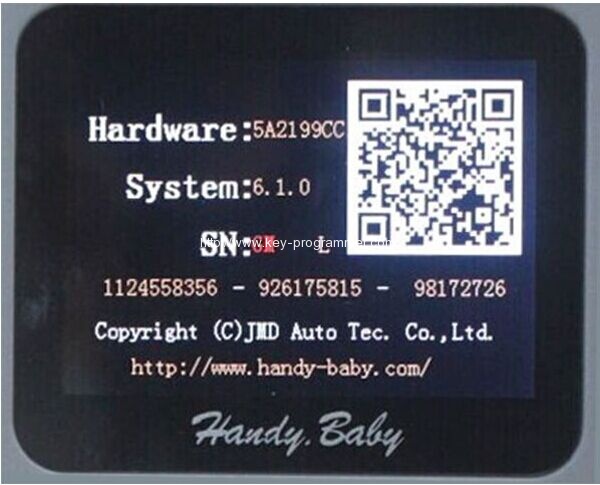
JMD Cbay/Handy baby key programmer has been updated to the latest version 6.1.0. Here, share the released notes to help you know more about this version and update Handy baby key copy to v6.1.0 successfully.
Handy-baby 6.1.0 update info:
- copy 4D70-dst80 (KIA and Hyundai)
- chip transfer
- more types of chips generated
- more detail information about chips
note:we are sure Ford(80bit) which made in China can be copy, but not sure Ford in all the countries can be copy, so it may decode fail. Locksmiths from Europe success in copying Ford(80bit)
Free download handy baby 6.1.0 update file
How to update JMD Handy Baby Key Programmer to version 6.1.0:
Download handy baby 6.1.0 update file
Unzip handy baby 6.1.0

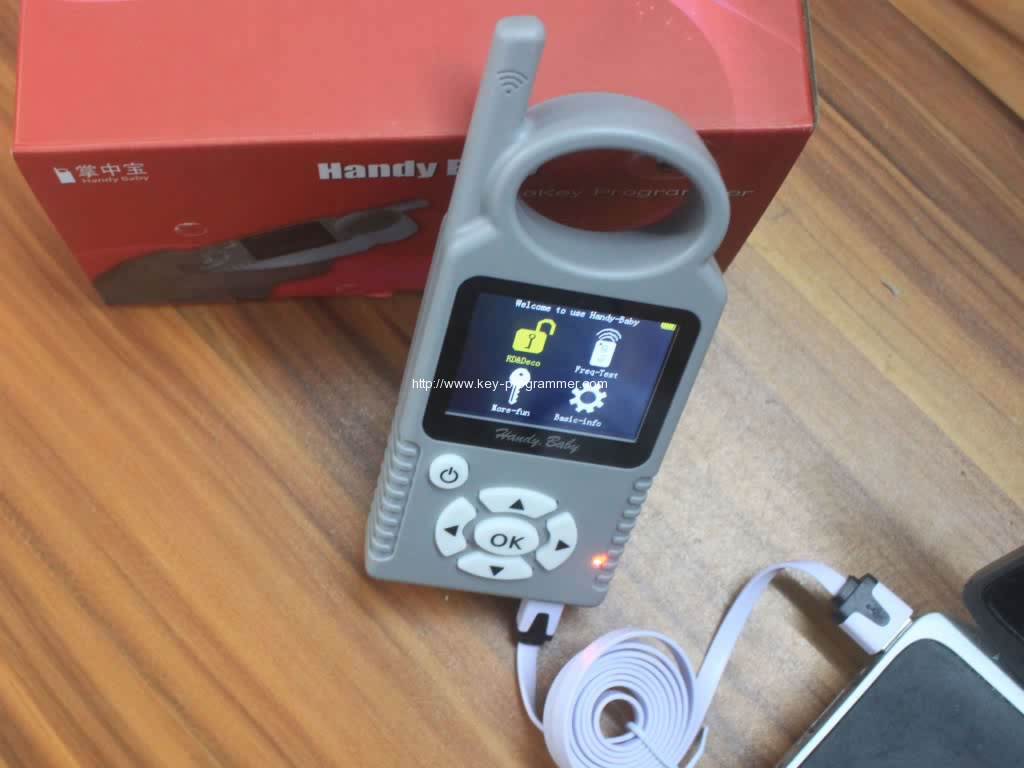
Connect handy baby device to PC
Start the device
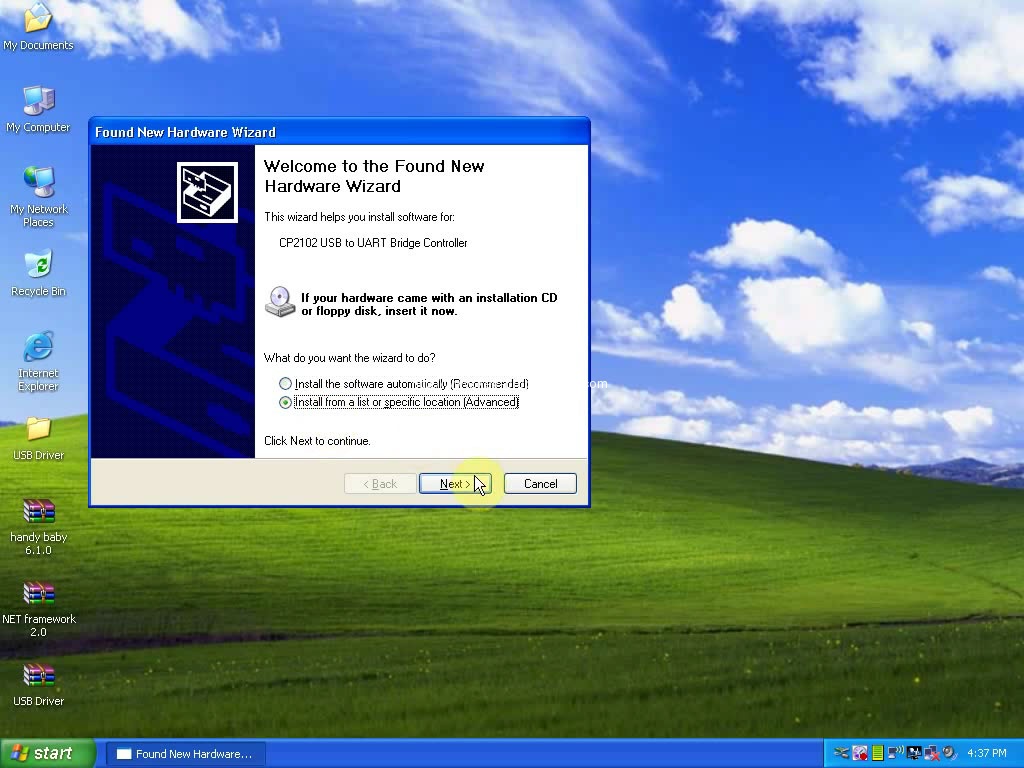
Found new hardware wizzard:
select Install … (Advanced), then Next
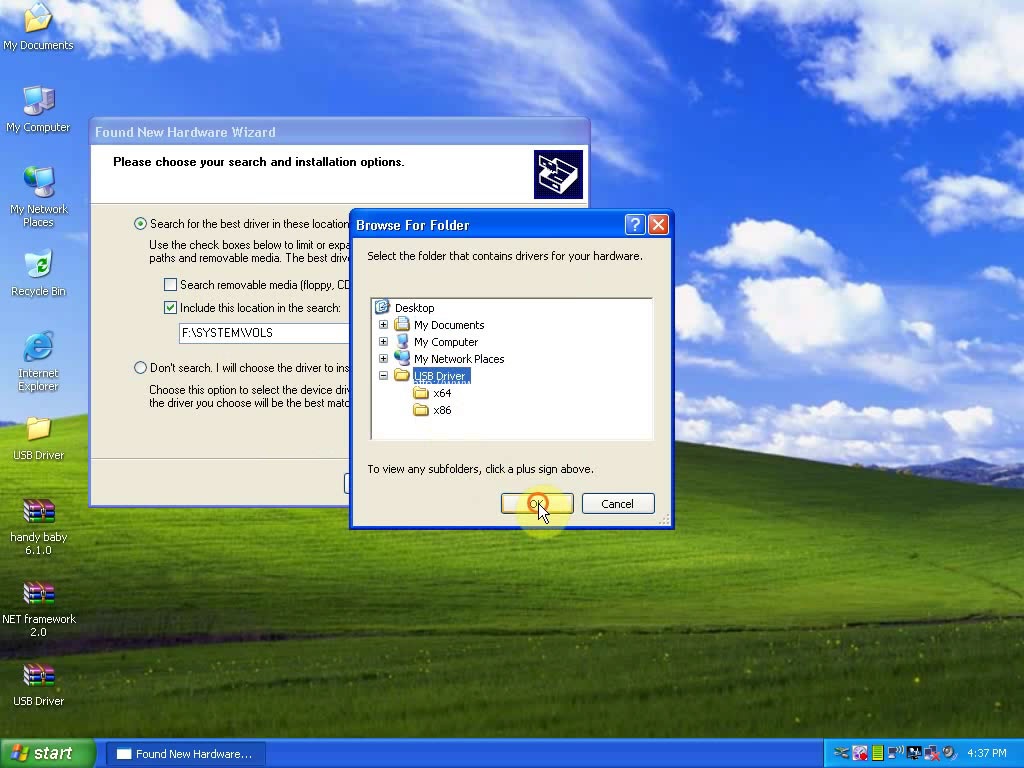
Select Include this location in the search, then Browse Desktop/ USB Driver, then OK
Wizard searches CP2102 USB to UART Bridge Controller, then Next
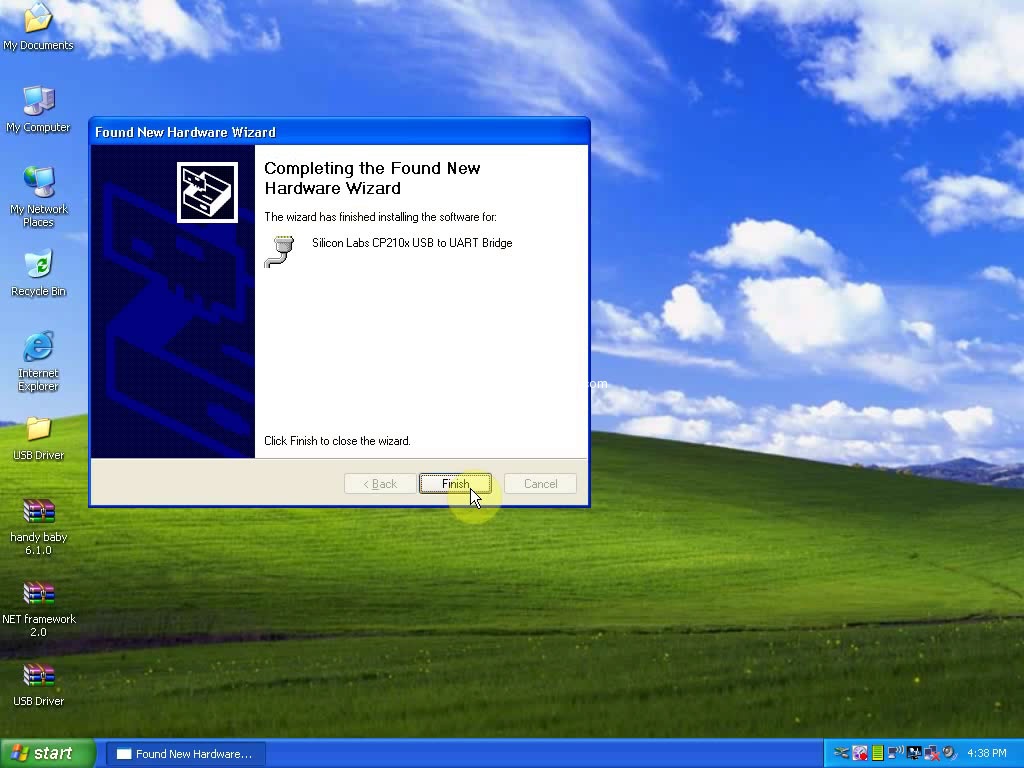
Software for Silicon Labs CP210x USB to UART Bridge installation success, Click Finish
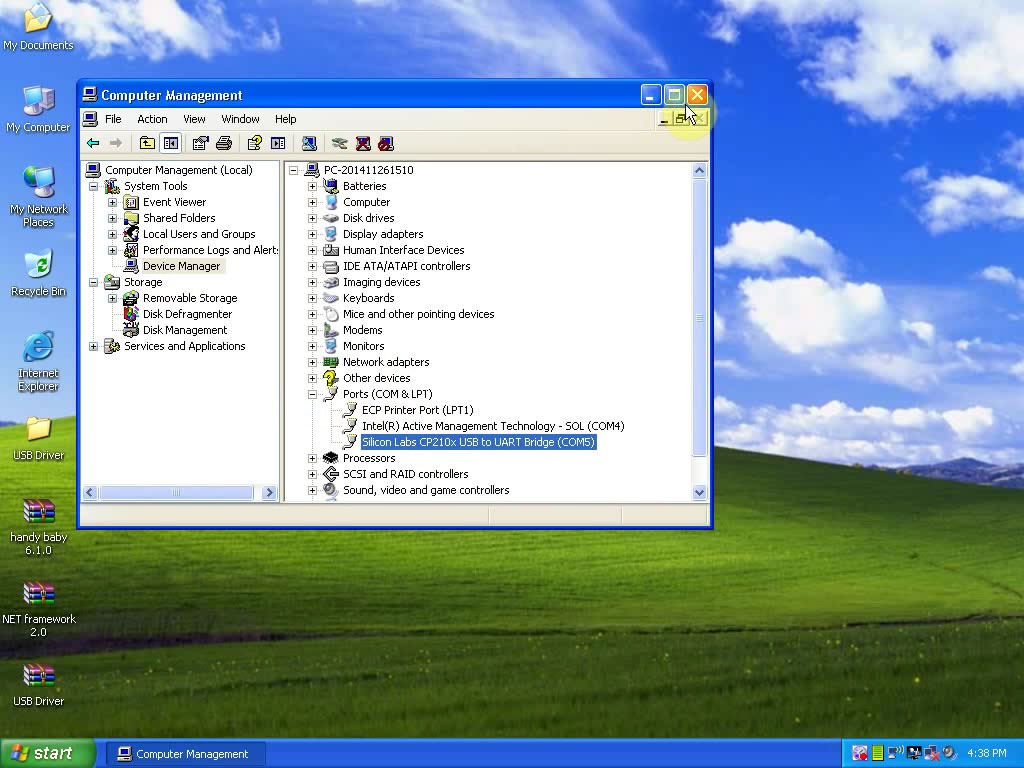
Open Computer management
Select Device Manager->Ports (COM & LPT)-> Silicon Labs CP210x USB to UART Bridge (COM5)
Open handy baby 6.1.0 update tool on Desktop
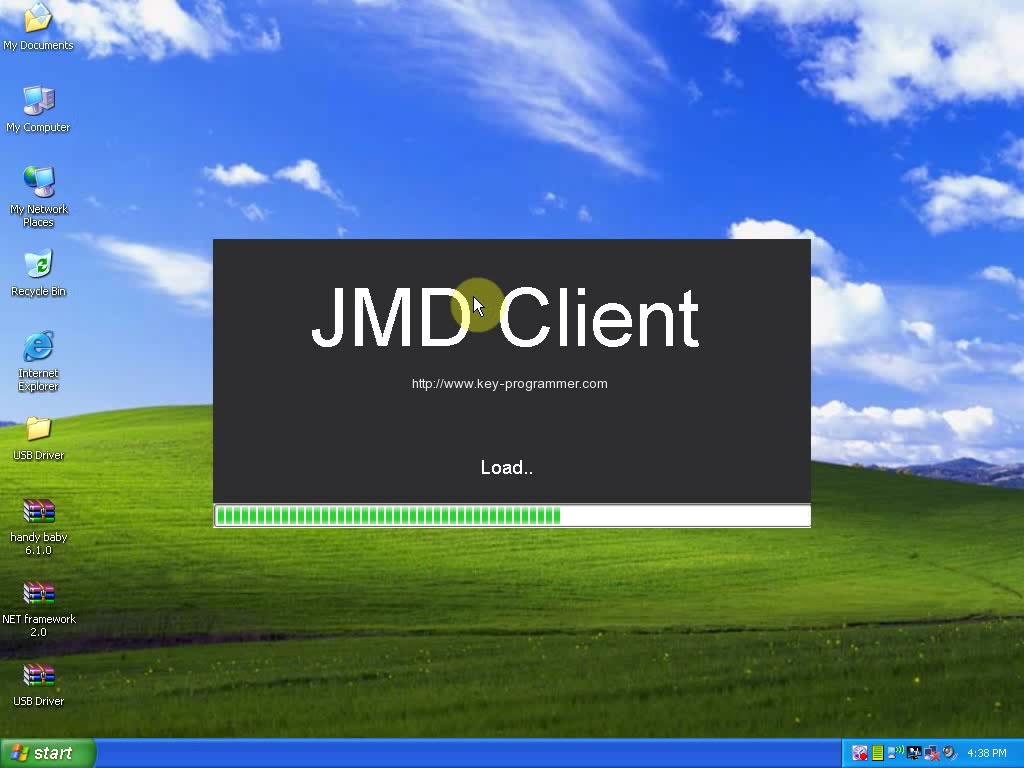
Select the English language

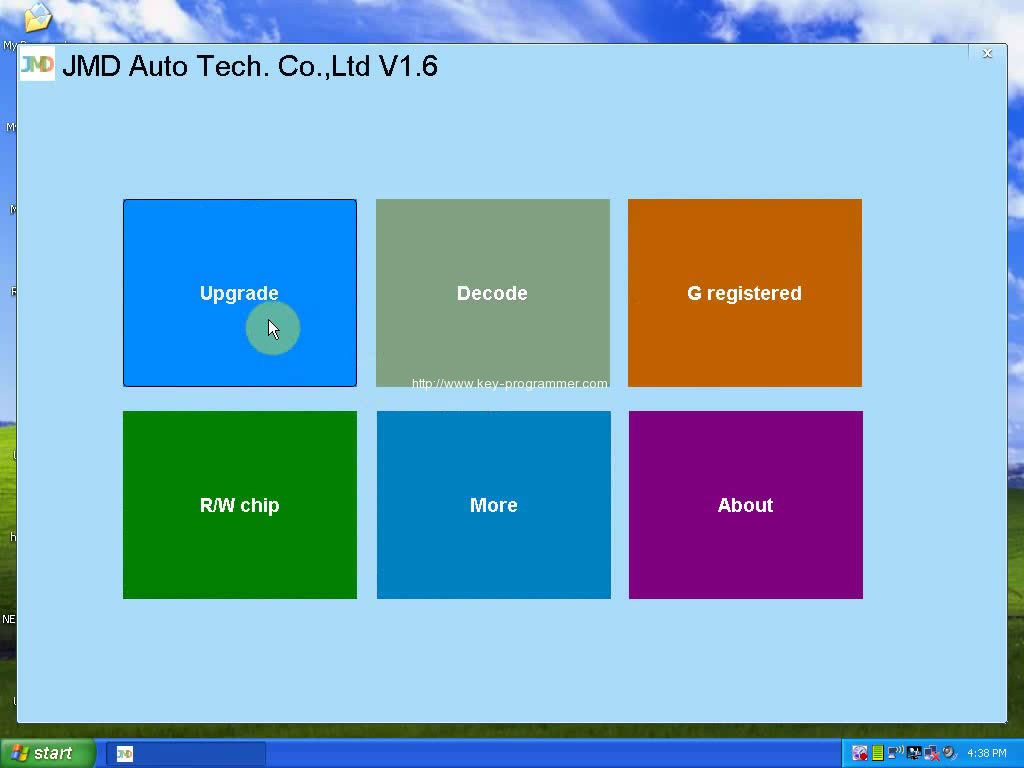
Click Upgrade
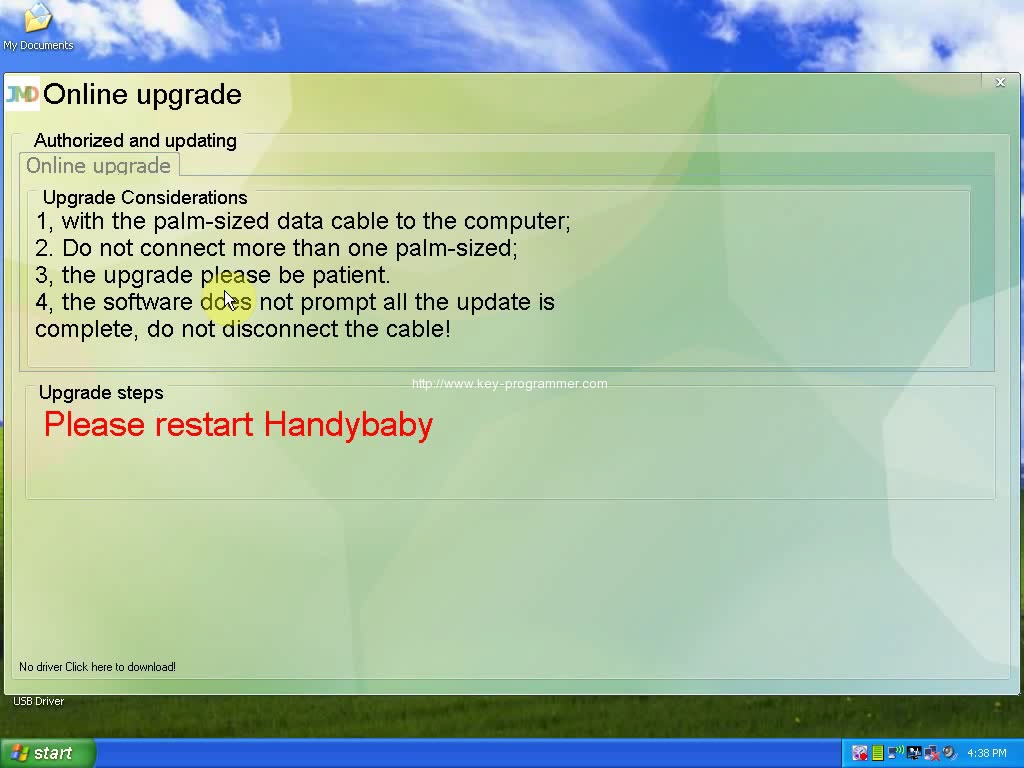
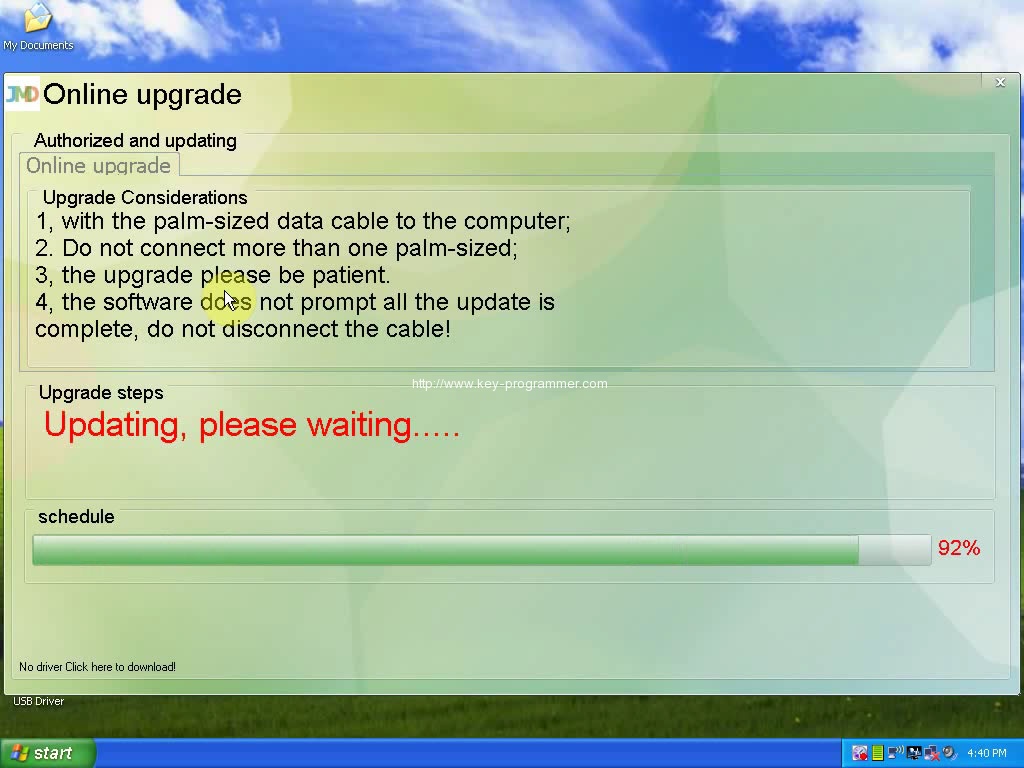
Update Notes:
1- with the palm-sized data cable to the computer
2- do not connect more than one palm-sized
3- the upgrade please be patient
4- the software does not prompt all the update is complete, do not disconnect the cable!
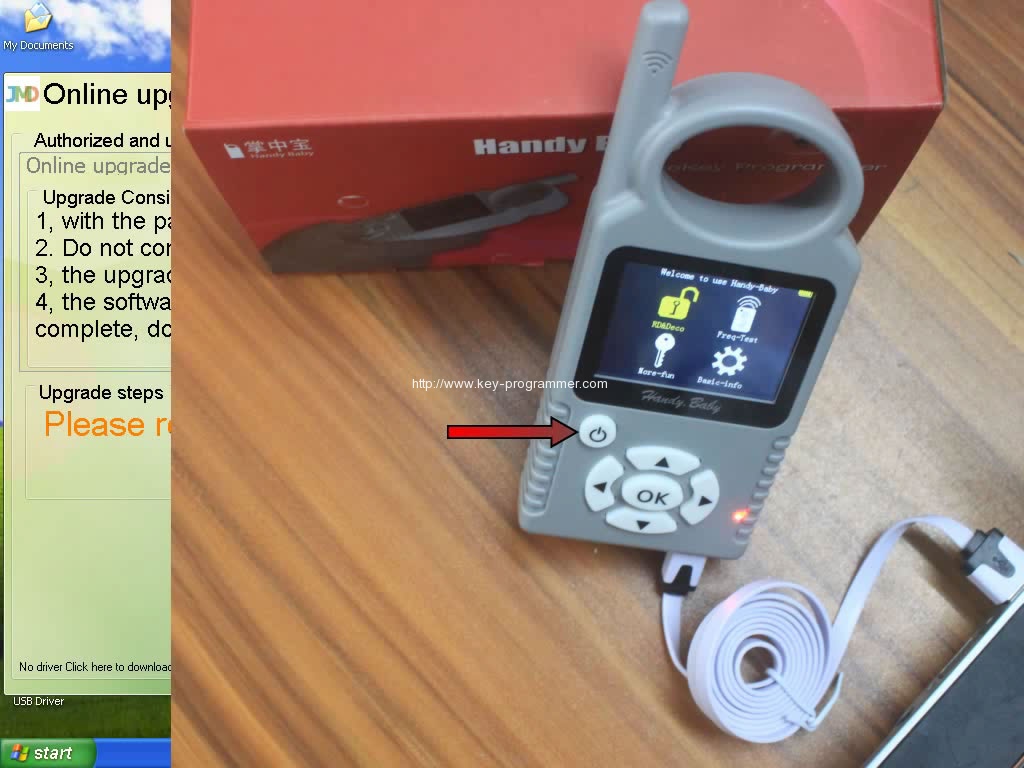
Restart Handy baby car key copy machine, then Updating…
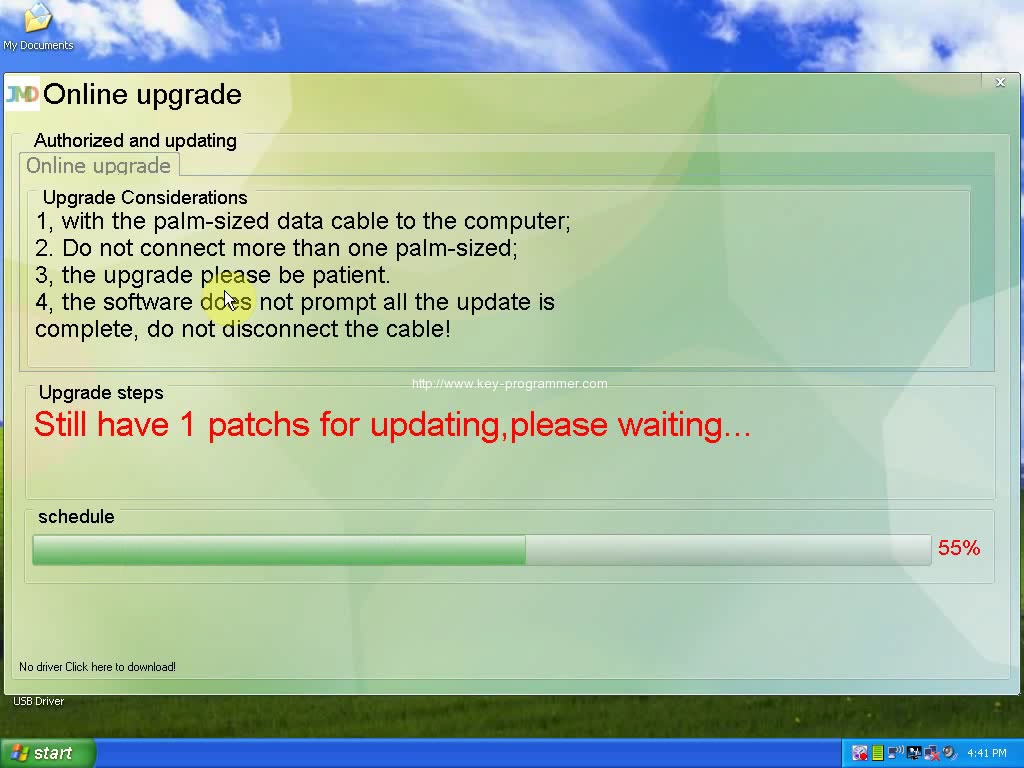
All updating successfully!
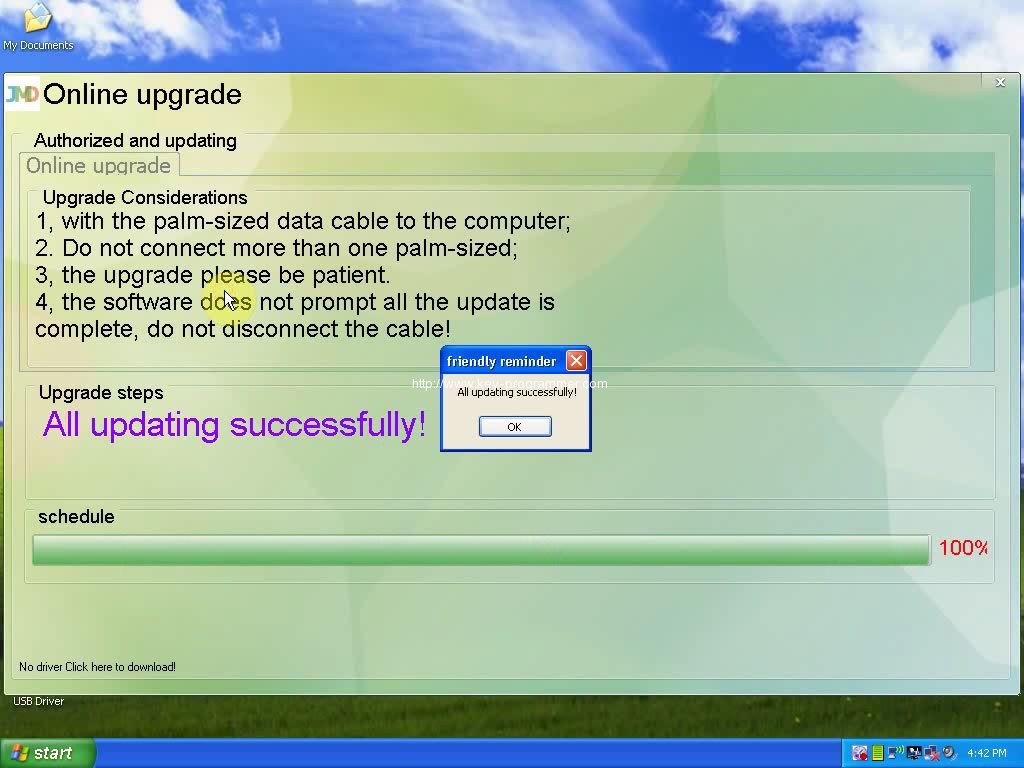
Now your handy-baby is used with v6.1.0 software.