Cloning DST Transponder by using Tango Key Programmer

Here is the tutorial on cloning DST Transponder by using original Tango key programmer.
Note: The document is only for education purpose. You can check the instruction on original website scorpio-lk as well.
Currently only Toyota and Yamaha keys are supported.For more details, Toyota supported keys have the 1-st page from the following set:
X0
X2
X3
X4*
X4*-only european market supported.
Cloning DST Transponder by Tango:
Run the Clone Mode selecting the appropriate menu item:

The next screen will appear:
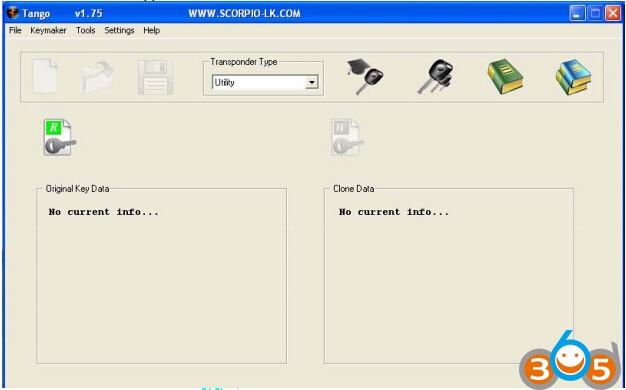
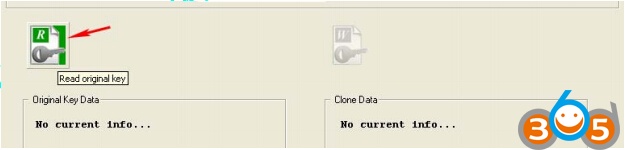
Place an original key on the Tango and click “Read original key” button
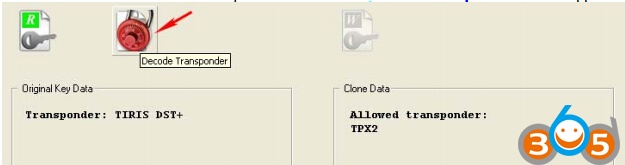
Once the TIRIS DST or DST+ transponder detected the “Decode Transponder” button appears:
Click the “Decode Transponder” button. Tango software will prompt to to decode transponder:
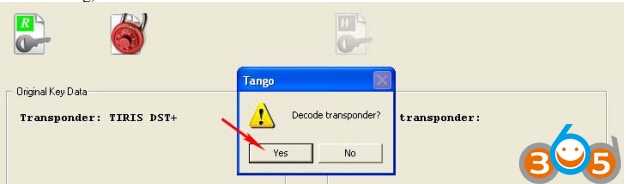
Tango transponder programmer will run the decoding process:
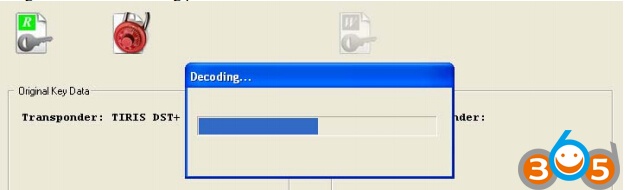
In case the decoding finishes successfully the “Write Clone” button will appears:
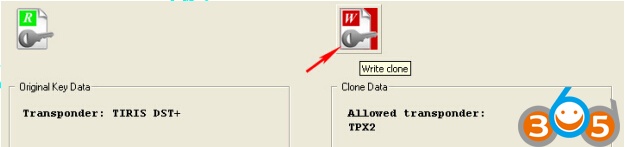
Now,remove the original key and replace it with EH2 (battery emulator) or TPX2 transponder. You are all set to make a clone. Click “Write Clone” button and Tango will do it.
http://www.obdii365.com/producttags/tango.html