How to add Ford F150 2006 Key by Xtool X100 Pad2
Easy steps to add a key for Ford F150 2006 pickup/truck by using Xtool X100 Pad2 key programmer within 2 mins.
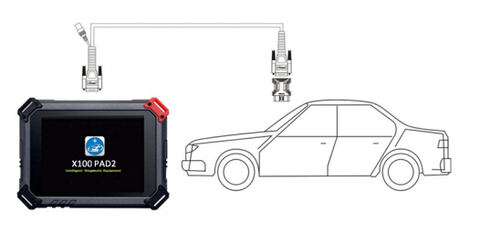
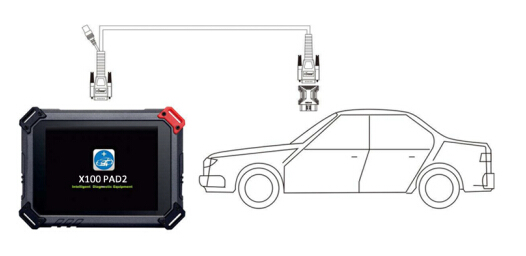
Connect Xtool X100 Pad2 with car following connection diagram
Power on X100 pad2 and go to main menu
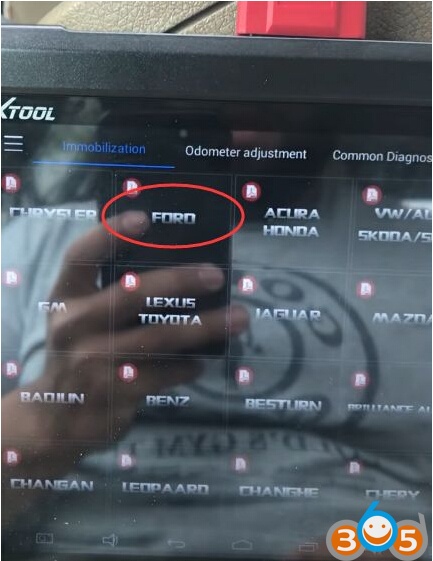
Select “Ford” on Immobilization section
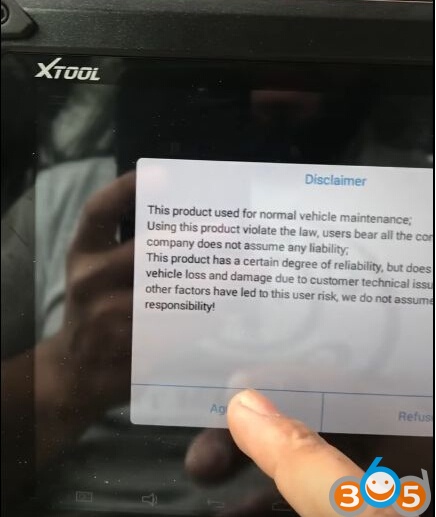
agree the disclaimer notice

Xtool x100 pad2 download firmware, process to 100%. It is ready
X100 pad2 automatically open the latest Ford software v26.84.
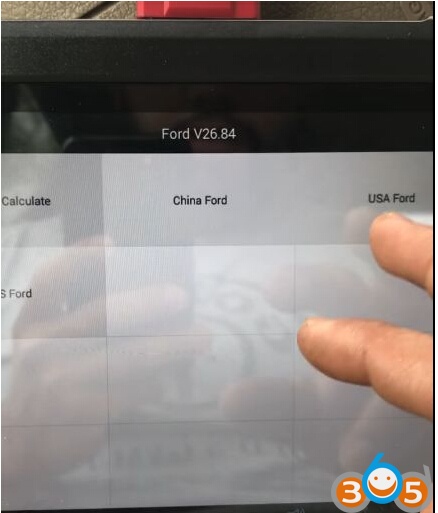
You can see “Pin code Calculate”, “China Ford”,”USA Ford” and “AUS Ford” options
available.
Here choose “USA Ford”
And you can see “Immobilizer” and “Smart Key Systems” options
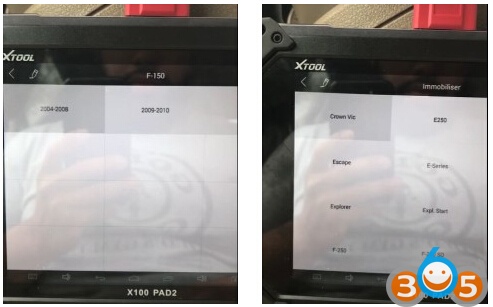
Choose “Immobilizer” and “F-150” then select car make year “2004-2008”
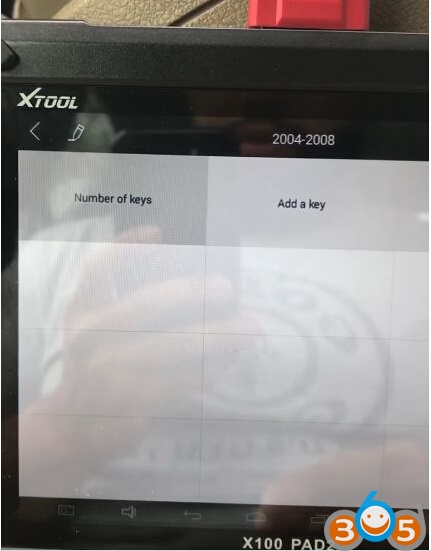
Choose “Add a key” and turn ignition on
Then it will ask if you want to open “Free Wait” mode that means you can directly program key
without waiting for security pin code calculating
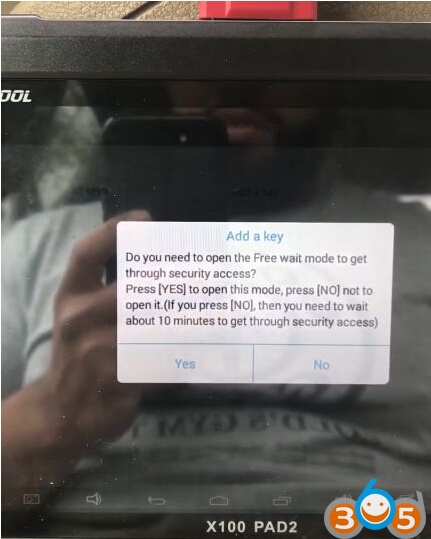
Click Yes
(If choose not to open free mode, you need to wait about 10 minutes to get through security access)
Just wait key programming process complete 100%
and show “Program success”
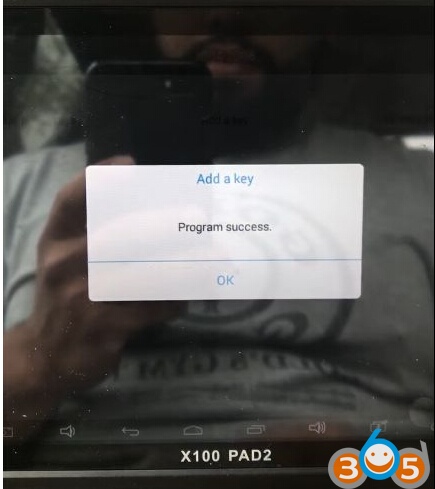
Xtool X100 Pad2 key programmer added 2006 Ford F-150 key success!