Read GM Chevrolet Onix Pin Code by Xtool X100 Pad2
—
(0)
How Xtool X100 Pad2 tablet key programmer read GM Chevrolet Onix pin code? Follow easy steps below.
Connect XTOOL X100 Pad2 Pro tablet with Chevy Onix OBD2 port.
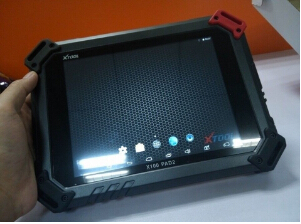
Power on the device.
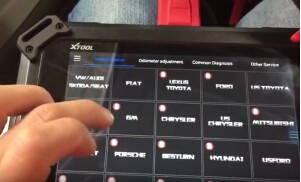
Go to “Immobilization” and select “GM” brand.
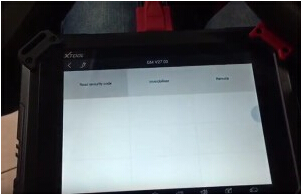
It will automatically open XTOOL GM V27.03 software.
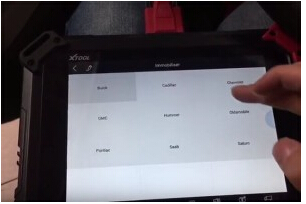
Choose “Immobilizer” and “Chevrolet”.
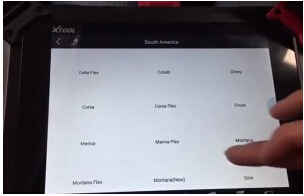
Choose the Chevrolet car region/market.(In this case, it’s South America)
Then select the car model: Onix.
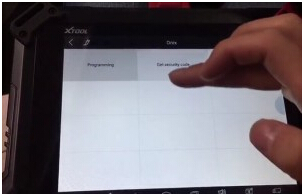
Choose “Get security code” function.
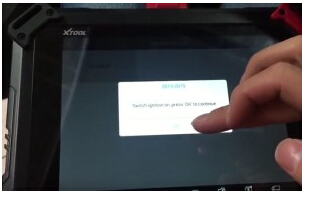
Click car year “2013-2015”, turn ignition on and click “OK”.
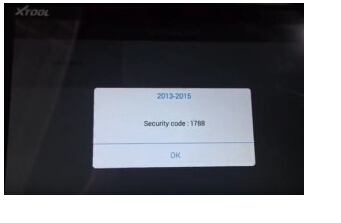
Xtool x100 pad2 key programmer read Chevrolet pin code successfully.
www.obdii365.com
Rate this article
—
(0)