Program Audi A4 2012 IMMO5 Smart Remote Key by Xtool X100 Pad2
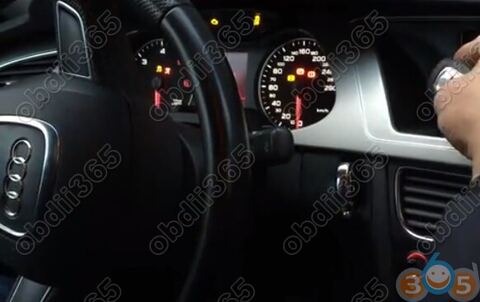
New Test Feedback: Just add a smart remote key on a Audi A4 year 2014 5th generation immobilizer system using Xtool X100 Pad2 Pro full version.
Note: Only X100 Pad2 full version with Xtool KC100 adapter has the VAG 4th & 5th Immo function.
Have a working key and a smart key to be programmed

Connect X100 Pad2 with vehicle
Select VW/Audi/Skoda/Seat->4th/5th Immobilizer System->5th Immobilizer System
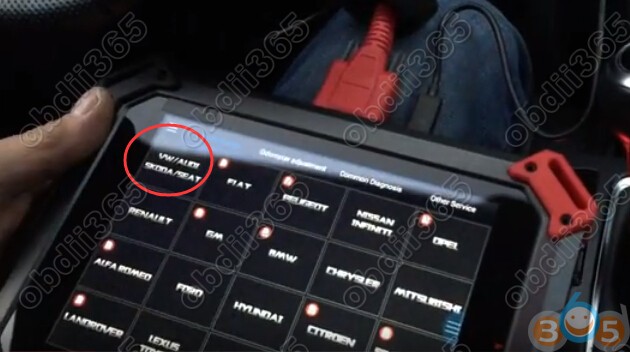


Xtool X100 pad 2 will ask 17 digits VIN code to continue

Turn ignition to ON position
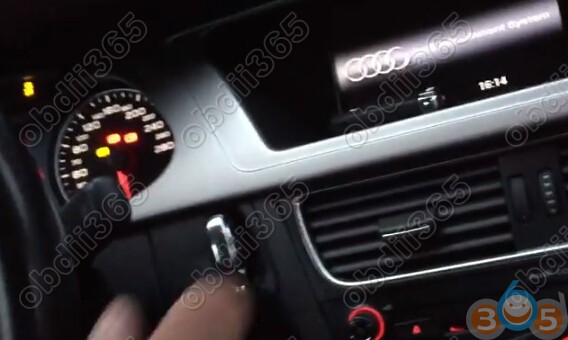
Back to select 5th Immobilizer System
It will not ask for VIN code
Select 1. Read Immokey data

Name immo key data
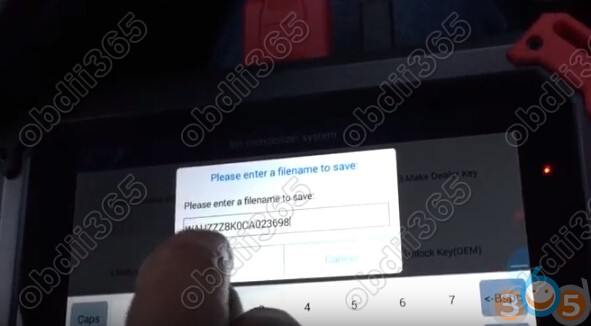
If all keys lost, you should open headlights and press brakes.
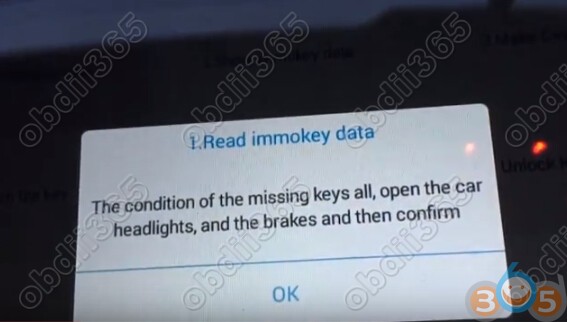
Reading data completed.
Select 2 Show Immokey data

Select 3.Make Dealer Key

Insert key to be programmed into Xtool KC100 adapter

Writing key
Create dealer key success

Select 4.Match the key (Key Learning)
both 2 keys should be learnt

close the keys to turn the ignition to identify the key

Key learning success

Programming success.
Test the remote control and start vehicle.