Solved! Lonsdor K518ISE Lost APK and Failed to Update Error
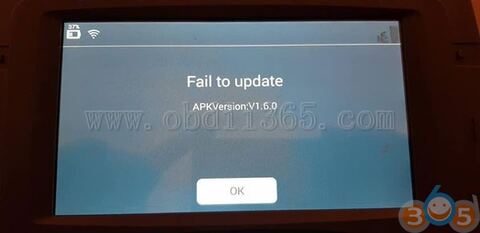
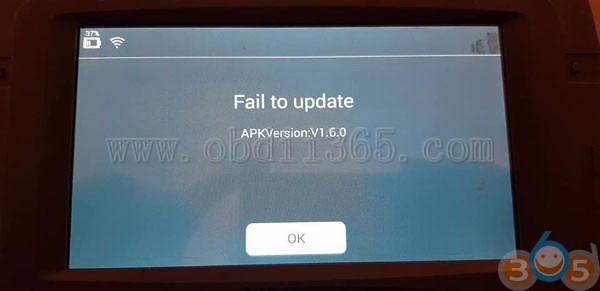
Tech support: Error message “Failed to update” on Lonsdor K518ise key programming tool Issue: Lonsdor k518ISE is OUT ..Lost APK and cannot start Error message: Failed to update APK version: v1.6.0
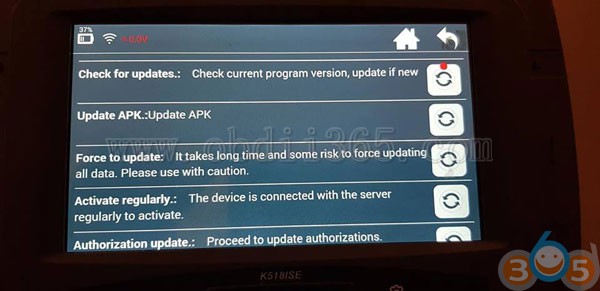
Check for updates: check the current program version, update if new Update APK: Update APK Force to update: it takes a long time and some risk to force updating all data. Pls use with caution Active regularly: the device is connected with the server regularly to active Authorization update: proceed to update authorizations
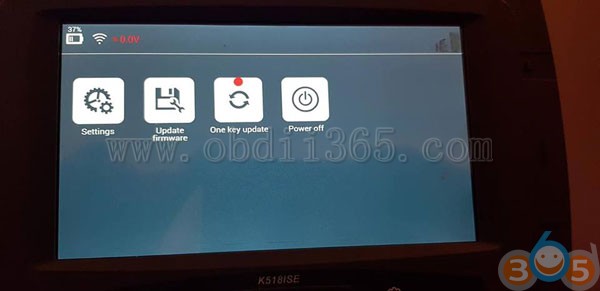
Solutions: Try to update Forcing
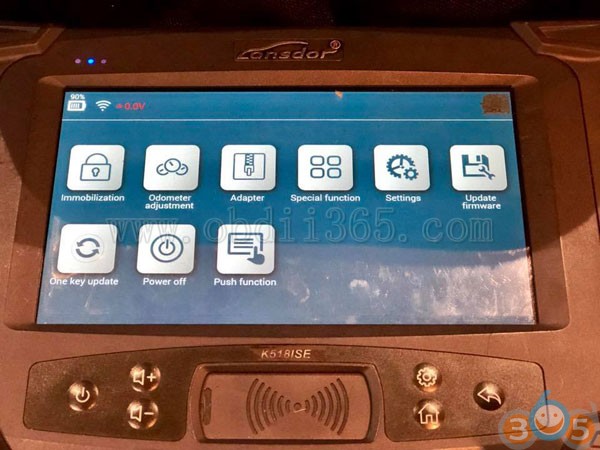
Click on setting
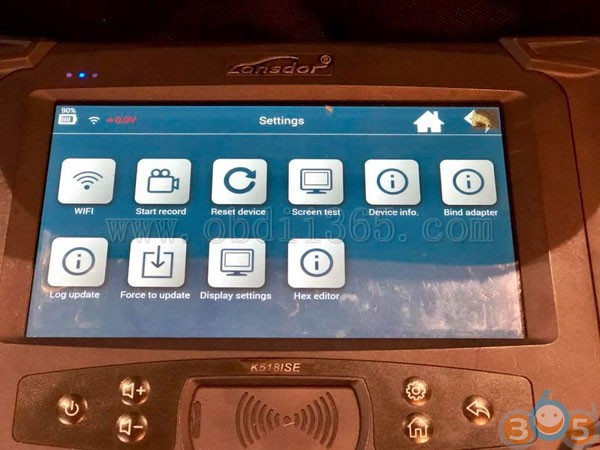
Click on force to update
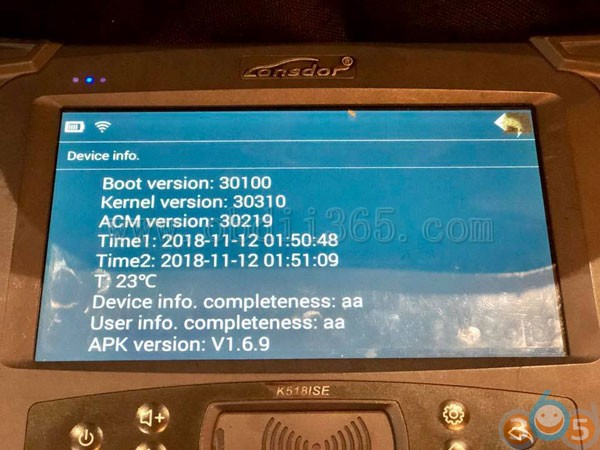
The latest version is 1.6.9
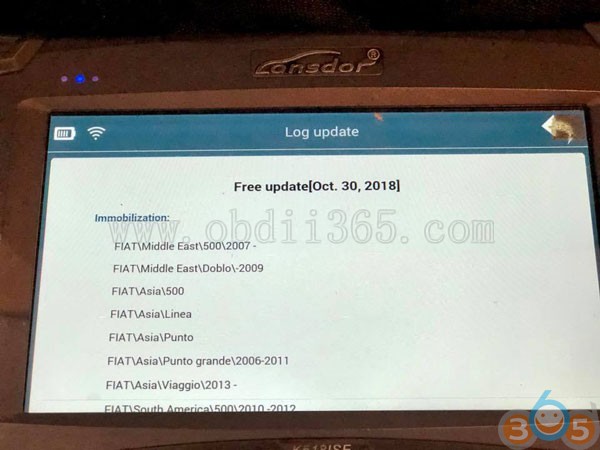
Wifi connected
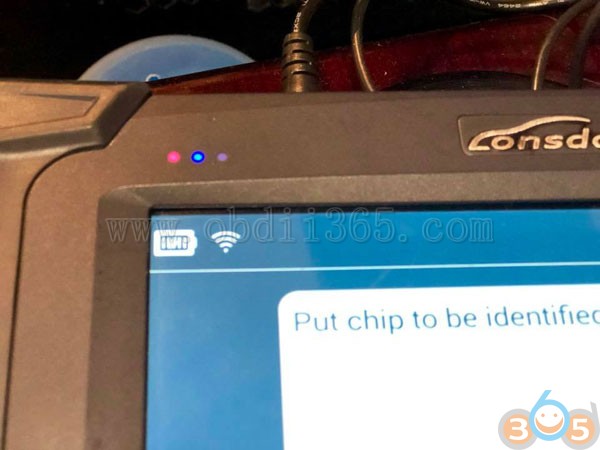
The machine should work now This is the new look of the latest version
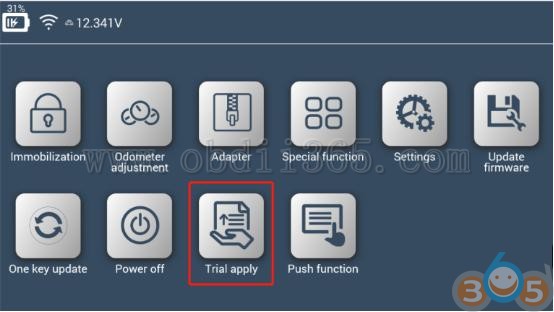
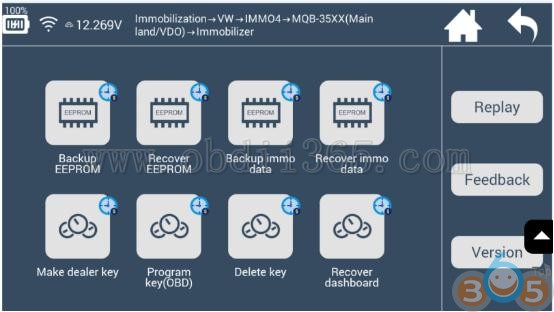
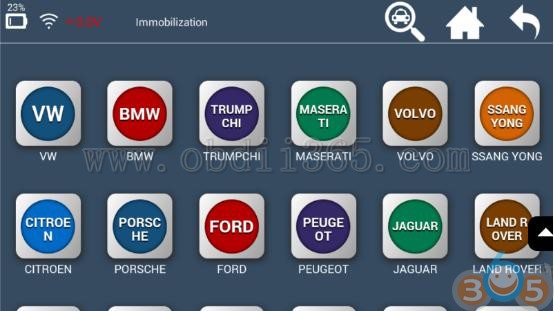
Good to know about the latest Lonsdor K518 update: 1- Updates will no longer remain for free, a payable subscription fee will be implemented within the next 3 months from today, cost details not disclosed yet
2- No more vehicles brand Logos display, due to legal intellectual copyright issues Update failed…
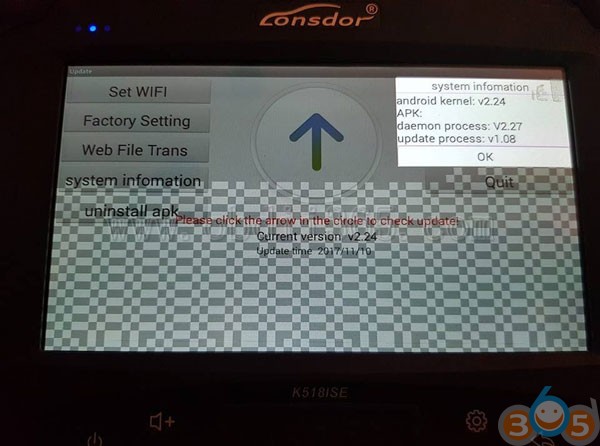
If the solution here doesn’t work, uninstall APK and try “oldest APK” to install factory-reset APK.
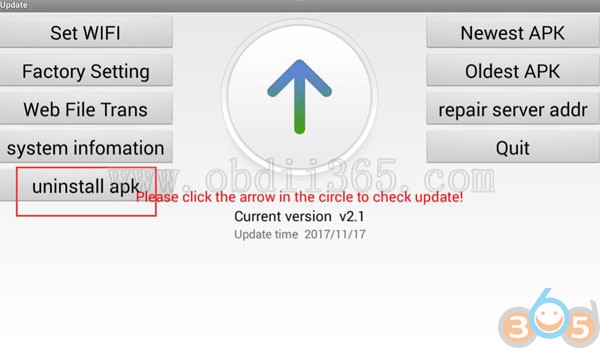
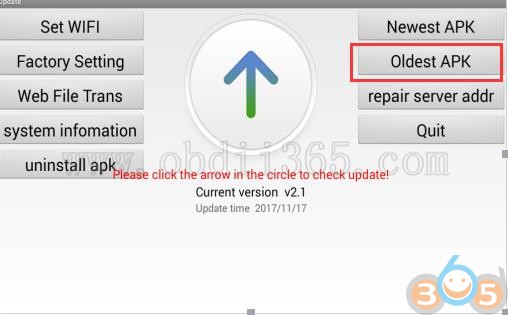
details can be found in the site http://www.lonsdor.org/lonsdor-k518ise-how-to-solve-update-error/ If your issue remains, pls go to Lonsdor K518ise Tech Support: http://www.obdii365.com/wholesale/lonsdor-k518ise-key-programmer.html