Read BMW ISN DME CAS EWS3 EWS4 with BMW Explorer
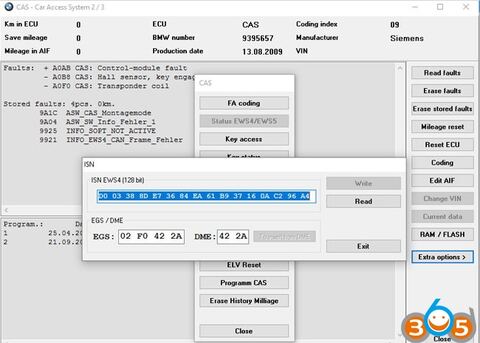
The BMW E/F Scanner (BMW-Explorer) software program has the function of reading the ISN synchronization code via the OBD-II in the computer with a DME / DDE engine from Siemens and Bosch.
Applied model:
CAS: all versions of CAS1 CAS2 CAS3 CAS3+
EWS3 system
EWS4 system
Reading ISN DME (CAS System)
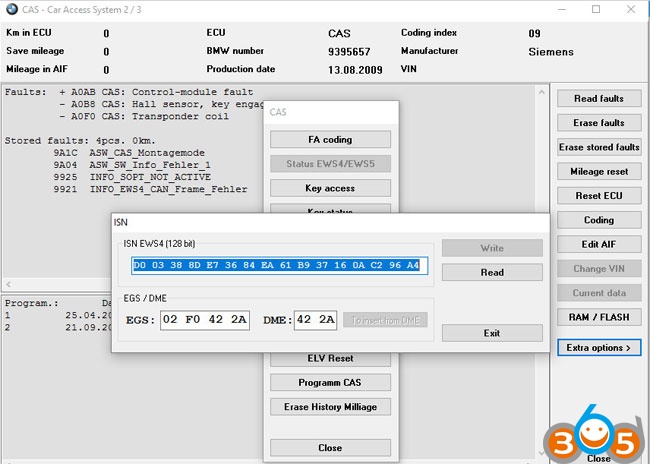
Go to the CAS control unit, “Additional functions”, “Reading ISN”
In the opened window ISN will be displayed.
If the machine is equipped with the EWS3 system where 2 bytes of the constant part and the change are used, it will be displayed in the window 2 bytes of ISN DME (the upper 3 windows will be empty), if necessary they can be changed.
If the machine uses the EWS4 system, then 16 bytes of constant synchronization are used and there is no variable part.
Also after 2006, CAS3 uses an anti-theft code for EGS
If there is an EWS3 system in the car, then this code is the same with the engine control unit, if the machine already has an EWS4 system, then EGS uses separate 2 bytes
The program is in place of the engine ISN, it will display the gearbox code .. as in the picture below
Reading ISN DME (EWS3 System)
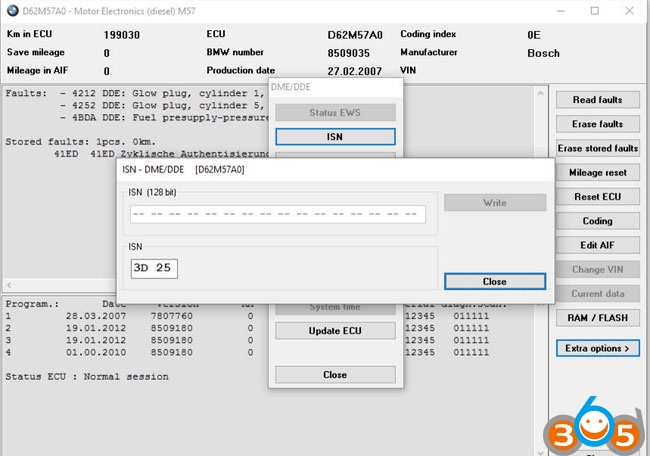
Come into ECU the DME/DDE engine, choose “Additional. Functions” and “ISN”
In the engine control units, the program supports reading the anti-theft ISN code via the OBD connector
To do this, open the control block identification window further in the additional reading functions ISN
Reading ISN DME (EWS4 System)
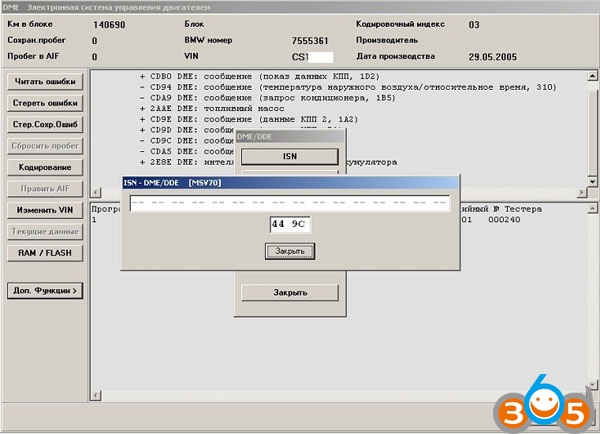
Come into ECU the DME/DDE engine, choose “Additional. Functions” and “ISN”
In the engine control units, the program supports reading the anti-theft ISN code via the BMW ExplorerOBD connector
To do this, open the control block identification window further in the additional reading functions ISN
www.obdii365.com