Skip to content
Key Programmer

    How to Add BMW F-series F01 2010 Key with Lonsdor K518ISE

    Info
    (0)

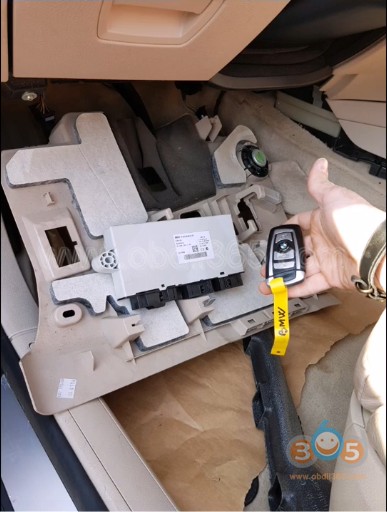
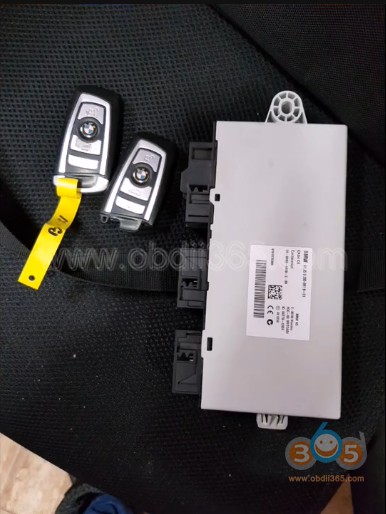
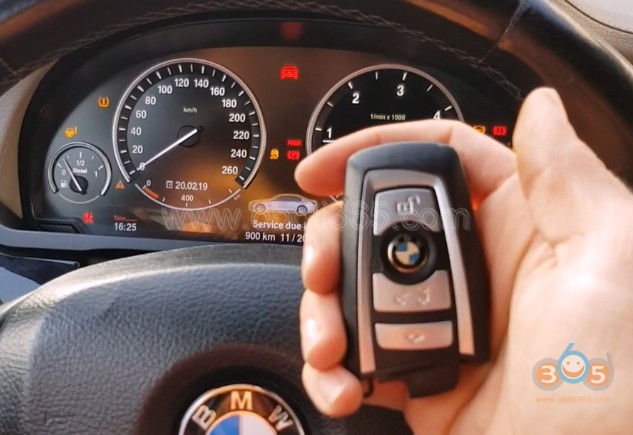
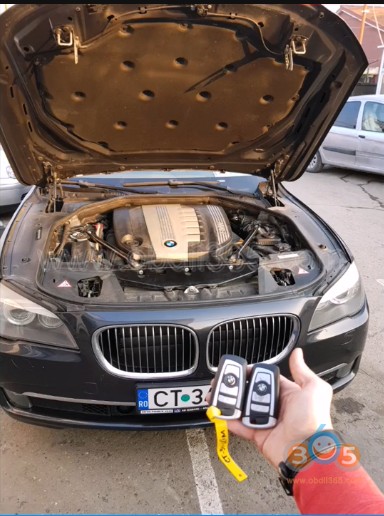
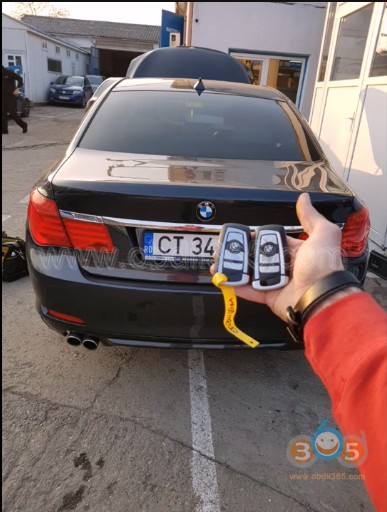
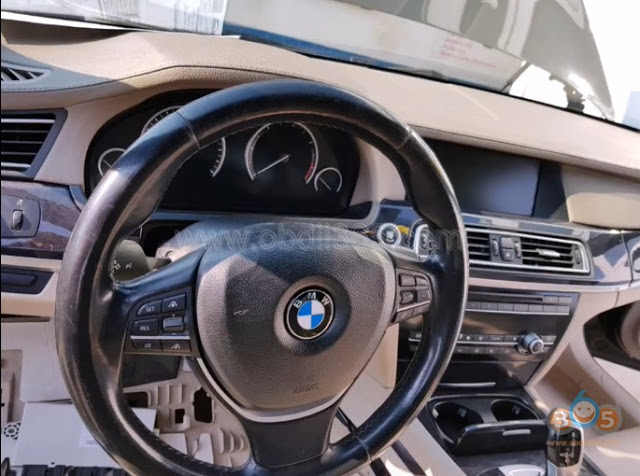
    Model: BMW 7-series F01 2010 IMMO Type:  CAS4 1L15Y Remote frequency: 868MHz Tools used: 1 original key and a new key, remote unlocker, xhorse vvdi prog and Lonsdor k518ISE key programmer
    
			How to Add BMW F-series F01 2010 Key with Lonsdor K518ISE

    
			How to Add BMW F-series F01 2010 Key with Lonsdor K518ISE

    
			How to Add BMW F-series F01 2010 Key with Lonsdor K518ISE

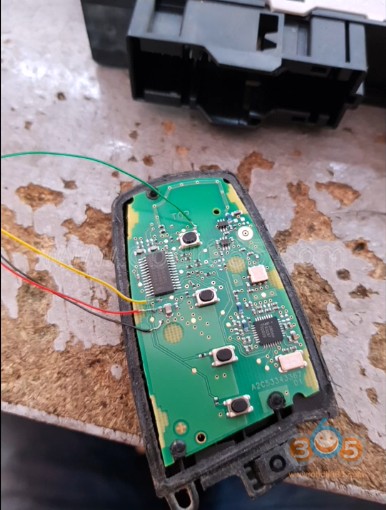
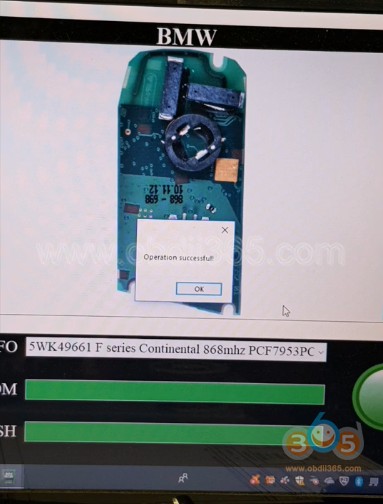
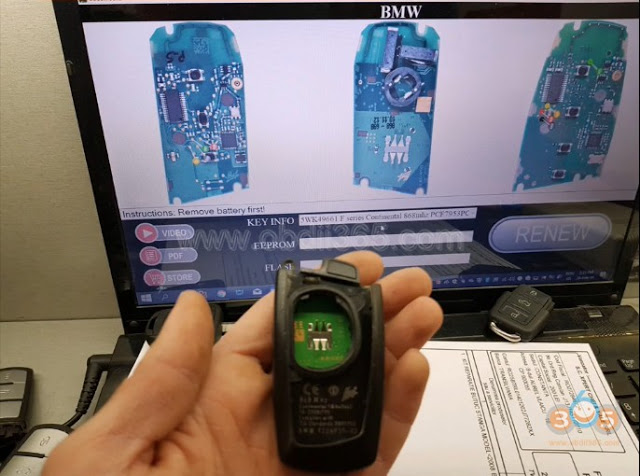
    Step 1: Renew Remote Key unlock/renew BMW remote key PCF7953 using vvdi key tool or other remote unlocker
    
			How to Add BMW F-series F01 2010 Key with Lonsdor K518ISE

    
			How to Add BMW F-series F01 2010 Key with Lonsdor K518ISE

    
			How to Add BMW F-series F01 2010 Key with Lonsdor K518ISE

    
			How to Add BMW F-series F01 2010 Key with Lonsdor K518ISE

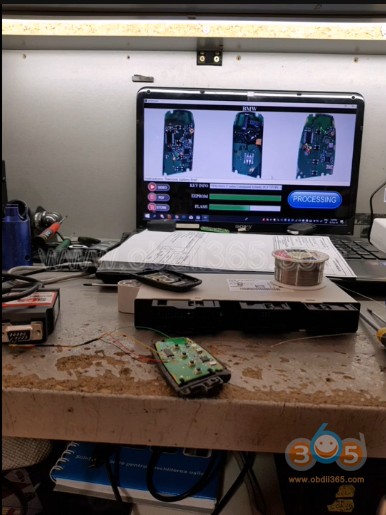
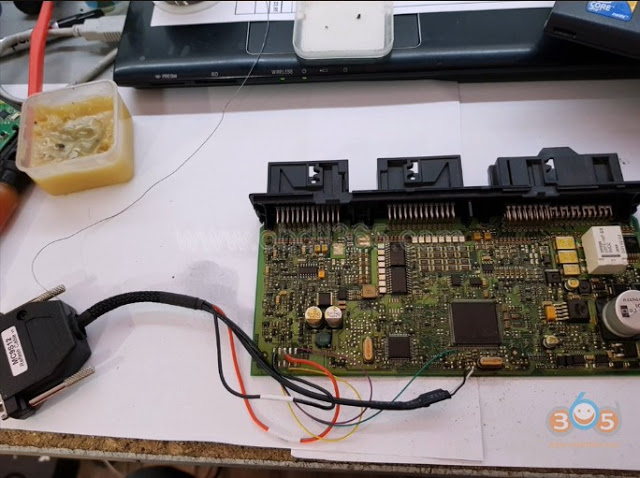
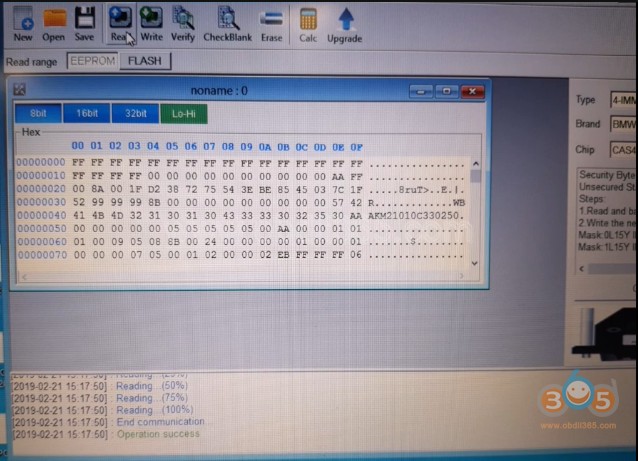
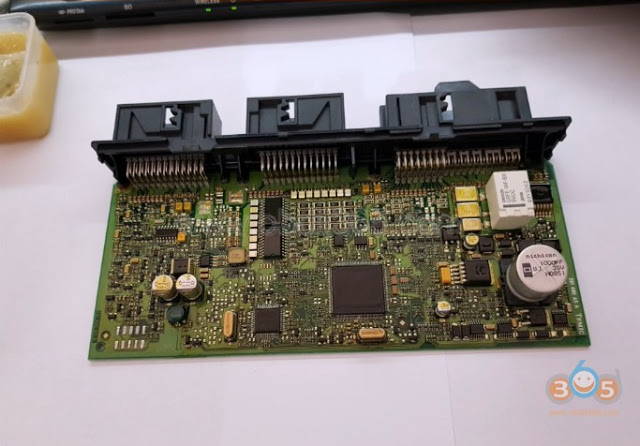
    Step 2: Read CAS4 Dump with VVDI Prog
    
			How to Add BMW F-series F01 2010 Key with Lonsdor K518ISE

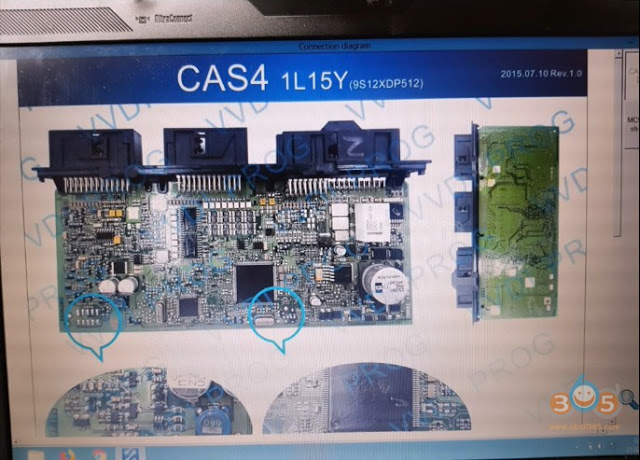
    Follow VVDI-Prog wiring diagram to connect cas4 and computer
    
			How to Add BMW F-series F01 2010 Key with Lonsdor K518ISE

    
			How to Add BMW F-series F01 2010 Key with Lonsdor K518ISE

    Read and save CAS4 1L15Y dump data

    
			How to Add BMW F-series F01 2010 Key with Lonsdor K518ISE

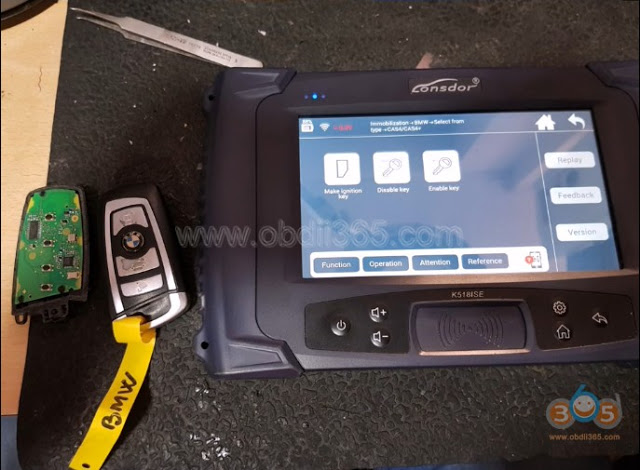
    Step 3: Add key with Lonsdor K518 Select Immobilizer->BMW->Select from type->CAS4/CAS4+ ->Make ignition key
    
			How to Add BMW F-series F01 2010 Key with Lonsdor K518ISE

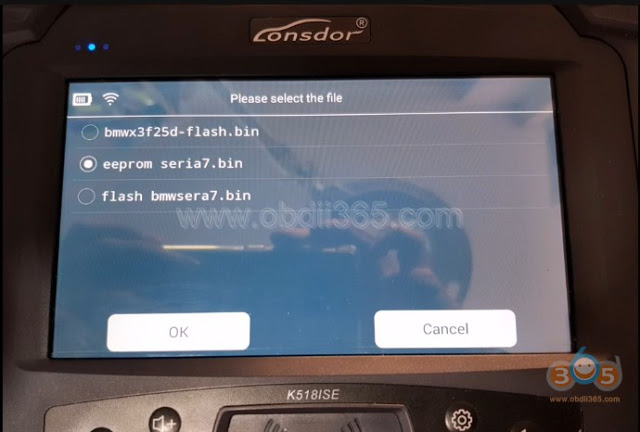
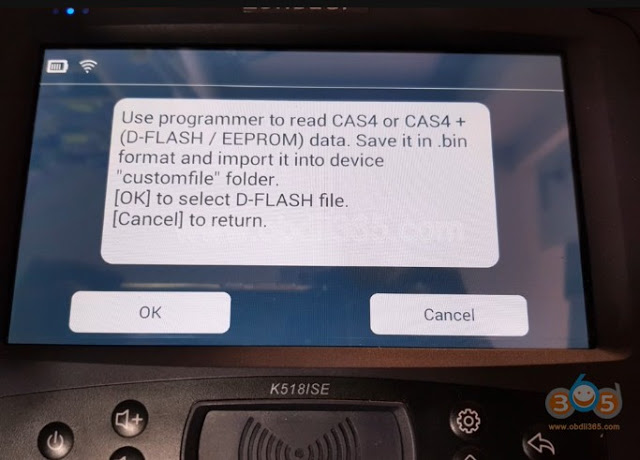
    Copy and paste CAS4 D-flash/EEPROM to Lonsdor “customfile” folder
    
			How to Add BMW F-series F01 2010 Key with Lonsdor K518ISE

    Select D-flash data

    
			How to Add BMW F-series F01 2010 Key with Lonsdor K518ISE

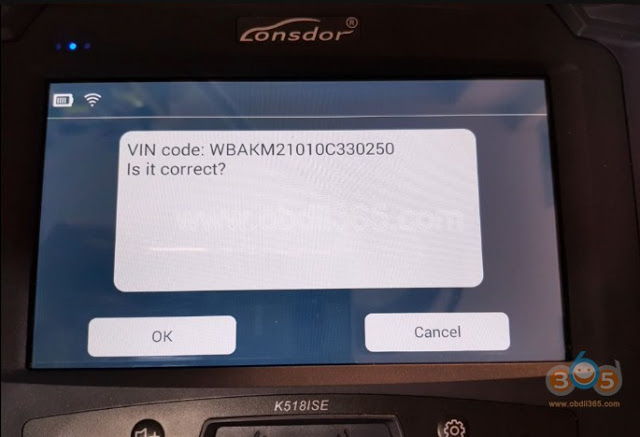
    Read VIN

    
			How to Add BMW F-series F01 2010 Key with Lonsdor K518ISE

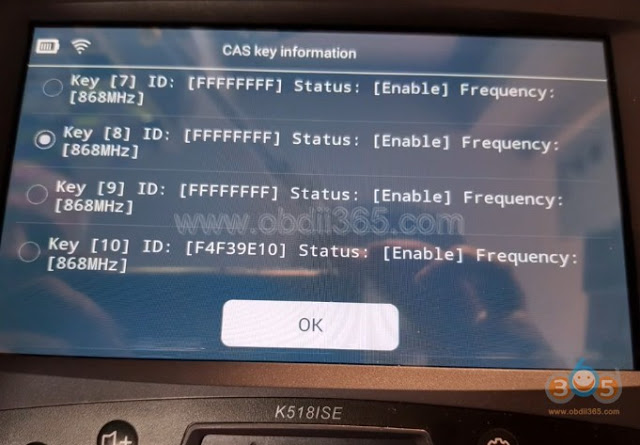
    Select a key position to add

    
			How to Add BMW F-series F01 2010 Key with Lonsdor K518ISE

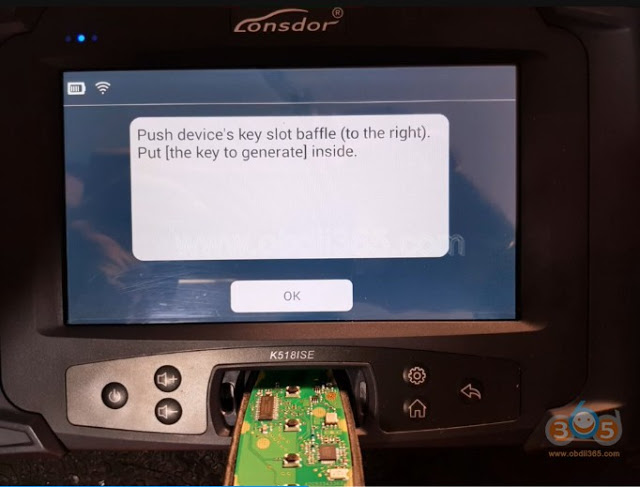
    Put the key to be generated to K518 card slot
    
			How to Add BMW F-series F01 2010 Key with Lonsdor K518ISE

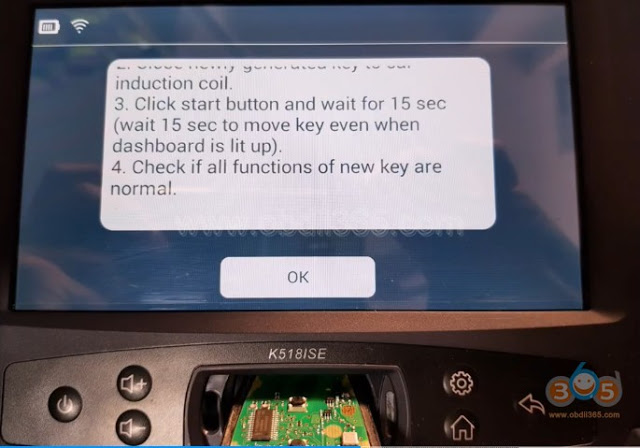
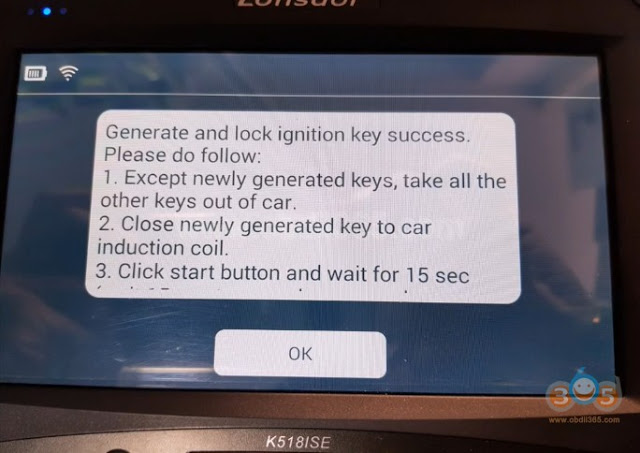
    Generate ignition key success. Follow steps below to program remote control:
    
			How to Add BMW F-series F01 2010 Key with Lonsdor K518ISE

    
			How to Add BMW F-series F01 2010 Key with Lonsdor K518ISE

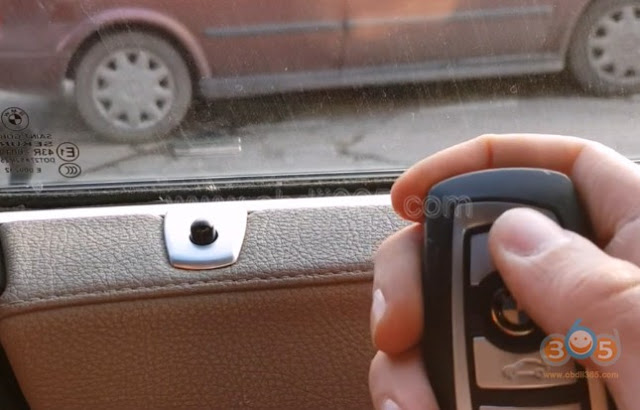
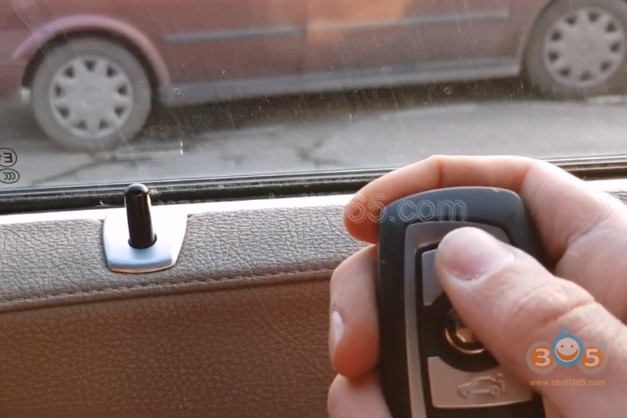
    Program remote key success. Reinstall CAS4 module Close the new key to ignition and press Start button to sync key Test remote control and start engine.
    
			How to Add BMW F-series F01 2010 Key with Lonsdor K518ISE

    
			How to Add BMW F-series F01 2010 Key with Lonsdor K518ISE

    
			How to Add BMW F-series F01 2010 Key with Lonsdor K518ISE

    
			How to Add BMW F-series F01 2010 Key with Lonsdor K518ISE

    
			How to Add BMW F-series F01 2010 Key with Lonsdor K518ISE

    Done. Http://www.obdii365.com/producttags/lonsdor-k518ise.html Http://www.lonsdor.org/lonsdor-k518ise-adds-bmw-7-series-f01-2010-cas4-remote-key/

    Rate this article (0)