How to Generate and Program Ssangyong Rexton 434MHz Remote Key?
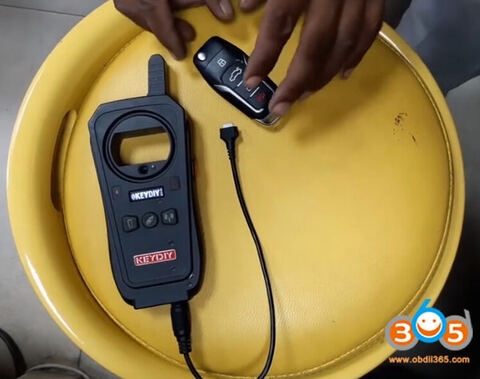
Here is the step-by-step guide of making Ssangyong Rexton Remote 434 MHz using KD-X2 remote maker and matching that to the car using Xtool X100 pad 2.
Device used:
Original key
Keydiy universal wireless remote
Keydiy KD-X2 to generate remote
Xtool X100 pad2 to program remote
Procedure:
Step 1: Generate remote with KD-X2
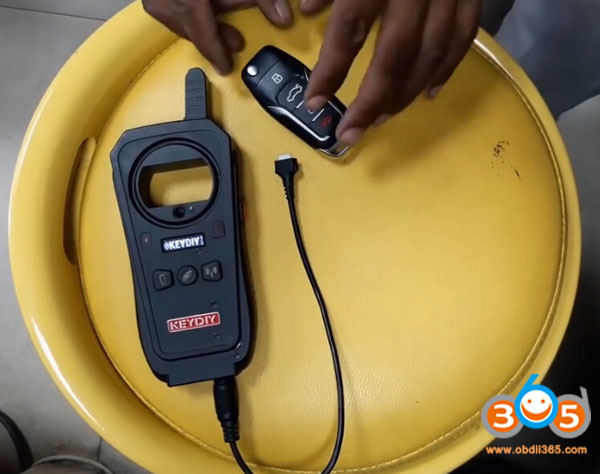
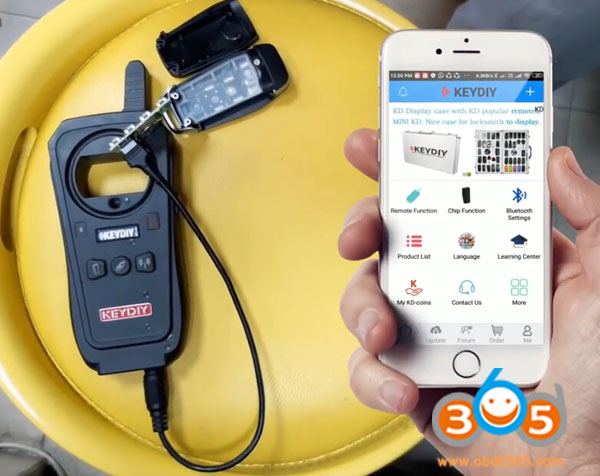
Connect universal remote PCB with KD-x2
Connect KD with app
In Keydiy App, select Remote Function-> Remote Generate->Ssangyong->8717008B21->Generate> Wireless Generation
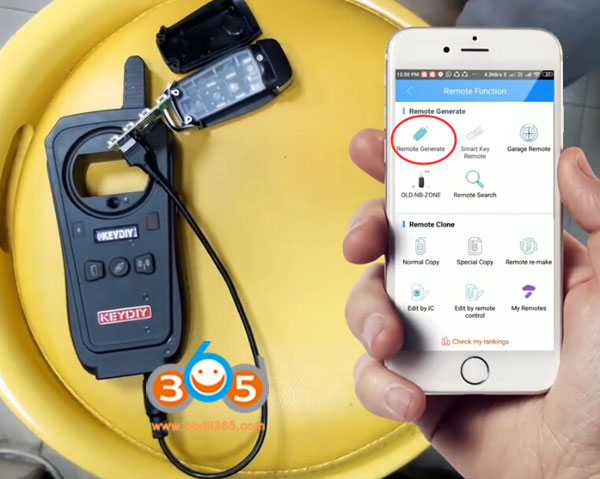
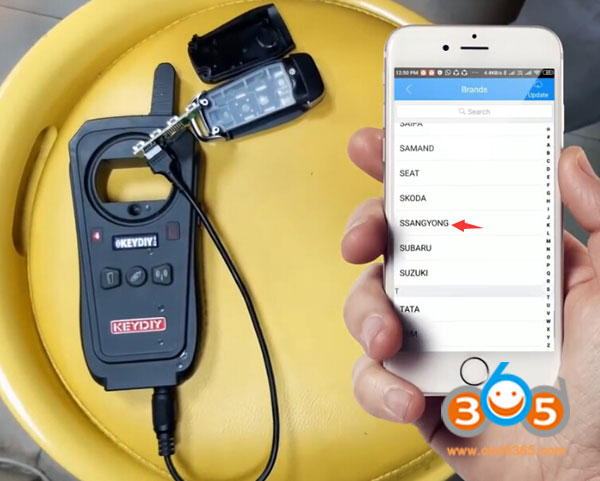
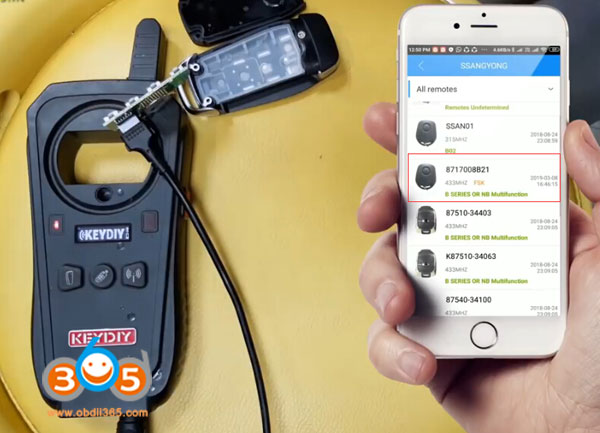
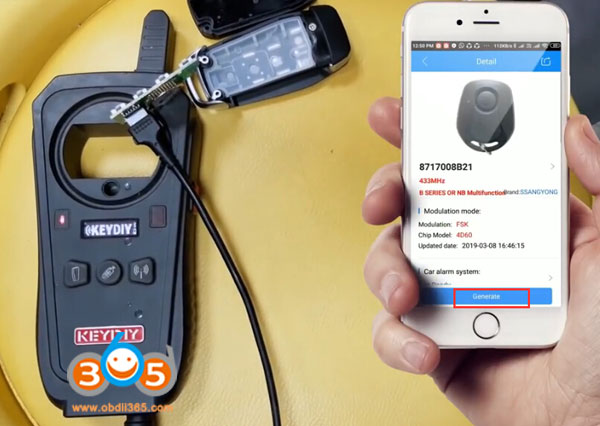
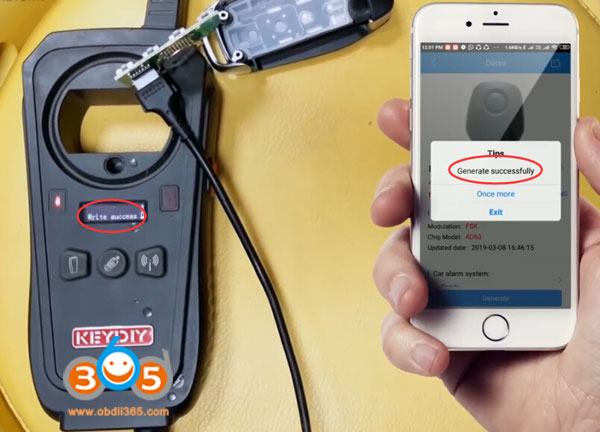
Generate remote success
Step 2: Program remote with Xtool pad2
Turn on ignition switch with original key
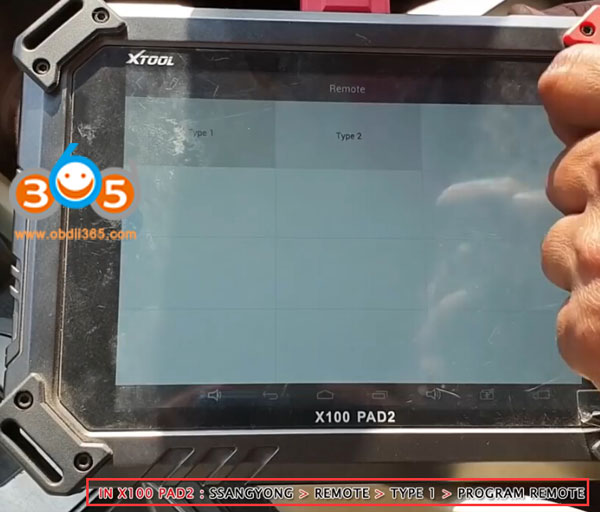
In X100 pad2, select Ssangyong->Remote->Type 1->Program remote
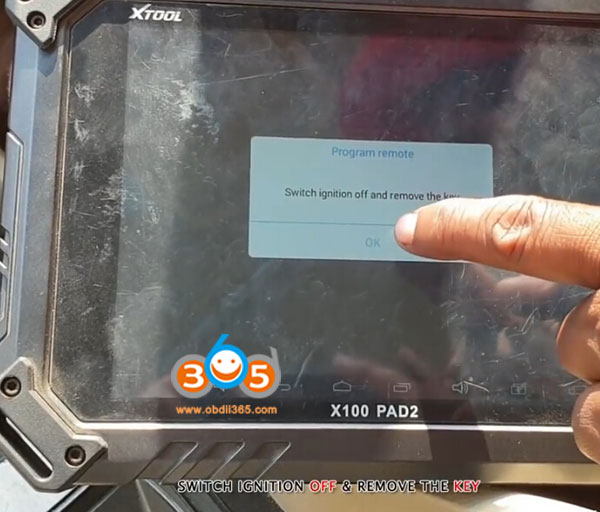
Switch ignition off and remove key
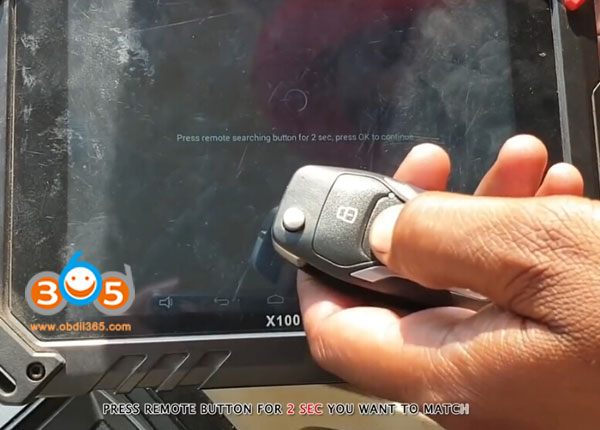
Press remote button for 2 sec you want to match
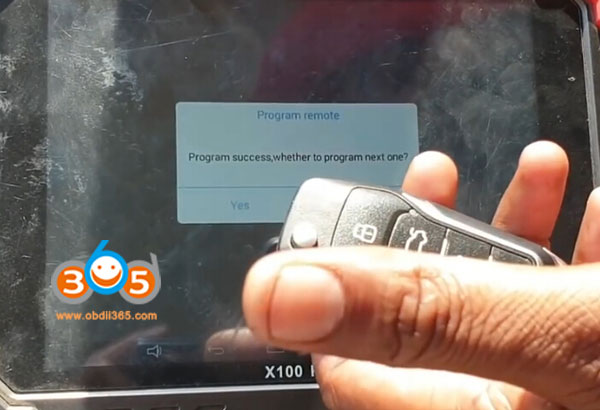
Program remote success.
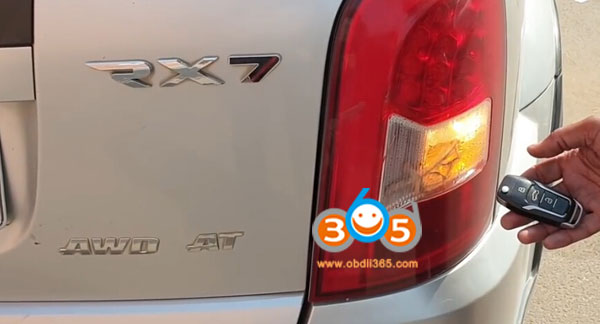
Test the remote control
Done.