How to Program Benz W221 All Keys Lost with CGDI MB on Bench?
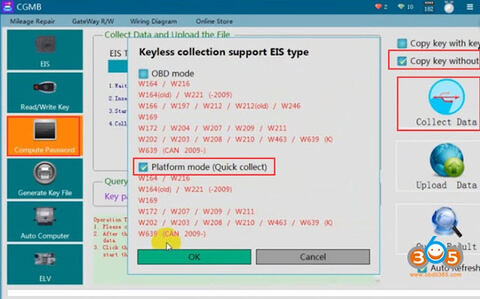
CGDI Prog MB is possible to program Mercedes Benz W164 2009-/W221 2009- in 2 ways: via OBD and on bench.
OBD mode takes about 2 hours.
Bench reading shorten the online calculation time to less than 4 minutes. (This requires CGDI MB AC adapter).
Bench reading shorten the online calculation time to less than 4 minutes. (This requires CGDI MB AC adapter).
Here’s the how-to guide to program W221 all keys lost with CGDI MB on bench.
Step 1: Calculate Password
Open CGDI MB software
Open CGDI MB software

Go to Compute Password->Copy key without key->Collect data
Select collect data via Platform mode (quick collection)
Select collect data via Platform mode (quick collection)
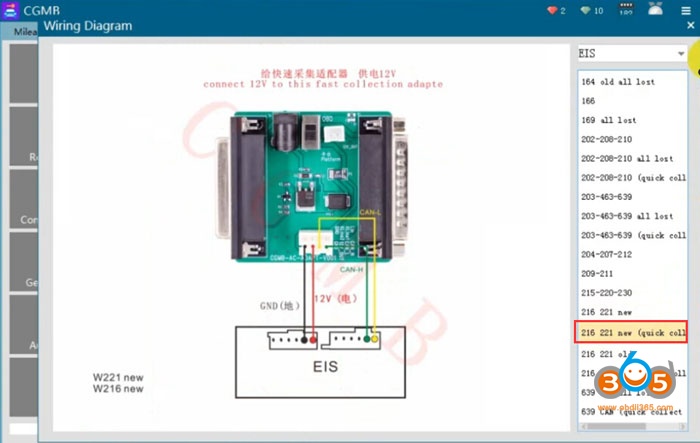
Connect the AC Adapter with cgdi follow the wiring diagram
Insert the simulation key within 1 minute, if you have inserted, pull it out and try again
Insert the simulation key within 1 minute, if you have inserted, pull it out and try again
Turn the quick collect adapter switch to the Platform position
Turn ignition switch to ON position
Collection is done.Very fast.
Turn ignition switch to ON position
Collection is done.Very fast.
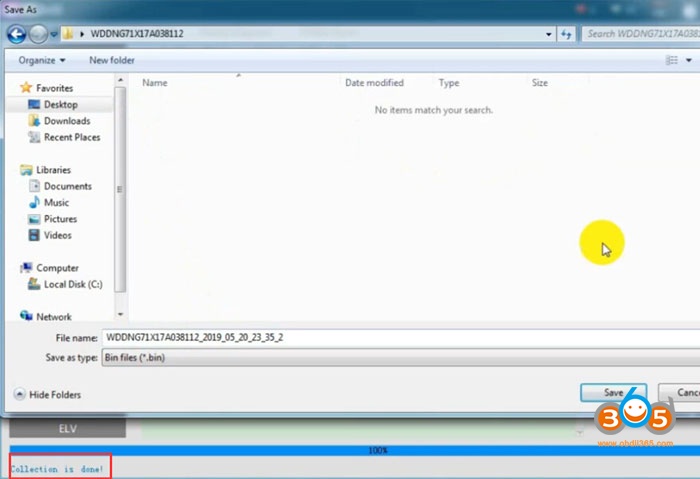
Save file.
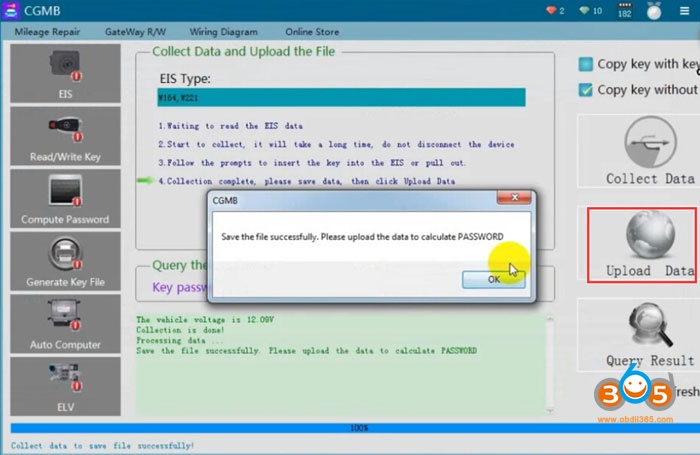
Save the file successfully. Upload the data to calculate password.
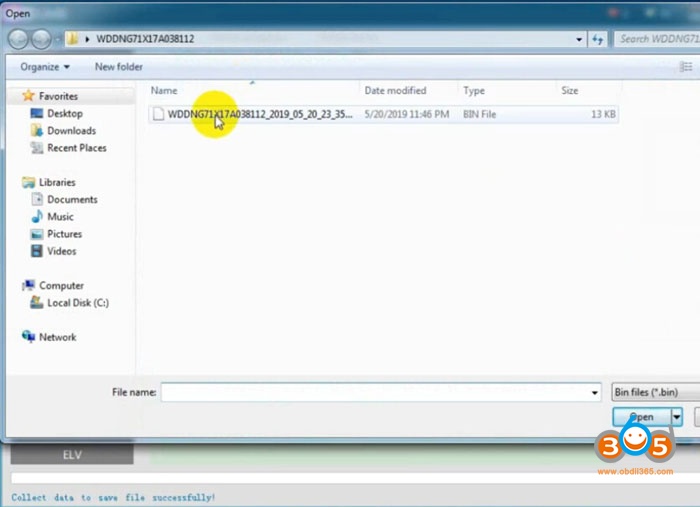
Upload data just saved
Press Query Result to calculate pass

CGDI MB calculates password success.
Copy the password
Copy the password
Step 2: Save new EIS data
Go to EIS->Read EIS data
Go to EIS->Read EIS data
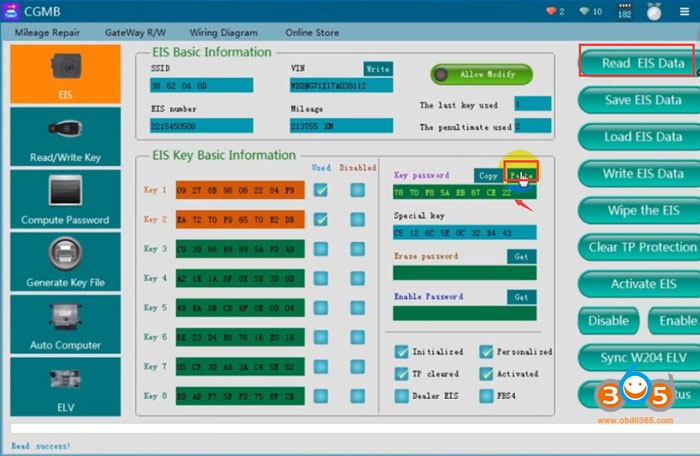
Paste the password to corresponding area
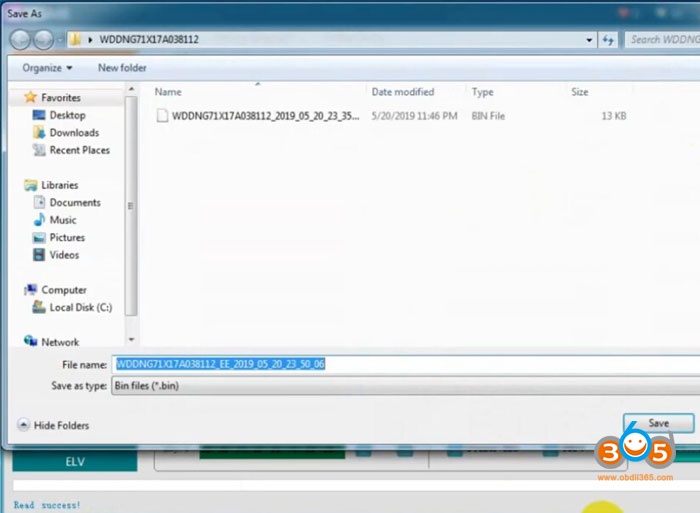
Save EIS data
Step 3: Generate Key File
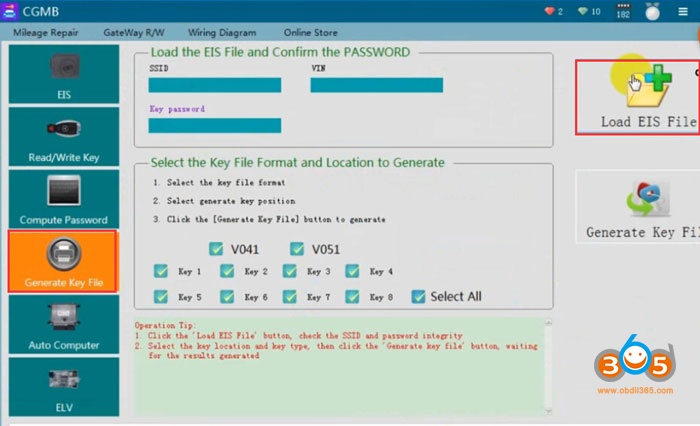
Select Generate Key File function
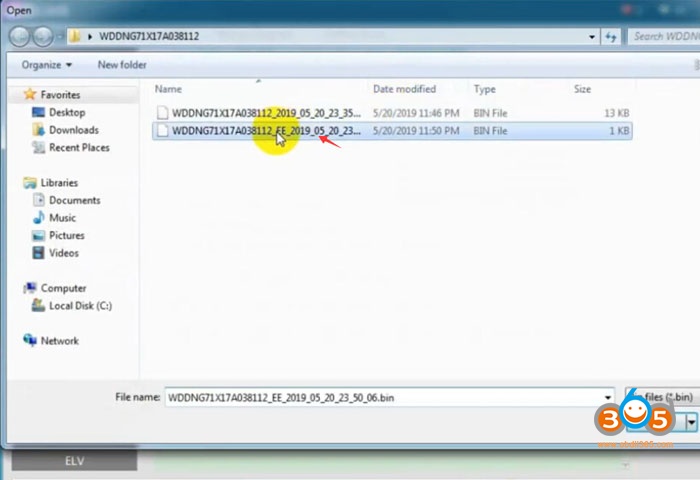
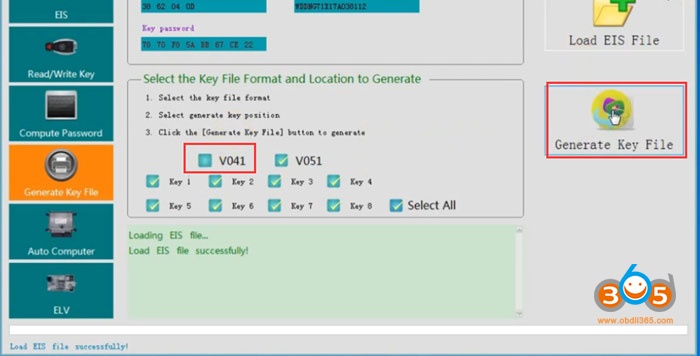
Select key file format and press Generate Key File
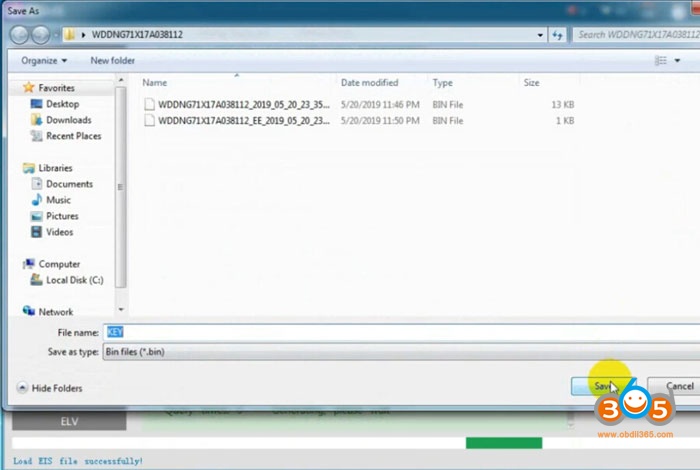
Save key file
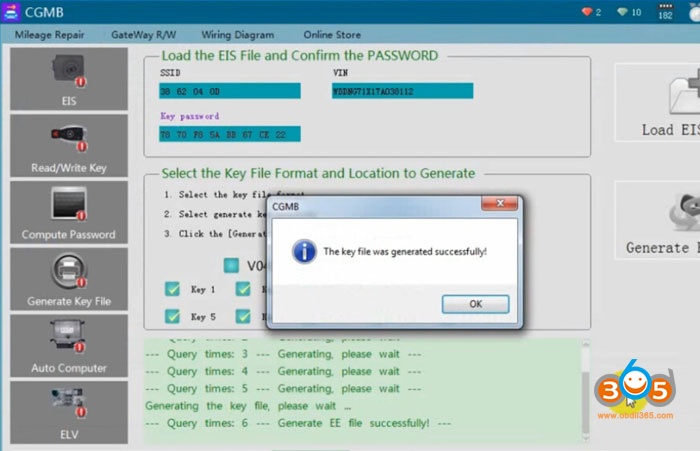
Step 4: Write Key
Go to Read/Write Key->Read Key/Chip
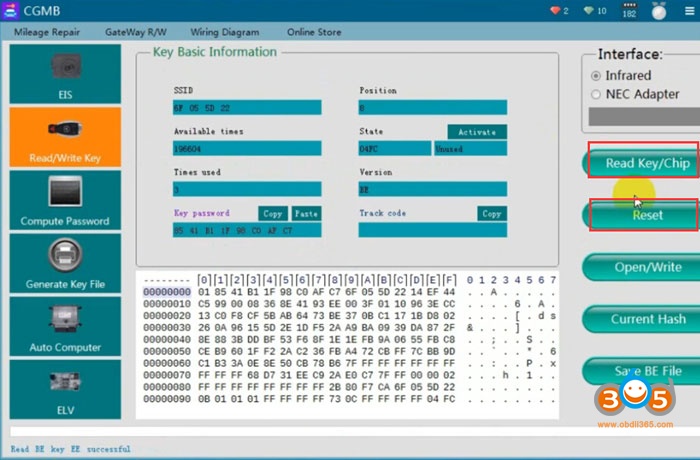
Then Reset

Reset operation success

Read key again, check key information
Press Open/Write
Press Open/Write
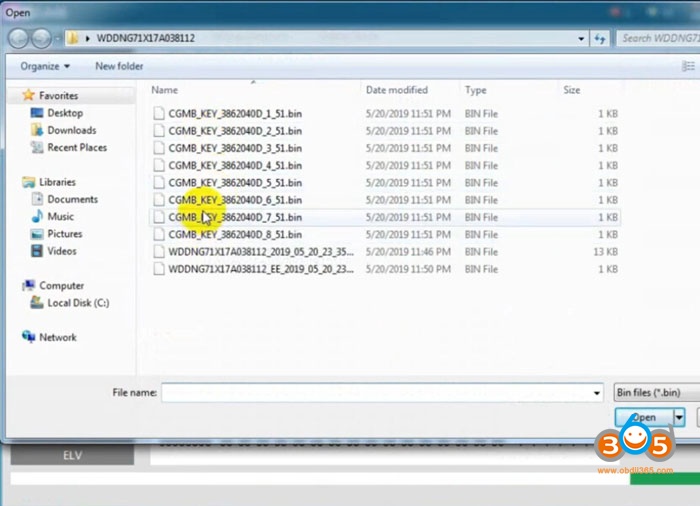
Choose a key file (common BE key choose v51 format)
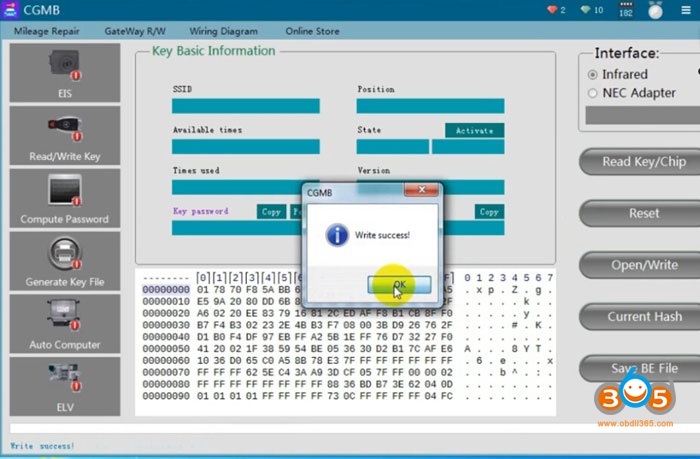
Write key success
Related post: