BMW CAS3++ Add Smart Keys: Lonsdor K518 DONE
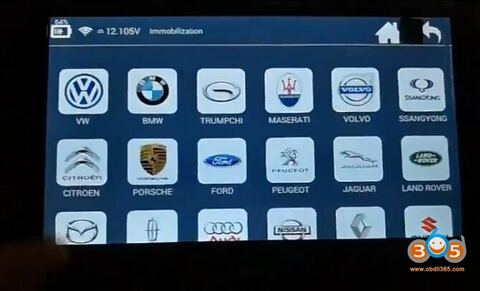
Tested successfully! Lonsdor k518 key programming tool is able to add a smart key to BMW CAS3++.
Here’s the programming instruction in detail (with images)…
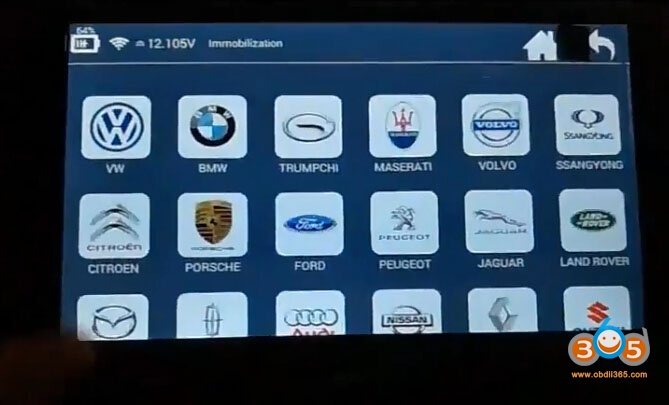
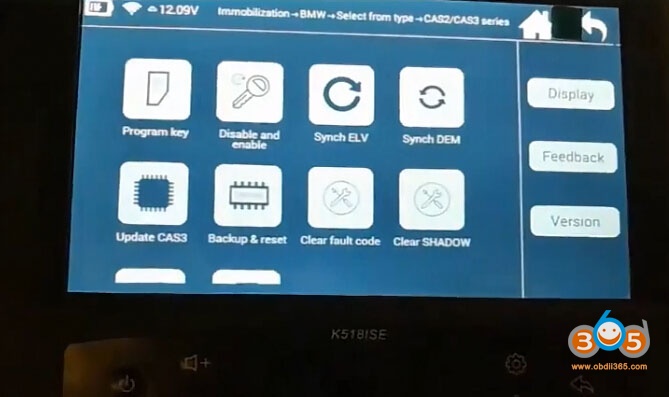
Lonsdor K518ise: Immobilizer – BMW
Select from type: CAS2/CAS3 series
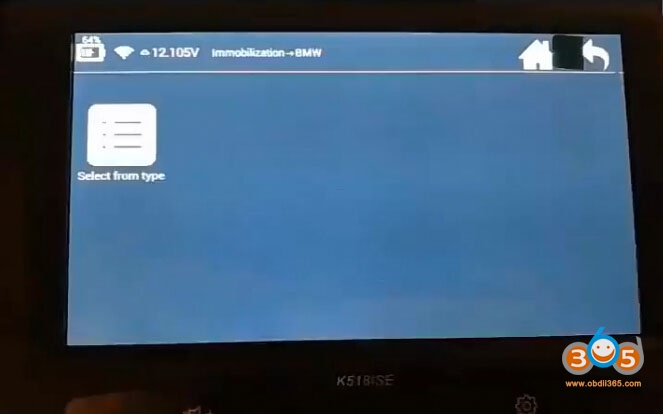
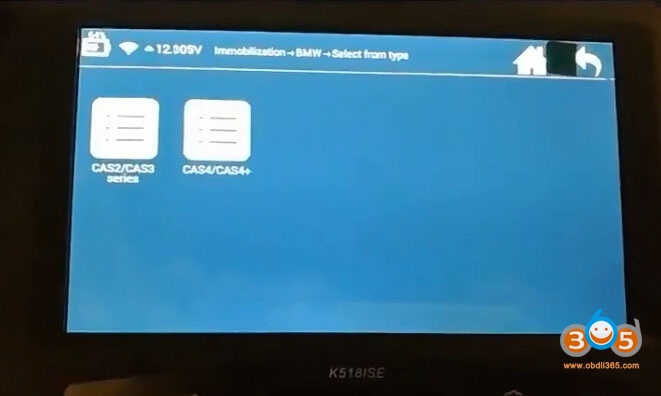
Program key
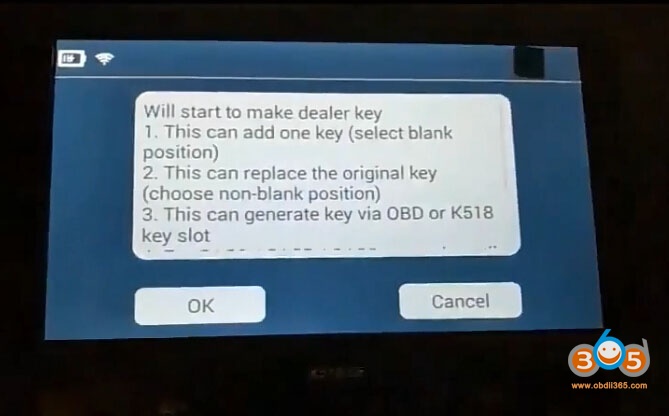
Will start to make a dealer key
- this can add one key (select blank position)
- this can replace the original key (choose non-blank position)
- this can generate a key via OBD or K518 slot
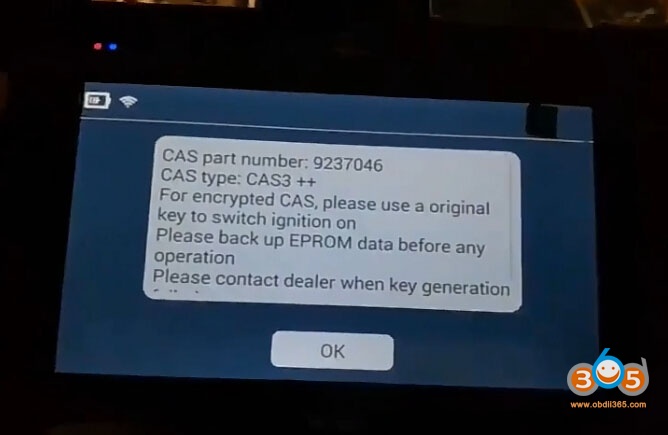
Pls press the Start button once

CAS part number: *******
CAS type: CAS++
For encrypted CAS. pls use an original key to switch ignition on
Pls back up eeprom data before any operation
Pls contact the dealer when key generation failed
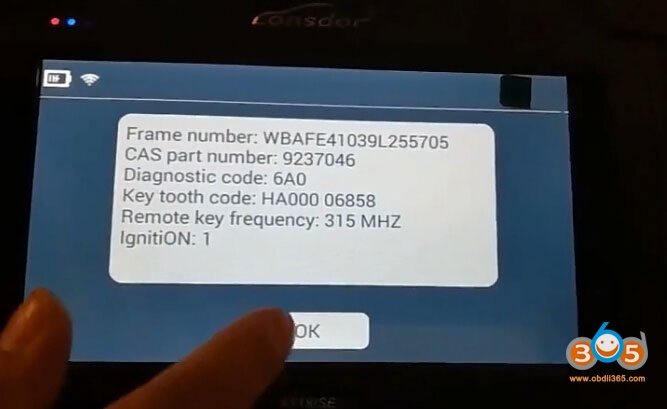
Lonsdor read out frame number, cas part number, diagnostic code, key tooth code and remote key frequency and ignition
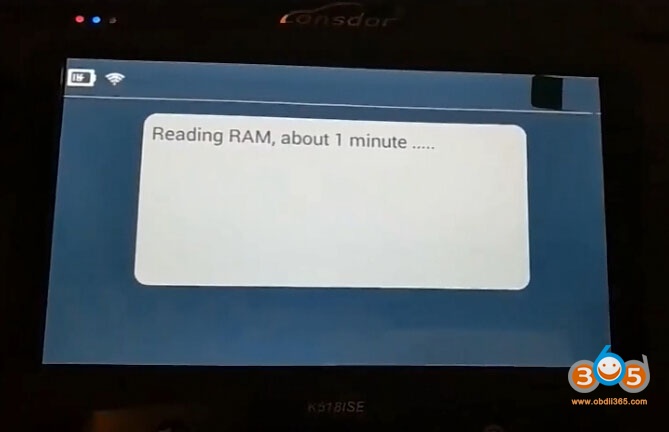
Reading ram, for about 1 min…
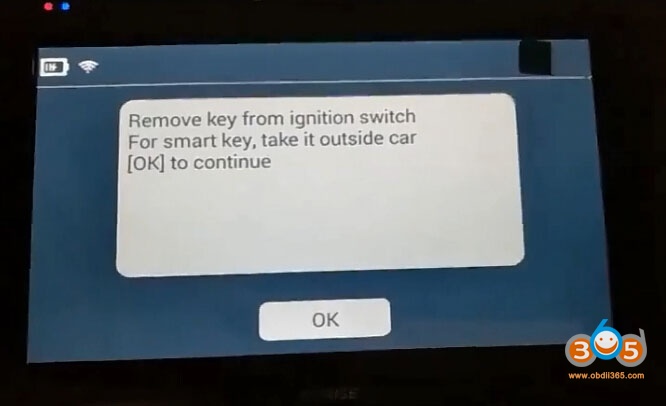
Remove the key from the ignition switch
For a smart key, take it outside the car
Ok to continue
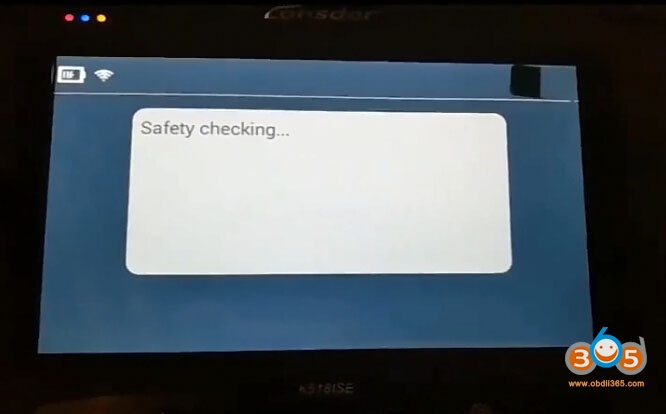
Safety checking…
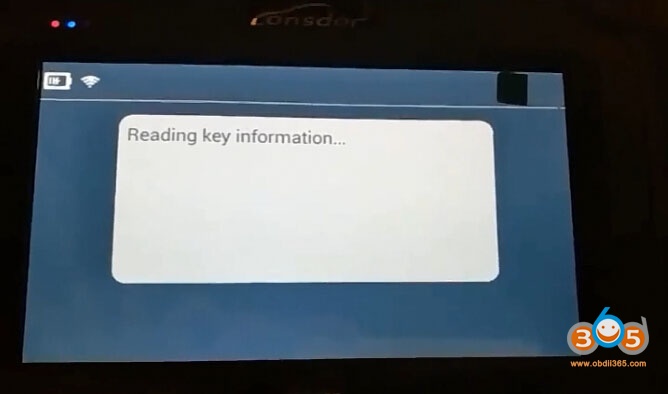
Reading key information…
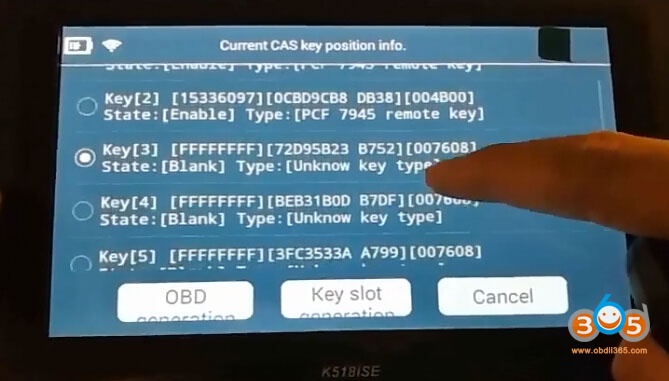
Current CAS key position info: Key 3
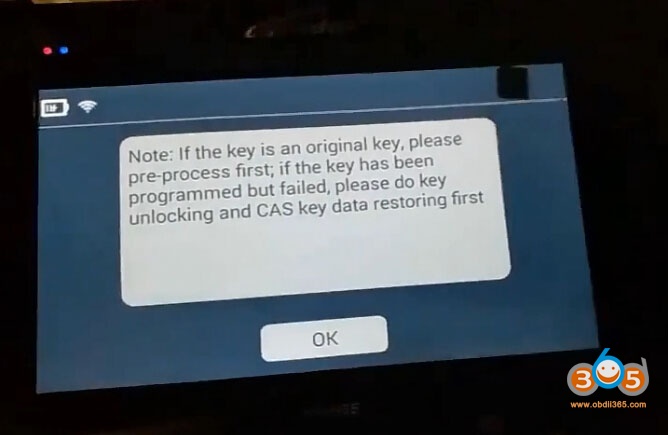
Note: If the key is an original key, pls pre-pro-process it first.
If the key has been programmed but failed, pls do key unlocking and CAS key data restoring first
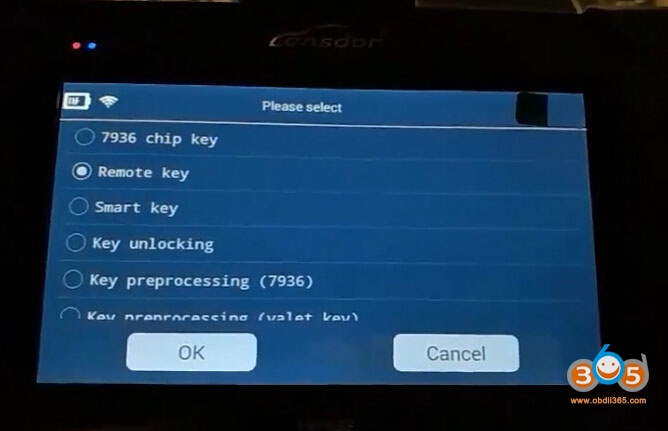
It’s a remote key
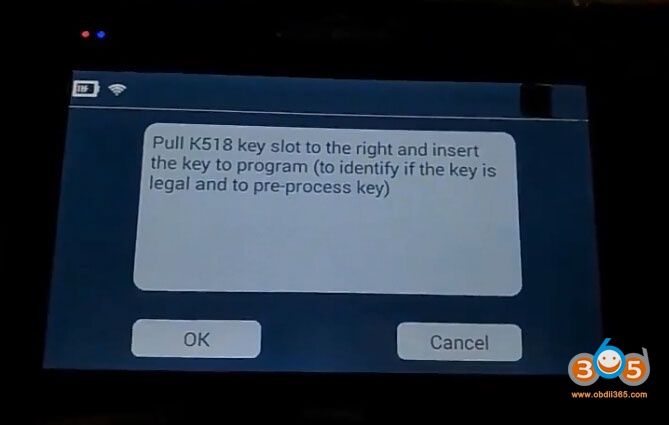
Pull K518 key slot to the right and insert the key to program (to identify id the key is legal and to pre-process
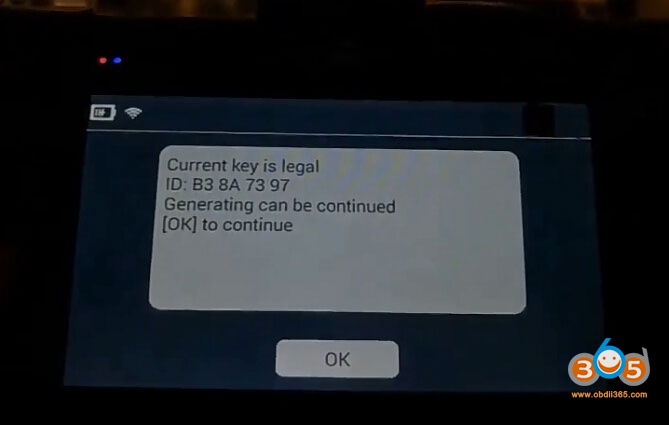
Current key is legal
Generating can be continued
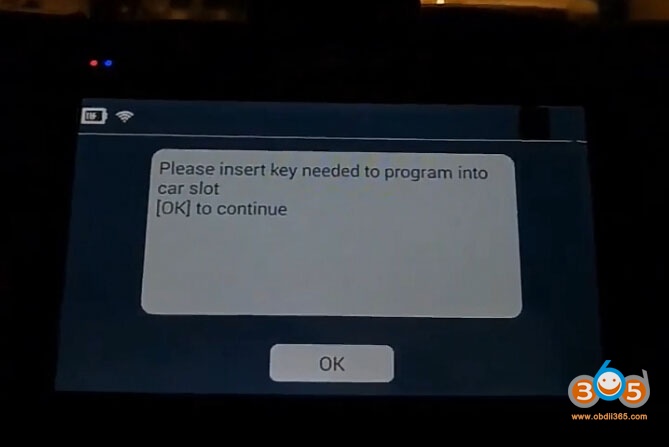
Pls insert the key for programming into the car slot

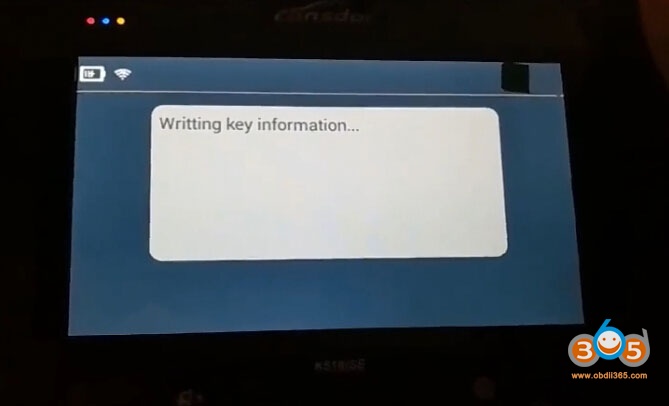
Writing key data…
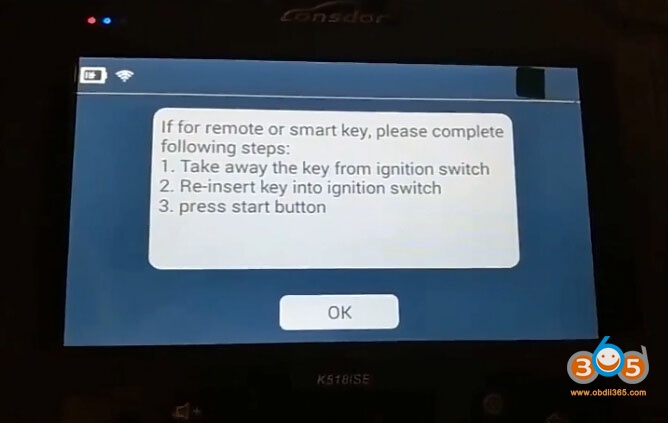
If for a remote of smart key, pls complete following steps:
- take away the key from theition switch
- re-insert the key into the ignition switch
- press the start button
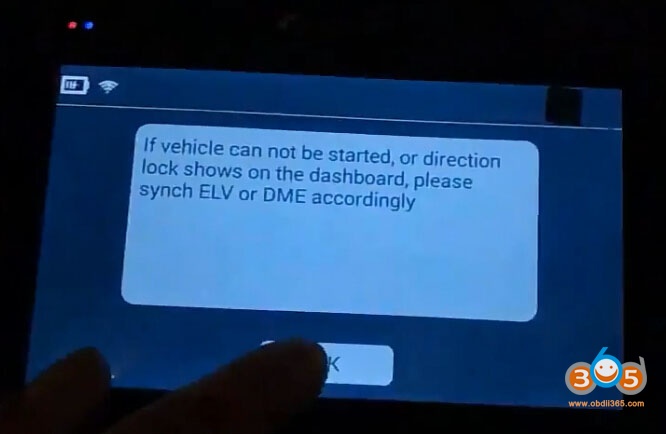
If the vehicle cannot be started, or the direction lock shows on the dashboard, pls synch ELV and DME accordingly
Writing key data – completed!
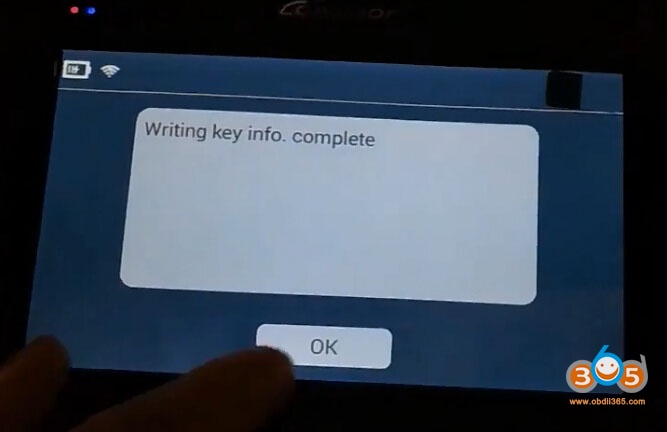
Job’s done!
Lonsdor K518 successfully added a CAS3++ smart key!