Xtool X100 Pad2 "Not Enough Storage Space" Error Solution
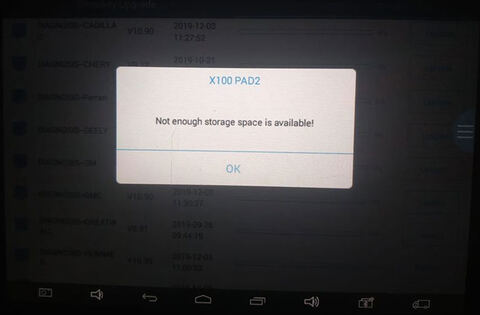
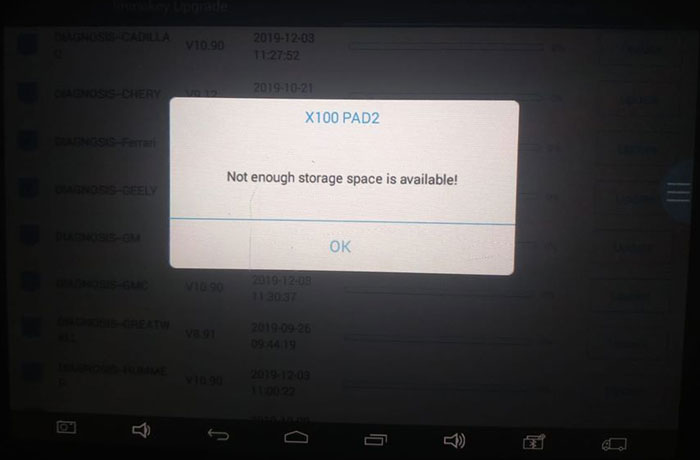
Problem:
I’ve done reset but still coming up not enough storage on the xtool x100 pad2.
Anyone help fix problem?
Solution:
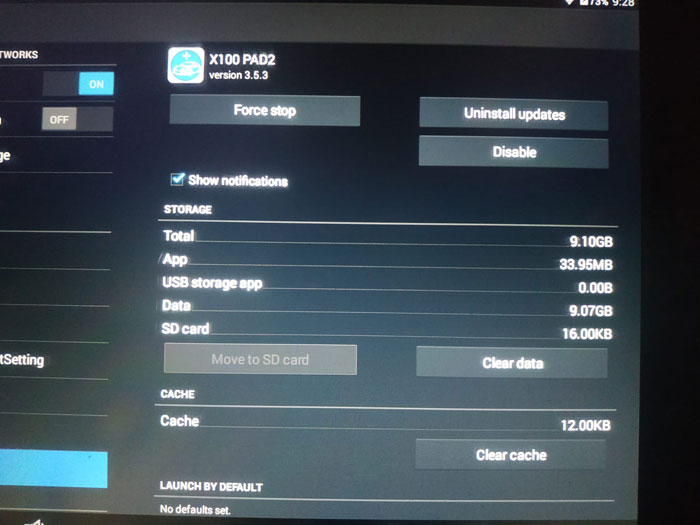
X100 pad2 has a total 9.1GB storage space and not allowed to extend storage via SD card.
1) Try to reset X100 pad2 and delete brands you don’t need (i.e China brand immo and diagnose).
2) Don’t ever update the diagnostic and immo side of things. Unless you’re into that stuff.
That way give it more storage.
Guide:
Solved! xtool pad2 insufficient machine memory
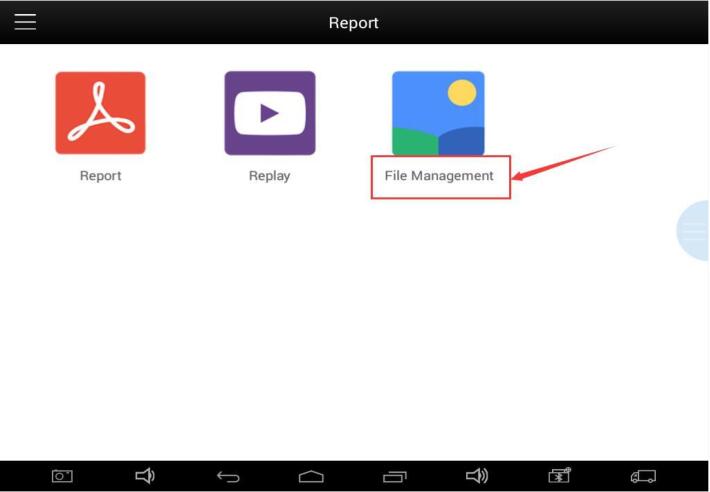
Step 1: Open the app and find the Report
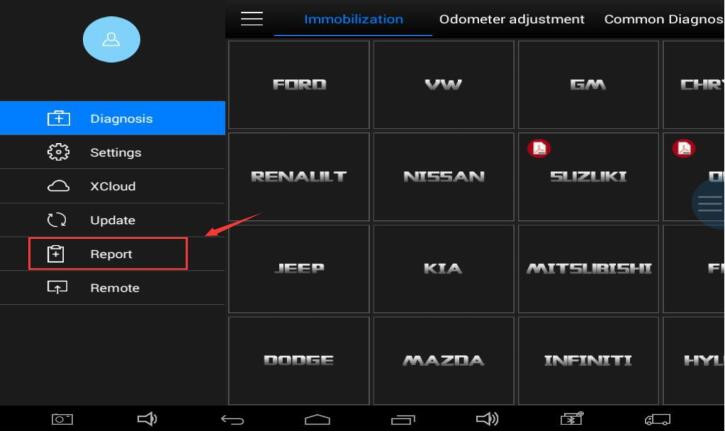
Step 2: Find the “File Management” menu
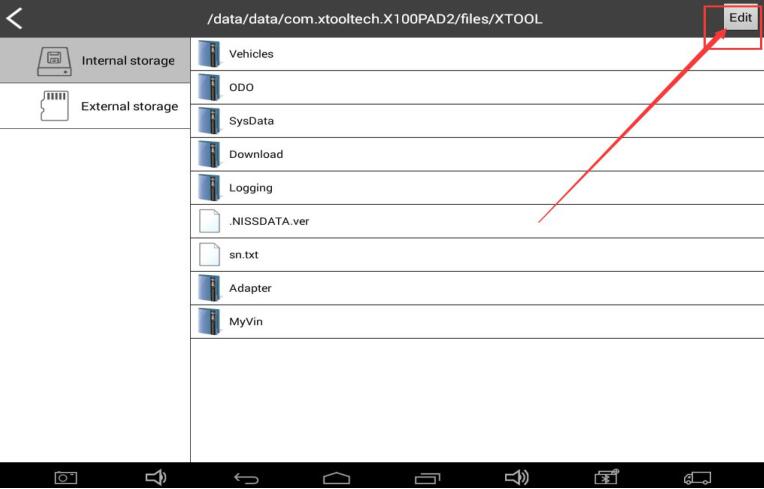
Step 3: Select the “Edit” , click on the unnecessary car brand
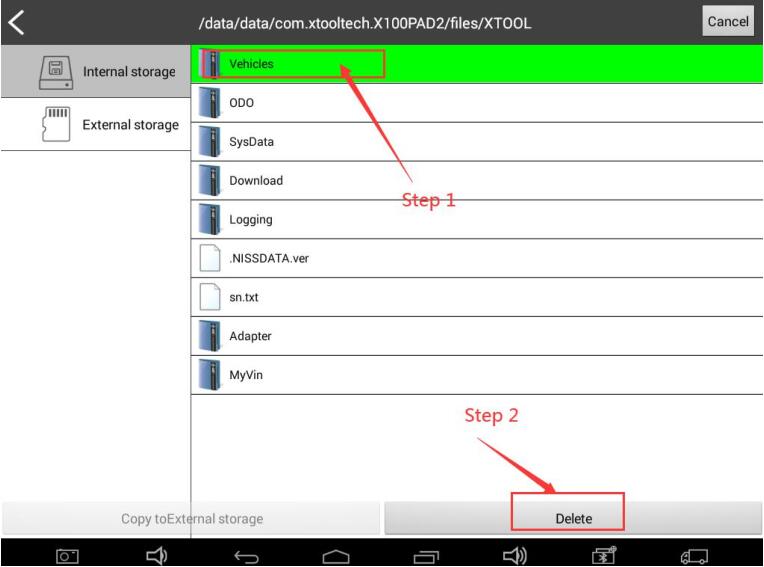
Step: Delete the software. Upgrade Immo software first, and then upgrade diagnostic software
Done.
http://www.obdii365.com/service/solve-xtool-x100-pad2-no-space-error.html