Skip to content
Key Programmer

    Program Toyota All Smart Keys Lost by Xtool Pad and KS-01 Emulator
    Info
    (0)

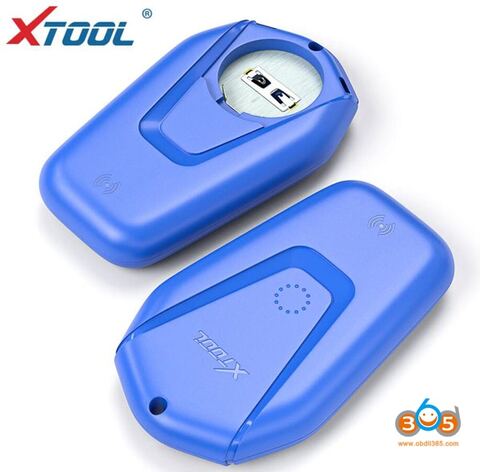
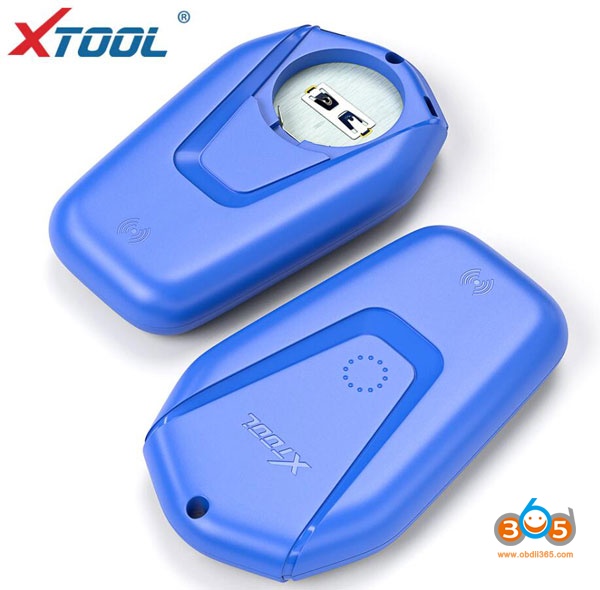
    Xtool Tech released Toyota/Lexus OBD all smart keys lost solution using KS-01 emulator 5-in-1.

    The reusable KS-1 simulator supports Toyota 94 / D4, 98, 39, 88 / A8, A9 type smart key all key lost programming.
    
			Program Toyota All Smart Keys Lost by Xtool Pad and KS-01 Emulator

    Compatible device: Xtool X100 pad2, H6 Elite , H6 Pro, X100 Pad3
    
			Program Toyota All Smart Keys Lost by Xtool Pad and KS-01 Emulator

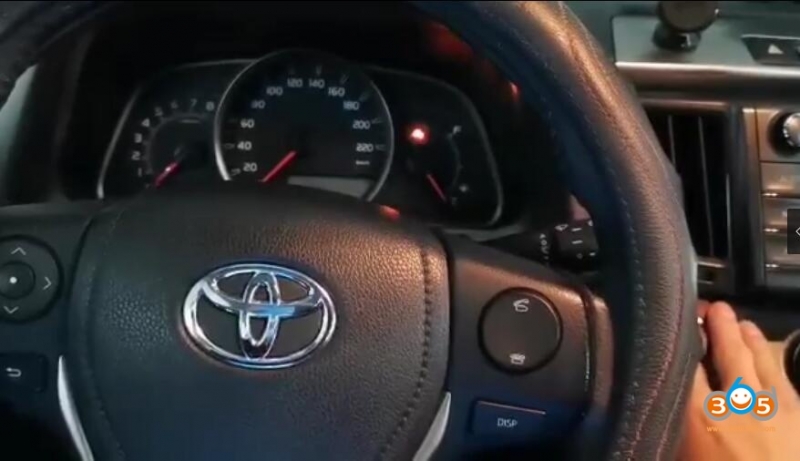
    Lost all smart keys

    Procedure:

    Step 1: Backup IMMO data
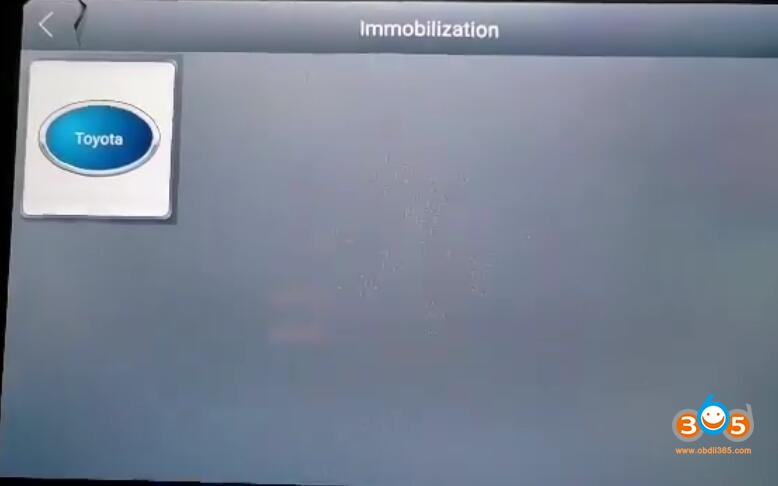
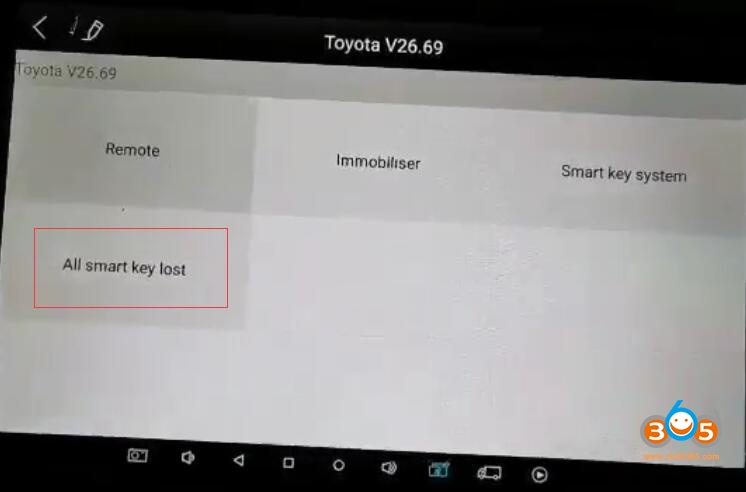
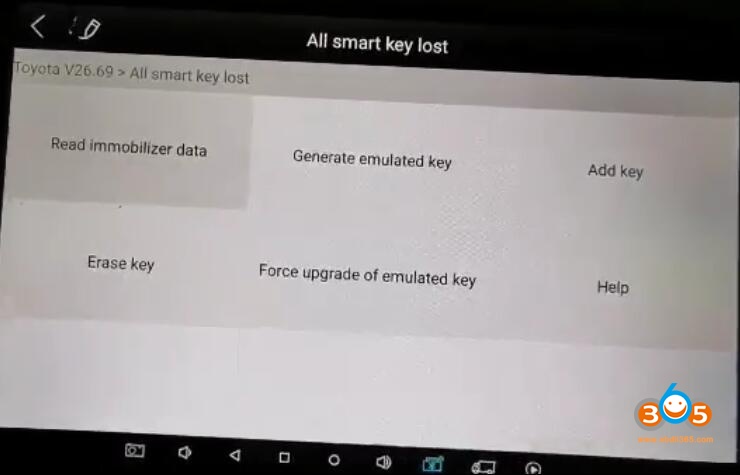
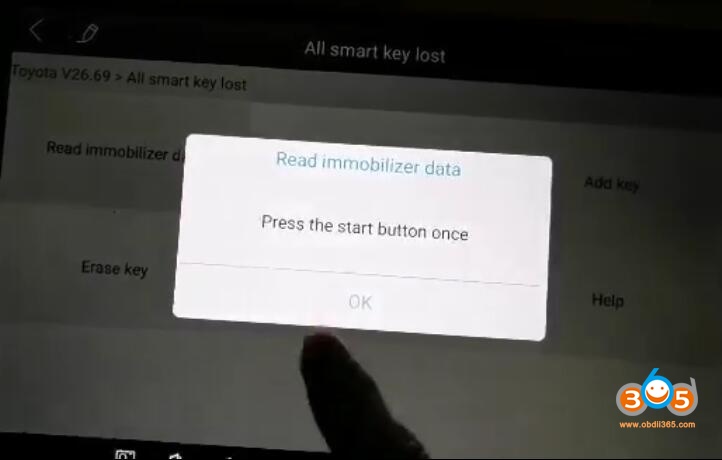
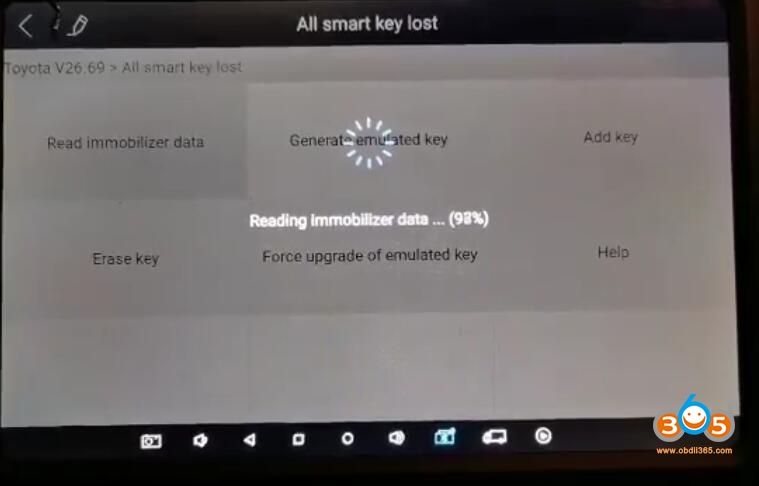
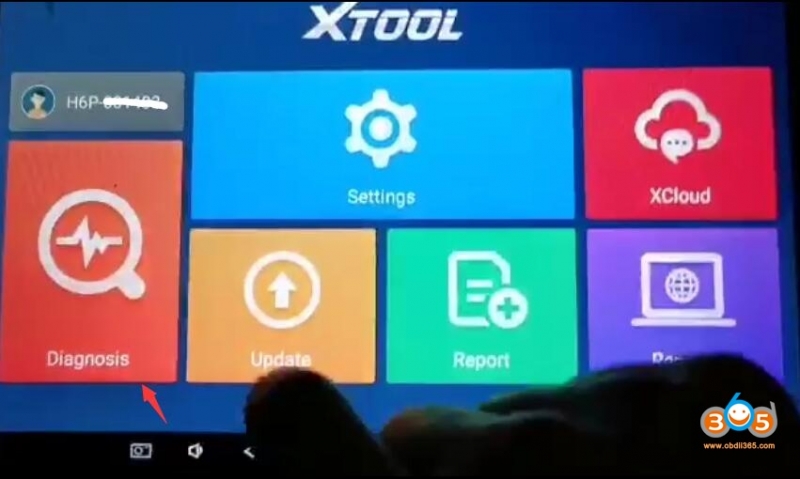
    Connect x100 pad2 with vehicle, select Diagnosis->Immobilization->Toyota->All smart key lost->Read Immobilizer data

    
			Program Toyota All Smart Keys Lost by Xtool Pad and KS-01 Emulator

    
			Program Toyota All Smart Keys Lost by Xtool Pad and KS-01 Emulator

    
			Program Toyota All Smart Keys Lost by Xtool Pad and KS-01 Emulator

    
			Program Toyota All Smart Keys Lost by Xtool Pad and KS-01 Emulator

    
			Program Toyota All Smart Keys Lost by Xtool Pad and KS-01 Emulator

    Press the Start button once

    
			Program Toyota All Smart Keys Lost by Xtool Pad and KS-01 Emulator

    Reading data in progress

    
			Program Toyota All Smart Keys Lost by Xtool Pad and KS-01 Emulator

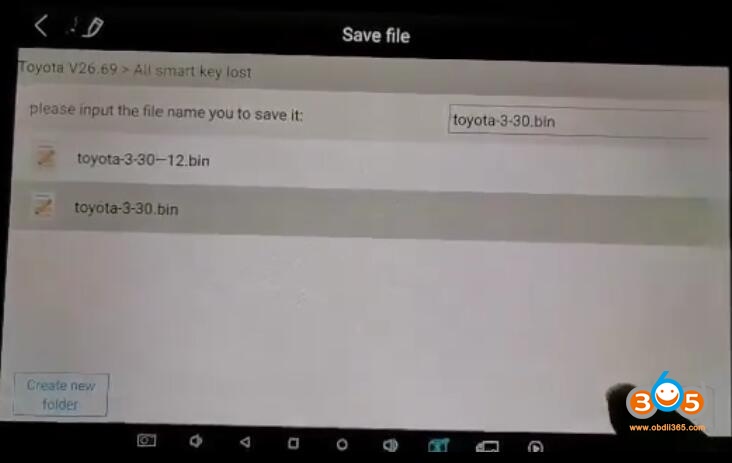
    Save immo data

    
			Program Toyota All Smart Keys Lost by Xtool Pad and KS-01 Emulator

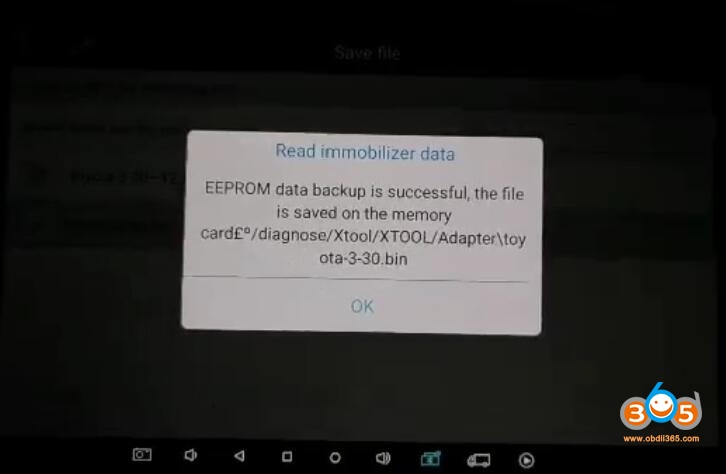
    EEPROM data backup succeed.

    
			Program Toyota All Smart Keys Lost by Xtool Pad and KS-01 Emulator

    Step 2: Generate emulator key
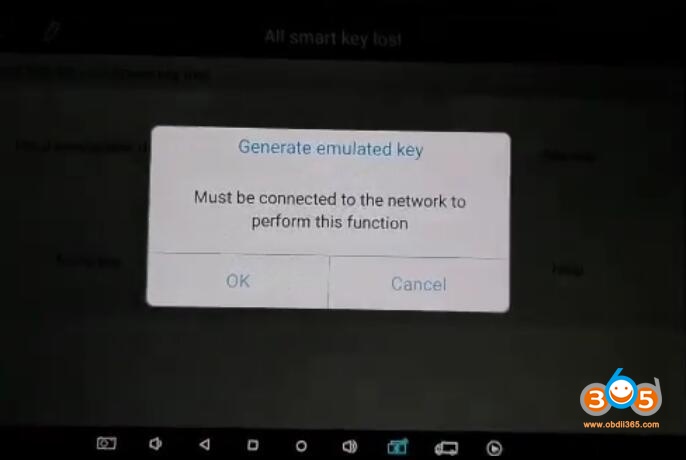
    Select Generate emulated key
    
			Program Toyota All Smart Keys Lost by Xtool Pad and KS-01 Emulator

    Enable network connection to perform this function.
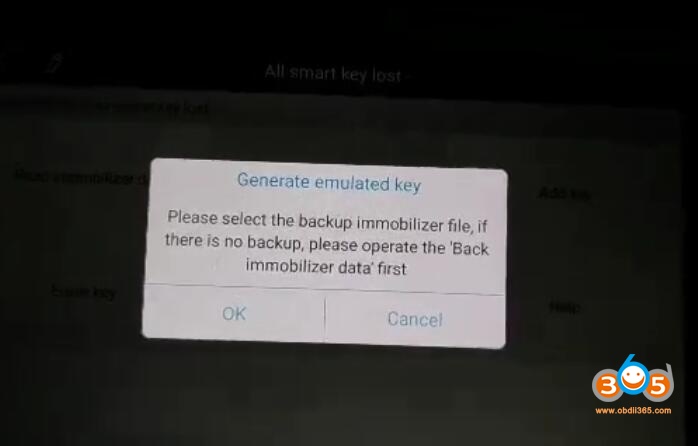
    
			Program Toyota All Smart Keys Lost by Xtool Pad and KS-01 Emulator

    Select the backup immo file in step 1
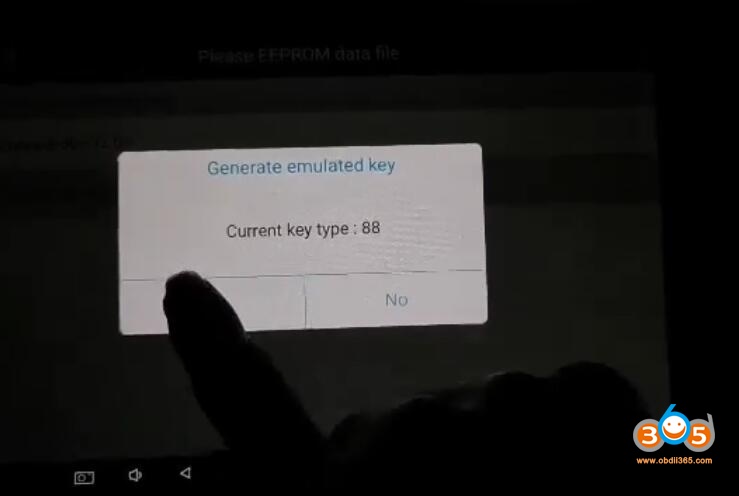
    
			Program Toyota All Smart Keys Lost by Xtool Pad and KS-01 Emulator

    Select file and identify key type: 88
    
			Program Toyota All Smart Keys Lost by Xtool Pad and KS-01 Emulator

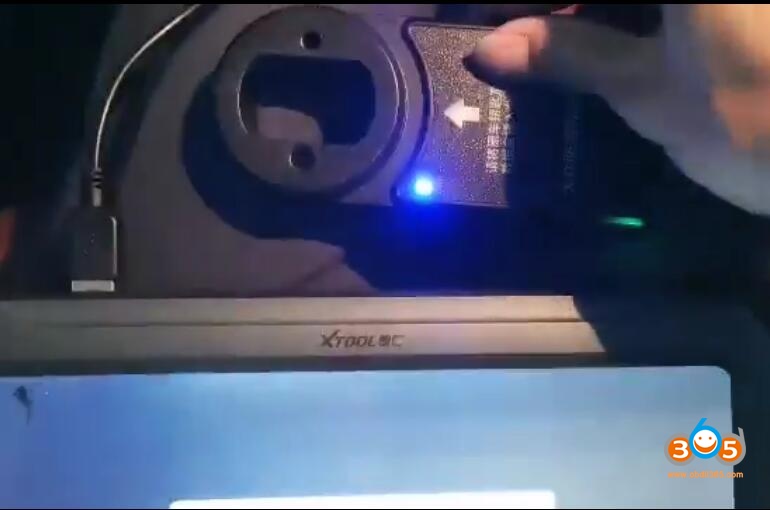
    Connect the KC100 adapter with xtool tablets, press OK to continue
    Activating KC100 and check version information
    
			Program Toyota All Smart Keys Lost by Xtool Pad and KS-01 Emulator

    
			Program Toyota All Smart Keys Lost by Xtool Pad and KS-01 Emulator

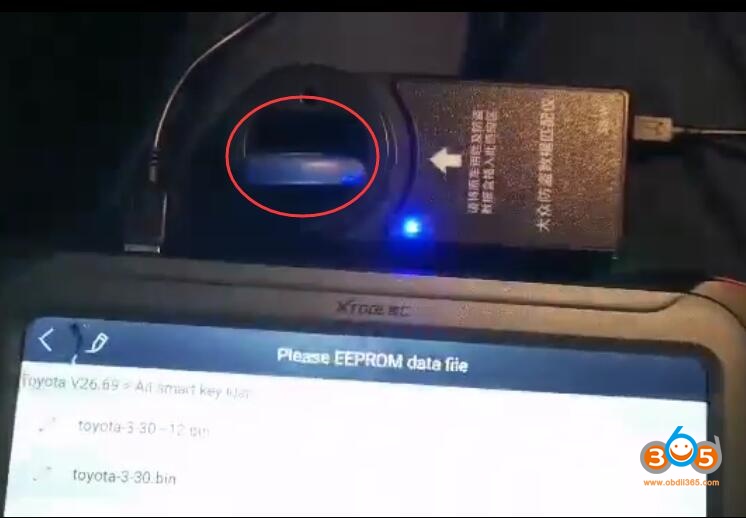
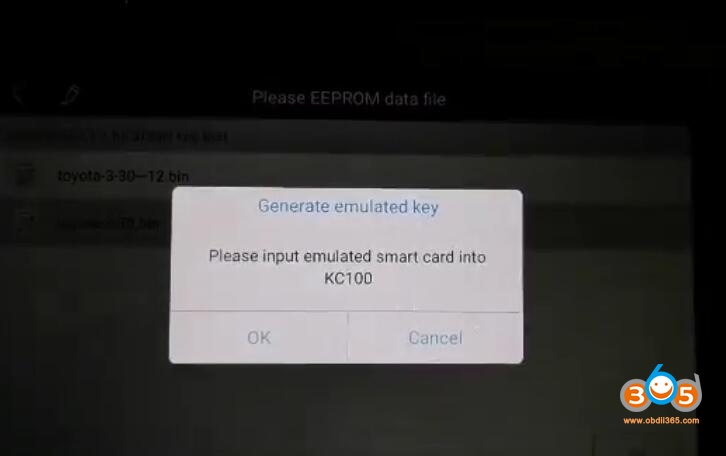
    Input emulator smart card into KC100
    
			Program Toyota All Smart Keys Lost by Xtool Pad and KS-01 Emulator

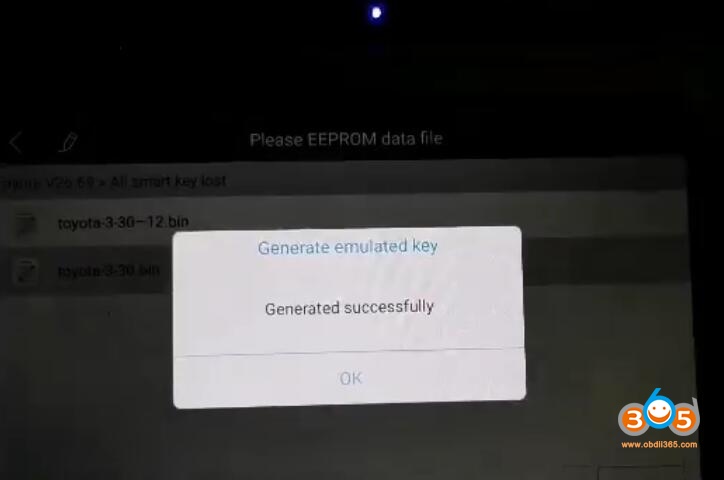
    Generate emulator key successfully

    
			Program Toyota All Smart Keys Lost by Xtool Pad and KS-01 Emulator

    The emulator key generated will start vehicle

    You can perform Add key function to add another key using the simulator key.

    Done.

    Xtool X100 PAD2 OBD Program Toyota All Smart Keys Lost via KS-01 Emulator

    Rate this article (0)