Program BMW EWS2 EWS3 EWS4 Key with Xtool X100 PAD2
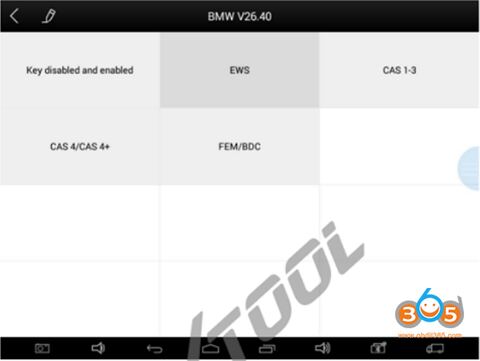
Xtool supports BMW EWS2 EWS3 EWS4 all keys lost and add key, but not by OBD2. You need to read D-FLASH/EEPROM data first.
Device required:
Xtool x100 pad2/ x100 pad3/x100 elite/ h6 pro/autopad
Xtool KC100 adapter or KC501 chip & key adapter (KC501 should work with x100 pad3)
Xtool BMW EWS2/EWS3/EWS4 User Manual
First of all, remove EWS unit and backup D-FLASH/EEPROM data with chip programmer
Connect xtool tablet with vehicle via OBD socket
Enter Immobilier function->BMW->EWS
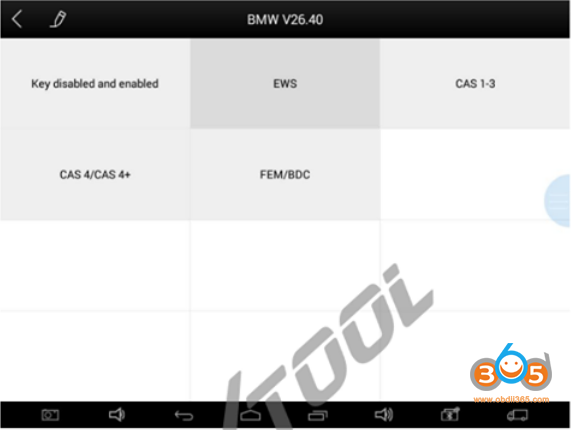
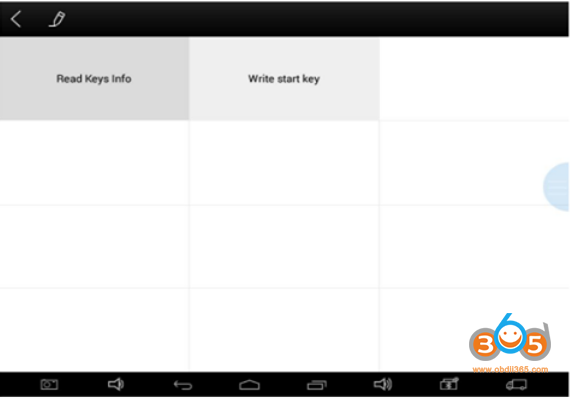
Read Key Info: this function can read data from key chip. If doesn’t work, it means key chip is incorrect or locked.
Click “Read Keys Info”
Connect KC100 or KC501, and enter activation page
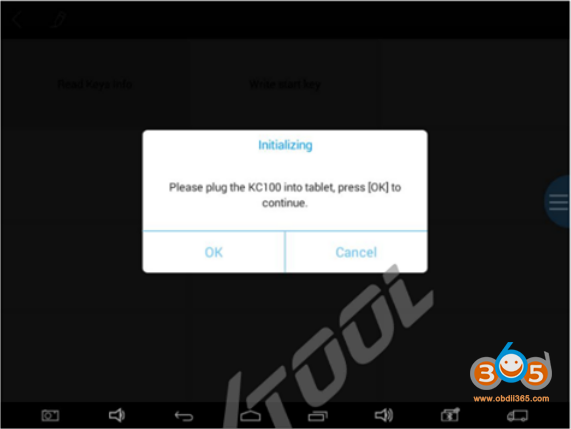
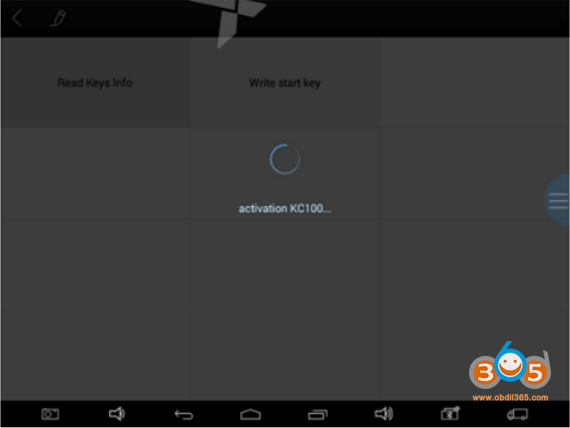
Put key chip inside KC100 or KC501
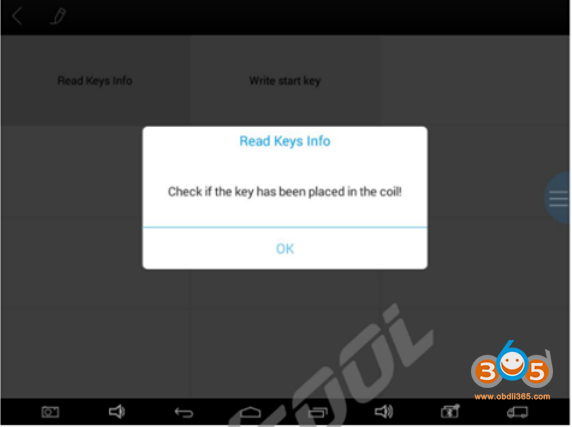
Check if the key has been placed in the coil
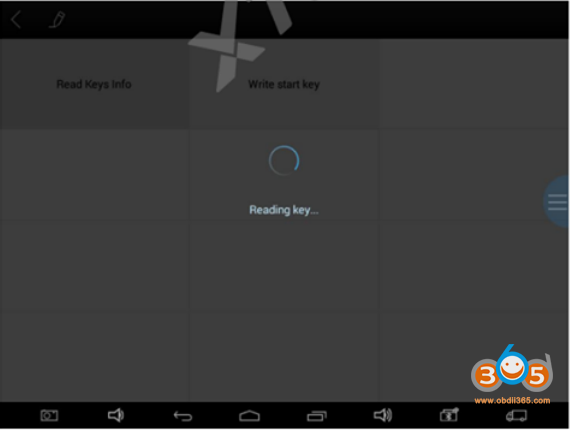
Reading key
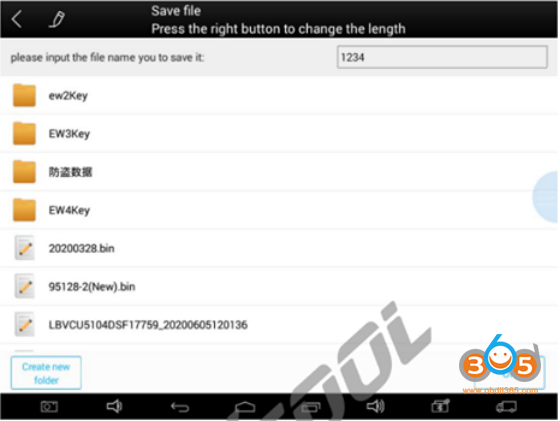
After read key info successfully, it will prompt you to input folder name of the key
It will show key data info as below
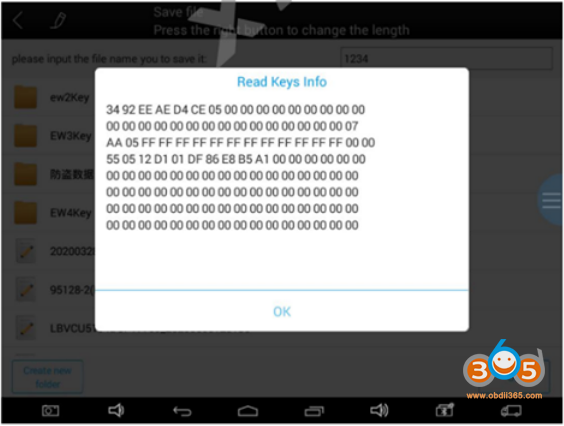
Write start key: This function can generate dealer key. After dealer key generation is completed, put chip inside key and manually program the remote to start the car.
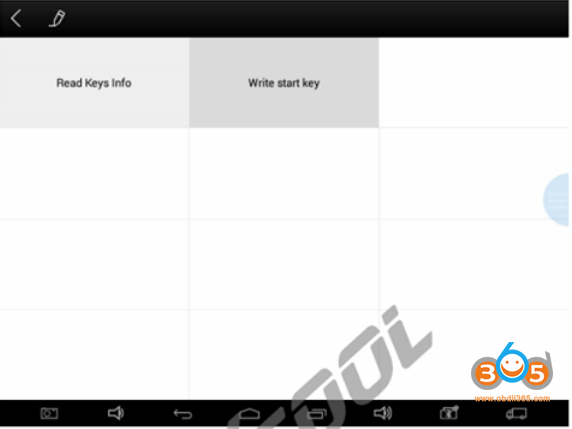
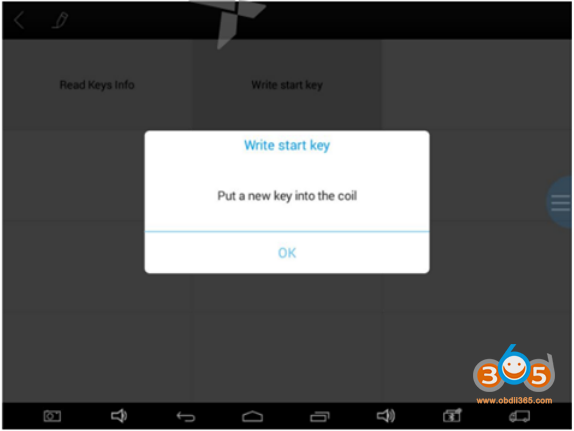
Click “Write start key” menu, it will prompt put a new key into KC100 or KC501, click OK to continue
It will prompt you to choose D-FLASH or EEPROM data
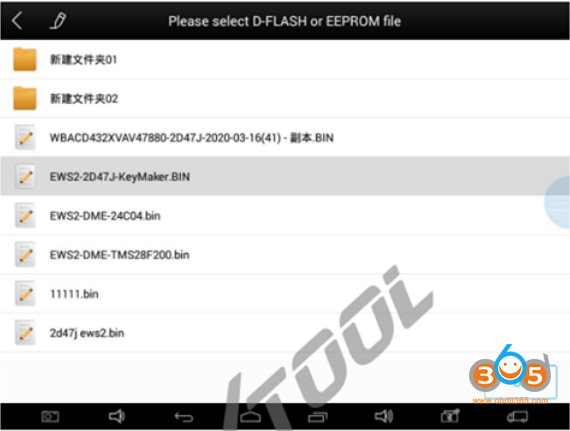
(Note: this data is the backup data which are read through EWS disassembly)
It will prompt the VIN and EWS type of current chosen D-FLASH/EEPROM data, click OK to continue
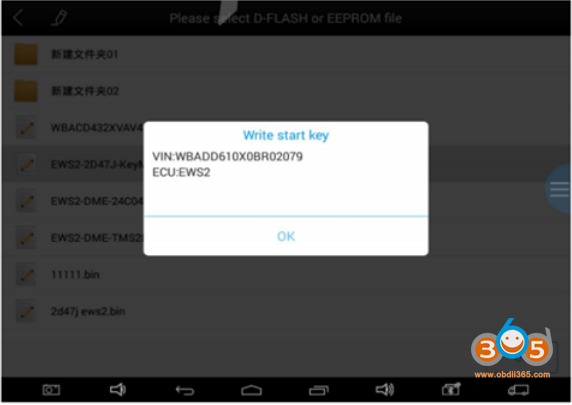
After D-FLASH analysis, it will show key info.
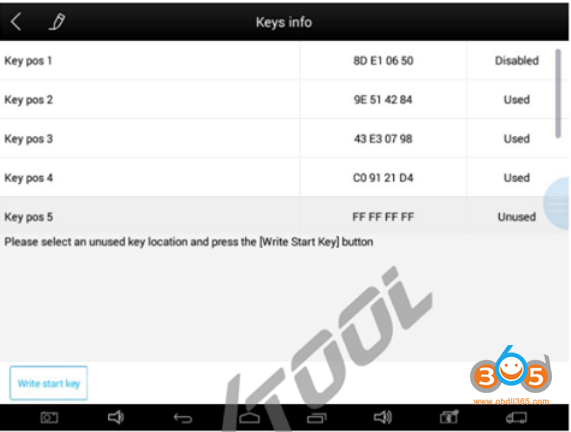
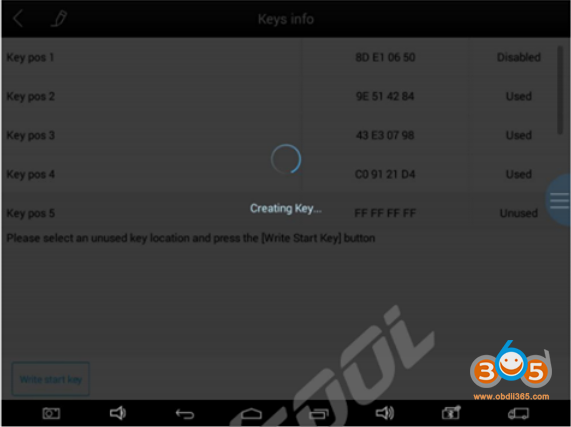
Choose an unused key position, and then click “Write start key”
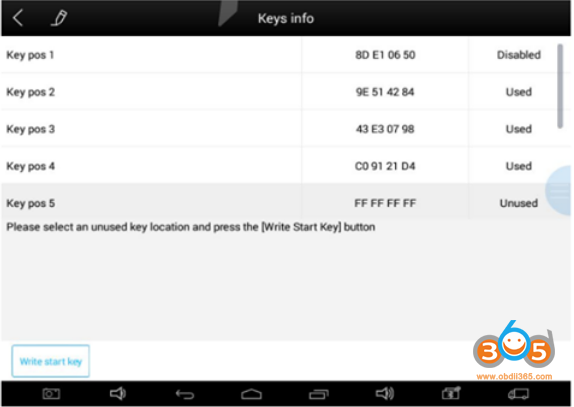
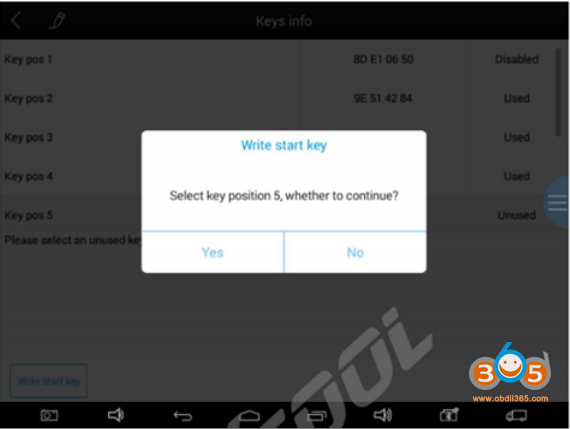
Creating key
Make dealer key success.
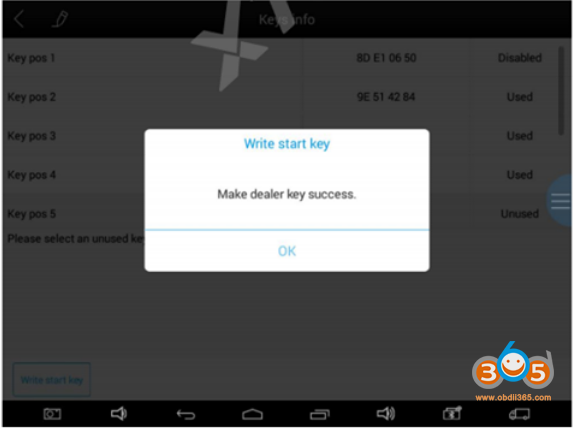
When key is programmed successfully, put key chip back inside the key and manually program remote, then it can start the car.
Done.