How to Install and Update Original Tango Key Programmer Software?
Here’s the step-by-step installation and update guide of original Scorpio-LK Tango key programmersoftware.
Operating system: WinVista, WinXP, Win7, Win8, Win10
*Tango Driver V4 WinVista, Win7 requires Microsoft security update, Win8 and Win10 requires update Tango RFID.
Preparation:
Original Tango software download
Tango software 1.116.rar
Tango driver v4
Windows XP installation is easy. Similar procedure as Win8/Win10, but does not require update Tango RFID.
How to Install & Update Tango key programmer software on Win8/Win10?
Download Tango latest Setup Software V1.106
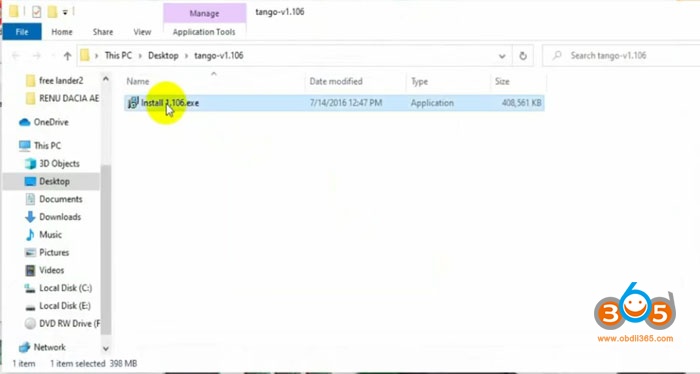
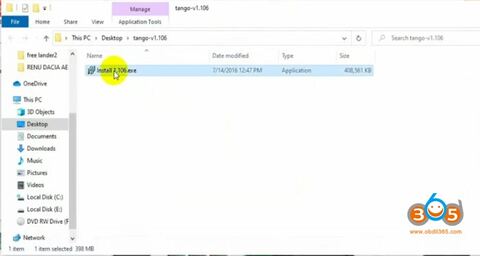
Unextract software and run install 1.106.exe
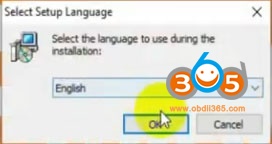
Select setup language
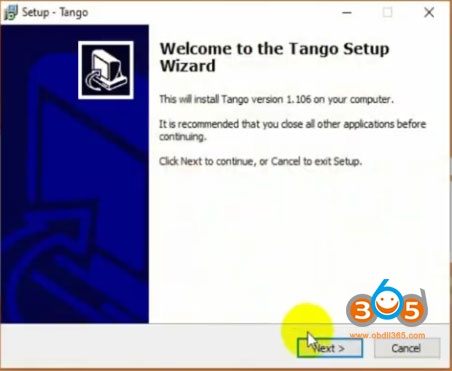
Install Tango setup wizard
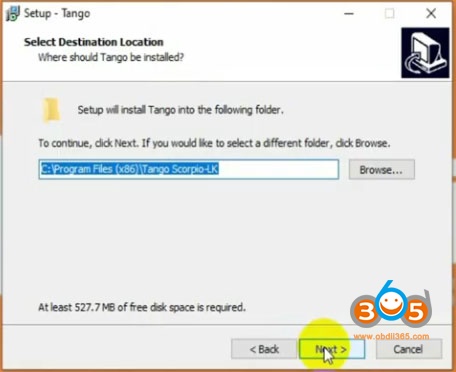
Select destination folder: (Default : My Computer > Local Disc(C:) > Program Files (x86) > Tango Scorpio-LK).
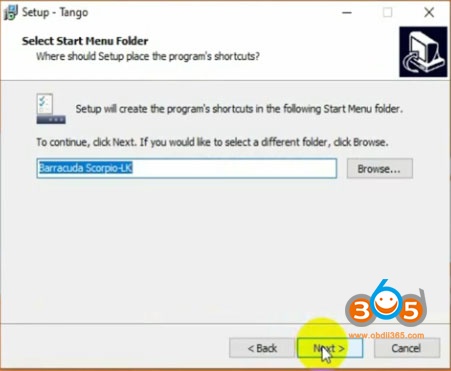
Select Start menu folder
Tick Create desktop shortcut
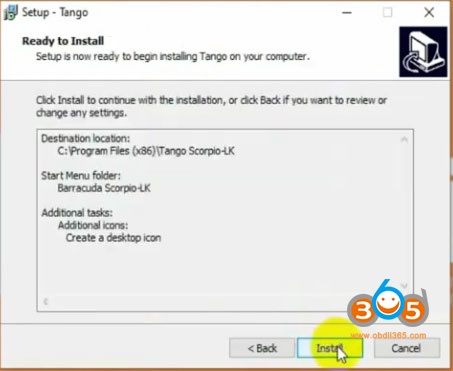
Press Install
Setup installation completed.
Launch Tango software
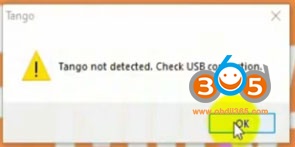
If gives error Tango not detected, check USB connection, you didn’t install driver
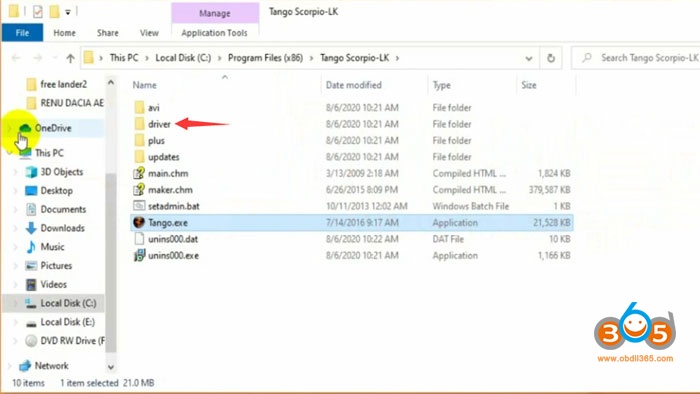
Open C:/Program files/Tango Scorpio-LK driver folder
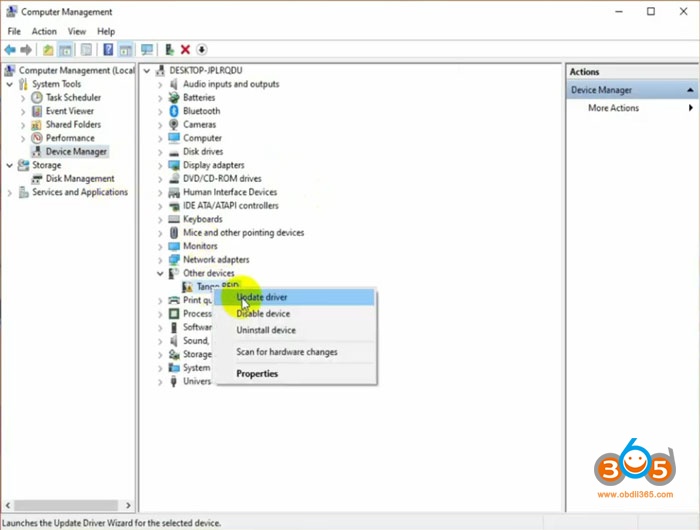
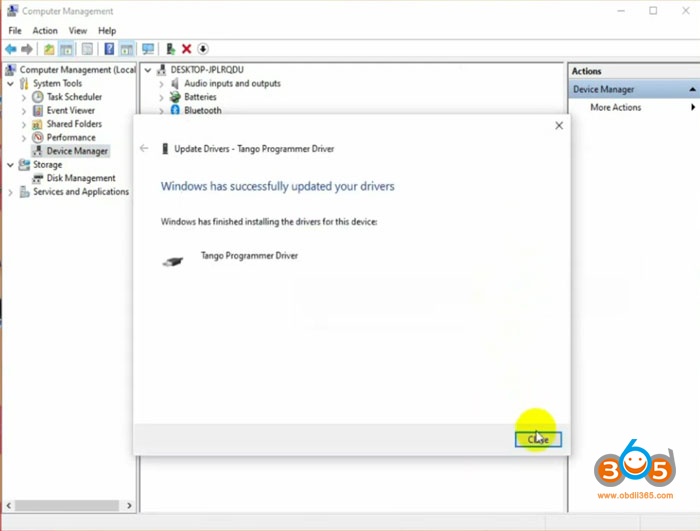
Go to Device Manager-> Other devices->Tango RFID->Update driver
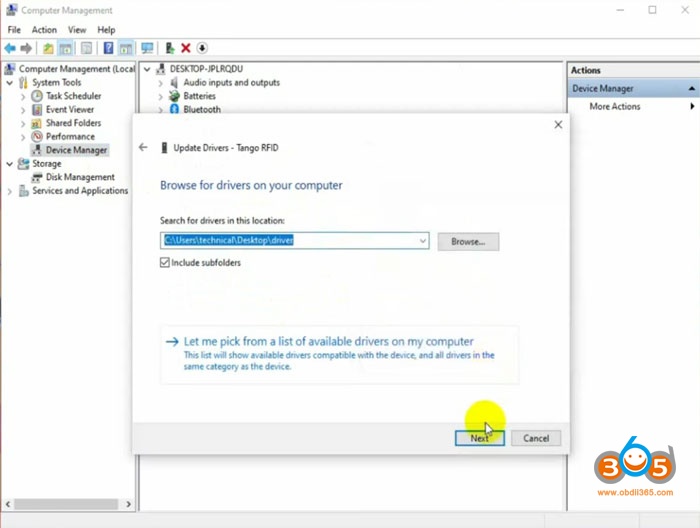
search for driver location C:/Users/technical/Desktop/driver
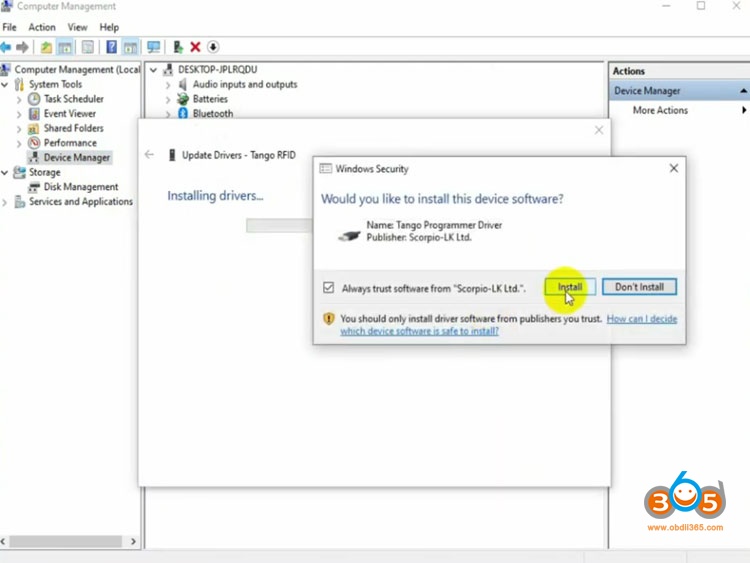
install Tango programmer driver
Windows has successfully updated your driver
Run Tango software shortcut on desktop as Administrator
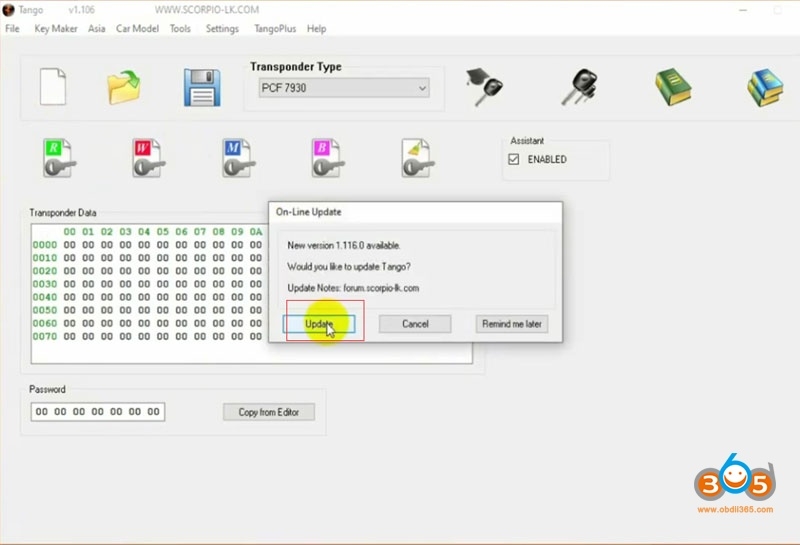
Tango will auto prompt new software upgrade, press Update
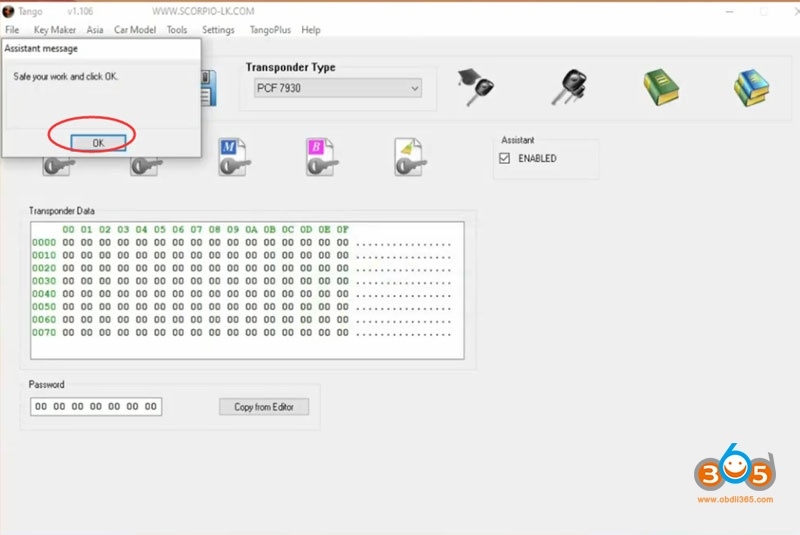
Update OK
Go oto Help menu->Updates to check newest software and hardware version
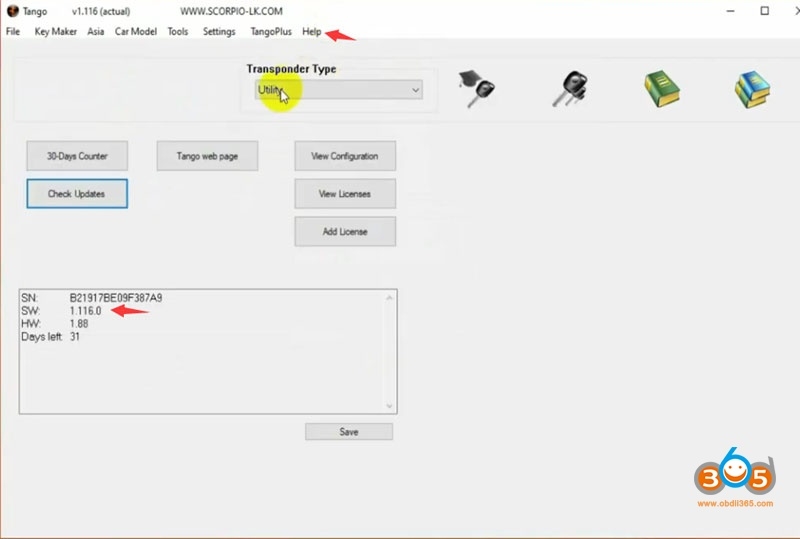
Press Check Update
Select all available online update and press OK
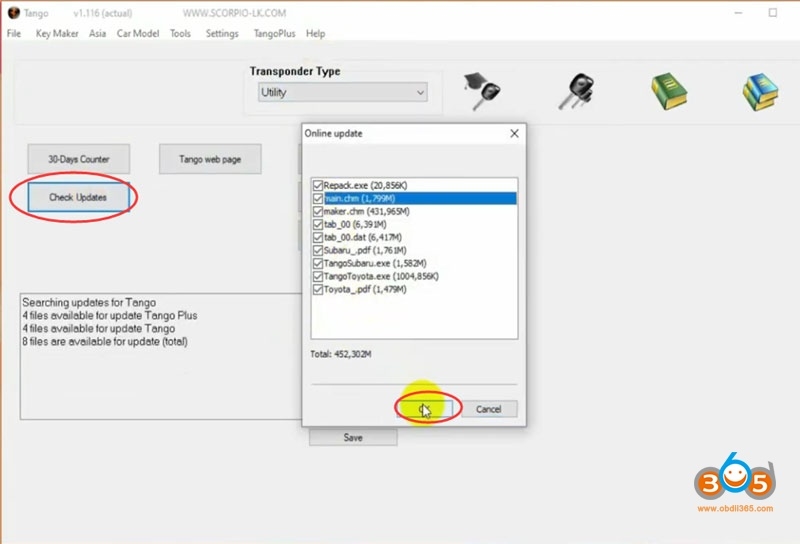
Downloading upgrade files
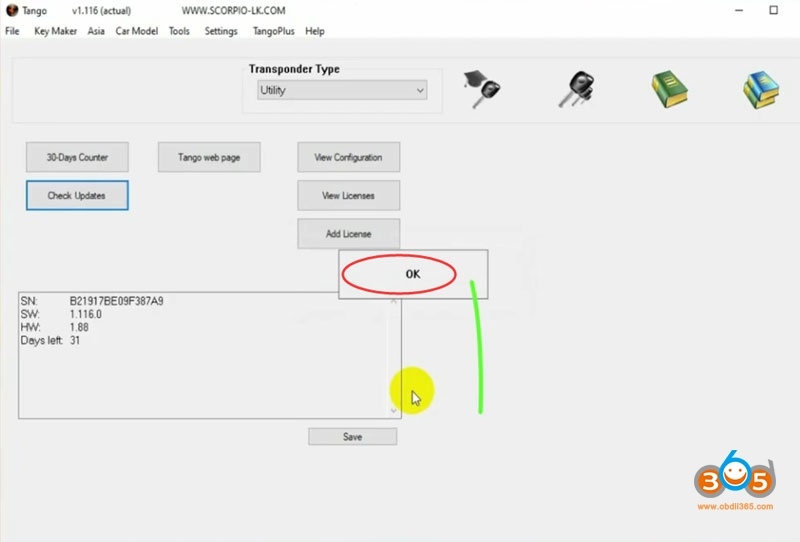
Update completed.
Your Tango programmer is now ready for work!
https://www.obdii365.com/producttags/tango.html