LONSDOR K518ISE Key programmer first use: Registration activation
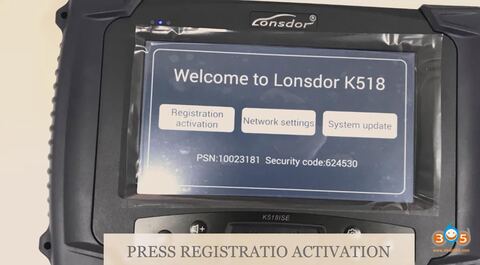
This article is available with LONSDOR K518ISE update and activation. Now, please update and activate the device by taking the following steps.
- Connect to Wifi. After connecting to the network, LONSDOR K518ISE will be updated the newest version automatically.
- When the update is finished, press “Registration activation”>> “OK”>>“Registration activation” again>>“New user registration and device activation”.
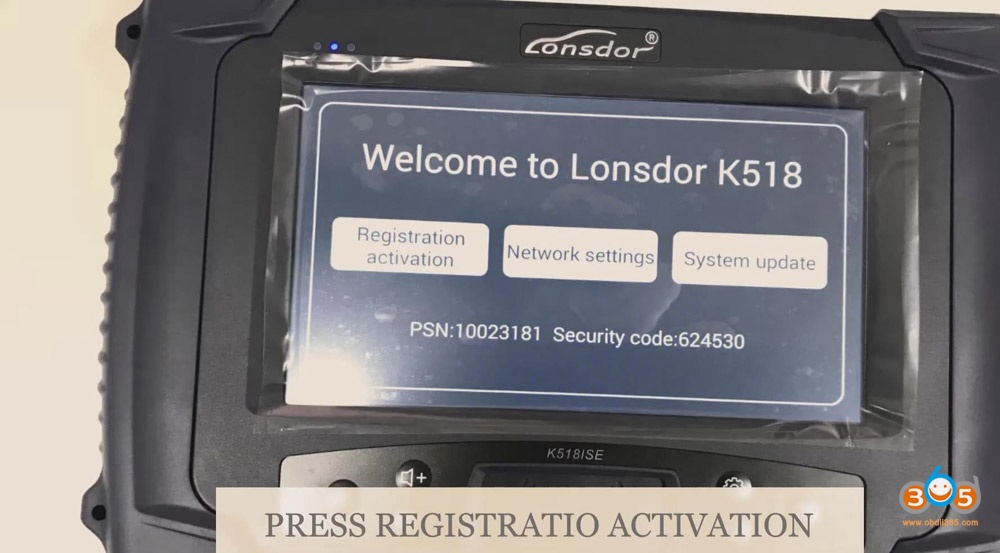
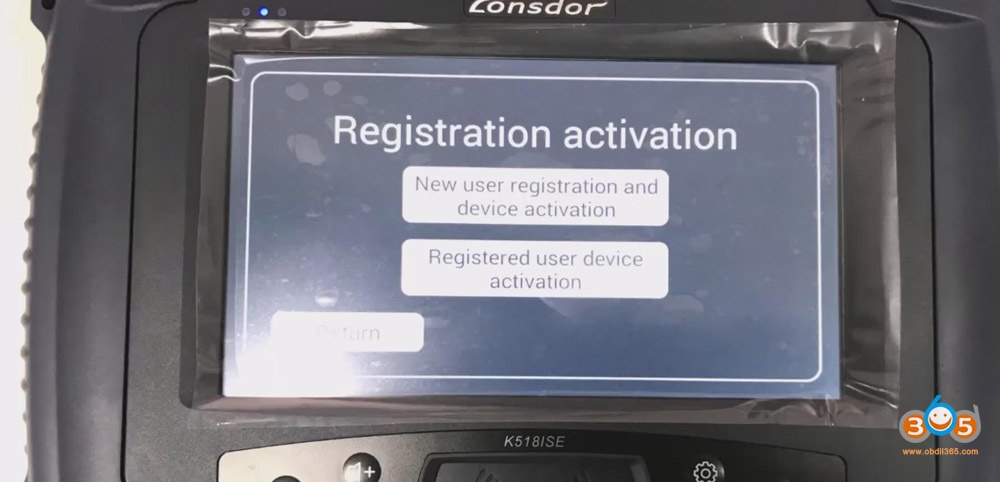
- Enter the information of “Account name”, “Name”, “Password”, “Confirm password” and “Verification code”>>“OK”>>“Next”
- Check your email and press “OK”.
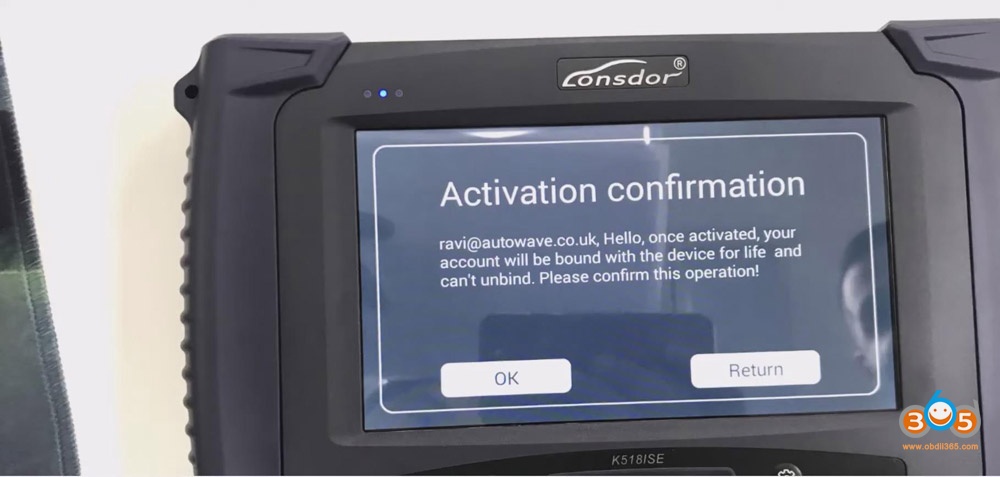
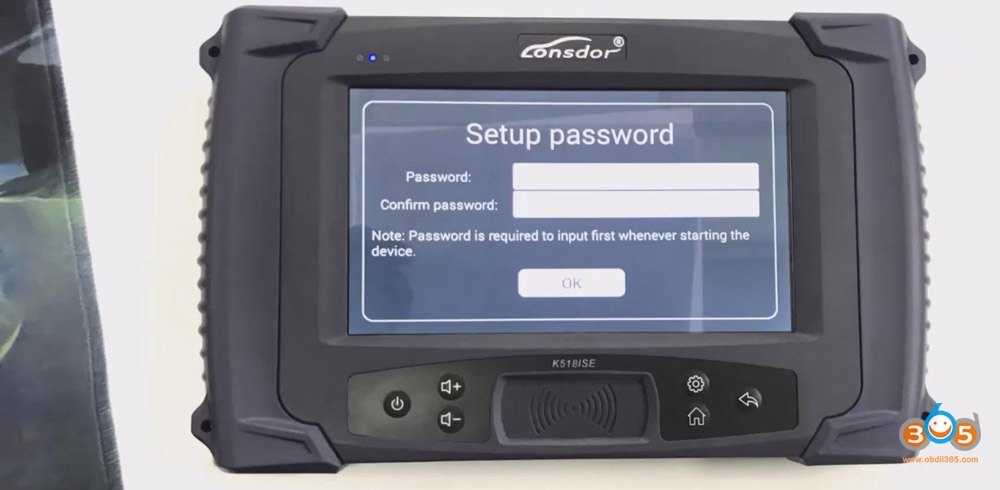
- Create the password.
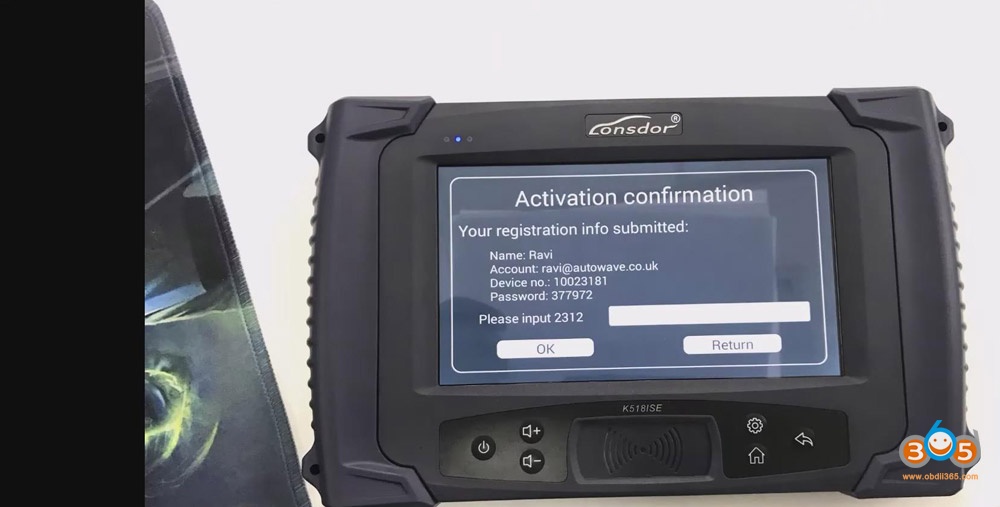
- Input numbers and press “OK”.
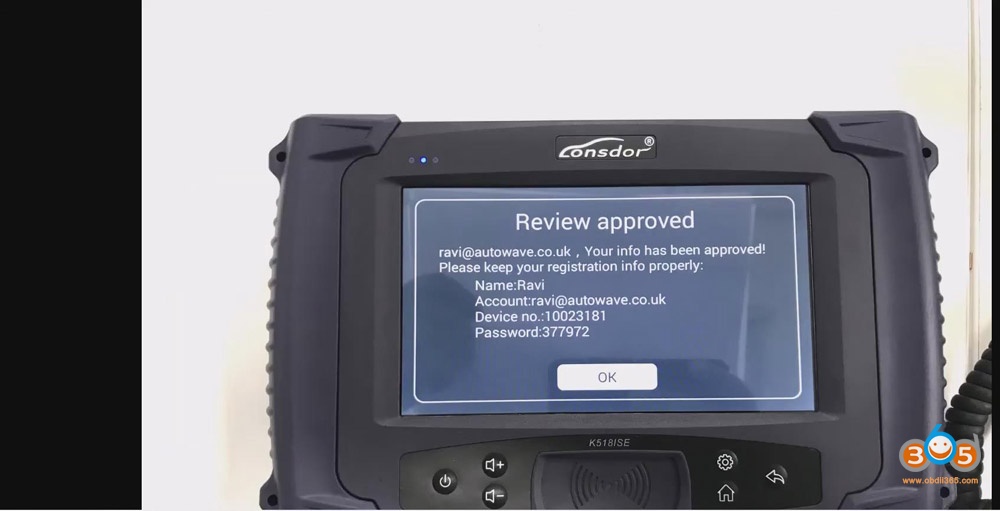
- Click “OK”>>“OK” again
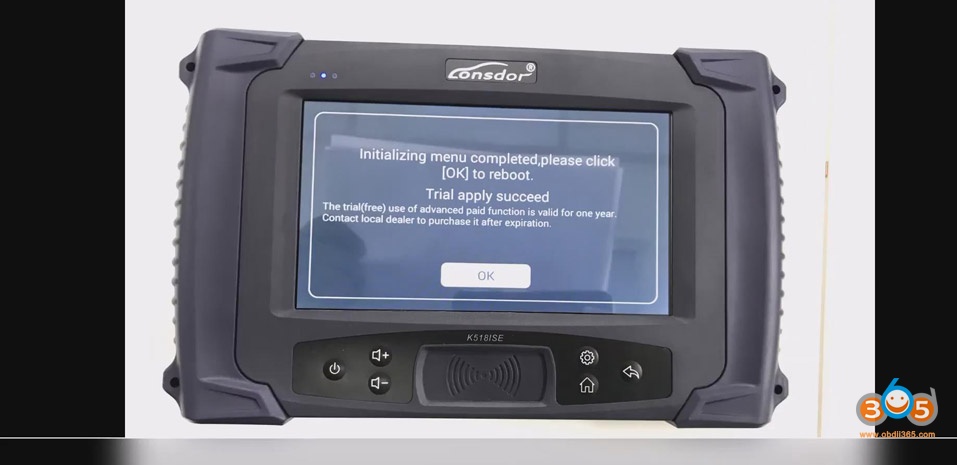
- Enter the password>>“OK”