Program Lexus LS450 2009 98 Type All Keys Lost by OBDSTAR Key SIM Emulator
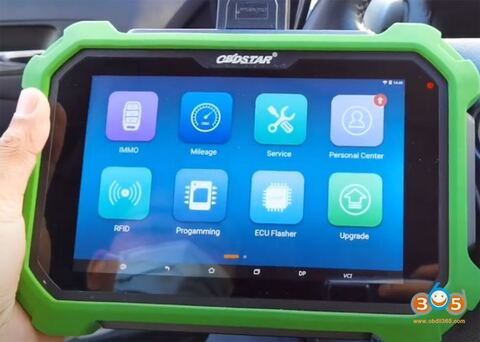
OBDSTAR released a new Key SIM emulator to replace the older 4 emulators for Toyota all smart keys lost programming. Here’s the demo guide to program Lexus 98 type smart key all keys lost using OBDSTAR X300 DP Plus and KSIM simulator. Same procedure goes to 4D (94/D4, 98), H (88/A8, A9, 39) type smart keys.
Requirement:
Toyota/Lexus software V32.36 or above.
OBDSTAR X300 DP Plus or OBDSTAR X300 pro4
OBDSTAR Key SIM (KSIM) simulated card
A new key to be programmed
Model example:
Lexus LS450 2009
4D 98 type chip proximity smart key
Main steps:
- Backup EEPROM
- Make simulated card
- Add smart keys
Procedure:
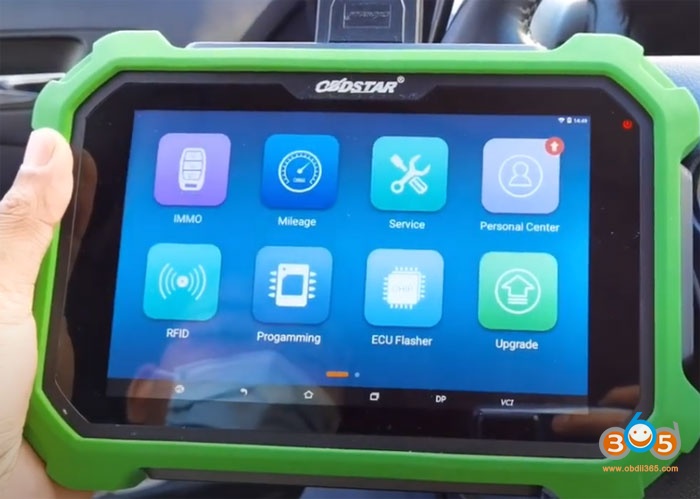
Connect x300dp plus with vehicle and turn on device
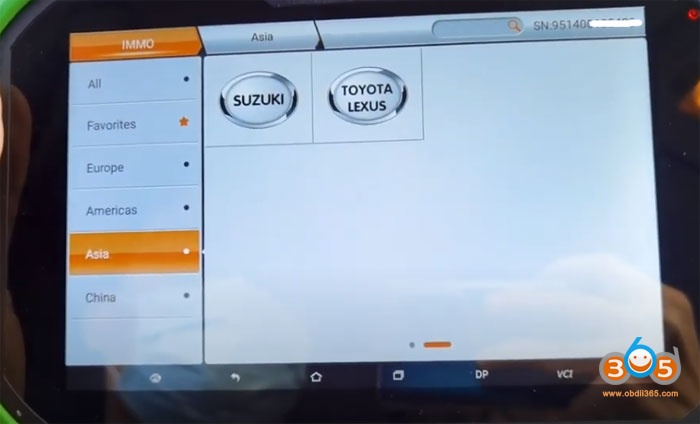
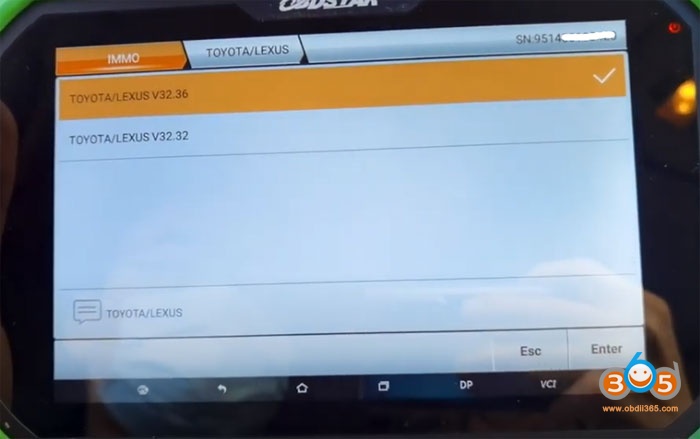
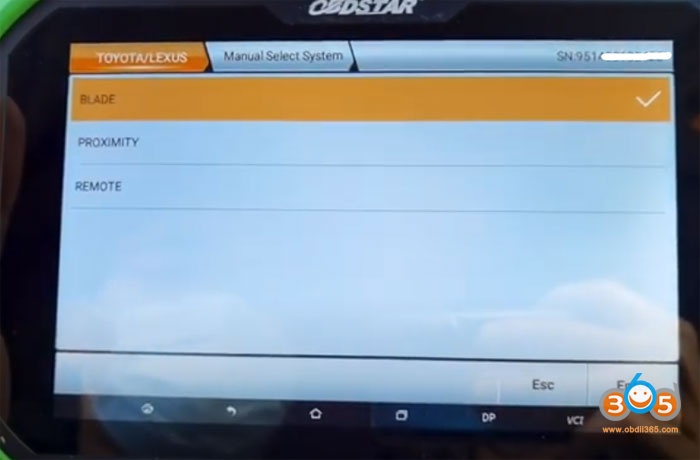
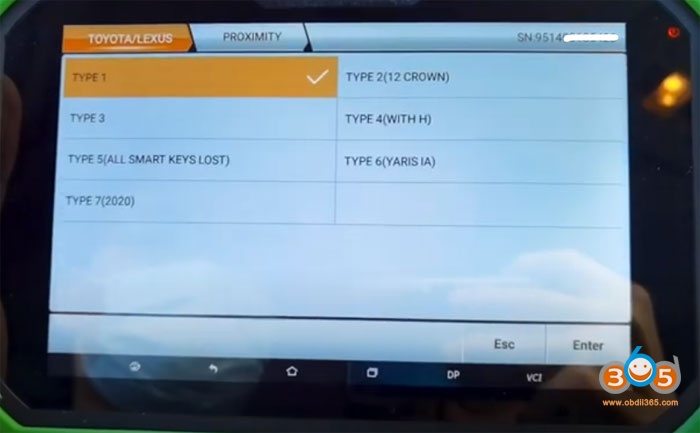
Select IMMO->Toyota/Lexus->Toyota/Lexus V32.36->Manual select system->Proximity->Type 5 (All Smart Keys Lost)->Read EEPROM
This function can read/backup vehicle EEPROM data.
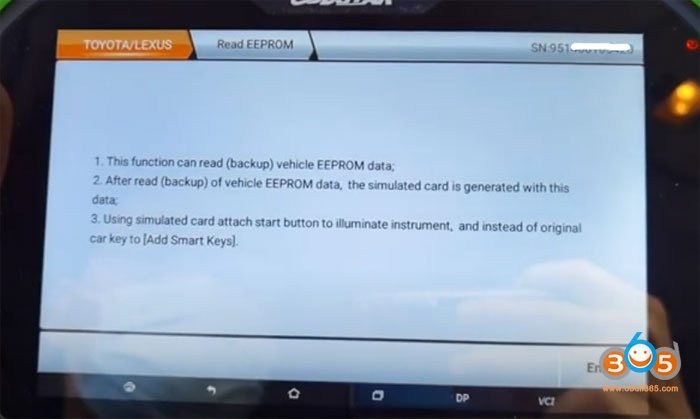
After read eeprom data, the simulated card is generated with this data.
Using simulated card attach start button to turn on instrument instead of original key to Add Smart Keys.
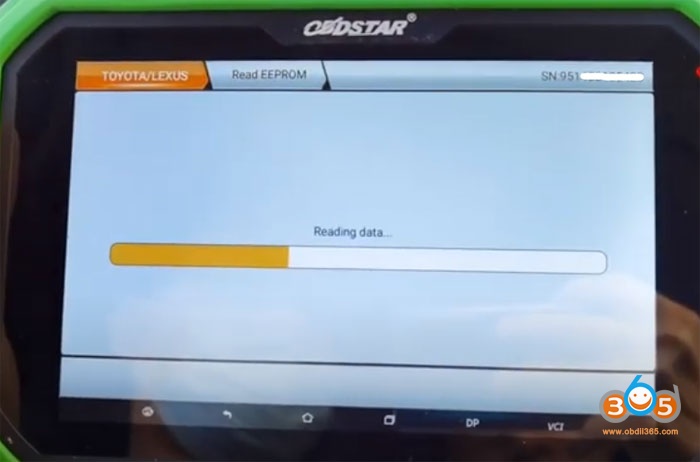
Reading data
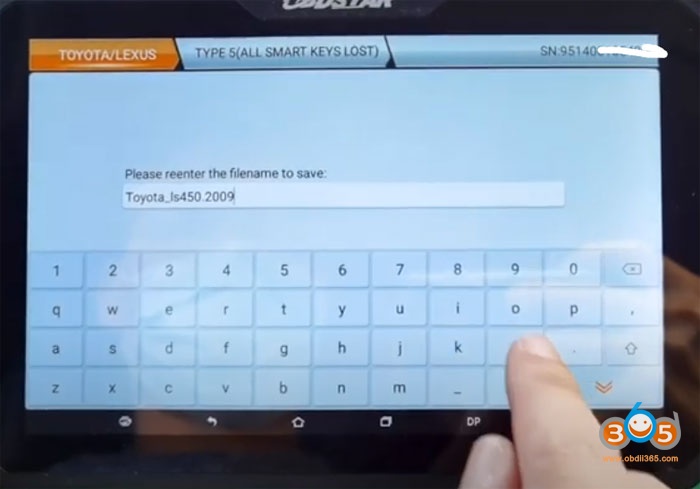
Save EEPROM
Backup data success
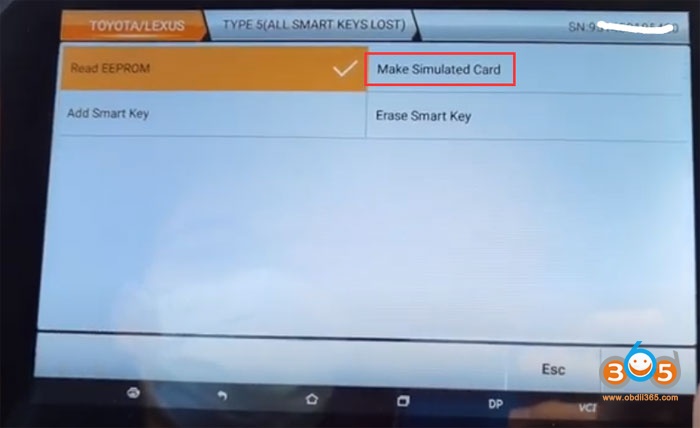
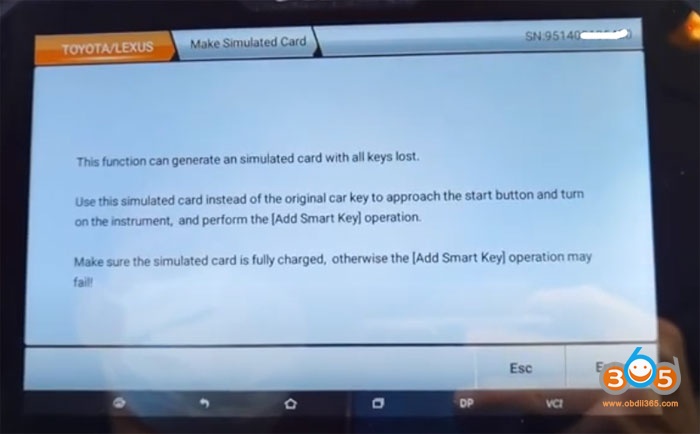
Go to Make Simulated Card function
This function generate an simulated card with all keys lost.
Make sure the KSIM emulator is fully charged, otherwise the Add Smart Key operation may fail.
This function is available by connecting online server, ensure the internet connection is normal.
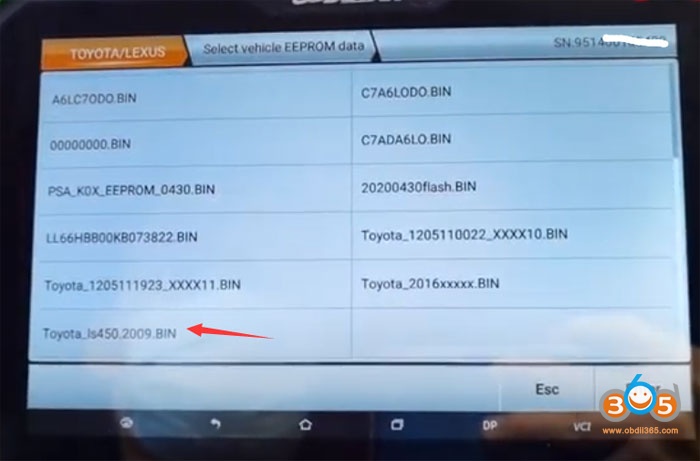
Select eepom data just saved
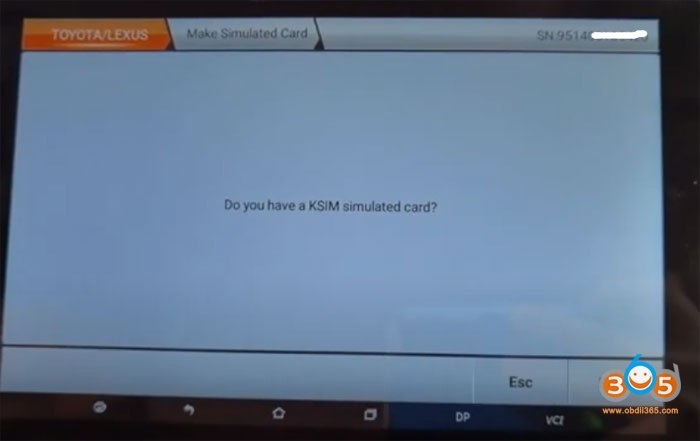
OBDSTAR will ask to confirm you have KSIM simulator
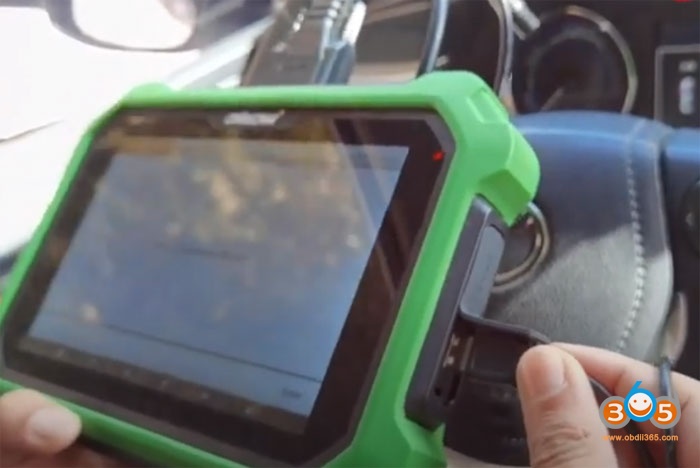
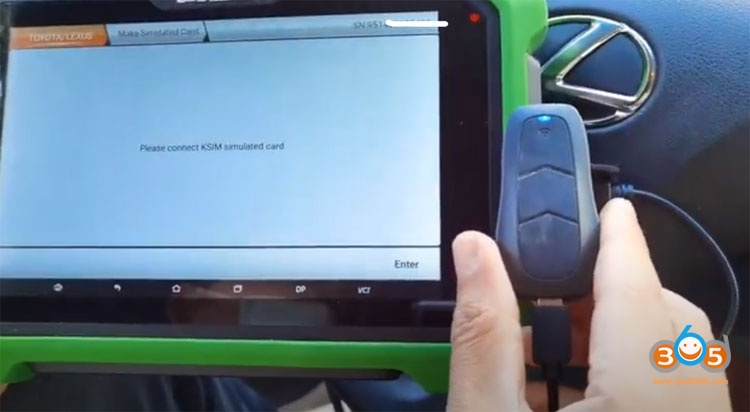
Then connect the KSIM emulator with x300 dp plus
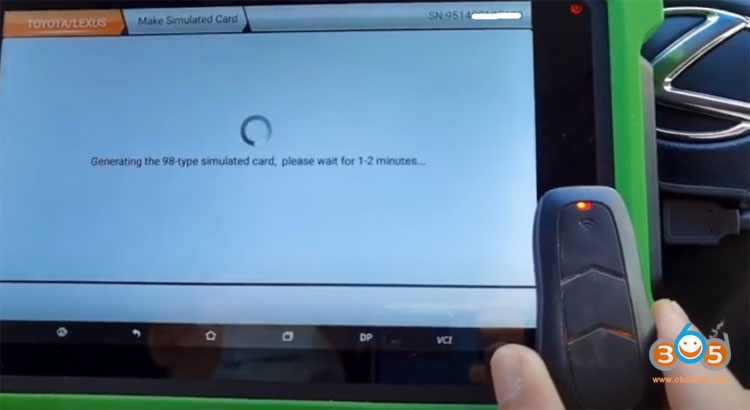
Generating 98 type simulated card, wait for 1-2 minutes
Generate smart card successfully
Use the emulator close to the Start button and try to turn on instrument
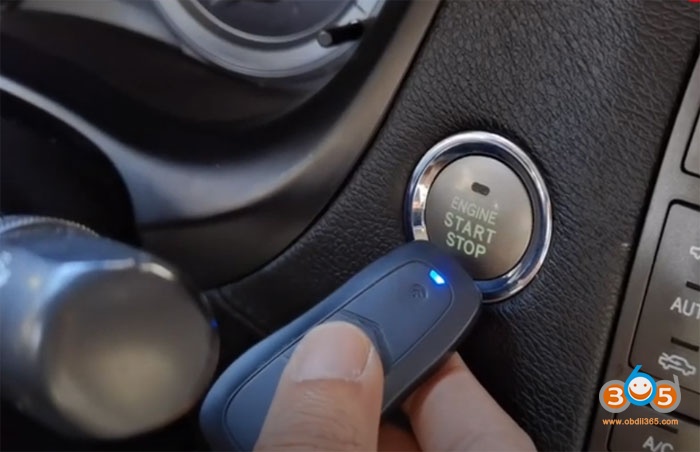
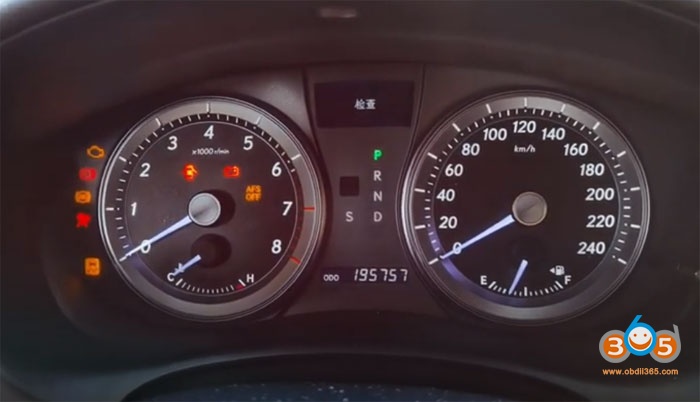
if you can turn on dashboard normally, use the simulator instead of original car key to Add smart keys
Then Select Add Smart Key and follow system prompts until success
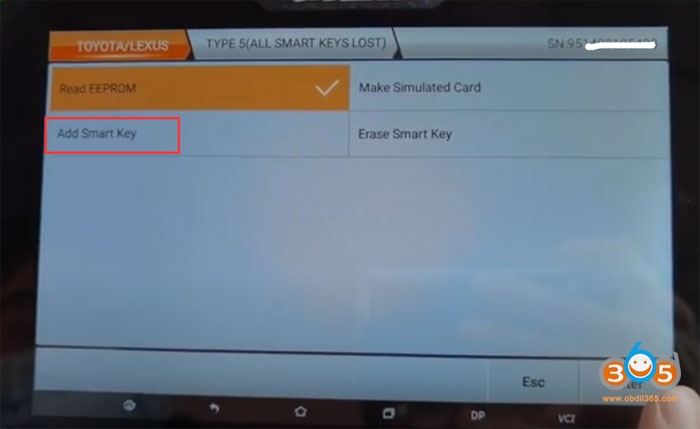
Done.
Video reference:
see also
Toyota Levin 2016 8A all smart keys lost using KSIM
More FAQs about KSIM simulator, check here