How to Program Toyota Proximity All Keys Lost with Tango Emulators
How to: Toyota Proximity All Keys Lost programming using Tango emulators
Scorpio-LK Emulators with Toyota Maker software kit activations bundled into one for basic Tango transponder key programmer.
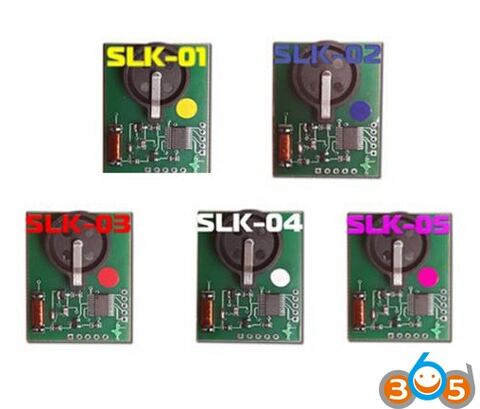
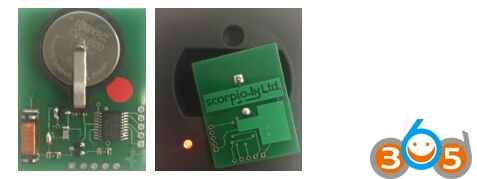
Tango Proximity Key emulator is a small PCB.
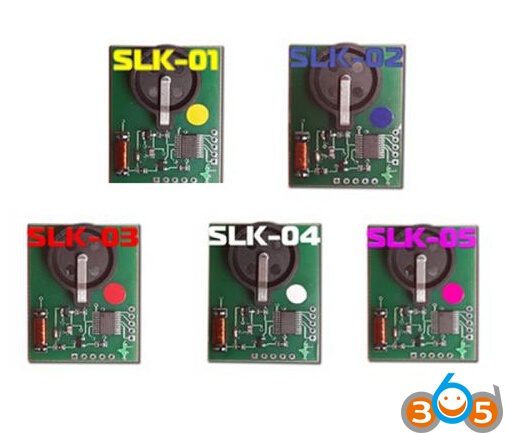
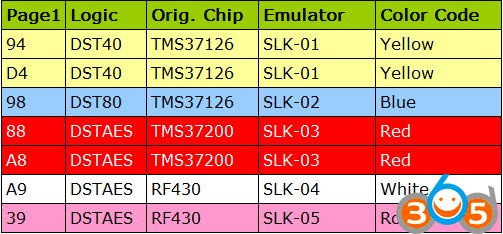
There is a set of 5 emulators that match different proximity fob types.
The emulators are color coded to guide the end user.
A CR1620 battery is required.
In order to use this new suite of products the current version of TangoPlus must be downloaded by the
end user from the Tango section of the Scorpio forum.
Board Index > Tango > FAQ > TangoPlus DOWNLOAD
How to install TangoPlus software?
Tango Plus Toyota v6.2+ Toyota Camry DST AES P1 88 Example
Hardware: original Tango from Scorpio, some use genuine Tactrix Openport J2534 Pass-Thru)
clone openport does not work.
Here take Tactrix OBD Port Interface as an example.
1. Select Tango Plus Toyota.

Main user interface will shut down.
New Tango Plus user interface will open.
2. Click on settings in order to check the installed Pass-Thru device has been detected.
Click OK.
Click YES when prompted to save changes.
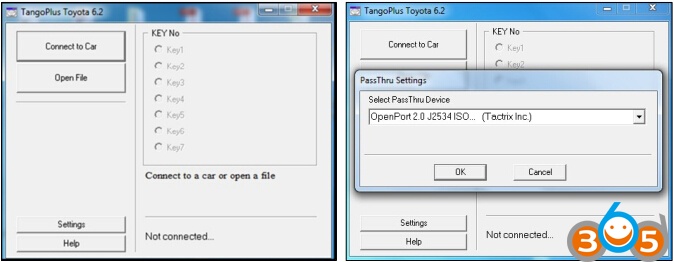
3. Select Connect to Car
If a successful connection is achieved with the Smart ECU a pop up window indicating OK will display.
Note: Once connected the ECU Part Code may or may not display.
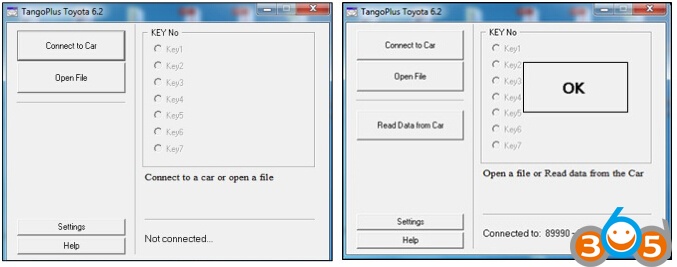
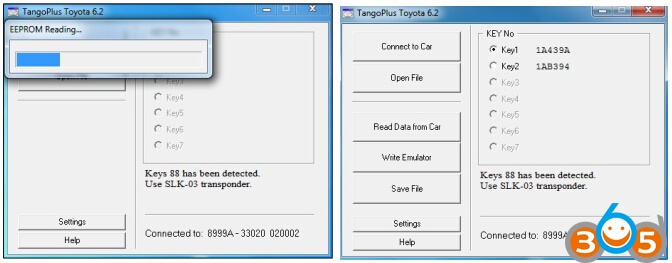
4. Select Read Data from Car.
A progress bar will appear.
When reading data completes, the proximity key info will display together with the required emulator.
5. Fit battery to the specified emulator
Place emulator over the antennae aperture of the Tango emulators (battery side down).
6. Select Write Emulator.
Click on specified emulator followed by OK
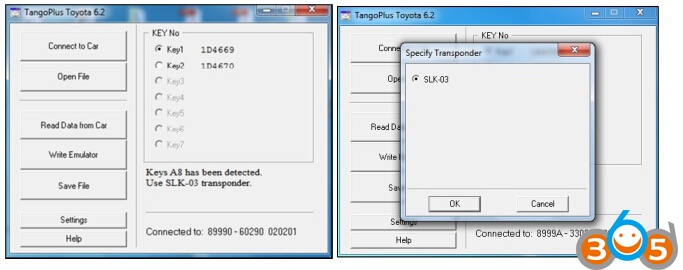
Select Save File, it may be useful for repeat customer business, research and or comparison purposes.
7. Use emulator to program OEM fobs to the vehicle by way of Tango or similar.
The emulator will start the vehicle and therefore may be used to rescue the vehicle in an emergency situation.
8. To clear data from emulator for next time use, simply remove the battery.
Toyota Proximity All Keys Lost Solution using Tango Emulators