Guide: add key to the Mercedes Benz old (A1645450909) EZS W164 when all keys lost using CGDI Prog MB key programmer. With the CGDI MB AC adapter, the data acquisition procedure can be shorten to 9 minutes.
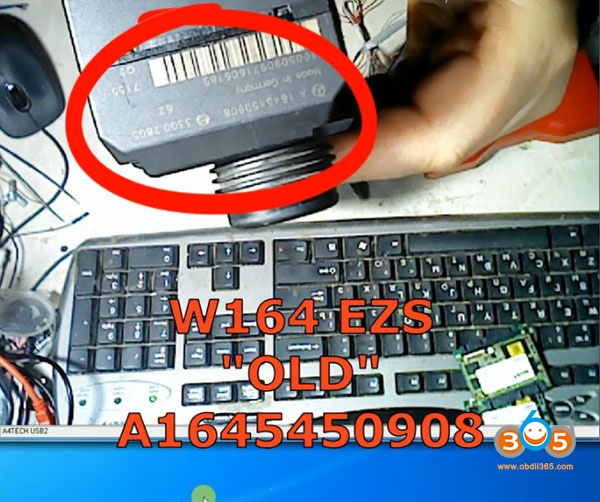
W164 EZS Old A1645450909
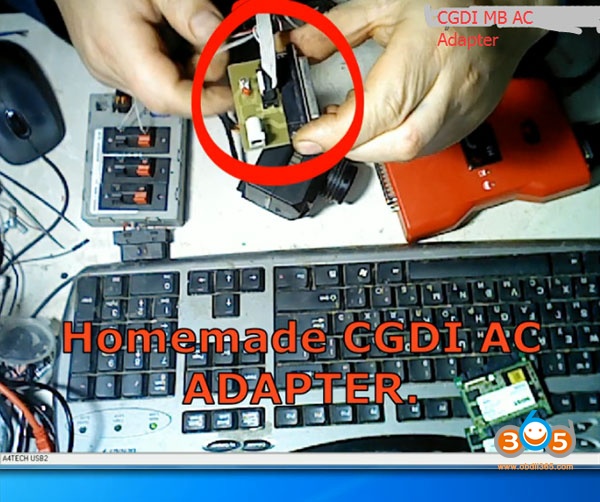
CGDI AC Adapter is necessary to faster calculate key password. Credit to Mr. Edward Markin. Step 1: Calculate password Connect AC Adapter with CGDI MB Open CGDI MB Software
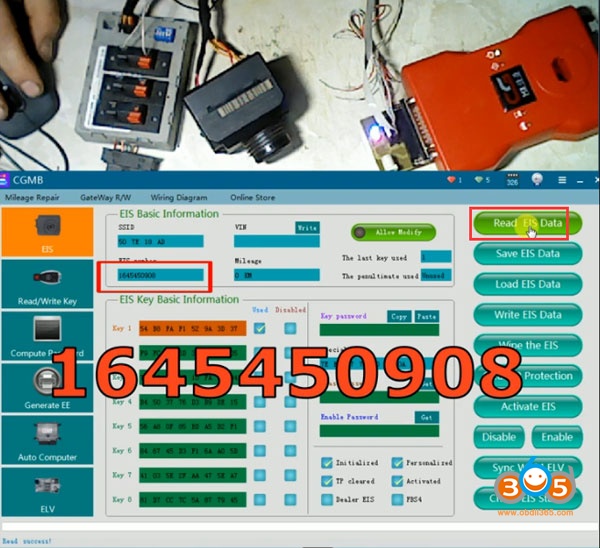
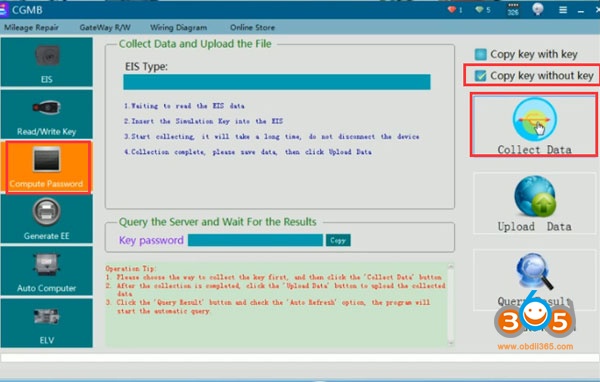
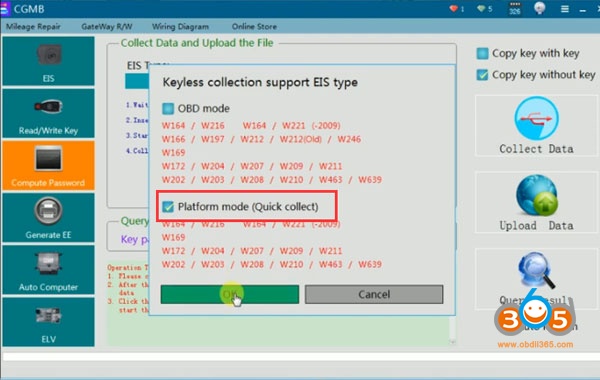
Read EIS data Go to Compute Password->Copy Key without Key ->Collect Data-> Platform mode
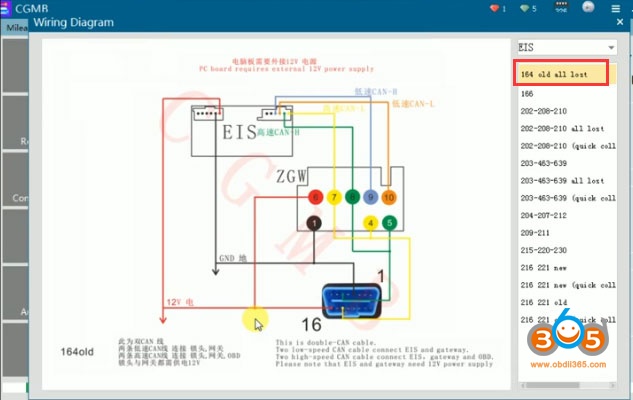
Check old W164 wiring diagram
Insert the simulation key within 1 minutes.
Turn the quick collect adapter (AC adapter) switch to the platform position. Turn the key
to the ignition switch to ON position.
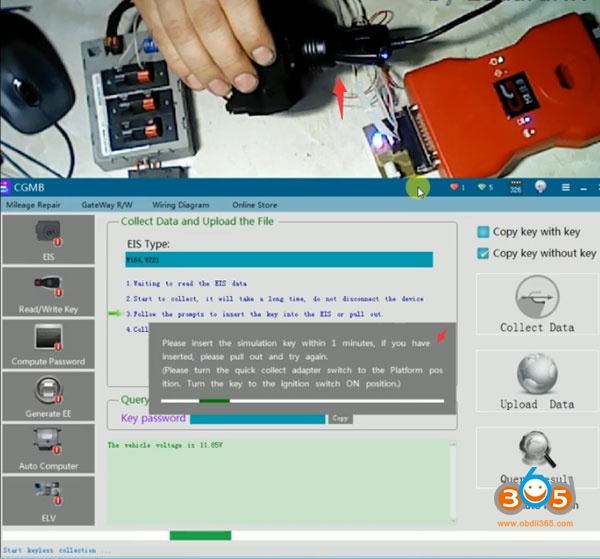
If CGDI prompts data acquisition failure. Try again.
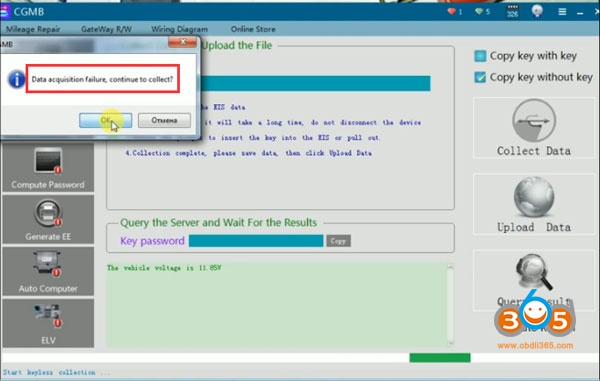
If still fail to read ezs data, to rotate the simulation key, you need not knock on the EZS
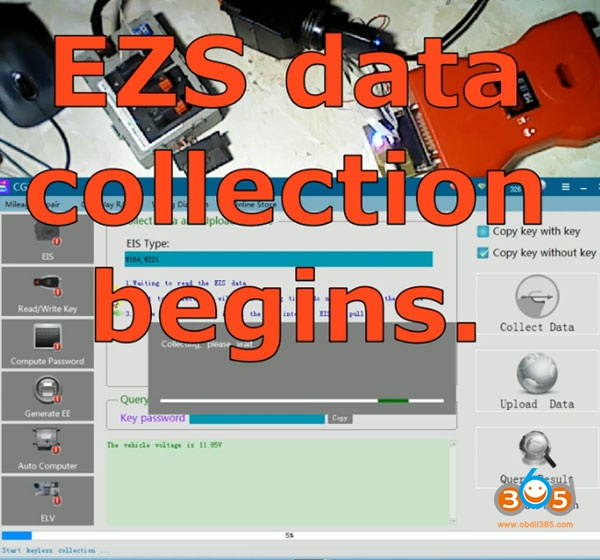
EZS data collection begins
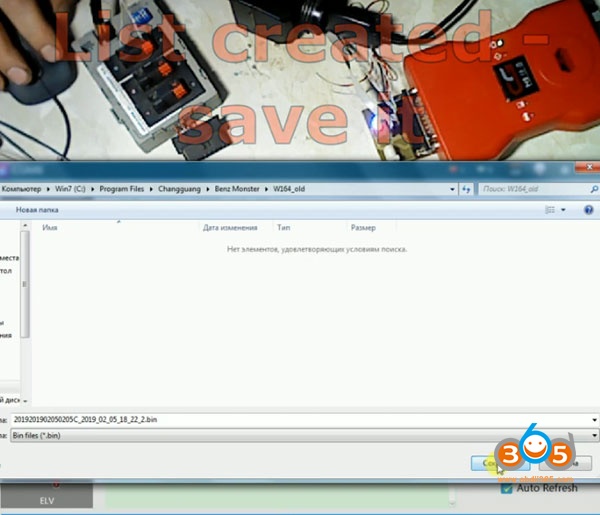
Data collection success after 9 minutes Save data
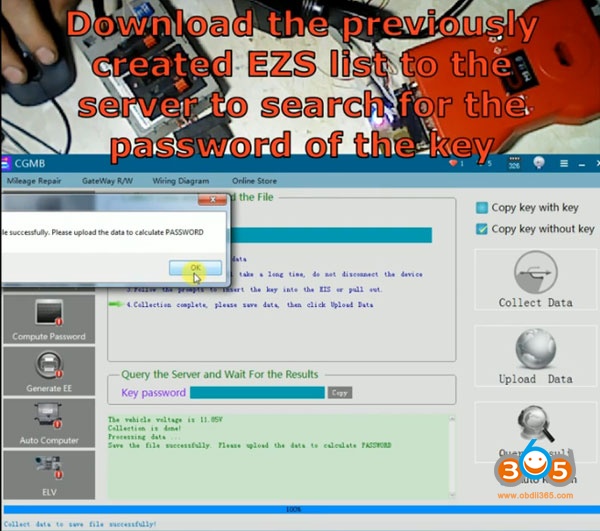
Upload the data to calculate password
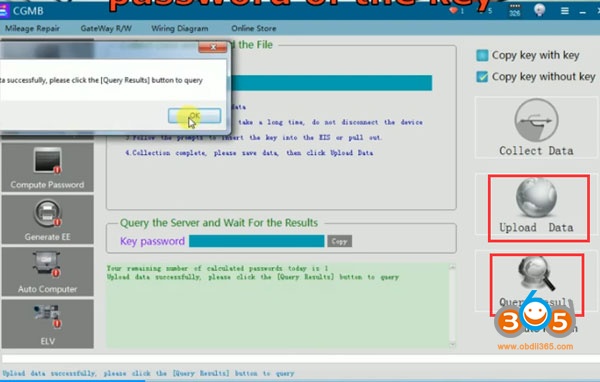
Press Query Result
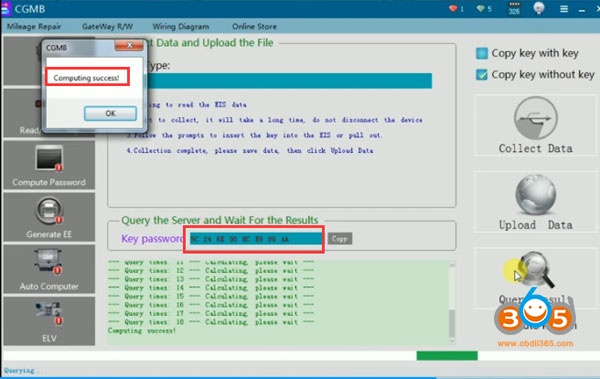
Calculate password success Go to EIS function, paste password to Key password area Read EIS data again
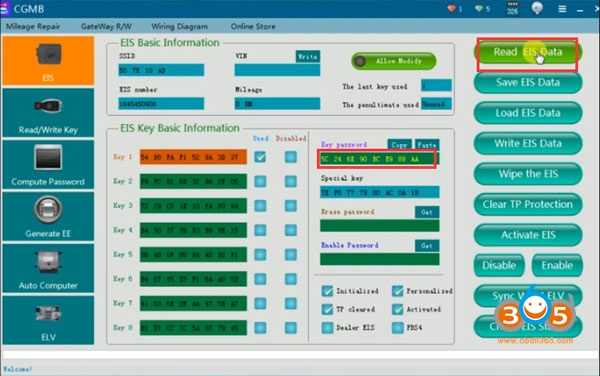
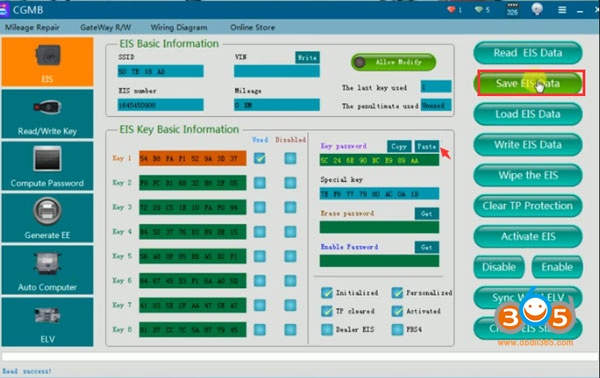
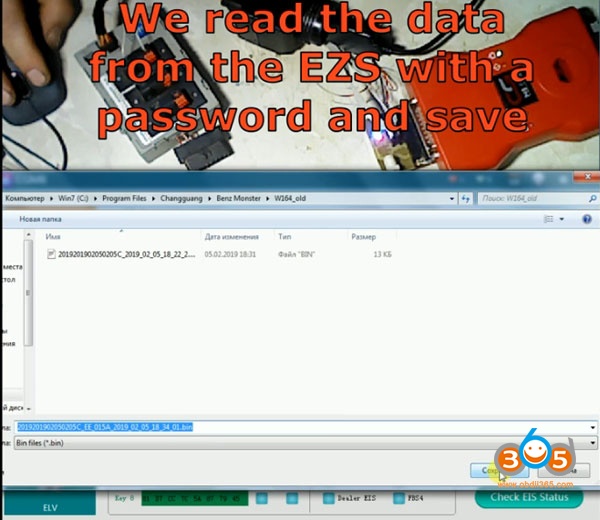
We read the data from the EZS with a password and save. Step 2: Generate EE Generate key dumps from the created EZS file
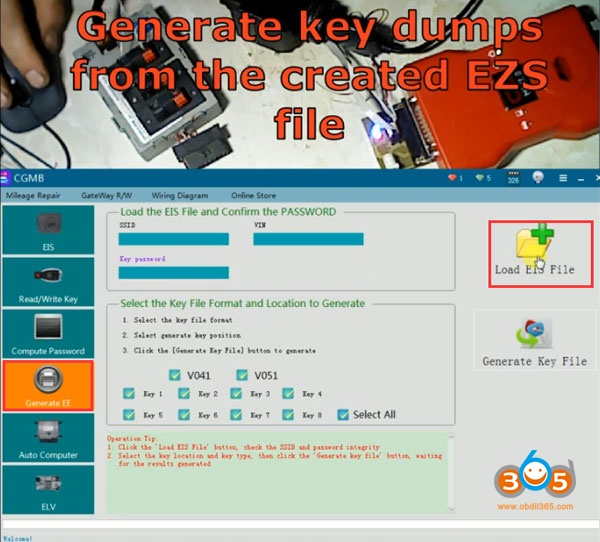
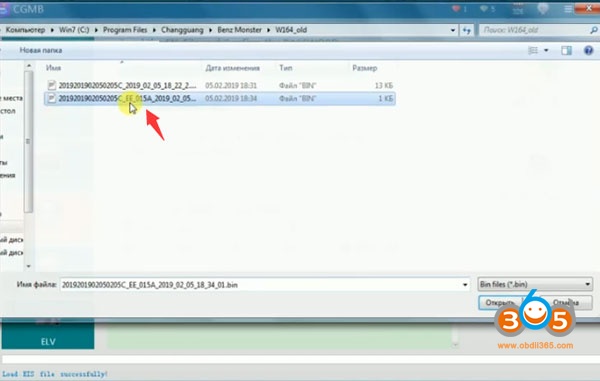
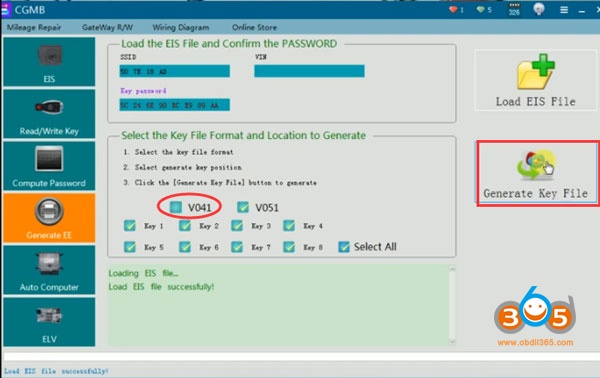
Generate Key File
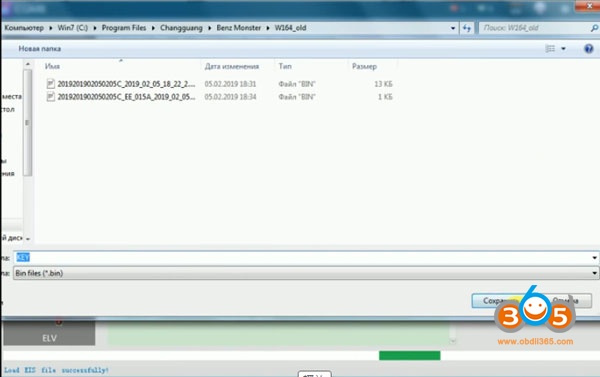
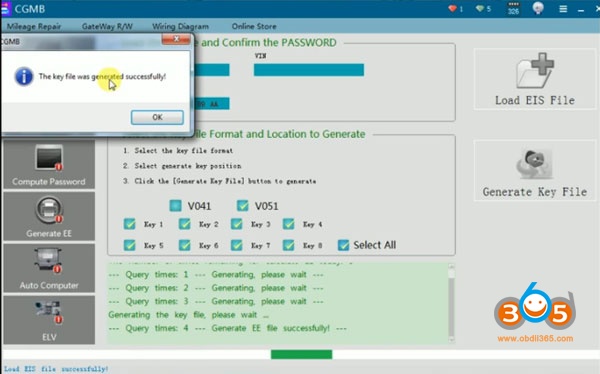
Generate key file success and save it Step 3: Write Key Go to Read/Write Key Insert key into CGDI MB detection coil
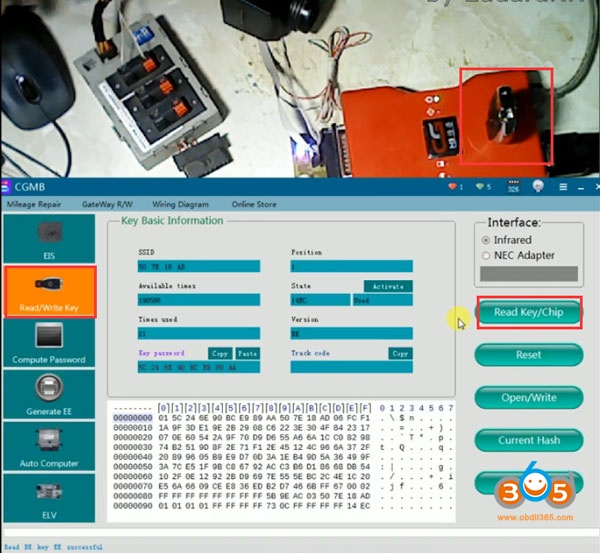
Read key/chip
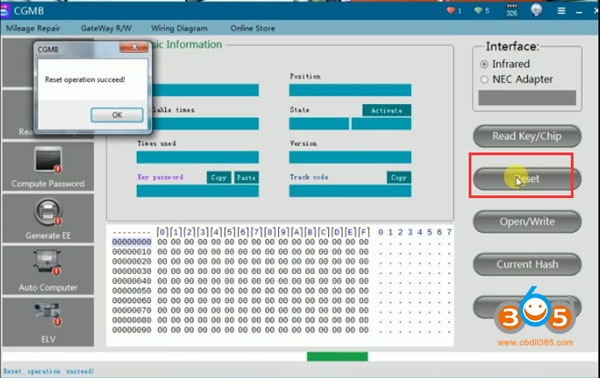
Reset key
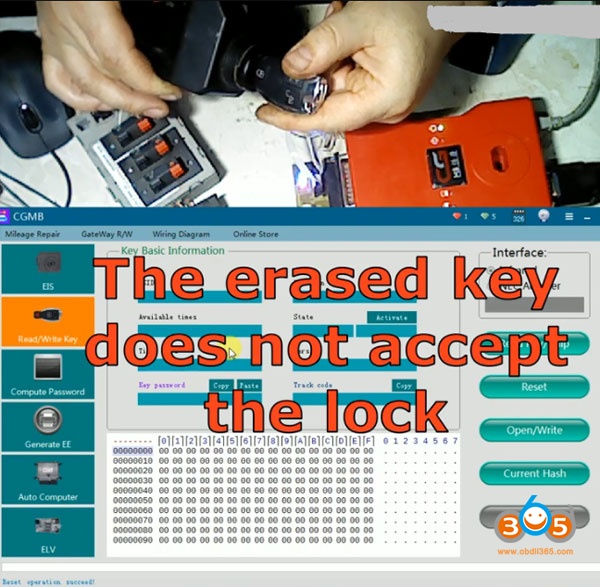
Insert new key into EZS, the erased key does not accept the lock
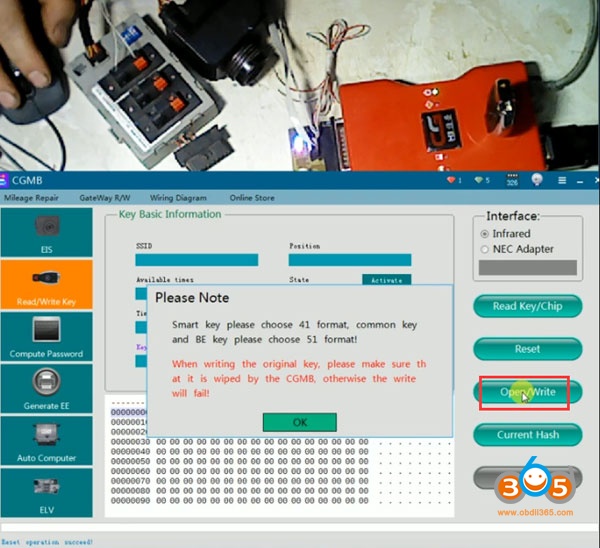
Write the key and check its work Go to Open/Write Key
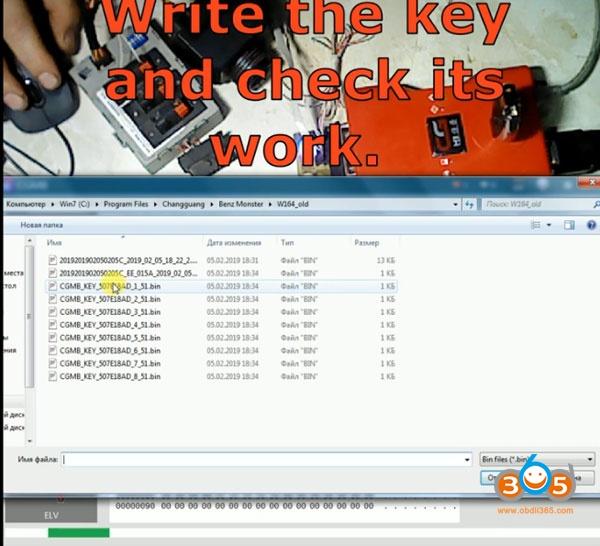
Select a key position
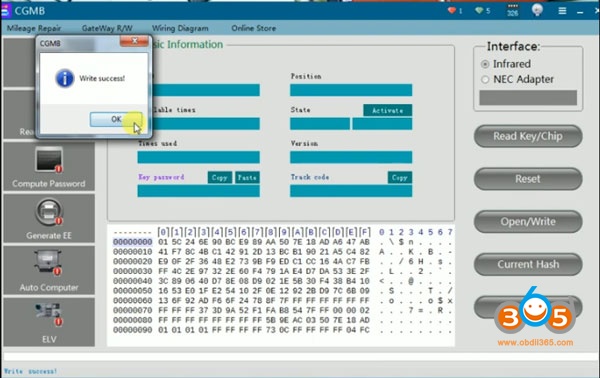
Write key success
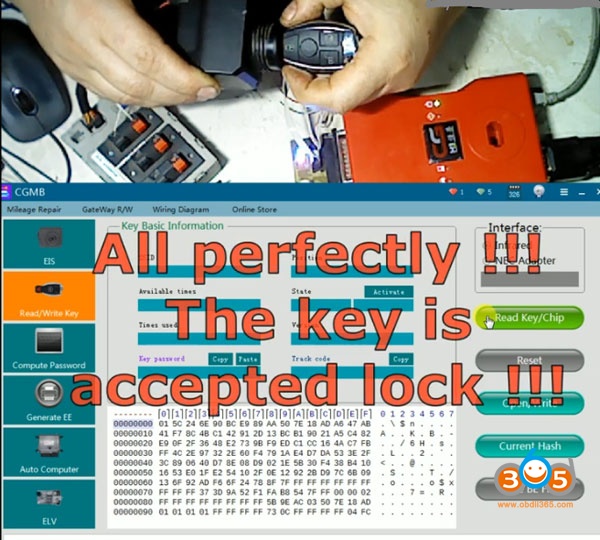
Now the new key works perfectly. In general, at the moment CGDI MB is the best device for the money!!! Related post: CGDI MB & AC Adapter program Benz W639 All Keys Lost http://www.obdii365.com/service/cgdi-mb-program-benz-old-w164-all-keys-lost-109180.html