How-to: Renault Duster 2010-2013 all keys lost transponder key programming by Xtool X100 Pad2 or X100 PAD3 (PAD Elite) via eeprom.
Step 1: Read Pin Code
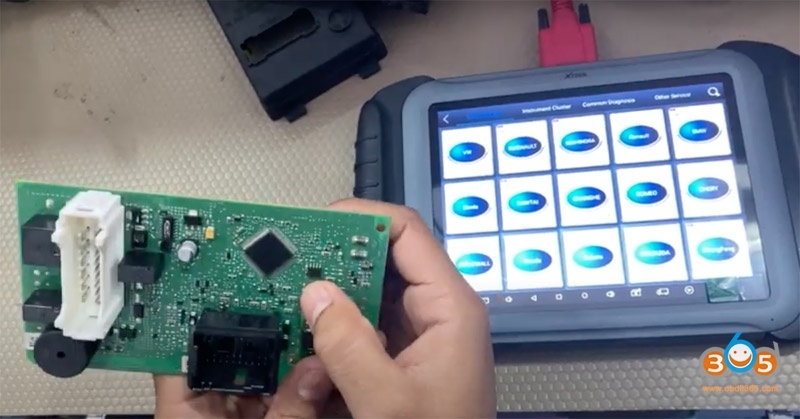
Remove Renault Duster BCM module and disassemble the module
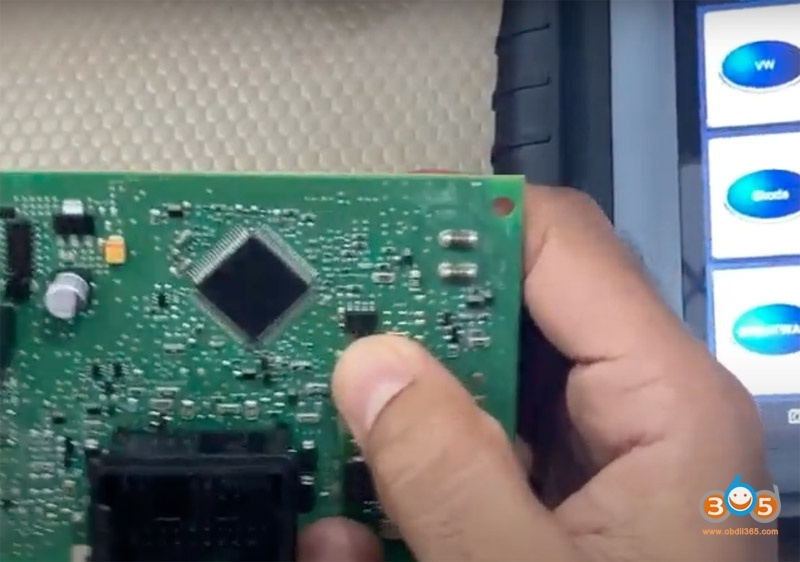
Locate chip ic 95040
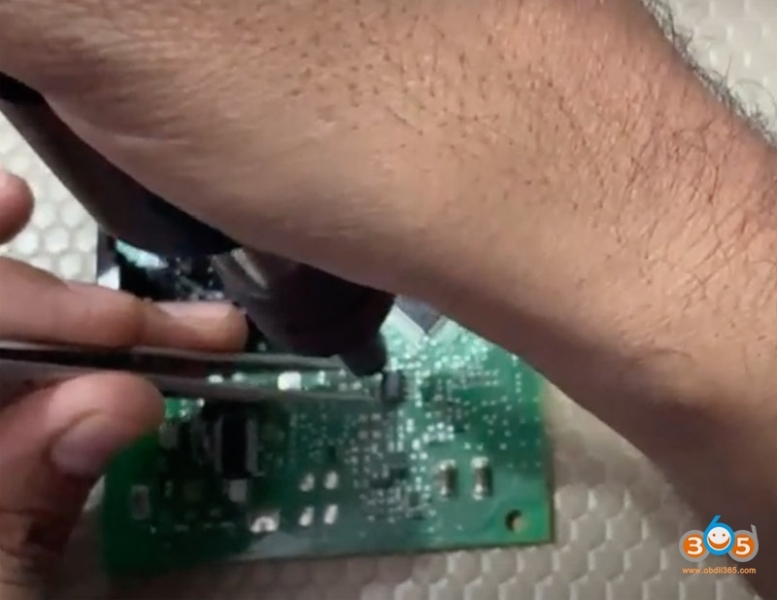
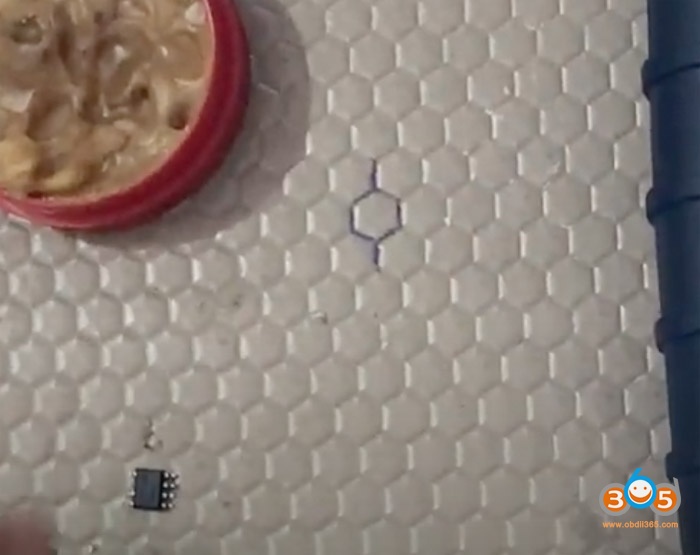
Desolder the Eeprom chip into xtool adapter
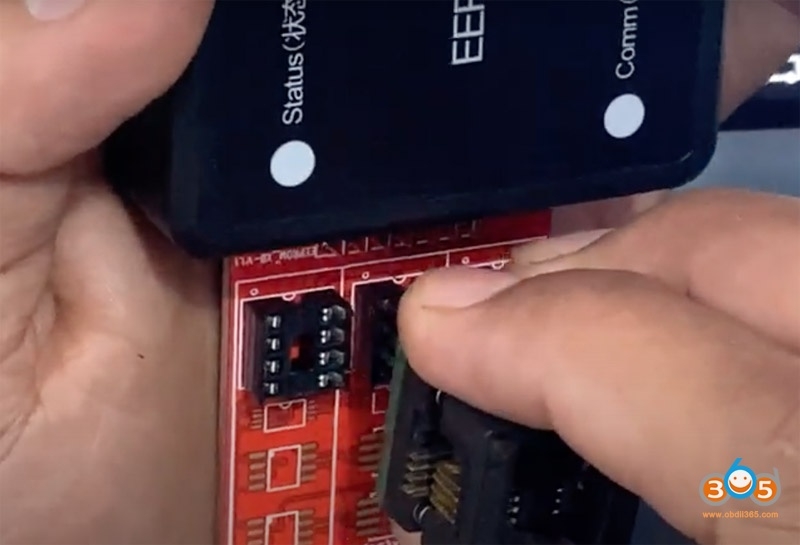
Connect the adapter with xtool Eeprom adapter (25XXX)
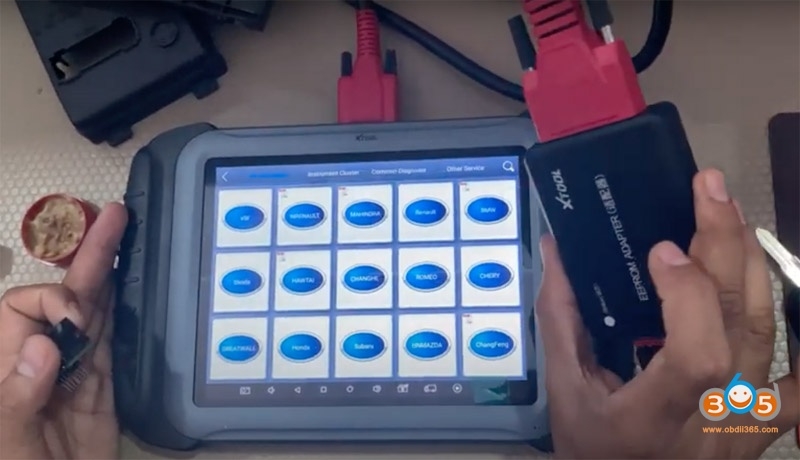
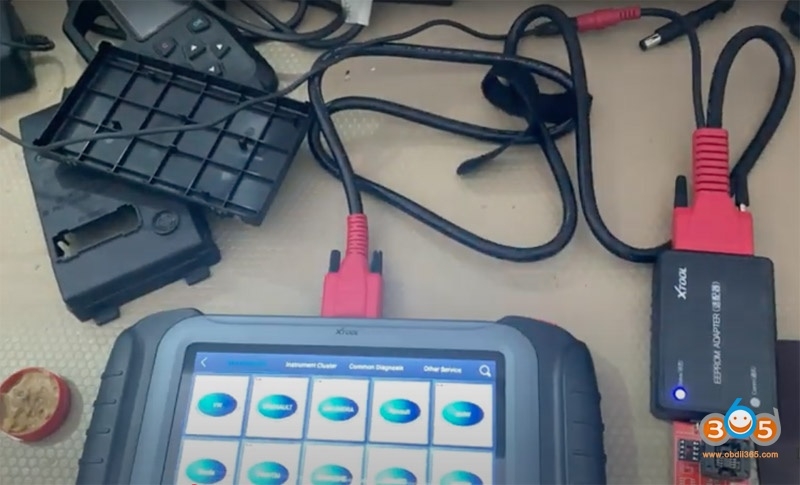
Then connect Eeprom adapter with xtool x100 pad3
In x100 pad, select Renault ->Immobilizer->Duster->2010-2013->Read pin code->Read Eeprom (95040)
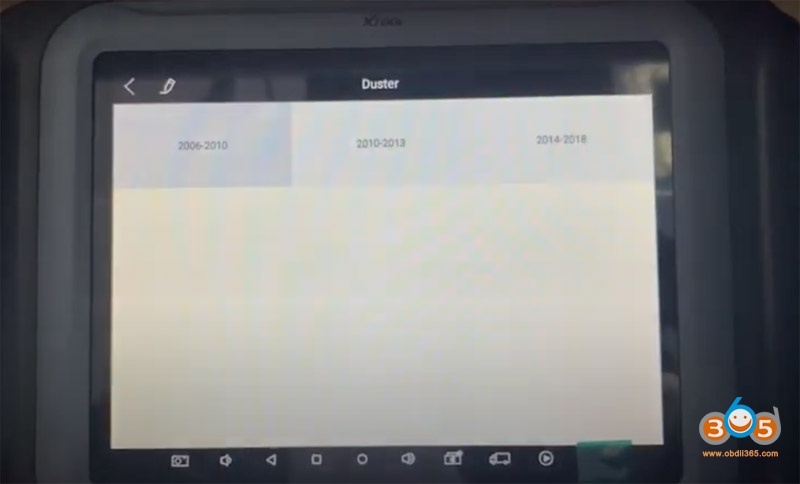
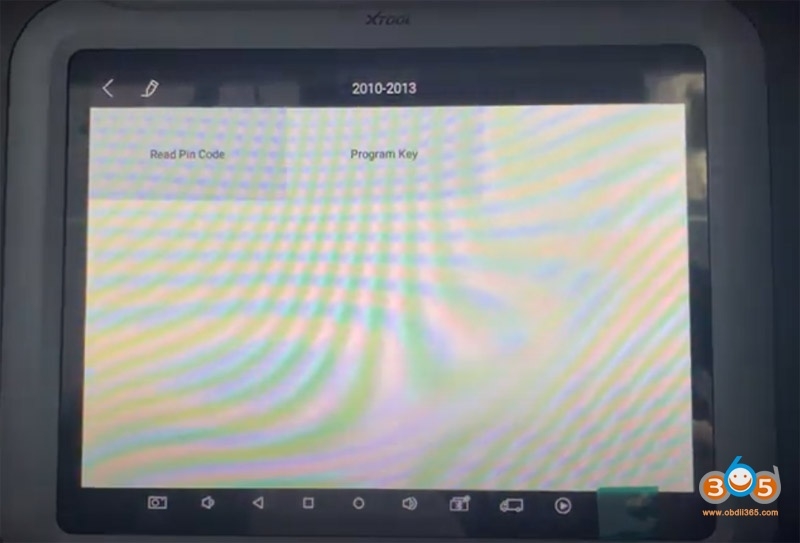
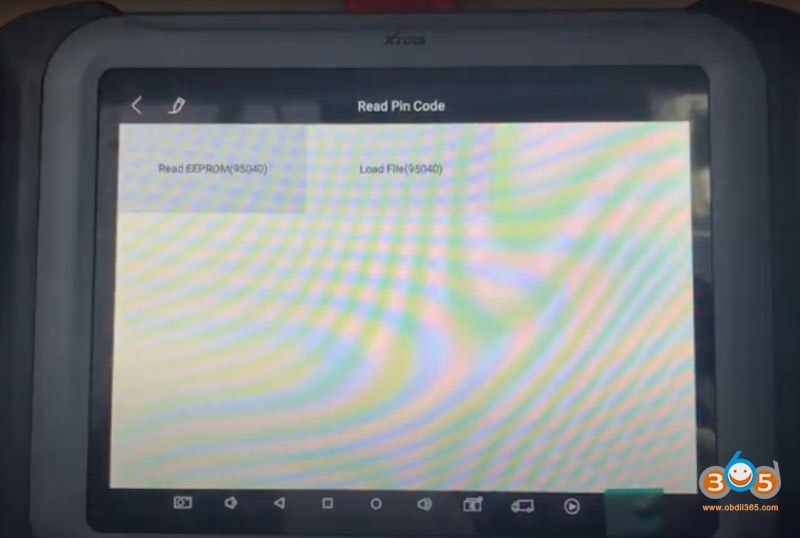
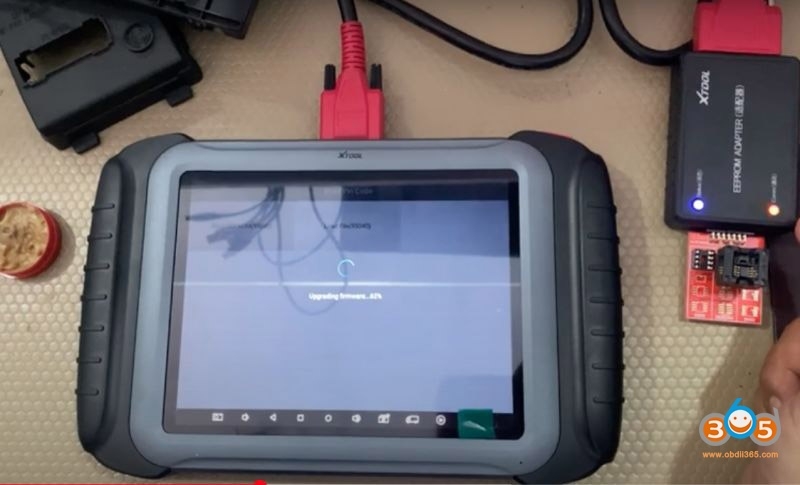
Eeprom adapter communication indicator flashes
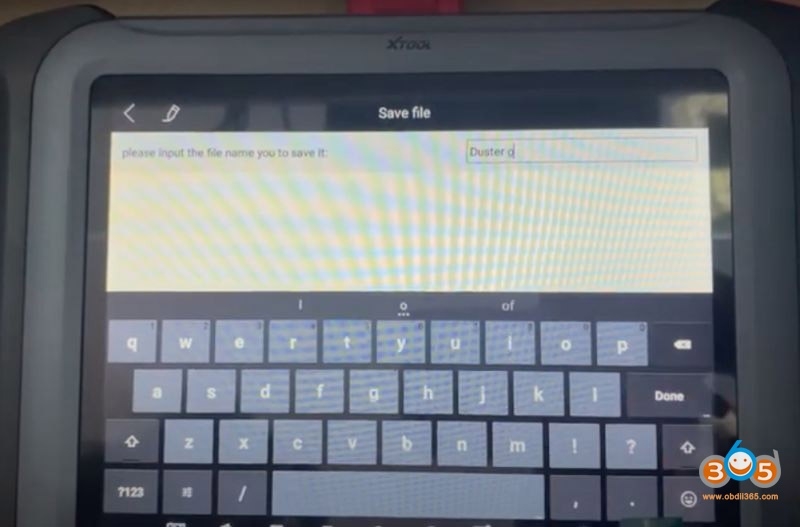
Read data success, save data
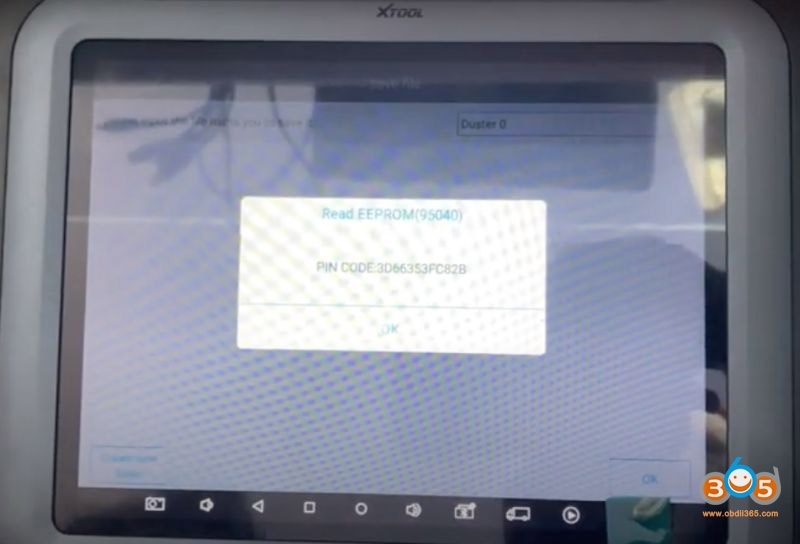
Calculate pin code success
Take a screenshot of the Pin Code.
Step 2: Program Key
Solder the eeprom chip back to BCM board and install BCM module
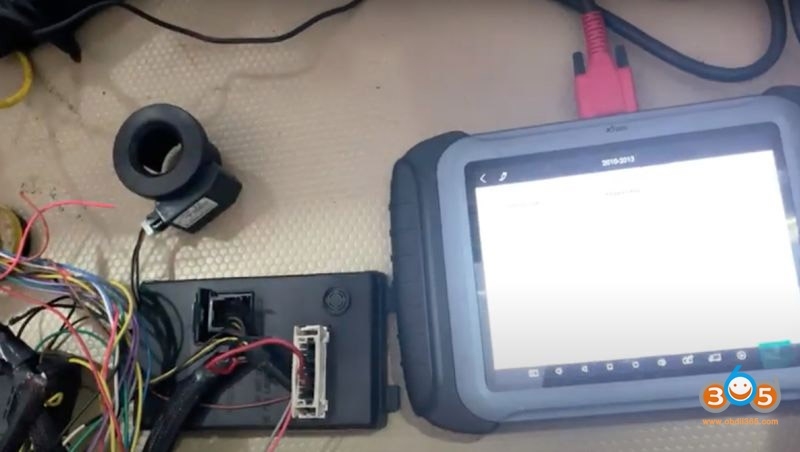
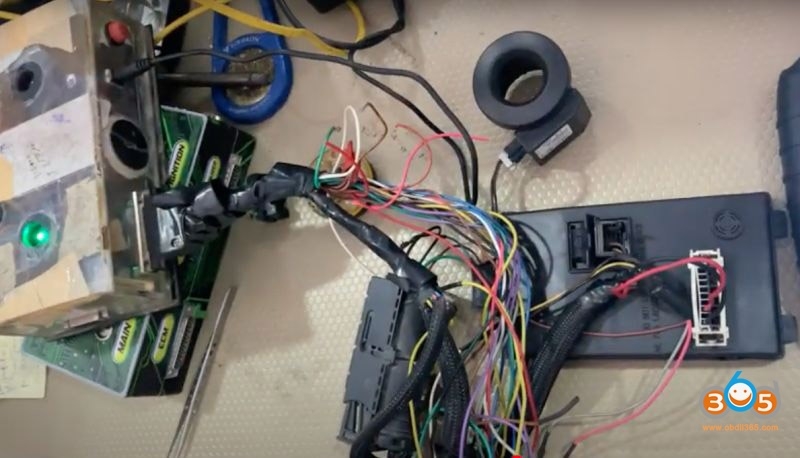
Feed with power supply and ignition equipments
Select Renault ->immobilizer->Duster->2010-2013->Program key
Switch ignition off, remove the key from the ignition switch
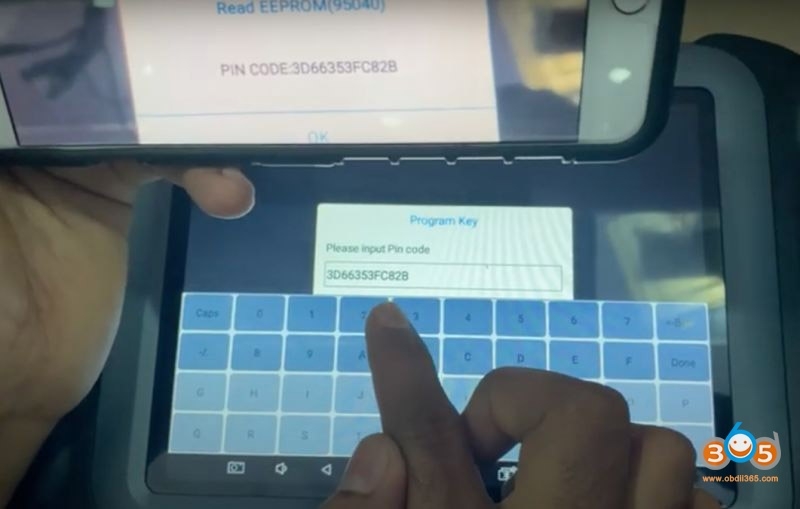
xtool will ask to input pin code to access
Manual enter pin code in step 1 and confirm
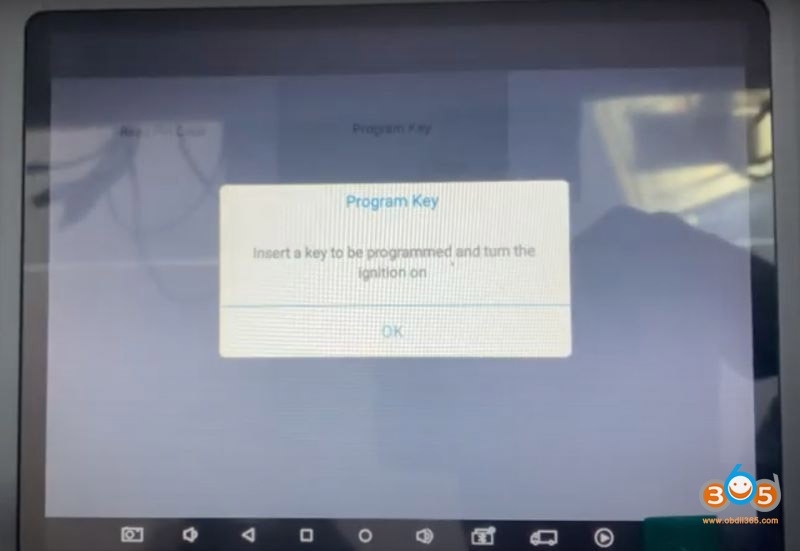
Insert a key to be programmed and turn the ignition on
Wait for 10 seconds
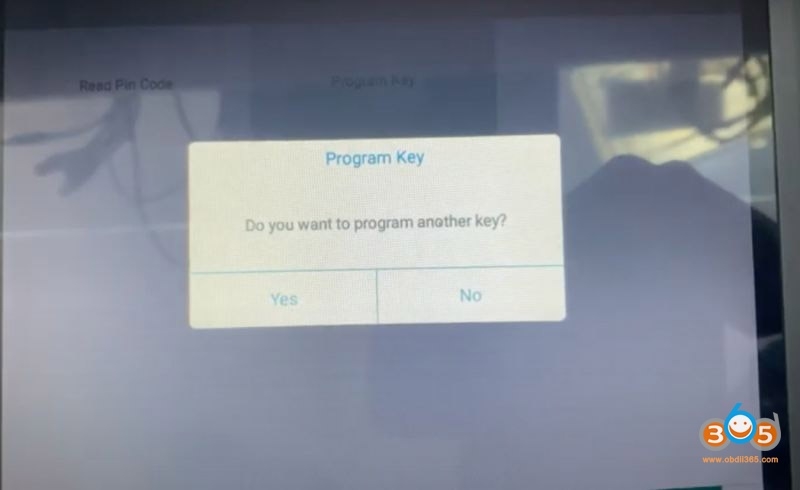
Program key success, select not to program another key
Turn the ignition switch off
Wait for 10 seconds
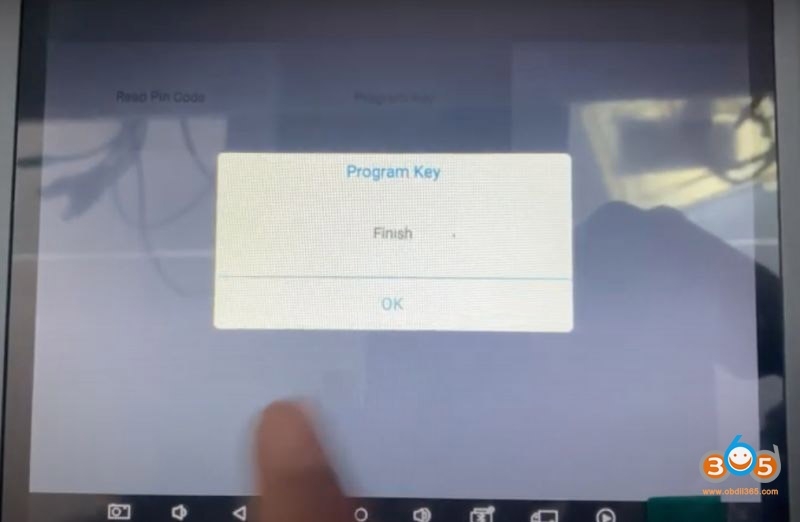
Program key finished.
Test the new key.
Done.
www.obdii365.com