Fortin Bypass: How EVO-Series Modules Work for Remote Starts
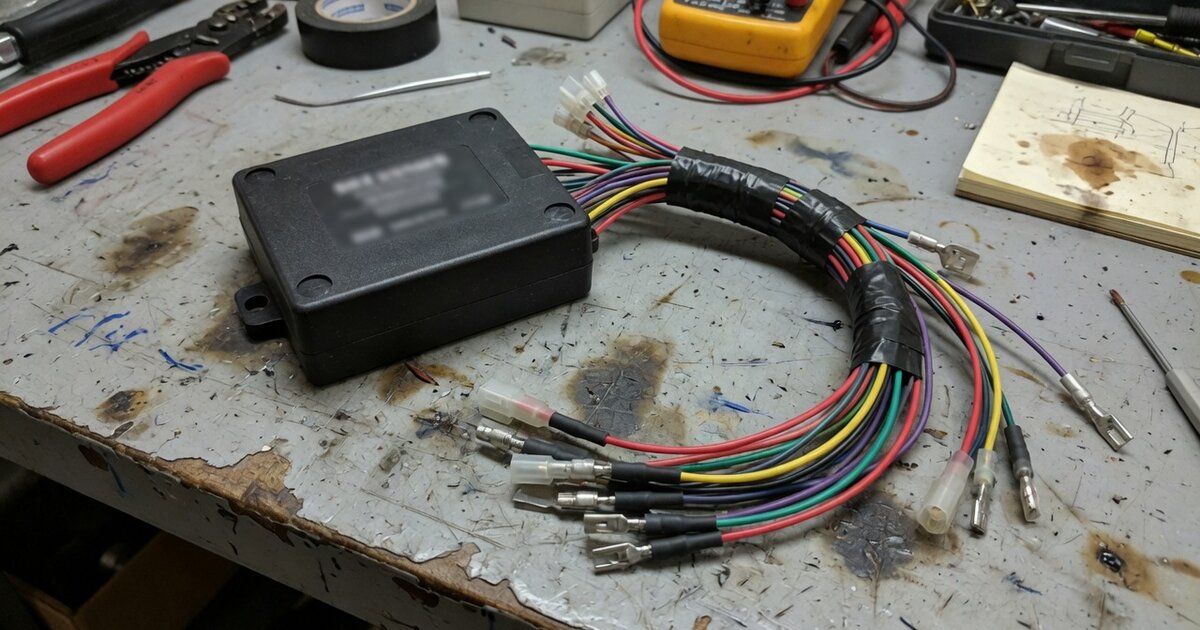
Search for "Fortin bypass" and you'll land on one of the most recognized names in the remote-starter installation trade. Fortin Electronic Systems, a Canadian manufacturer, builds the EVO series of bypass and interface modules that installers reach for when a factory immobilizer, keyless-entry system, or CAN-bus network stands between a vehicle and a working remote start or aftermarket security system. This article focuses specifically on how the EVO-series hardware operates, what separates it from other bypass brands, and where installers most often get tripped up. For the broader category — what a bypass module is, when you need one, and how the different types compare — see our companion piece on bypass modules for remote starters and how to choose one.
How Fortin's EVO-series bypass modules work
The flagship of the lineup, the EVO-ALL, is described by Fortin as a universal all-in-one data bypass and interface module. Rather than splicing into a car's individual switches, sensors, and door triggers the way older-generation bypasses did, the EVO-ALL taps into two wires of the vehicle's CAN bus. Once connected, it reads vehicle status information — door, hood, and brake states, ignition status, and immobilizer data — directly off that network and relays it to whatever remote starter or security system is wired downstream. That single connection point is what makes CAN-bus bypass modules faster to install than the point-to-point wiring schemes still used on some older or non-CAN vehicles.
Under the hood, the EVO-ALL uses what Fortin calls a multiple-bus architecture: three SAE-certified CAN networks and ten separate communication ports, aimed at giving the module deeper functional access on the vehicles it supports rather than relying on a single generic CAN tap. On the output side, it offers two paths to the remote start or alarm system — a four-wire, two-way Fortin data-link port for RS-232 data-to-data communication with compatible "datalink" remote starters, and a twenty-wire general-purpose plug for traditional wire-to-wire hookups on systems that don't support datalink communication. In practice this means the same module can be paired either with a modern datalink-equipped starter for a cleaner install, or with an older analog system.
The other defining trait of the EVO series is that the modules are field-programmable rather than fixed to one vehicle at the factory. Installers configure a module for a specific make, model, and year using Fortin's FlashLink tools: FlashLink Updater, a USB-connected Windows application, or FlashLink Mobile, a Bluetooth accessory paired with an iOS/Android app. Both let the technician pick the target vehicle, load the matching firmware, and set installation options — FlashLink Updater's software offers a guided "Wizard" mode as well as a manual "Pro" mode for experienced installers. Fortin also builds a self-learning routine into the module that helps it auto-detect certain vehicle parameters during setup. Because coverage and behavior are firmware-driven, the same physical EVO-ALL unit can be reprogrammed for a different vehicle on a later job, and Fortin periodically ships firmware and installation-guide updates rather than requiring new hardware for every newly supported model. The EVO-ONE extends this further by folding a remote starter, alarm, and immobilizer bypass into one integrated unit, while the older EVO-CAN is a narrower CAN-bus interface module for simpler jobs. For the mechanics of how a transponder or rolling-code immobilizer signal gets intercepted and reproduced in the first place, our guide to immobilizer bypass for automotive technicians covers that groundwork in more depth.
What to consider before buying
Fortin is one of a small handful of brands that dominate this category — installers and forum discussions consistently narrow the field to Fortin, iDatalink (whose ADS-series modules mimic the vehicle's key to controllers), and Directed/DEI's XPresskit line. A few practical points matter when deciding whether an EVO module is the right pick for a given job. First, confirm current vehicle-specific support before ordering, since coverage is tied to the firmware Fortin publishes for that model year rather than a fixed hardware spec — checking the latest installation guide for the exact vehicle avoids surprises mid-install. Second, decide whether you need the datalink connection or the general-purpose harness: pairing an EVO module with a datalink-compatible remote starter generally simplifies wiring, while non-datalink systems require the twenty-wire path and more careful harness work. Third, factor in that programming requires either the FlashLink Updater or FlashLink Mobile hardware — these are recurring tools in a professional installer's kit, not one-time purchases, so budget for them separately from the bypass module itself. Finally, one advantage installers cite for Fortin over some competing bypass-only modules is that certain EVO units can also function as a standalone alarm/security system, which can reduce the total component count on a job that needs both bypass and security functionality.
Common mistakes to avoid
Most reported EVO-series install problems trace back to a handful of recurring errors rather than defective hardware. A frequent one is leaving the ignition wire disconnected at the transponder plug — installers report that without this connection properly made, the vehicle will never start through the bypass. Another is skipping the hood pin switch: Fortin's documentation treats it as an essential security element, and while the module has a configuration option to disable the hood pin requirement when a vehicle genuinely lacks one, leaving it unconfigured on a vehicle that does have a switch causes false readings. Mismatched connectors between the EVO module and the remote-start unit are another common complaint on installer forums — double-check that the datalink or general-purpose harness actually matches the remote starter's expected interface before assuming a wiring fault. Finally, installing with outdated firmware is a self-inflicted problem: because coverage and behavior are tied to firmware, Fortin explicitly recommends updating the module and pulling the latest installation guide immediately before each job rather than relying on whatever version shipped with the unit or was used on a previous vehicle.
Frequently asked questions
Is a Fortin EVO-ALL a bypass module or a remote starter?
The EVO-ALL itself is a bypass and interface module, not a remote starter — it reads the vehicle's CAN-bus and immobilizer data and passes that information to a separate remote-start or security brain. The EVO-ONE, by contrast, integrates a remote starter, alarm, and bypass into a single unit, so which one you need depends on whether you're adding bypass capability to an existing remote-start system or building the whole installation from one module.
Do I need special tools to program a Fortin module?
Yes. EVO-series modules are configured for a specific vehicle using either the FlashLink Updater (a USB-connected Windows tool) or FlashLink Mobile (a Bluetooth accessory with a companion app), both of which let you select the vehicle, load matching firmware, and set installation options. A module cannot be correctly set up for a given car without one of these tools.
Can one EVO module be reprogrammed for a different vehicle?
Because coverage is firmware-driven rather than fixed in hardware, the same physical module can be reflashed with different vehicle firmware later, which is part of why installers keep EVO stock on hand rather than ordering a new part number for every vehicle.
Why won't my vehicle start after installing an EVO bypass?
The most commonly reported cause is the ignition wire not being properly connected at the transponder plug; other frequent culprits are an unconfigured hood pin setting or outdated firmware that doesn't fully match the vehicle's current CAN configuration. Working through those three points covers the majority of reported no-start cases after installation.
How does Fortin compare to iDatalink and DEI/Directed bypass modules?
These three brands are generally regarded as the main players in the bypass module space. iDatalink's ADS-series modules are built around mimicking the vehicle's key for compatible controllers, and Directed/DEI's XPresskit and DBALL lines are the longtime alternative. A frequently cited advantage of Fortin's EVO line is that certain modules can double as a standalone alarm system in addition to bypass functionality, which isn't universal across competing bypass-only modules.
Is a hood pin switch really required for an EVO installation?
Fortin's own documentation treats the hood pin as an essential security element of the installation. If the vehicle doesn't have a functional hood pin, the module has a configuration setting to disable that requirement — but this needs to be set deliberately during programming rather than left on the default, since an unconfigured mismatch is a common source of installation issues.