J2534 VCI Driver: Installation and Troubleshooting Guide
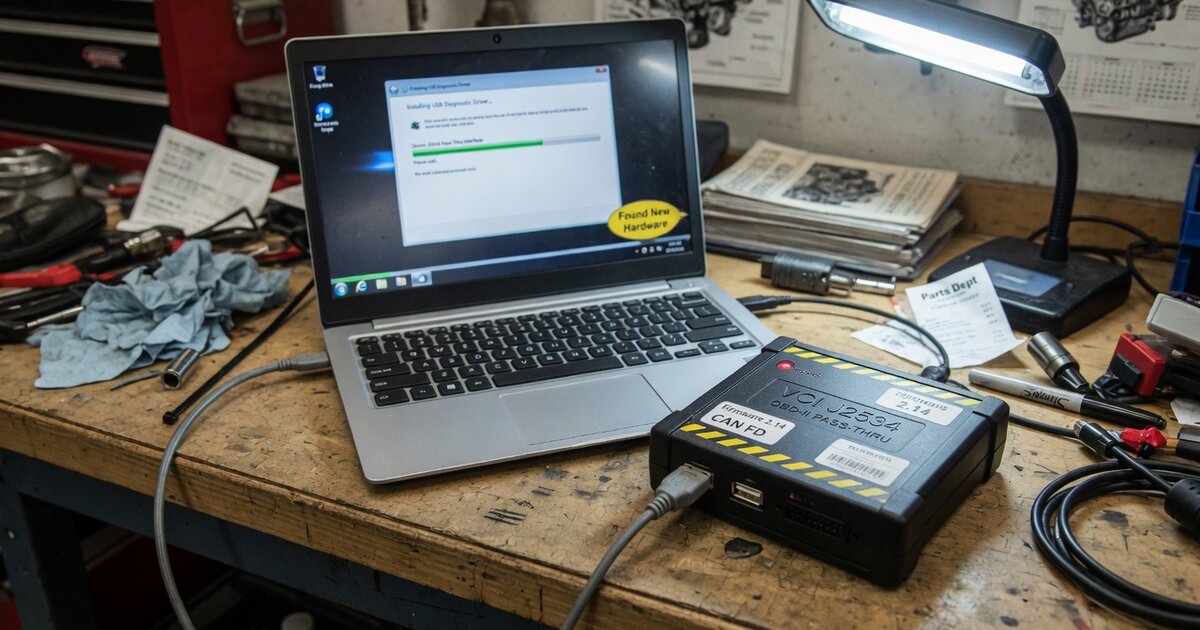
Anyone who has plugged in a J2534 pass-thru device only to watch OEM reprogramming software fail to see it knows the frustration is rarely about the hardware itself. Whether the box on your bench is a Launch, an Autel, a Bosch, a GODIAG, or something else entirely, the interface is only half of the equation. The driver that sits between Windows and that hardware, and the way OEM software talks to that driver, is where most real-world problems actually live. This guide sets brand aside and works through how J2534 drivers are built, why installations go sideways, and the mistakes that turn a five-minute setup into an afternoon of troubleshooting.
How J2534 drivers actually work
J2534, often called "PassThru," is a standardized API defined by SAE that lets diagnostic and reprogramming software from any manufacturer talk to any compliant pass-thru interface. Its existence has a legal backstory as much as a technical one: the US EPA mandated it for model-year 2004 and later emissions-related control modules — engine, transmission, and throttle controllers — specifically so independent shops could reprogram those modules without proprietary dealer-only tools.
On the software side, every J2534-compliant vehicle interface ships with a vendor-supplied DLL that implements a common set of functions: PassThruOpen to initialize a session with the device, PassThruConnect to establish a communication channel with the vehicle, and functions like PassThruReadMsgs and PassThruWriteMsgs to move diagnostic and reprogramming traffic back and forth, all defined in the SAE J2534 spec. Installing a J2534 driver isn't just about Windows recognizing a USB device — the installer also writes a registry entry pointing to that DLL, along with the device information associated with it. That registration is what lets any J2534-aware OEM application enumerate every installed interface and list it as an option, regardless of which company built the box.
That single design detail explains most of what goes wrong in practice. The driver, its registry entry, and the physical USB or Ethernet connection all have to be correct at the same time, and a failure in any one of them looks identical from the technician's seat: the OEM software simply doesn't see the device.
Common installation and troubleshooting issues
Because discovery works the same way across every brand, the same handful of problems recur no matter whose VCI is connected:
Device missing from the OEM software's interface list. If Windows shows the hardware installed with no errors but the OEM application still can't find it, the registry entry the installer is supposed to write is the usual suspect — a partial install, an install run without administrator rights, or a driver update that didn't properly re-register. Reinstalling the driver package as an administrator, rather than launching it as a standard user, resolves a large share of these cases.
Architecture mismatches on 64-bit Windows. Many vendor DLLs, and many OEM reprogramming applications themselves, are still built as 32-bit processes, and Windows redirects their registry lookups through the WOW6432Node branch. If a driver's registry entries end up somewhere other than what the calling application expects for its architecture, the interface can appear installed in Device Manager while remaining invisible to the software trying to use it.
Driver or firmware version checks. Some OEM applications check the reported driver version before allowing a reprogramming session to start, and simply decline to proceed on an outdated driver rather than showing a clear error. Updating the vendor driver and device firmware is worth doing before assuming a deeper fault exists.
Conflicts from multiple installed VCI drivers. Technicians who own more than one J2534 device sometimes install every vendor's driver package on the same laptop. Because they all register into the same operating system space, stale entries from an old or unused device can interfere with a newer one — a laptop dedicated to reprogramming, with only the drivers actually in use, avoids a lot of this.
Installer or communication blocked by security software. Driver installers that load low-level system components are exactly the class of software that endpoint security tools sometimes flag by default. If an installer fails without a clear message, or a device drops communication mid-session, it's worth checking antivirus and firewall settings before assuming the hardware itself has failed.
Authentication failures mistaken for driver failures. Increasingly, a "connection refused" isn't a driver problem at all. Programs like Stellantis's AutoAuth and GM's technician registration require the account to be authenticated before a module will accept a flash, on top of a working J2534 link, so a session that won't proceed can point to credentials rather than the driver.
Common mistakes to avoid
Assuming any J2534-certified box works with any OEM application. Compliance with the J2534 spec is necessary but not sufficient — OEM software vendors maintain their own lists of validated interfaces, and an uncertified device can install cleanly on Windows and still be rejected by the reprogramming software itself. Brand-specific buying guides such as Launch J2534: What It Is and What to Know Before You Buy and DiaLink J2534: What It Is and What to Know Before You Buy go into how those certification lists work for specific hardware.
Treating a refused session as a driver bug before ruling out authentication or subscription requirements. Check the OEM account status first, since account authentication is a separate layer from the driver on several current platforms.
Running an old driver against a newer OEM software release. This matters especially where CAN FD or DoIP support is required for late-model platforms — a driver that has worked for years on older vehicles can simply lack support for a protocol a new model needs.
Letting battery voltage drop during a long reprogramming session. It isn't a driver issue, but a flash that fails from a supply voltage sag looks, from the OEM software's side, exactly like a communication failure. A battery maintainer on any session running more than a few minutes removes that variable entirely.
Installing a new driver over an old one instead of removing it first. A clean uninstall before upgrading avoids leaving two versions of the same registry entry behind.
Frequently asked questions
What exactly is a "J2534 driver"?
It's the vendor-supplied software component — a Windows DLL plus an installer that registers it — that lets any J2534-compliant application talk to a specific vehicle interface through the standard PassThru function calls, such as PassThruOpen and PassThruConnect, defined in the SAE J2534 spec. It sits between the OEM reprogramming software and the physical box connected to the OBD-II port.
My device shows up in Windows but not in the OEM software. What's wrong?
This almost always points to the registry registration step rather than the USB connection itself. Reinstall the vendor driver package with administrator rights, restart the OEM application afterward, and confirm the driver version is current, since OEM software commonly checks the reported driver version before listing a device as available.
Do I need a separate driver for each car brand I work on?
No. A single, correctly installed J2534 driver is discoverable by any J2534-compliant OEM application, since discovery works through the same standardized registry mechanism industry-wide. What differs by brand is whether that specific manufacturer has validated your interface model for its own software, and whether you hold a paid subscription to that manufacturer's reprogramming application.
Can I have more than one J2534 device's driver installed at the same time?
Technically yes, but it raises the odds of one driver's registry entries conflicting with another, especially between older and newer devices. Many shops keep a dedicated reprogramming laptop with only the driver or drivers actually in use installed, rather than accumulating every driver ever tried.
Why does my interface work with one manufacturer's software and fail with another?
Each OEM application validates against its own list of certified interfaces and may enforce its own minimum driver version or required protocol support, with CAN FD and DoIP becoming common requirements on newer platforms. A device can be fully J2534-compliant and still be unsupported by a specific OEM's software if it isn't on that vendor's approved list.
Is a connection failure always a driver problem?
No. Several manufacturers now require the technician's account to be authenticated before a module will accept a flash — Stellantis's AutoAuth program and GM's technician registration are examples — so a session that won't proceed can reflect an account or subscription issue rather than anything wrong with the driver or hardware.