Best ECU Tuning Software for Audi: A Buyer's Evaluation Guide
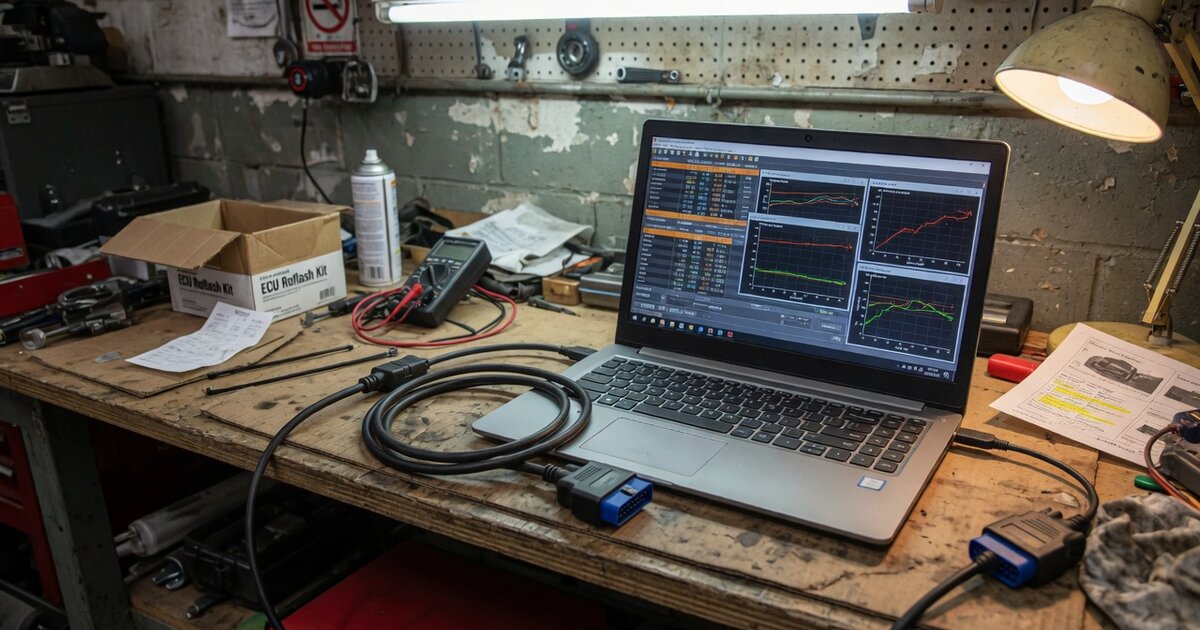
Search demand for "best ECU tuning software for Audi" is real, but the honest answer is that there is no single winner to crown. Audi ECU tuning isn't done with one app — it's a stack: a hardware interface that reads and writes the ECU, a file editor that lets a tuner modify maps inside the dump, and a licensing layer that determines which specific Audi/VAG ECUs and protocols the tool is actually allowed to touch. Anyone selling a single product as "the best" for every Audi engine is skipping over how fragmented this niche really is. This guide walks through what Audi-specific tuning software needs to handle, how to evaluate the options you'll actually find on the market, and where buyers commonly go wrong.
What Audi ECU tuning software actually needs to handle
Audi sits inside the wider VAG (Volkswagen Group) platform ecosystem, which means the ECU hardware underneath the badge is shared with VW, Skoda, and SEAT. In practice, most of the tuning-relevant complexity comes down to a small number of ECU families. Diesel TDI engines across the A4, A6, Q5, and related models have relied heavily on Bosch EDC17 common-rail units for years, while turbocharged petrol TFSI engines — including the widely tuned EA888 family — have used Bosch MED17/MG1 units and, on a number of newer platforms, Continental (formerly Siemens) Simos ECUs. Software that claims to "support Audi" needs to be checked against these specific families and engine codes, not just against a generic VW Group badge on a spec sheet.
A second layer of complexity is access method. Older or unprotected ECUs can often be read and written over OBD, through the diagnostic port, with no disassembly required. Audi has progressively added component protection (CP) and stricter security gateways on newer platforms, and those ECUs typically require bench or boot-mode access — connecting directly to the ECU's pins, or booting it into a service mode — rather than a straightforward OBD session. Any buying decision has to account for which access level a given Audi model and model year actually needs, because a tool that only does OBD flashing will simply be unable to touch a locked, newer ECU.
Third, whatever tool edits the file has to handle checksum correction correctly. Bosch and Continental ECU files carry internal checksums that validate the calibration data; editing a map without recalculating the checksum reliably produces a car that won't start, throws faults, or runs on a corrupted map. This is one of the most basic requirements of any serious file editor, and it's worth confirming explicitly rather than assuming it's handled. Finally, some Audi tuning software exposes emissions-related functions — DPF, EGR, AdBlue/SCR, and lambda adjustments — and it's worth being clear-eyed that disabling these systems is a legal and roadworthiness issue in most jurisdictions, separate from whether the software is technically capable of it.
How to evaluate your options
Rather than chasing a ranking, work through a short checklist against the specific Audi engine code you're targeting. First, confirm the vendor's protocol or vehicle list actually names your engine code and ECU family — Bosch EDC17Cxx, MED17.x, MG1, or the relevant Continental Simos variant — rather than a vague "VAG" or "Audi" line item. Protocol coverage for these tools is usually sold and updated in modules, so a device that reads one Audi ECU family doesn't automatically cover another.
Second, check whether the tool supports the access method your target ECU actually needs. If you're working on a newer, secured Audi platform, OBD-only support isn't enough — you'll need bench or boot capability, which is a different tier of tool and often a different price bracket. If you're still deciding what class of hardware fits your work at all, it's worth stepping back to the broader picture in ECU Tuning Tools: Piggyback, Flash, and Standalone Options Explained, since flash tools, piggyback boxes, and standalone units solve different problems and Audi work generally calls for flash-capable tools rather than piggyback add-ons.
Third, look at the file-editing side separately from the read/write hardware. General-purpose flash tools like the ones covered in our MPPS V21, Galletto 1260, and CMDflash write-ups are common across the wider tuning market and do get used on VAG platforms, but Audi-specific work often pairs that hardware with a dedicated map editor built for Bosch and Continental file formats. Confirm that editor actually opens the map layout used by your ECU family — Bosch and Continental structure their calibration data differently, and generic support claims don't always hold up on a specific dump.
Finally, weigh the update and licensing model, and the strength of community support around that specific tool and ECU family. Audi/VAG variants proliferate quickly across model years and markets, and undocumented ECU revisions are common enough that active user forums and known-good file databases matter almost as much as the software itself.
Common mistakes to avoid
The most frequent mistake is buying a multi-brand flasher on the strength of a "supports VW Group" bullet point and only discovering after purchase that the specific engine code isn't in the protocol list, or requires a separate paid module. Read the protocol list against your actual VIN and engine code before paying, not after.
A second common error is skipping a full read and backup of the original file before writing anything. Before reaching for tuning software at all, it's worth understanding what a proper read tool should give you — our How to Choose the Best ECU Reader for the Job guide covers what a clean, verifiable read looks like — because a tuning session without a verified original backup leaves no way back if a write goes wrong.
Other recurring mistakes: assuming OBD access will work on a newer, security-gated Audi ECU when it actually requires bench or boot mode; trusting a checksum correction step blindly without spot-checking the result; downloading a "ready" tune file shared on a forum and writing it without confirming it matches your exact ECU hardware number and software version; and disabling emissions equipment without accounting for local roadworthiness and inspection rules, which vary by region and can affect legality and insurance regardless of whether the software makes it technically easy.
Frequently asked questions
What ECU families does Audi actually use for tuning purposes?
Most tuning-relevant work centers on Bosch EDC17 units on TDI diesel engines, and Bosch MED17/MG1 or Continental (Siemens) Simos units on TFSI petrol engines such as the EA888 family. The exact variant depends on model year and market, so the engine code — not just the model name — is what determines software and protocol compatibility.
Do I need OBD tools or bench/boot tools for Audi ECU tuning?
It depends on the ECU's security level. Older or less-protected units can often be read and written over OBD. Newer Audi platforms with component protection typically require bench or boot-mode access, which means physically connecting to the ECU rather than working through the diagnostic port. Check this before buying hardware, since OBD-only tools simply can't reach locked ECUs.
What's the difference between a file editor and a read/write tool?
A read/write tool (the interface hardware plus its software) pulls the calibration file off the ECU and writes a modified one back. A file editor is a separate piece of software used to actually open and change the maps inside that file, and it needs to correctly handle the specific Bosch or Continental file structure and recalculate checksums after edits. Some Audi tuning workflows use two separate pieces of software for these two jobs rather than one all-in-one package.
Is DIY Audi ECU tuning legal?
This varies by jurisdiction and by what's being changed. Performance map adjustments are treated differently from disabling emissions equipment like DPF, EGR, or AdBlue/SCR systems, which can affect roadworthiness, emissions compliance, and insurance validity in many regions. Check local regulations before making changes that affect emissions systems.
How much does Audi ECU tuning software cost?
Costs vary widely depending on the hardware tier (OBD-only versus bench/boot-capable), the number of protocol or vehicle licenses purchased, and whether a separate file editor is required. Rather than a fixed number, expect a base hardware cost plus ongoing, modular protocol licensing — confirm current pricing directly with the vendor for the exact ECU family you need.
Can the same software work across other VAG-group brands, not just Audi?
Generally yes. Because Audi shares ECU hardware and platforms with Volkswagen, Skoda, and SEAT, tools and protocol licenses that cover a given Bosch or Continental ECU family typically work across those brands as well, provided the specific engine code and software version are listed as supported.