Bosch J2534: What It Is and What to Know Before You Buy
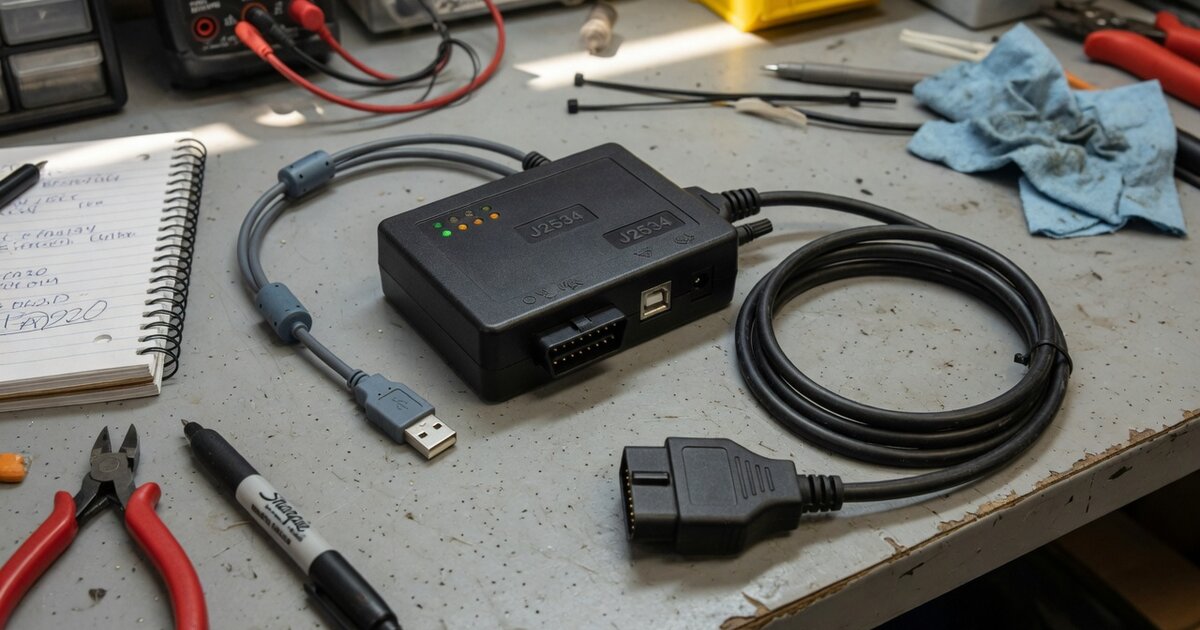
Searches for "Bosch J2534 driver" usually come from technicians who already own a piece of Bosch diagnostic hardware — a Mastertech VCI, a Flasher Pro or Flasher LT, or one of the KTS testers used with ESI[tronic] — and want to know whether it can double as a J2534 pass-thru interface for manufacturer reprogramming. The short answer is yes, but Bosch actually runs two separate J2534 tracks depending on region and hardware family, and mixing them up is the single biggest source of "driver not found" complaints. This article sticks to what Bosch documents about its own hardware and software rather than repeating general J2534 background, which is already covered in our J2534 VCI driver installation and troubleshooting guide.
What's confirmable about Bosch and J2534
On the North American side, Bosch Diagnostics markets three dedicated J2534-compliant interfaces: the Mastertech VCI, Flasher Pro, and Flasher LT. Bosch distributes the matching PC-side driver directly from its own J2534 drivers page as an installer package (currently named MRVCIPlus in the version published on that page), and Bosch states plainly that this driver "must be downloaded and installed on your PC to communicate with the VCI and perform any reprogramming." Bosch also warns that updated scan tool and VCI firmware will not function with your PC unless the newest PC-side software is installed as well, which tells you the firmware and the driver are versioned together, not independently.
On the global/European side, Bosch's KTS diagnostic testers — used together with ESI[tronic] — include a built-in PassThru interface implementing the SAE J2534-1 and J2534-2 standards, layered under Bosch's own PassThru software plus each vehicle manufacturer's own reprogramming application accessed through that manufacturer's portal. Bosch's Euro 5/PassThru documentation splits this software into two separate version branches by hardware generation: one track (version 2.30.1 in current documentation) for KTS 560/590 and KTS 960/980/995, and an older track (version 1.18.5) for KTS 530/540/570, KTS 840/870/890, and KTS 940/970/990. These branches are not interchangeable — installing the wrong one for your specific KTS model is a documented cause of the VCI simply not being recognized.
Separately from J2534, Bosch VCIs also support ISO 22900-2, better known as the D-PDU API, so the same hardware can often be addressed through either standard depending on which one a given OEM application expects. Where supported by the specific VCI and vehicle, protocol coverage spans CAN/ISO 15765, ISO-TP, K-Line/KWP, and Ethernet/DoIP, delivered through signed Windows drivers and runtime libraries rather than a single universal executable that works across every Bosch device. Scope-wise, the underlying J2534 mandate in North America only requires pass-thru support for emissions-related ECUs — engine, transmission, throttle control — on model-year 2004 and newer vehicles; coverage of body and chassis modules depends entirely on what each individual automaker chooses to expose through its own portal.
What to consider before buying/using it
Before assuming a Bosch J2534 driver will solve a reprogramming need, confirm exactly which hardware family you have or are buying. A US-market Mastertech VCI, Flasher Pro, or Flasher LT pulls its driver from boschdiagnostics.com, while a KTS unit sold for ESI[tronic] draws its PassThru software from Bosch's ESI[tronic]/Euro 5-PassThru resources — these are not the same download, and the wrong one for your device will not install correctly. If you're on the KTS side, identify your exact model number first, since Bosch's own version split (560/590/960/980/995 versus the older 530/540/570/840/870/890/940/970/990 line) means grabbing the wrong installer is a real possibility, not a hypothetical edge case.
Also budget for the environment the reprogramming session needs, not just the device: Bosch's own FAQ flags stable vehicle voltage, a properly functioning vehicle electrical system, and reliable high-speed internet as preconditions for a successful flash, on top of following the manufacturer's specific instructions. Separately, check the target OEM's own certified-tool list before relying on the Bosch VCI for paid work — car manufacturers certify specific pass-thru devices and driver versions inside their own reprogramming apps, so a Bosch interface that works perfectly on one automaker's portal can be unsupported, or need an older or newer driver build, on another's. It's worth remembering the Bosch driver is only the communication layer; the actual reprogramming logic and subscription access still come from the vehicle manufacturer's own software, the same division of responsibility you'll see if you compare it against how Launch's J2534 hardware or DiaLink's J2534 adapter are positioned — different device families, but the same hardware/driver-versus-OEM-software split. Finally, don't assume blanket coverage across every model year: Bosch's own Euro 5/PassThru documentation specifically calls out limitations on older vehicles still using the J1850 protocol with a separate programming voltage, Ford examples among them.
Common mistakes to avoid
The most common misstep is pulling a "Bosch J2534 driver" from a third-party download site instead of Bosch's own boschdiagnostics.com page or the ESI[tronic]/Euro 5-PassThru resources — repackaged or outdated installers are a frequent, avoidable cause of the VCI simply not being detected. A close second is installing the wrong KTS software branch for your hardware generation, since the newer and older PassThru version tracks are built for different KTS model ranges and aren't cross-compatible. Technicians also regularly update VCI or scan tool firmware without updating the matching PC-side driver, which Bosch explicitly warns will break communication until both sides are back on current, matching versions.
Another mistake is treating the Bosch VCI and driver as a complete reprogramming solution on their own — without the vehicle manufacturer's own J2534 application, and usually a paid subscription to that manufacturer's portal, the driver has nothing on the other end to talk to. Starting a reprogramming session on an unstable or low vehicle battery is a separate and costly error, since a voltage drop mid-flash can leave a module in a bad state; Bosch's own guidance calls out stable voltage as a requirement, not a suggestion. Last, skipping a quick check of the target OEM's certified-device list before committing to a job can waste real shop time — a Bosch device you already trust for general diagnostics may still be rejected by a specific automaker's current portal if the driver build on file is out of date.
Frequently asked questions
Does Bosch make its own J2534 pass-thru device, or is it built into an existing scan tool?
Both, depending on region. Bosch Diagnostics sells Mastertech VCI, Flasher Pro, and Flasher LT as dedicated J2534-compliant interfaces in North America, while Bosch's KTS diagnostic testers — the same hardware used for everyday diagnostics with ESI[tronic] — include a built-in PassThru interface, so a KTS you already own can also serve as the J2534 VCI once the matching PassThru software is installed.
Where do I download the Bosch J2534 driver?
For US Bosch Diagnostics hardware, the driver is distributed from Bosch's own J2534 drivers page on boschdiagnostics.com. For KTS/ESI[tronic] hardware, the PassThru software instead comes through Bosch's ESI[tronic] and Euro 5/PassThru resources, and is split into two separate builds depending on which KTS generation you're running, so downloading the wrong track for your model is a common setup error.
Will the Bosch driver work with any vehicle manufacturer's reprogramming software?
Not automatically. J2534 standardizes the communication interface itself, but every automaker still certifies specific devices and driver versions inside its own reprogramming portal or application, so the same Bosch VCI can be fully supported on one manufacturer's site while being flagged unsupported, or requiring a different driver build, on another's.
Is the Bosch J2534 driver free?
Bosch does not appear to charge separately just to download the base driver for its supported VCIs. Actually using it to reprogram a module, however, still requires the vehicle manufacturer's own reprogramming software, and that access is frequently a paid subscription sold by the automaker rather than by Bosch.
Can I use a Bosch KTS as a J2534 device with non-Bosch or third-party diagnostic software?
In principle, yes — a correctly installed PassThru driver presents the KTS as a standard J2534 interface that any compliant application can call. In practice, real-world reports from technicians describe mixed results depending on whether that specific third-party software has been tested against the exact Bosch driver version installed, so it's worth confirming compatibility before relying on the combination for billable work.
My reprogramming software doesn't detect the Bosch VCI — what should I check first?
Start by confirming you installed the driver build that matches your exact hardware: the two KTS PassThru software tracks aren't interchangeable, and Mastertech/Flasher drivers are separate downloads entirely. Then verify the VCI's own firmware and the PC-side driver are on matching current versions, since Bosch's documentation identifies mismatched firmware and PC software as a known cause of connection failures. For general pass-thru installation and detection troubleshooting steps beyond Bosch-specific setup, see our J2534 VCI driver installation and troubleshooting guide.